
by Ali Rind, Last updated: June 9, 2026
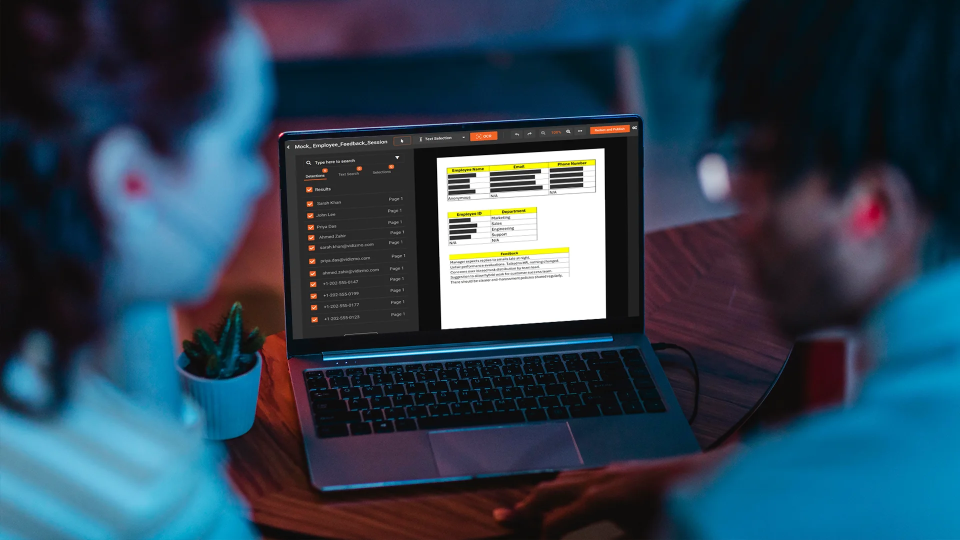
Most teams who have worked with document redaction understand OCR at a basic level: the software reads printed or scanned text and identifies characters. What is less understood is how OCR behaves when the input is a video file rather than a static document, specifically a screen recording where text appears, disappears, scrolls, and changes in real time across thousands of frames.
This guide is for technical evaluators, ops leads, and product teams who need to understand how OCR-based text redaction actually works in screen recording workflows, what the configuration options do, and where the limitations are.
How OCR in Video Differs from OCR in Documents
In a static document, OCR runs once. The text is fixed. The engine reads the page, extracts characters, and returns a result. Accuracy depends on image quality, font clarity, and scan resolution.
In a video, OCR runs on every frame or on sampled frames depending on the processing mode. A 10-minute screen recording at 30 frames per second contains 18,000 frames. OCR does not process every frame independently at full cost. Instead, the engine uses frame sampling combined with change detection: it identifies frames where content has changed significantly from the previous sample and runs OCR on those frames, then extrapolates coverage across the stable regions in between.
This means text that appears briefly during a fast scroll or transition can potentially be missed if the sampling rate is too low. For screen recordings with rapidly changing content, higher sampling settings improve coverage at the cost of processing time.
The other key difference is temporal context. In a document, a word either appears or does not. In a video, a word might appear for 0.3 seconds in a transitional frame. Confidence scoring and frame tracking thresholds determine whether that brief appearance is treated as a detection worth redacting.
What Types of Text OCR Detects in Screen Recordings
OCR in VIDIZMO Redactor is configured to handle the range of text presentations common in application interfaces and screen recordings:
UI labels and static text: Field labels, navigation elements, section headers, and button text that persist across many frames. These are the highest-confidence detections because the text is stable and clear.
Form field input: Text typed into input fields as a user fills them in during a recording. This text appears character by character and stabilizes when the field is complete. OCR detects the completed field value and flags it for redaction.
PDF overlays and document content: When a document is opened on screen during a recording, OCR reads the visible document text from the video frame. This covers cases where a user opens a file during a walkthrough, exposing its content on screen.
Formatted identifiers: Account numbers, reference codes, parcel numbers, and other structured identifiers that follow a recognizable pattern. These are detected both by OCR character recognition and by pattern matching against configured regex rules.
URL bar and tab text: Browser address bars and tab titles often contain client-specific subdomains, account IDs in query strings, and client names in page titles. OCR reads these along with the main application content.
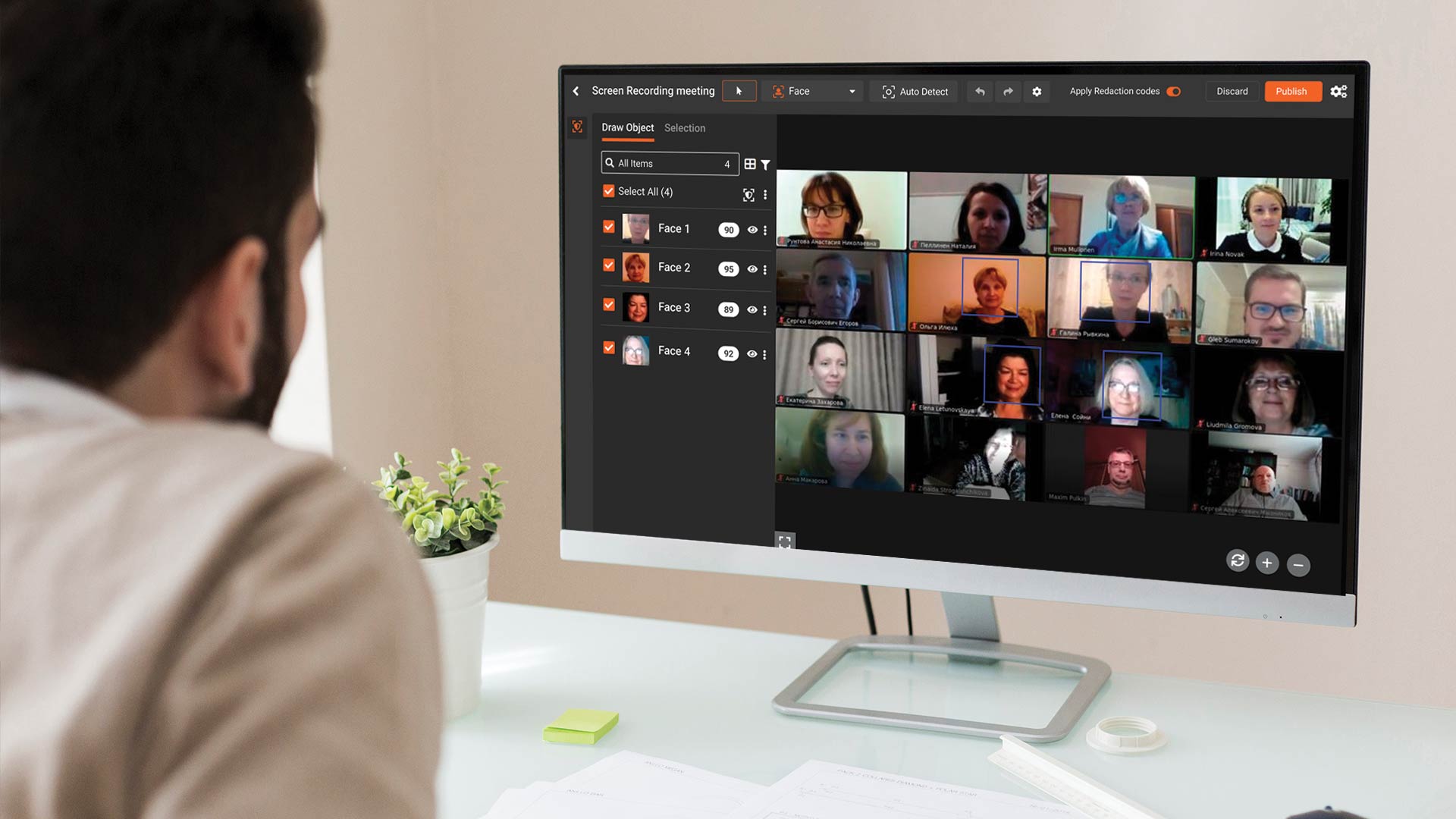
If your recordings also contain spoken PII alongside on-screen text, you may want to explore how video redaction software handles audio, faces, and PII together in a single unified workflow.
Confidence Thresholds: What They Mean and How to Tune Them
Every OCR detection returns a confidence score between 0 and 100. The score reflects how certain the engine is that it correctly identified the text. A detection of a clear, high-contrast label in a standard font might score 95. A detection of stylized text in a low-contrast interface element might score 55.
The confidence threshold setting determines which detections are applied automatically. In VIDIZMO Redactor, this threshold is configurable from 25 to 90.
Setting the threshold too high (above 80) will miss lower-confidence detections, including text in stylized fonts, small-size UI elements, and any text that appears in suboptimal rendering conditions. Sensitive data that is genuinely present in the recording but detected with moderate confidence will not be redacted.
Setting the threshold too low (below 40) will increase false positives. UI elements, decorative text, and non-sensitive labels may be flagged as detections and redacted unnecessarily, reducing the clarity of the output.
For most screen recording workflows, a threshold between 50 and 65 provides the right balance. Semi-automated mode lets reviewers see all detections above the threshold and reject false positives before finalizing, which effectively compensates for a lower threshold setting.
For a deeper look at how confidence thresholds work across different PII categories, see Can AI Help Me Redact Sensitive Information Automatically?
Named Entity Recognition: How Detected Text Gets Classified
OCR identifies what characters are present. Named Entity Recognition (NER) determines what those characters mean. After OCR extracts text from a frame, the NER layer classifies it into entity types: person names, organization names, addresses, phone numbers, email addresses, dates, and other categories.
This classification matters because it determines which detections are treated as PII. A string of characters that OCR reads as "Smith" is classified by NER as a person name. A string formatted as an email address is classified accordingly. A string of digits in a specific pattern is classified as a phone number or account number based on context.
NER in VIDIZMO Redactor uses a combination of pattern matching and contextual AI analysis using natural language processing. This allows it to distinguish between a number that happens to look like a phone number and an actual phone number based on the surrounding context in the interface.
The practical implication for configuration is that NER classification determines which redaction rules apply to a detection. If you configure the system to redact person names and email addresses but not organization names, NER classification determines which detections fall under each rule.
If you want to apply this logic selectively across entity types rather than broadly, Selective PII Redaction: Target Specific Data Types Without Over-Redacting covers how entity-level control works in practice.
Custom Regex Patterns: When to Use Them
Standard PII detection covers person names, email addresses, phone numbers, SSNs, credit card numbers, and similar common identifiers. It does not know what your application-specific identifiers look like.
Custom regex patterns fill this gap. If your application displays reference codes in the format REF-XXXXXX-YY, you define a regex pattern that matches that format and the engine detects every instance across the recording. If your platform shows parcel numbers in a county-specific format, you define the pattern once and it applies globally.
Regex patterns in VIDIZMO Redactor support standard regex syntax plus optional context words. Context words allow the pattern to match only when specific surrounding text is present, which reduces false positives for patterns that could match unrelated content.
Examples of practical custom patterns:
- Account codes:
ACCT-\d{6}matches ACCT- followed by six digits - Parcel numbers:
\d{3}-\d{3}-\d{3}matches a specific county parcel format - Case references:
[A-Z]{2}\d{5}matches two-letter prefix followed by five digits - Internal IDs:
USR-[A-Z0-9]{8}matches user ID format
Once configured, patterns run automatically on every recording processed with that template. For organizations managing multiple clients or workflows with different identifier formats, this pairs well with a broader PII redaction strategy that spans document and audio formats as well.
Excluded Words: Suppressing False Positives
Some text in your application interface will reliably trigger detection but does not need to be redacted. Product names, generic UI labels, or standard terms that happen to match PII patterns are common examples.
Excluded words allow you to specify terms that should be ignored regardless of pattern matches or NER classification. If your product name is "Adams Analytics" and the system keeps flagging "Adams" as a person name, adding "Adams" to the excluded words list suppresses that detection.
Excluded words work at the string level. They do not suppress partial matches within longer strings, so they will not accidentally whitelist genuine PII that happens to share a word with an excluded term.
Three Redaction Modes Explained
Fully automated: Detection and redaction run end to end with no human review. Output is generated and delivered. This is appropriate for high-volume recurring workflows where the template is well-tuned and false positive rates are acceptable.
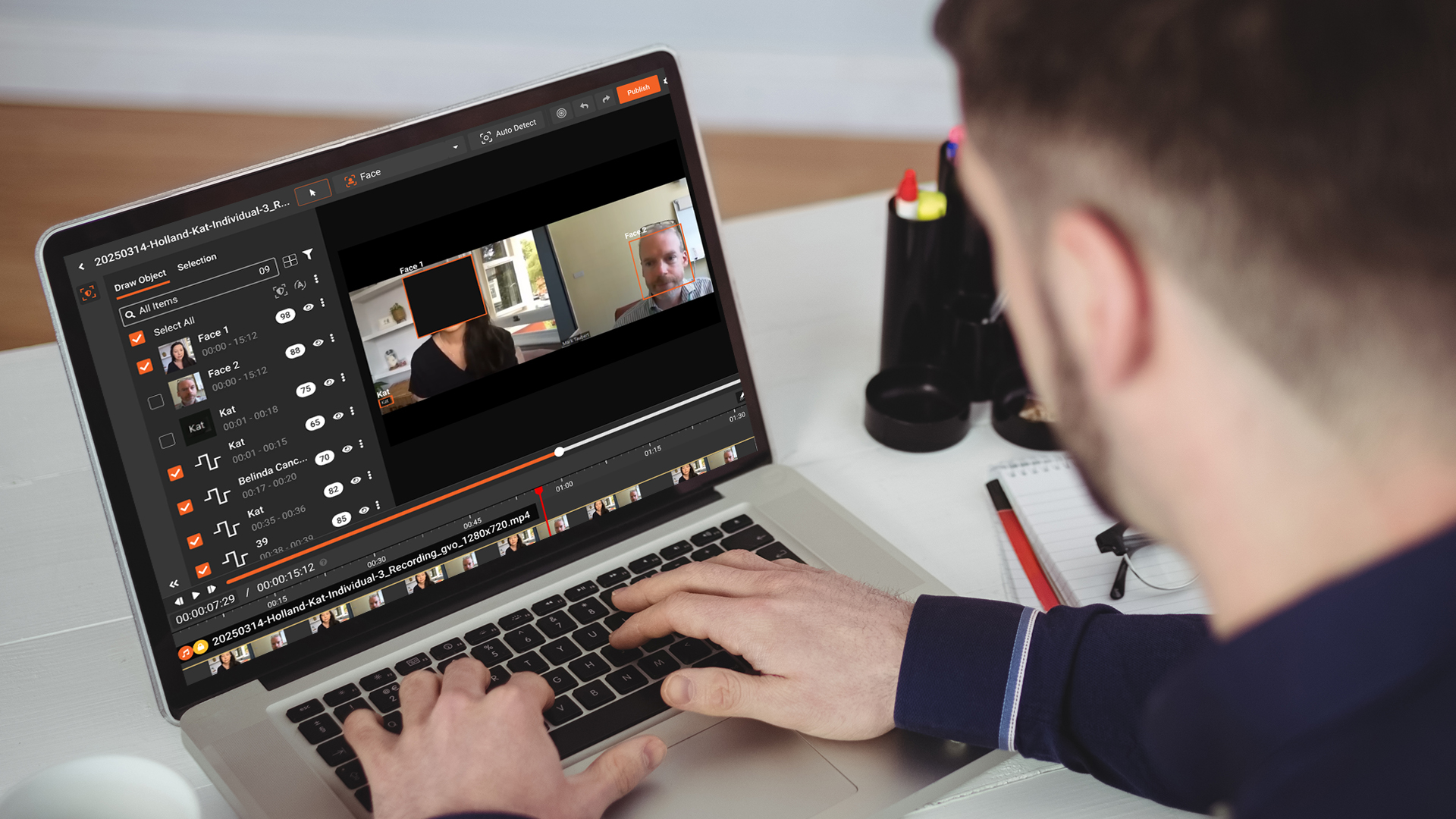
Semi-automated: Detection runs and returns suggestions. A reviewer accepts or rejects each suggestion in the split-screen review interface before the redactions are applied and the file is exported. This is the recommended starting mode for any new recording type or template.
Manual with AI detection: The AI detection run produces a layer of suggested redactions that the reviewer can modify, add to, or override entirely. Manual region drawing tools allow precise coverage of anything the AI missed or anything that requires judgment.
Here is a broader comparison of manual vs automated redaction.
Limitations to Understand
OCR in video performs well on standard interface text. It has known limitations in specific conditions:
Low-resolution text: Text that is small relative to the recording resolution may not be reliably detected. A font size that renders clearly on a 4K display may be below the OCR engine's reliable detection threshold in a compressed 720p export.
Stylized fonts: Decorative, handwritten-style, or highly customized fonts in UI frameworks may not match character patterns reliably. Standard sans-serif and serif fonts detect at high confidence. Custom display fonts detect at lower confidence.
Fast-scrolling interfaces: Lists or feeds that scroll rapidly may pass through the sampled frames between captures. Increasing the frame sampling rate in settings improves coverage for fast-scrolling content.
Partial or obscured text: Text that is partially off-screen, covered by another element, or rendered at an angle may not be fully detected. Manual review catches these cases.
Ready to evaluate VIDIZMO Redactor for your screen recording workflow? Request a demo or start a free trial.

Key Takeaways
- OCR in video processes frames at a sampling rate, not all frames simultaneously. Fast-scrolling or brief text appearances may require higher sampling settings for full coverage
- Confidence thresholds between 50 and 65 balance detection completeness against false positives for most screen recording content
- NER classifies detected text into entity types, which determines which redaction rules apply to each detection
- Custom regex patterns are required to detect application-specific formatted identifiers that standard PII models do not cover
- Excluded words suppress recurring false positives without affecting detection of genuine PII
- Semi-automated mode is the recommended starting point for any new recording type before switching to full automation
About the Author

Jump to
Automating Screen Recording Redaction: A Workflow for Enterprises
AI vs. Manual Screen Recording Redaction: The Enterprise Guide

No Comments Yet
Let us know what you think