Find and Redact Sensitive Data in Scanned Documents, Images, and Video
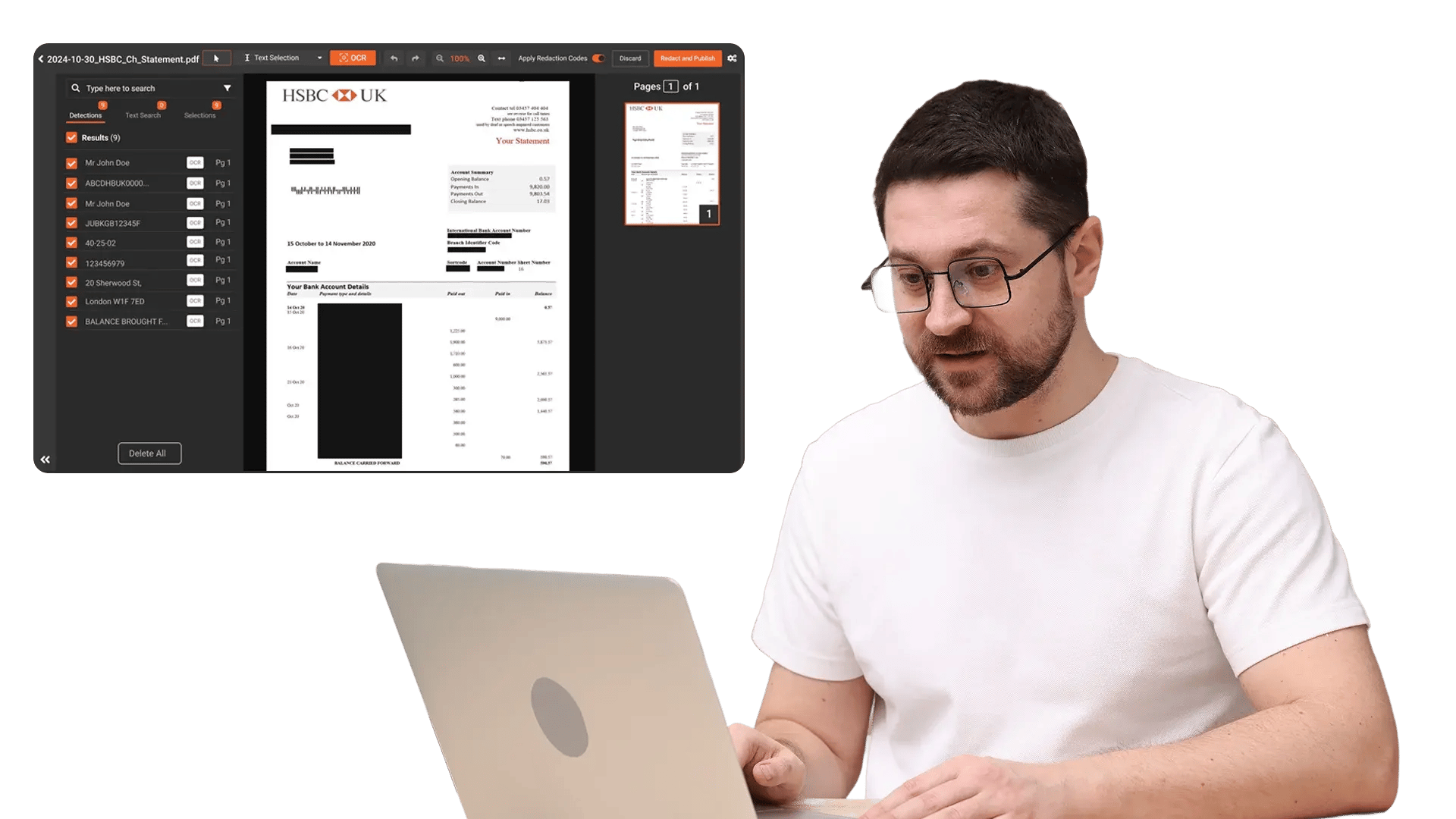
VIDIZMO Redactor uses optical character recognition to detect text in scanned documents, handwritten notes, images, and video frames. Once text is recognized, sensitive information is identified and redacted automatically, eliminating the need to manually review non-digital content line by line.
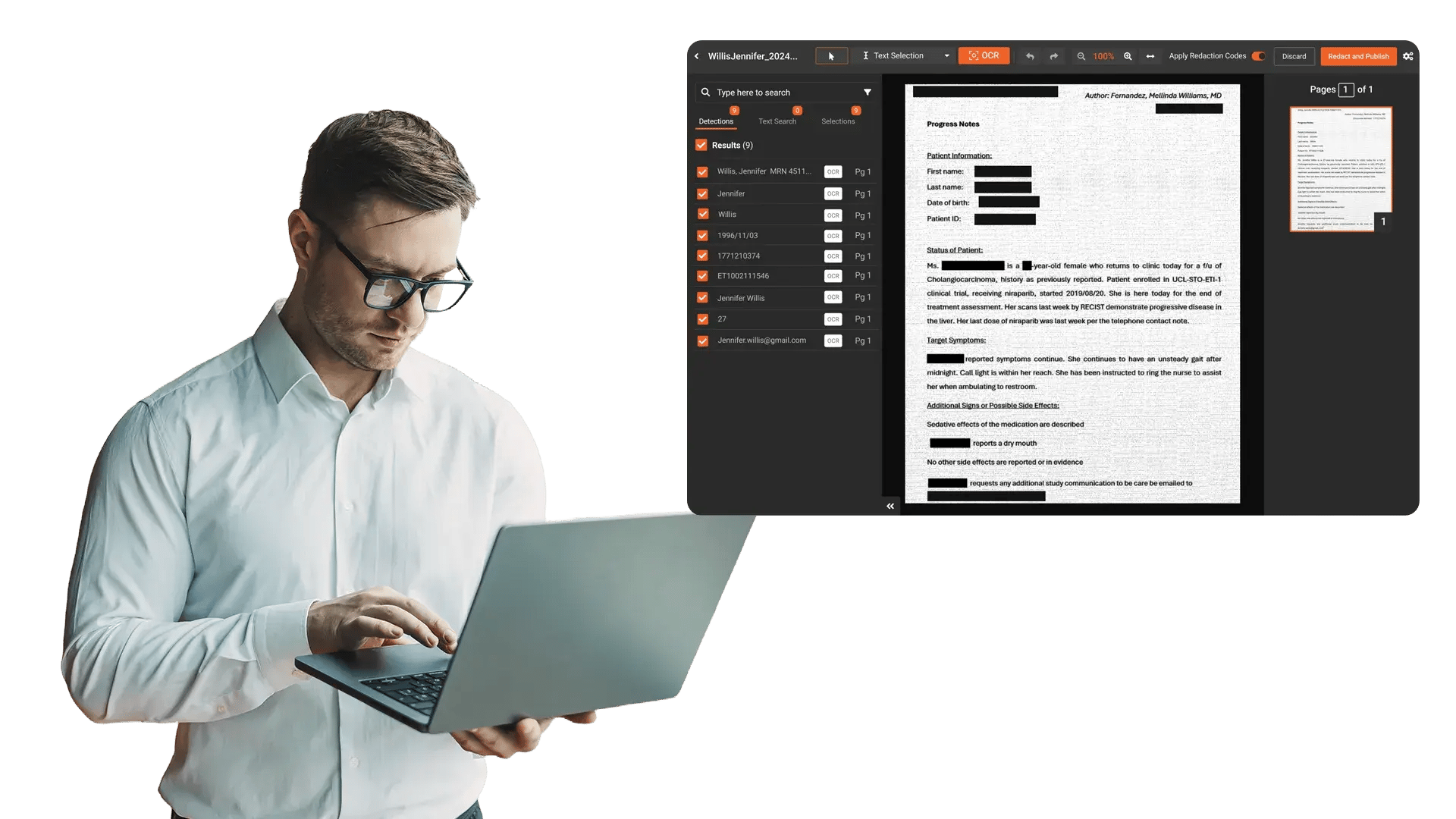
What Is OCR Redaction?
OCR redaction combines optical character recognition with automated PII detection to find and remove sensitive text from content that is not natively searchable. Scanned documents, handwritten forms, photographed IDs, and text visible in video frames all contain information that standard text-based redaction cannot reach.
Key Benefits:
- Redact scanned documents and handwritten notes that standard tools cannot process
- Detect and redact visible text in video frames, including signs, labels, and IDs
- Automate PII pattern detection with 40+ built-in PII types and custom regex patterns
- Search across all OCR-processed content to locate files containing specific text
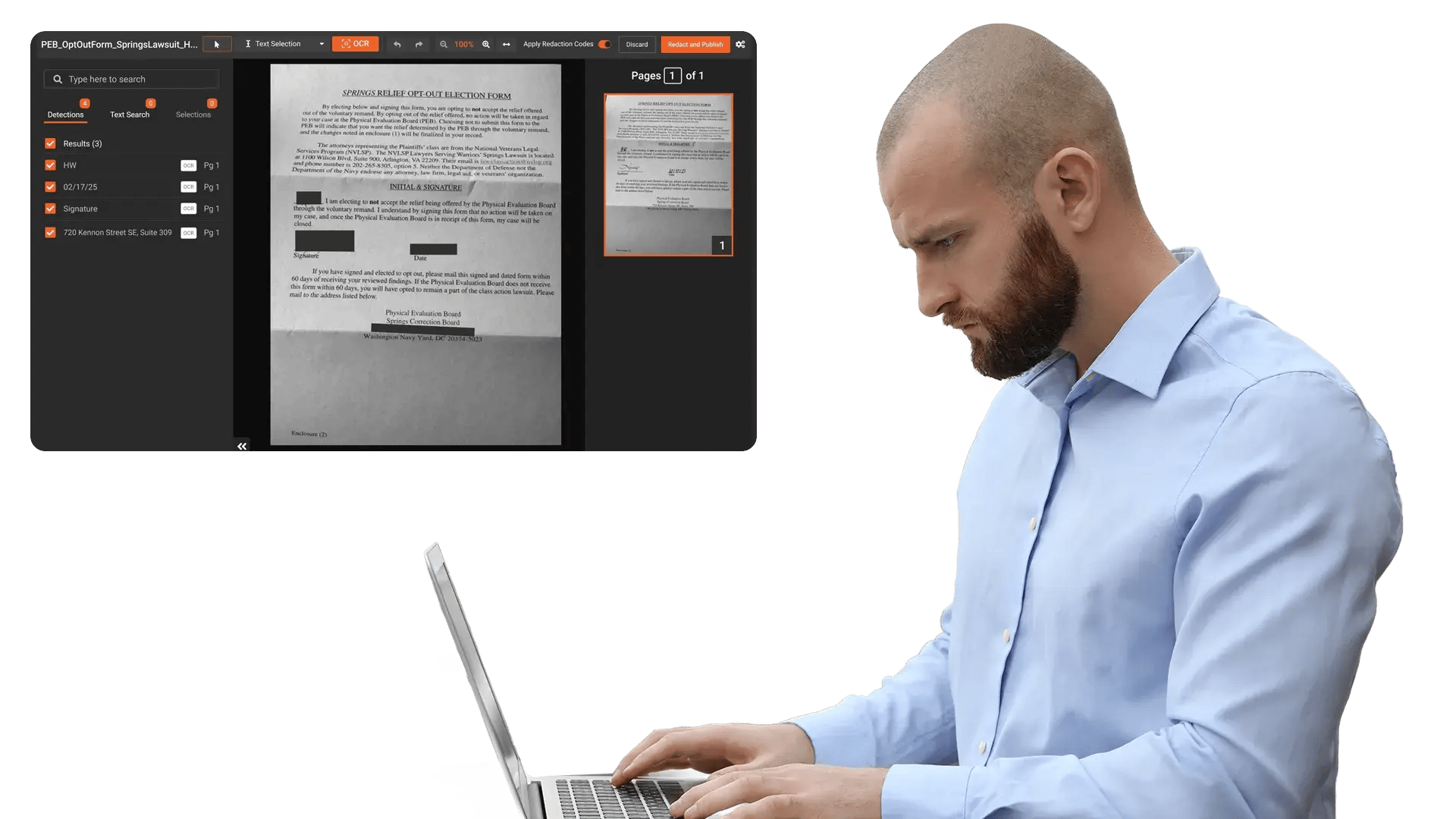
Redact Scanned and Handwritten Content at Scale
Most redaction tools only work with native digital text. VIDIZMO Redactor goes further by recognizing text in scanned PDFs, photographed documents, and handwritten notes using OCR and ICR (Intelligent Character Recognition).
Capabilities Include:
- OCR for scanned documents and images in 10+ languages
- Handwritten text recognition (ICR) for forms, notes, and field reports
- Perso-Arabic script support including Arabic, Urdu, Sindhi, Dari, and Pashto
- Signature detection and redaction for signed documents and agreements
- Bulk processing to handle large volumes of scanned files in a single operation
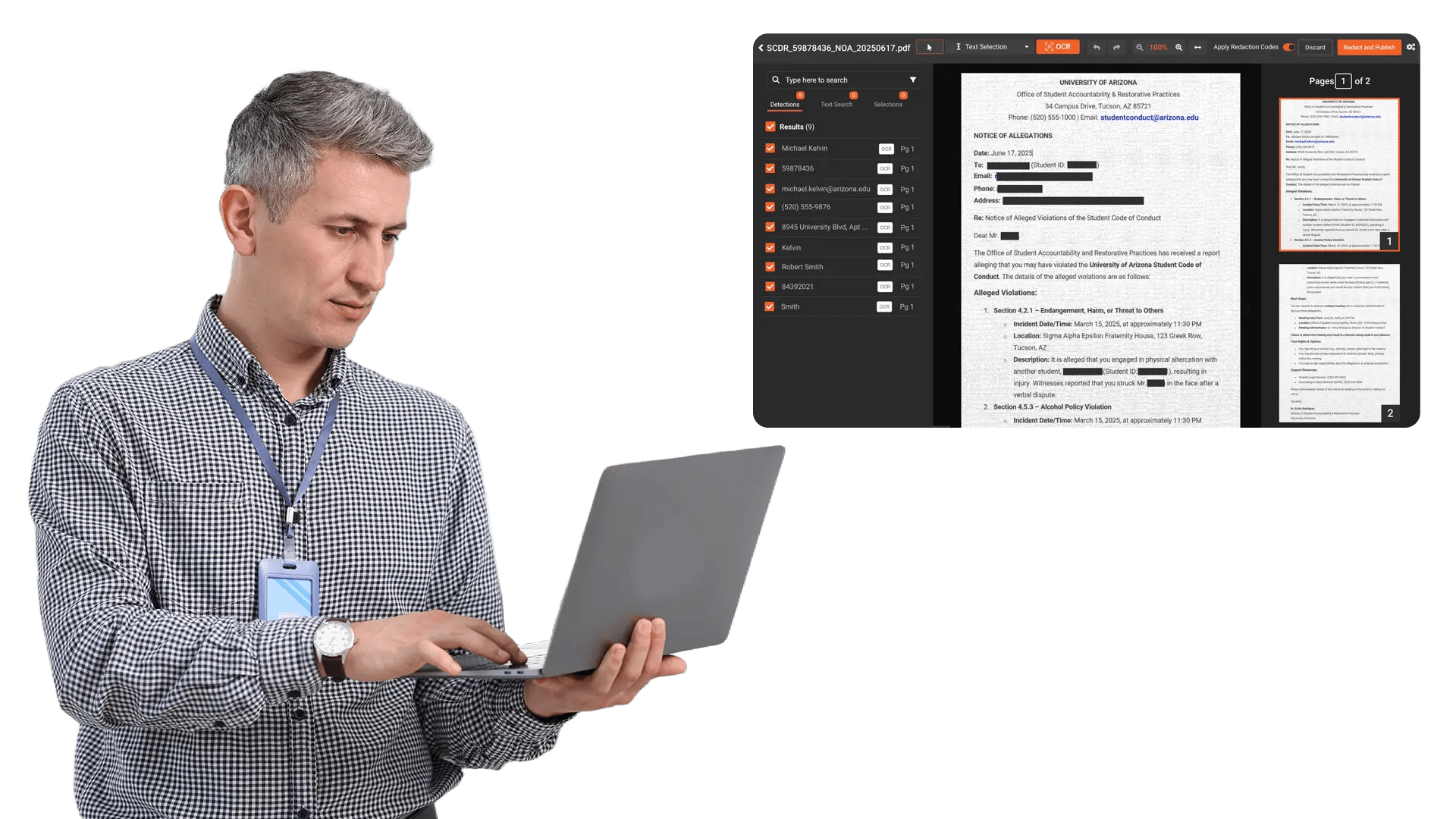
Detect and Redact Text in Videos and Images
Text appears in video and image content more often than most teams realize. Street signs, ID badges, vehicle plates, on-screen displays, billboards, and labels all contain information that may need redaction before release.
Capabilities Include:
- Text area detection in video frames to identify visible text for redaction
- OCR extraction from images including photographs, screenshots, and captured stills
- Objects inside PDFs: detect and redact faces, license plates, and vehicles embedded as images within PDF documents
- Partial redaction to obscure only specific characters (first or last digits) while keeping the rest visible
- Redaction styles (blur, pixelate, or black box) applied to all detected text regions
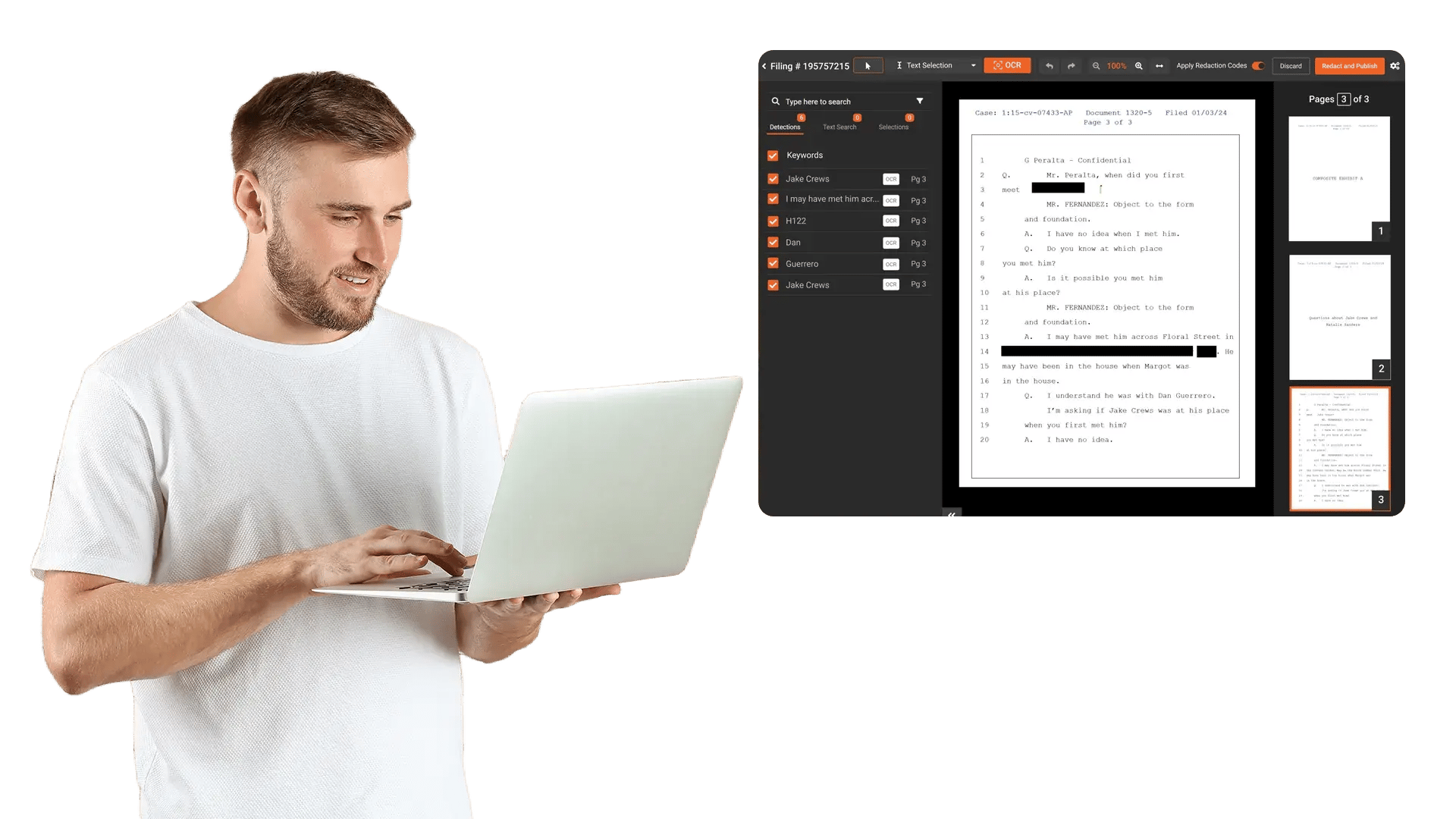
Automate PII Pattern Detection Across Documents
Manually searching for sensitive data patterns across hundreds or thousands of pages is not practical. VIDIZMO Redactor automates pattern-based detection so PII is found and flagged the moment OCR processes the content.
Capabilities Include:
- 40+ built-in PII types including SSNs, credit card numbers, addresses, phone numbers, emails, DOB, passport numbers, and national IDs
- Custom PII patterns using regex and context words for organization-specific identifiers
- Country-specific detection for US SSN/EIN, UK National Insurance/NHS, Indian Aadhaar, Canadian SIN, and EU Tax IDs
- Contextual AI recognition using NLP for semantic PII detection beyond simple pattern matching
- Confidence scores for every detection to validate accuracy before finalizing redaction


Upload Content
Ingest scanned documents, images, or video files from case systems, shared drives, or bulk upload.

OCR Processing
AI extracts text from scanned pages, handwritten notes, images, and video frames using OCR and ICR engines.

Review and Validate
Review flagged detections. Approve, adjust, or reject before applying permanent redaction

Export Securely
Download or share redacted outputs with full audit trails. Metadata is stripped from redacted files. The original stays preserved.
Disclosure-Ready Workflows
Consistent Redaction Standards
Governance & Access Control
Audit-Ready Accountability
Scalable Operations
Secure Deployment & Data Control

On-Premise
Full control over infrastructure, data, and security policies—ideal for strict residency and compliance needs.

Private Cloud
Dedicated cloud environment with enhanced security and isolation, combining scalability with operational control.

Government Cloud
Built to meet government-grade security and compliance standards. Supports regulated frameworks.

Hybrid Environments
Integrates on-prem and cloud deployments seamlessly while keeping sensitive workloads secure.
Law Enforcement
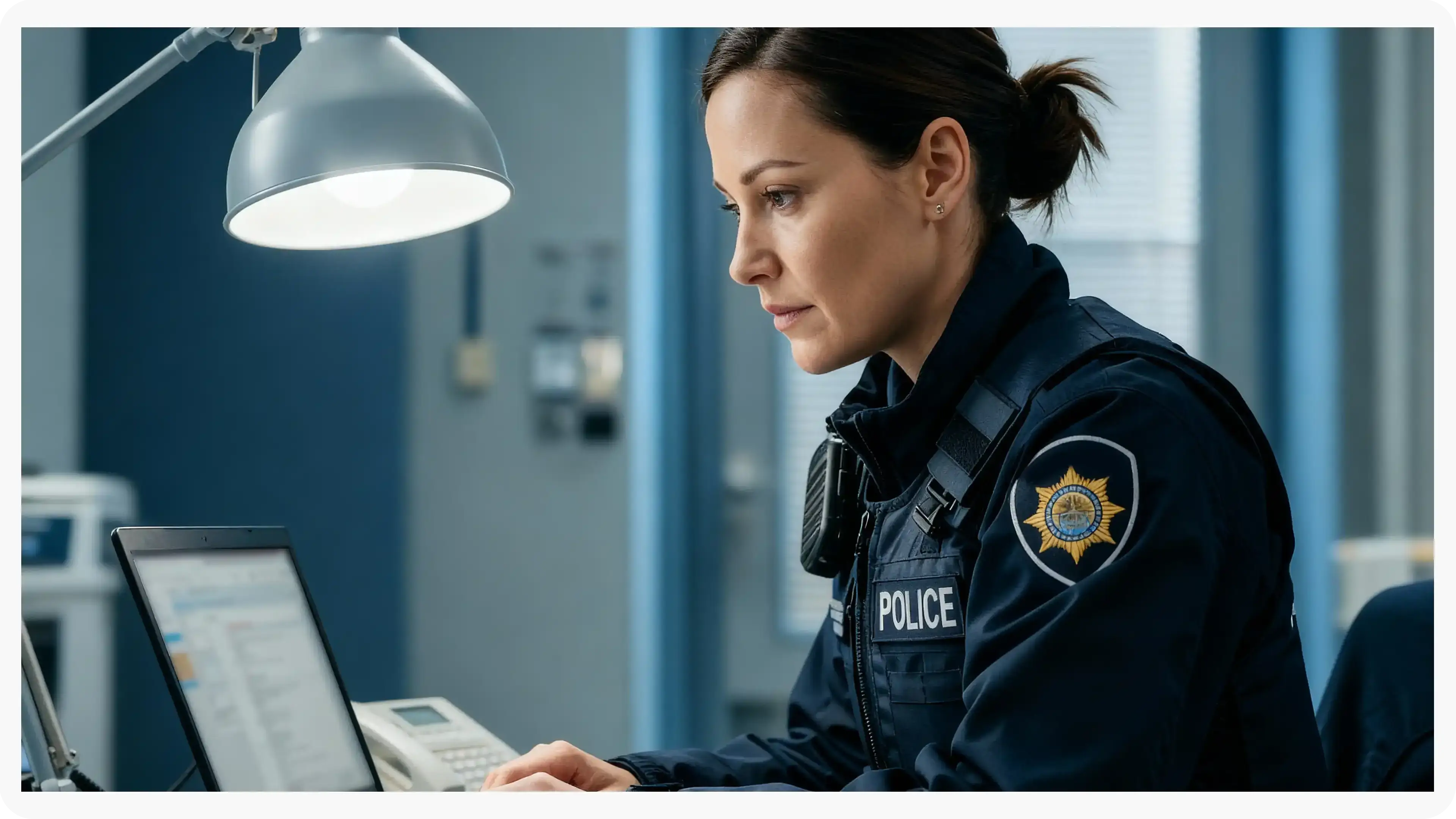
Manually redact critical details in evidence when context matters, such as unique identifiers, informant details, or sensitive scene elements. Combine automation with analyst oversight to support CJIS-aligned workflows and defensible disclosure.
Legal
Protect privileged and confidential information in discovery, exhibits, recordings, and filings. Manual redaction ensures accuracy for nuanced content and enables consistent outputs across productions.
Healthcare
Safeguard PHI in scanned records, recorded consultations, and supporting media. Manual refinement helps ensure HIPAA-aligned redactions when identifiers are complex or poorly captured.

Government
Meet FOIA and public records requirements by applying careful, context-aware redactions, especially for sensitive terms, protected categories, or unique identifiers requiring human judgment.

Call Centers
Manually refine redactions in recorded calls where speech is unclear, overlapping, or context-dependent. Reduce risk while maintaining recording usability for QA and dispute resolution.

Education
Protect student and staff privacy in incident reports, recordings, and documentation. Manual tools support FERPA-related redactions when sensitive information is nuanced or case-specific.

Finance
Ensure accuracy when redacting account details, identifiers, and confidential references in customer documentation and recorded interactions—supporting compliance and risk reduction.

Transportation
Redact incident evidence, operational footage, and reports where unique visuals, identifiers, or sensitive context require manual control for accurate release.