Key Takeaways
- AI video search makes videos searchable like documents by indexing spoken words, visuals, and on-screen text to find exact moments instantly.
- Unlike traditional tagging, AI searches inside the video itself, using speech-to-text, computer vision, OCR, and natural language understanding.
- It saves time and reduces risk by enabling fast retrieval of critical clips for compliance, legal, training, and security use cases.
- Natural language queries let users search conversationally, such as "show me when project delays were discussed," without exact keywords.
- Enterprise AI video search future-proofs organizations for agentic AI workflows like proactive insights and contextual summarization.
If you look up how much time the corporate sector spends searching for files, the numbers are overwhelming. Far less is said about the time spent hunting for a specific video in a digital content library. Enterprises and governments are full of documents, but video is a bigger problem: documents are at least structured or semi-structured, while videos are all unstructured, and finding the right one is a different challenge.
AI video search can help you find:
- The portion of a keynote where the CEO briefly discussed upcoming plans
- A clip of the witness testimony that changed the direction of a case
- A recorded board meeting where internal compliance issues were raised
- A surveillance recording that captured a PPE or OSHA violation
- An employee training video that explained a complex process
Searching for any of these is hard when the video you need is hidden among a library of hundreds of thousands of files. In those moments, you need to search inside videos to find the right one. This guide explains what AI video search is, why it matters, how it finds specific moments, and how VIDIZMO delivers it. For a side-by-side look at the market, see our comparison of enterprise AI video search platforms.
What Is AI Video Search?
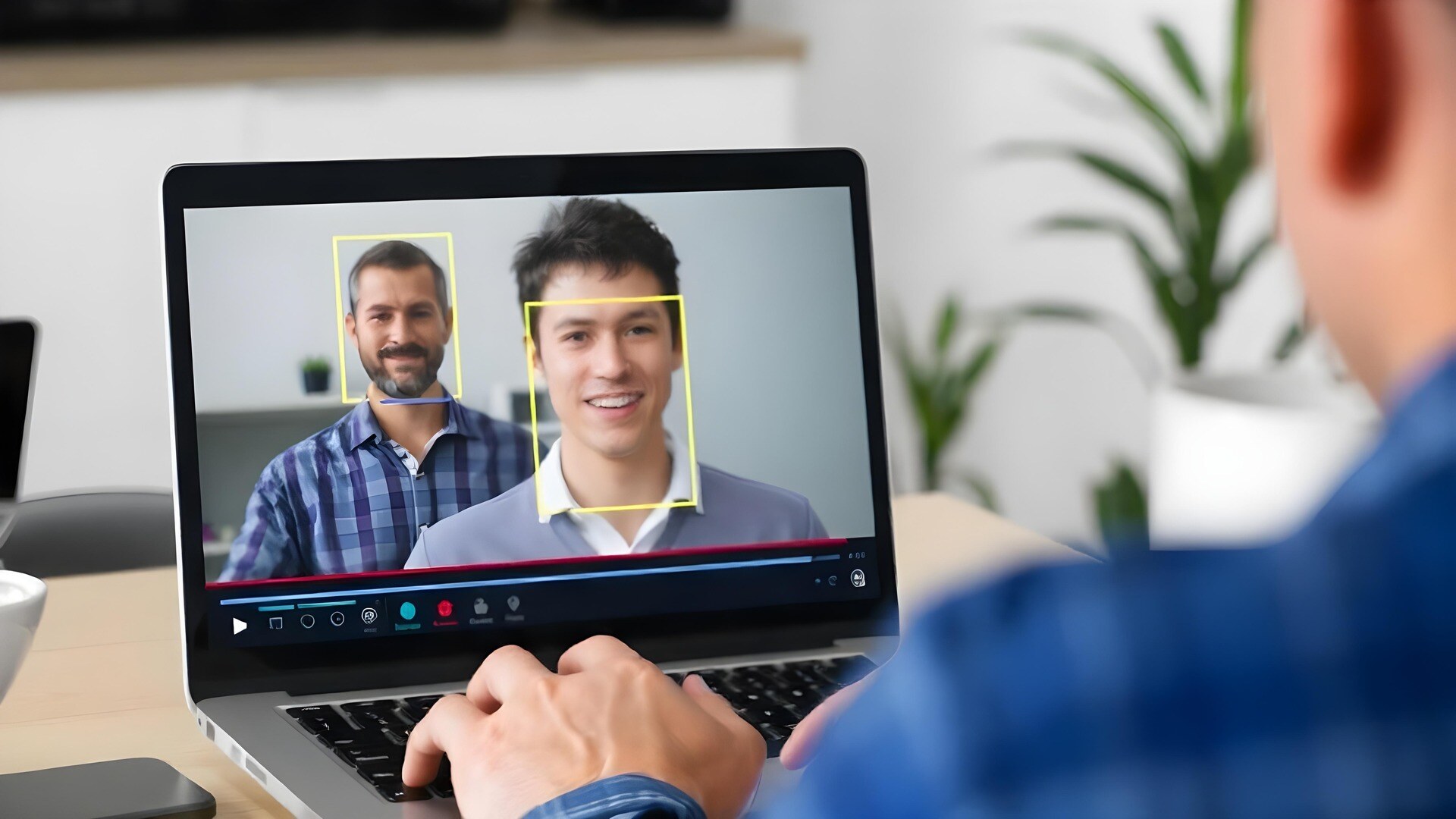
AI video search uses machine learning and multimodal analysis to make videos as searchable as documents. Traditional search relies on titles or manually added tags. AI video search goes into the audio, visual, and textual elements of a video:
- Speech-to-text transcription: spoken words are transcribed and time-stamped, so searching "budget approval" jumps you straight to that moment.
- Visual and object recognition: computer vision identifies objects, people, logos, and actions in each frame.
- Optical character recognition (OCR): on-screen text in slides, documents, and dashboards is detected and indexed.
- Natural language processing (NLP): everyday-language queries work, such as "show me when we discussed project delays."
- Contextual understanding: models connect concepts across modalities, so "manufacturing safety incidents" can surface alarms, safety signage, and related conversation.
All of this metadata, whether objects, spoken words, tags, or on-screen text, indexes your content so it is easy to search and filter out what you do not need.
Why AI Video Search Is Essential
- The video tsunami: organizations now record almost everything, and without AI those insights stay buried in raw footage.
- Time and productivity: instead of scrubbing a three-hour town hall for a five-minute segment, you jump straight to it and share it with your team.
- Compliance and risk management: audits, legal proceedings, and security incidents need specific clips fast, and delays can lead to fines, lawsuits, or reputational damage.
- Knowledge sharing: when training video is searchable, employees revisit a specific demonstration without rewatching entire sessions, which accelerates learning.
- Strategic decision-making: archives hold customer feedback and product discussions that AI search unlocks for data-driven decisions.
- Future-proofing with agentic AI: Gartner projects that 33 percent of enterprise software will incorporate agentic AI by 2028, pointing toward conversational interfaces that find, summarize, and cross-reference video automatically.
How AI Finds Specific Moments
AI-powered video search analyzes audio, visuals, and context to surface exact moments within long videos rather than returning full files:
- Keyword search: locate exact moments where specific words or phrases are spoken, using automatically generated transcripts.
- Facial recognition: find clips where a specific person appears, such as an executive presenting during a meeting.
- Object detection: locate clips based on visual elements, such as a specific object appearing in the frame.
- Metadata search: retrieve clips by filtering on context, topics, participants, or generated tags.
- Contextual search: find relevant clips even when search terms are approximate, by understanding intent rather than exact keywords.
From Moment to Clip
Finding the moment is half the job. Once AI search lands you on the right timestamp, you can trim that segment into a short clip and share or embed it directly, without exporting to an external editor. Teams use this to pull microlearning snippets from long training sessions, lift a leadership quote from a town hall, or attach a troubleshooting segment to a support reply.
Search Your Library with VIDIZMO AI
VIDIZMO AI lets you search inside videos using AI-generated tags, enriched metadata, AI-detected objects, spoken words, and AI-generated summaries.
AI-generated Tags
VIDIZMO AI automatically creates and indexes content tags. In a three-hour executive communications video, you can type "compensation" and jump to the portion where the CEO discussed the compensation plan for the upcoming fiscal year.
Enriched Metadata
Using automatic topic modeling and theme extraction, you can locate a two-minute discussion inside a long training series. Type the topical term "burnout" and VIDIZMO AI skips the other videos and lands you on the exact segment using timestamp-based search.
AI-detected Objects
VIDIZMO AI supports 20+ predefined objects, such as faces, persons, license plates, vehicles, and weapons, plus custom objects. In a surveillance recording, it can detect the face of an intruder and mark it on a timestamp so you can jump straight to it.
Spoken Words
Videos usually contain audio, so searching by spoken words matters. In a patient consultation recording, you can find the right video using the medical condition discussed or the MRN number mentioned.
AI-generated Summaries
VIDIZMO AI automatically generates summaries of video and audio content. To find one traffic-cam collision among hundreds at the same intersection, you can search using the automated summary and identify the video by vehicle type or the license plate detected through OCR.
Business Benefits Across Industries
- Corporate training and internal communications: find specific explanations or Q&A segments, and share time-stamped clips instead of full recordings.
- Marketing and customer engagement: extract highlight reels from webinars and interviews, and mine recorded sales calls for frequently asked questions.
- Compliance, legal, and security: retrieve evidence for audits and investigations, and search surveillance footage for specific people or objects.
- Healthcare and life sciences: review surgical or training videos for specific procedures, and index consultations for follow-up.
- Education and research: let students search lecture recordings by topic, and help researchers analyze video data across studies.
Why VIDIZMO EnterpriseTube for AI Video Search
VIDIZMO EnterpriseTube provides an enterprise-grade AI video search solution built for highly regulated industries:
- Multimodal indexing: combine speech-to-text, OCR, facial recognition, and object detection into one comprehensive search index.
- Security and compliance: an ISO 27001:2022-certified platform recognized by Gartner and IDC, with encryption in transit and at rest and support for GDPR, CJIS, FIPS, and NIST.
- Scalable knowledge management: automatically ingest recordings from meetings, webinars, training sessions, and cameras, then search them at the moment level.
- RAG chatbot integration: an optional retrieval-augmented chatbot answers questions with time-stamped video citations.
- Extensible API: integrate with existing workflows, enterprise systems, and single sign-on.
- Trusted by 100+ organizations, including government agencies, healthcare providers, and Fortune 500 companies.