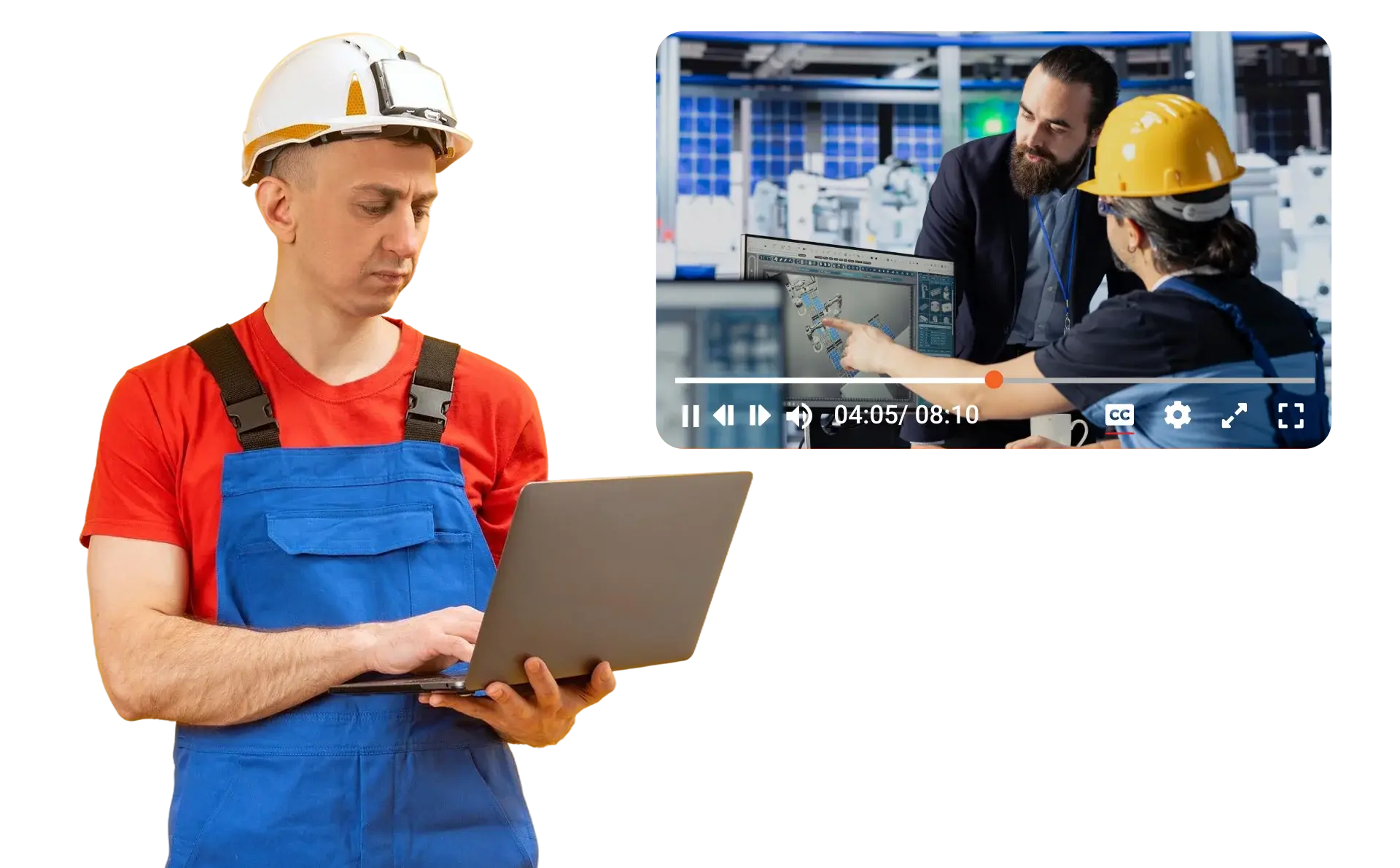
A plant can hold hundreds of hours of good procedure video and still fail the operator who needs step four of a changeover at 3 a.m., because the recording that shows it is forty minutes long, filed under the name of whoever uploaded it, and reachable only by guessing its title in a portal search. Just-in-time training is the discipline of making the right thirty seconds reachable in the time a person on shift is willing to look, which in practice means at the machine, in their language, filtered to what they are allowed to see, and always the current version of the method.
This article covers the finding half of our guide to knowledge transfer in manufacturing. It explains how to organize a plant library for the floor, what search has to do so that a query lands on a moment rather than a file, and how a printed link on a machine can stay correct through every revision of the procedure behind it.
Why the training library goes unused on shift
Plants rarely lack training content, and the problem is usually that the content was organized for the person who made it rather than the person who needs it. Recordings run long because they were made in one session, so the step an operator wants sits somewhere in the middle of an hour. Items are filed by uploader or by date, which makes sense to the training team and none to a setter looking for the feed roller procedure on line three.
Search often reaches only titles and descriptions, so a word the expert said on camera, or a fault code shown on a screen in the video, cannot be found at all. Copies multiply as well, and once there are three versions of the same procedure in the library, nobody on the floor trusts any of them. Add a sign-in that takes longer than walking over to ask a colleague, and the colleague wins every time, which is fine until that colleague retires.
Organize the library the way the floor thinks
A floor-ready library has one item per procedure, or per step where a procedure is long, so that each item has an obvious name and an obvious owner. Fields for line, machine, procedure, revision and owner are defined once for the whole library, and each one can be made searchable and used as a filter, so an operator can narrow to their machine before they type anything. Categories add a second structure on top, and because each category carries its own access rights, the packaging area's procedures can sit in a category that only the packaging crews and their supervisors can open.
Long recordings that cannot be split still need structure, and chapters at topic boundaries give a viewer a list of sections to jump between, whether the chapters were generated or set by hand. Our article on AI video chaptering for training covers that in detail, so it is not repeated here.
The organizing work that software cannot do is deciding who owns each item. A named owner per procedure, usually the area lead or the engineer responsible for the process, is the person who approves a new recording, replaces an outdated one and retires an item when the machine leaves the floor. Retiring matters as much as adding, since an obsolete procedure that still appears in search is worse than no procedure at all.
Search that lands on the moment, not the file
An operator rarely remembers a title, but they usually remember something about the moment they need, such as what the expert said, a code on a screen, or what the job looked like. Search has to work on each of those, and it has to open the result at the right place rather than at the start of a forty-minute recording.
| What the operator remembers |
The search that finds it |
Example query |
Where the result opens |
| Something the expert said |
Transcript search inside the recording |
"guide rail" in the changeover video |
The moment the words were said |
| A code or word on a screen or a page |
On-screen and document text search across the library |
"E-217" |
The timestamp in the video, or the page in the document |
| What the job looked like |
Visual description search |
"operator loosening the clamp on the feed roller" |
The moment the scene appears |
| The idea, not the exact words |
Semantic search |
"web keeps drifting on the unwinder" |
Items that discuss tracking adjustment, even without those words |
Transcript search works inside a recording, and every hit is a jump point that plays from the moment the word was spoken. On-screen and document text search runs across the whole library, so an alarm code that appears on a Human-Machine Interface (HMI) screen in one video and on page 140 of a manual turns up in both, each opening at its timestamp or page. Visual description search matches generated descriptions of what the video shows, which helps with silent footage, although it matches descriptions in language and does not compare one image against another by appearance. Semantic search matches meaning rather than shared words, which matters on a floor where the same part has three names depending on who trained you.
Every result list is trimmed to what the person searching is entitled to open, with access applied inside the query rather than to its output. Results only stay within one line or area where the categories and permissions have been set up that way, so the library structure described above is what makes search behave the way the floor expects.
A link on the machine that never goes stale
The fastest route from a machine to its procedure is a printed link or a Quick Response (QR) code on the machine itself, made from the procedure item's address. The operator scans it and lands on the right item without searching, which is as close to point-of-use work instructions as a plant can get without new hardware. The weakness of printed codes is that procedures change, and a code that opens last year's method is a hazard rather than a help.
Replacing the file in place solves that, because when the procedure changes and the recording is redone, the new file replaces the old one while the item keeps its address, view count, statistics and settings, so the code on the machine opens the current method without being reprinted. A handout such as the torque table or the changeover checklist can also be attached at the moment in the video where it applies, so the operator who scans the code gets the table at the step that needs it.
Replacement is not version history, though, and treating it as such causes trouble in an audit. The previous file goes to the recycle bin rather than being kept as a version, so the record of what changed, when and why belongs in the plant's document control system, and a plant that must retain superseded methods should save the old revision as its own item before replacing it.
Two practical questions decide whether the codes get used. The first is the device, since gloved hands and shared terminals need large touch targets, a fixed tablet or terminal at the station, and a sign-in that takes seconds, which usually means the plant's own identity provider rather than a separate password. The second is the network, because the floor device has to reach the library, and the head of IT or operational technology (OT) will want to know which network segment that device sits on and what else it can reach before any code goes on a machine.
Reading what people actually use
Once codes and search are in place, the library starts producing a signal that classroom training never did. A playback heatmap for each item shows which parts of a recording people watched and which they skipped. A step where viewing concentrates is usually the one that needs a clearer shot, a closer camera angle or a check, and a step everyone skips may be one the crew already knows or one they only think they know. Our article on onboarding plant workers with learning paths covers how to make a step mandatory, with a question that holds playback until it is answered.
Mixed-language crews need the same moment in their own language. The transcript of a recording can be translated into caption tracks in 11 languages for audio and video, each keeping the original timings, so a viewer switches captions in the player and the jump points still line up, while transcription itself covers 82 benchmarked languages. Technical terms deserve a check after machine translation, and our article on editable AI translation for technical training explains why.
How the VIDIZMO portal makes just-in-time training work
Just-in-time training depends on everything above living in one library, which is how the enterprise video platform built on VIDIZMO Nexus works. Transcript search, on-screen and document text search, visual description search and semantic search all run over the same items, results are trimmed to each user's access, and custom fields and categories give the plant its own structure. Replacing a file keeps the code on every machine pointing at the current method, handouts and chapters sit inside the recording, and the heatmap shows what crews actually use. Sign-in can run through Single Sign-On (SSO) with the plant's own identity provider, and the portal can run on the plant's own servers, on-premises or fully disconnected, so the floor device never has to reach outside the plant.
Search finds a moment someone recorded, and some questions have no single recording that answers them, such as a fault that appears only after a particular part change. That is where generative AI in AI Intelligence Hub takes over, combining several recordings and documents into one answer with citations, which our article on generative AI for manufacturing knowledge covers. It can only answer from what the plant captured, so our article on capturing tribal knowledge on the plant floor is the place to start if the library is still thin.
The test of just-in-time training is simple to run on one line this week: pick a task, scan the code on the machine and time how long it takes to reach the step. If you want to see that test on your own procedures, talk to a specialist about your use case.