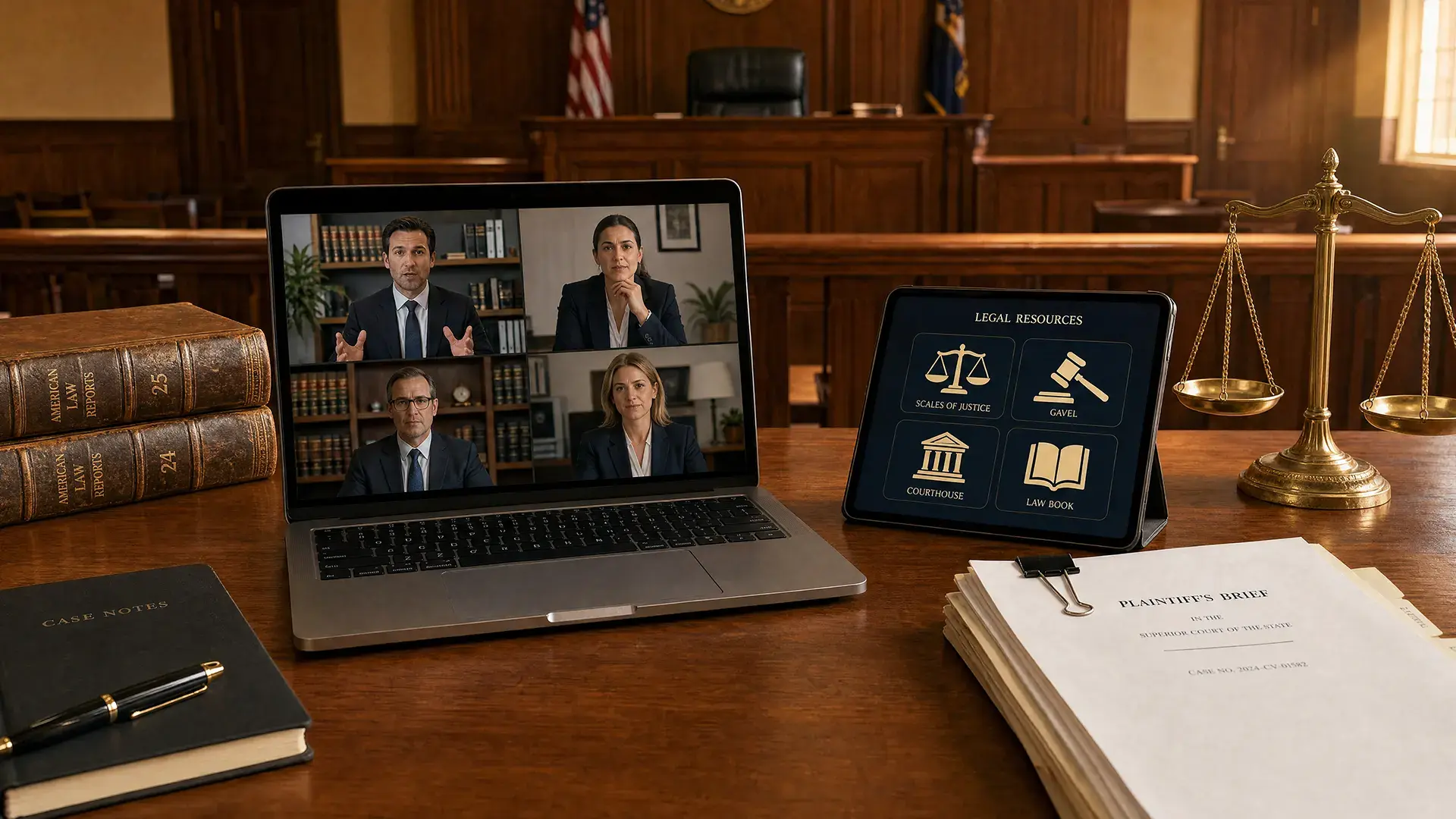
Courts worrying about presenting evidence in a virtual hearing usually frame it as a conferencing problem. It rarely is. Teams, Zoom, and Webex all share screens competently, courts already own one of them, and the sharing itself works.
What goes wrong sits underneath. The exhibit is on somebody's laptop rather than in a system. The person sharing has access to material they should not be able to open. Nobody can say afterward exactly which version was displayed. And the record captures the discussion about an exhibit without capturing the exhibit.
As the guide to remote and hybrid hearing technology sets out, presentation, capture, access, and confidentiality all have to hold at once. This article covers the evidence layer beneath the presentation surface, from before the hearing through to what the record shows.
To be clear about the split before going further: the conferencing platform does the presenting, and nothing here suggests replacing it. What follows is about where the exhibit lives before the hearing, who is entitled to open it during, and how the record shows which one was displayed.
Who presents what, and what the platform will not do
Being precise about responsibility avoids buying the wrong thing.
The conferencing platform displays. It has screen sharing, presenter controls, and the ability to pass control between participants. That is the presentation surface and it is adequate.
The conferencing platform does not hold the exhibit, does not know which participant is entitled to open which item, cannot keep sealed material out of reach of whoever is sharing their screen, and does not record what was displayed in a form that can be reconciled against the exhibit list. Courts that expect an evidence system to do the presenting, or a conferencing platform to do the custody, end up with a gap in the middle.
The practical consequence is that a court needs both, connected by permissions rather than by hope.
Getting the right exhibit to the right person first
Most hearing-day failures were created days earlier.
Counsel arrives with a version the court does not have. The court has a version counsel has since replaced. An exhibit was filed but never distributed to the other side. Someone downloaded material to a laptop last week and is now sharing a stale copy.
The preventable version of this is a single authoritative location for exhibits, with access granted in advance to the people entitled to it. Everyone presents from the same source rather than from their own copy, which removes both the version dispute and the question of what the other side has seen.
That distribution also has to respect what has actually been admitted or is merely offered, which is the subject of the digital exhibit lifecycle.
Permissioned access while the proceeding runs
During a hearing, access control has to be granular enough to be useful and simple enough to operate under time pressure.
The requirements are specific. Counsel opens what they are entitled to and nothing else. Access to a given item can be granted or withdrawn during the proceeding without restarting anything. Sealed and protected material is not merely hidden but unreachable, so that a mis-click cannot surface it. And every open, view, and download is logged, because a question about who saw what will eventually be asked.
the National Center for State Courts (NCSC) frames this as a design property rather than a training outcome, calling it essential that an application incorporate foolproof features to avoid users sharing files that were not intended to be shared (JTC resource bulletin). Courts operating several access levels at once, which is most of them, will find the administrative side covered in sealing, protective orders, and tiered access.
Playback that behaves the same for everyone
A judge, counsel, and a remote participant looking at the same video should see the same thing. That is not automatic when playback depends on whatever software each person has locally.
Browser-based playback with consistent controls removes the variable. It also makes the review usable: synchronized playback where several camera angles cover the same event, and frame-level review where a specific moment is in dispute. The advocacy side of this, how counsel should actually present video evidence in court, is a separate discipline and worth reading alongside.
What the record has to capture
An exhibit displayed in a hearing is only useful later if the record captured it, and this is where courts discover problems on appeal rather than on the day.
There are two approaches and they are not equivalent. Screen capture records what was on the shared screen, which produces a video of a video, usually at degraded quality, with no link back to the exhibit itself. Exhibit linkage records that Exhibit 12 was displayed at a given time, with the record pointing at the actual file. The second is almost always right: it preserves quality, keeps the exhibit in its original form, and lets a reviewing court open the item rather than watch a recording of it.
Either way, timestamping matters, because the value of the record is the ability to return to the moment. Exhibits shown but not admitted need recording too, since a reviewing court assessing an evidentiary ruling needs to see what was excluded.
Afterward, what the record shows has to be reconciled against the clerk's exhibit list. In a multi-day hearing that reconciliation is real work, and doing it at the end from memory is how lists drift.
When the platform fails mid-hearing
It will, and the difference between an adjournment and a pause is whether anyone planned for it.
The failures worth planning for are narrow: the presenter loses connection, audio fails for one participant, screen sharing stops working, or the platform drops entirely. For each, the court needs a written fallback and a named person on the day, which in most courts means designating an existing clerk or IT staff member for the session rather than creating a post. Courts that have funded a standing role generally did it by counting continuances caused by technology failures and pricing the role against them.
Having exhibits in a system rather than on a presenter's laptop helps here too, because control can pass to someone else immediately rather than waiting for the person with the files to reconnect.
How VIDIZMO DEMS supports virtual hearings
The conferencing platform shows a file on a screen. What a court needs established is which exhibit that file was, who was entitled to reach it, and that it is the same item that was admitted. VIDIZMO's Digital Evidence Management System (DEMS) is the evidence layer in this arrangement, not the presentation surface.
The capabilities that matter are role-based access control so participants reach only what they are entitled to, with permissions adjustable during a proceeding; browser-based playback with synchronized multi-angle mosaic view and frame-level review, so the viewing experience does not depend on local software; time-limited, monitored access links for distributing exhibits ahead of a hearing without creating uncontrolled copies; and tamper-evident audit logging of every view, share, and download.
Where it does not help, stated plainly: DEMS does not present evidence and is not a courtroom display or conferencing system. The court's existing platform does the sharing. DEMS holds what is being shared and governs who can reach it.
What to fix first
If hearings in your court stall over evidence, the fix is usually not the conferencing license.
Put exhibits in one authoritative location. Grant access before the hearing rather than during it. Decide how display is recorded, and prefer exhibit linkage to screen capture. Then name who runs the technology for each hearing, whether that is a dedicated operator or a designated clerk, and write it into the hearing checklist rather than leaving it to whoever is free.
Book a DEMS demo to see access control, playback, and audit behavior in a hearing workflow.