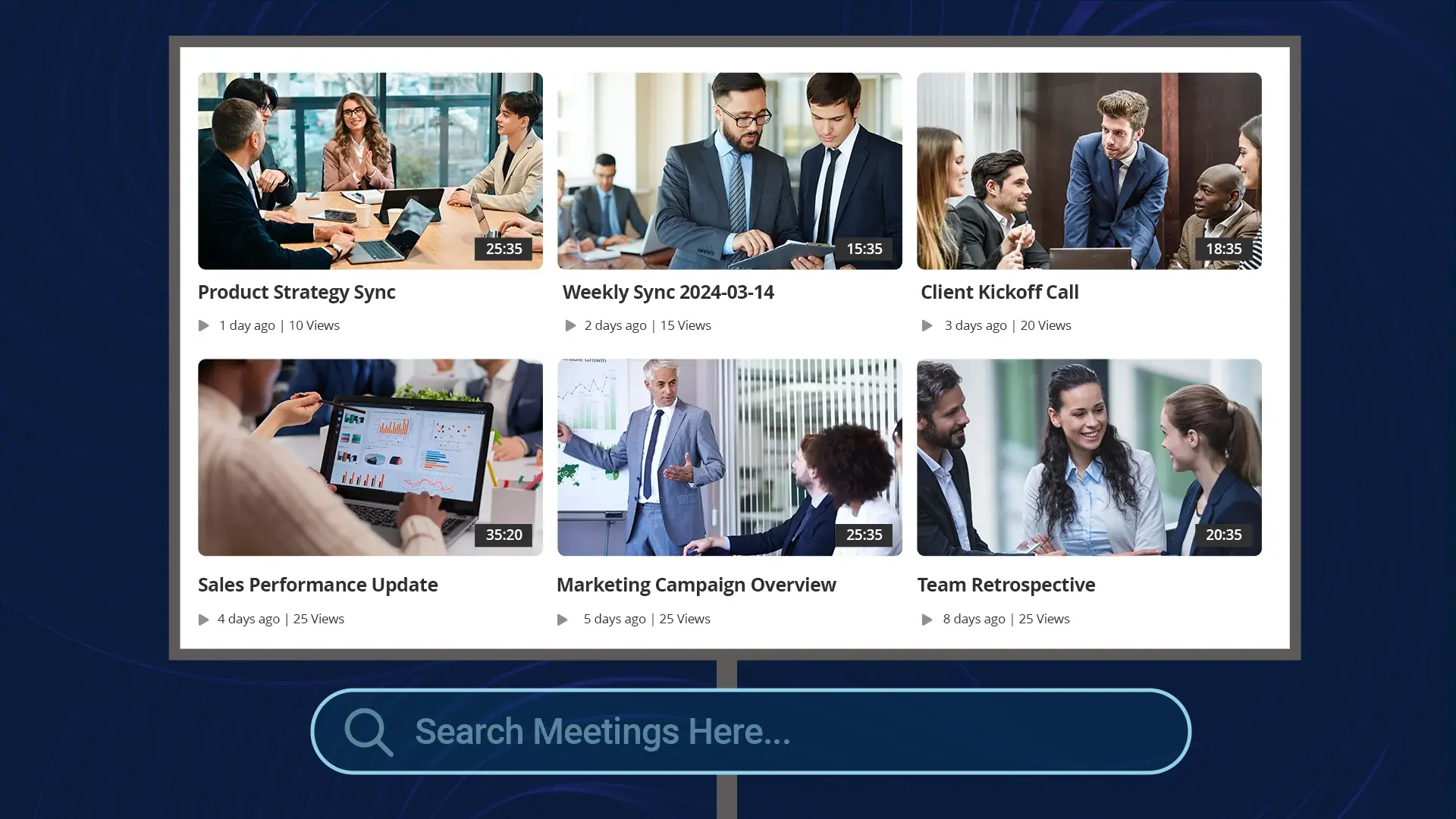
Somewhere in your organization's recorded meetings is the exact moment a pricing decision was made, the demo where a customer explained their real requirement, and the walkthrough a departed engineer gave of a system nobody else fully understands. All of it was captured. Almost none of it is findable. Recording adoption went up tenfold in most enterprises over the past five years, and retrieval barely moved: the archive grows, and the knowledge in it stays locked inside hour-long videos with names like "Weekly Sync 2024-03-14."
This is the last stage of Zoom recording management, and the one that changes what the archive is worth. Storage and governance make recordings safe. This makes them useful.
Why Meeting Knowledge Stays Buried
Text got search decades ago. Documents, wikis, and email are all indexed by every enterprise search tool. Video resisted for a simple reason: until a machine listens to it, a recording contains no text to index. The filename and maybe a description are all search can see, which means a one-hour recording is effectively opaque below its title.
The cost shows up as repeated work. Questions get re-asked in new meetings because nobody can check what was already decided. Onboarding relies on whoever has time to repeat explanations that exist, recorded, from the last five times. Institutional memory walks out the door with every departure, even though the person explained everything on camera at some point.
The Pipeline That Unlocks It
Making an archive searchable is a processing pipeline, and each stage builds on the last.
Transcription turns speech into indexed text. Done automatically at ingest, every word spoken in every meeting becomes searchable. Language coverage matters more than teams expect; VIDIZMO benchmarks transcription in 82 languages, which is the difference between indexing headquarters and indexing the whole company.
Structure makes long recordings navigable. Automatic chaptering splits an hour into topical segments, and summaries let a reader decide in twenty seconds whether the recording answers their question. On-screen text gets its own pass: OCR captures what slides and shared screens showed, which transcripts alone miss.
Semantic search closes the vocabulary gap. Keyword search finds "budget approval" only if someone said those words. Semantic search finds the moment the CFO said "we can move forward with the spend," because it matches meaning rather than strings. For meeting content, where nobody speaks in keywords, this is the difference between a search box that works and one that technically exists.
Permissions carry through everything. A knowledge base that surfaces an HR investigation to anyone who searches the right phrase is a liability, not an asset. Access rules applied at ingest have to govern search results, chapters, and summaries too, so people find everything they are allowed to find and nothing else.
From Searchable to Askable
Search returns recordings. The newer capability returns answers.
Retrieval-augmented AI over a meeting archive lets someone ask, in plain language, "what did we commit to in the Acme renewal?" and get a synthesized answer drawn from the relevant meetings, with citations linking to the exact moments in the recordings where each point was said. The citations are not decoration. They are what makes the answer trustworthy: anyone can click through and verify against the source, which matters the moment an AI answer informs a real decision.
This is where the video platform stops working alone. VIDIZMO's AI Intelligence Hub runs this layer over content managed in EnterpriseTube: question answering with source citations across recordings and documents, agents that can act on what the archive knows, and support for self-hosted language models, so organizations that keep recordings behind their firewall can keep the AI there too. Human review stays in the loop where answers feed decisions, which regulated environments require and sensible ones prefer.
What This Looks Like in Practice
A few patterns from organizations that made the shift:
- Onboarding from the archive. New hires search and watch the actual explanations, decisions, and demos instead of scheduling repeat sessions. The best explanation anyone ever gave becomes the one everyone gets.
- A decisions record. When "what did we decide and why" is answerable in seconds, meeting archaeology stops consuming senior people's time.
- Customer intelligence. Recorded sales and support calls become a queryable record of what customers actually asked for, in their own words, rather than what made it into CRM notes.
The Governance Caveat
One rule keeps a meeting knowledge base defensible: the index must respect the same retention and access policies as the recordings themselves. Content past its retention date leaves the index when it leaves storage. Recordings excluded from general access stay excluded from general search. Building the knowledge layer on a platform that already governs the content, rather than piping recordings into a separate AI tool that knows nothing about your policies, is what keeps the whole thing auditable, a topic our GDPR guide for recorded meetings covers in depth.
The archive your organization already has is bigger than any wiki it ever wrote. The gap between recording everything and knowing anything is a pipeline, and it runs automatically once built, starting with getting recordings out of Zoom on their own.