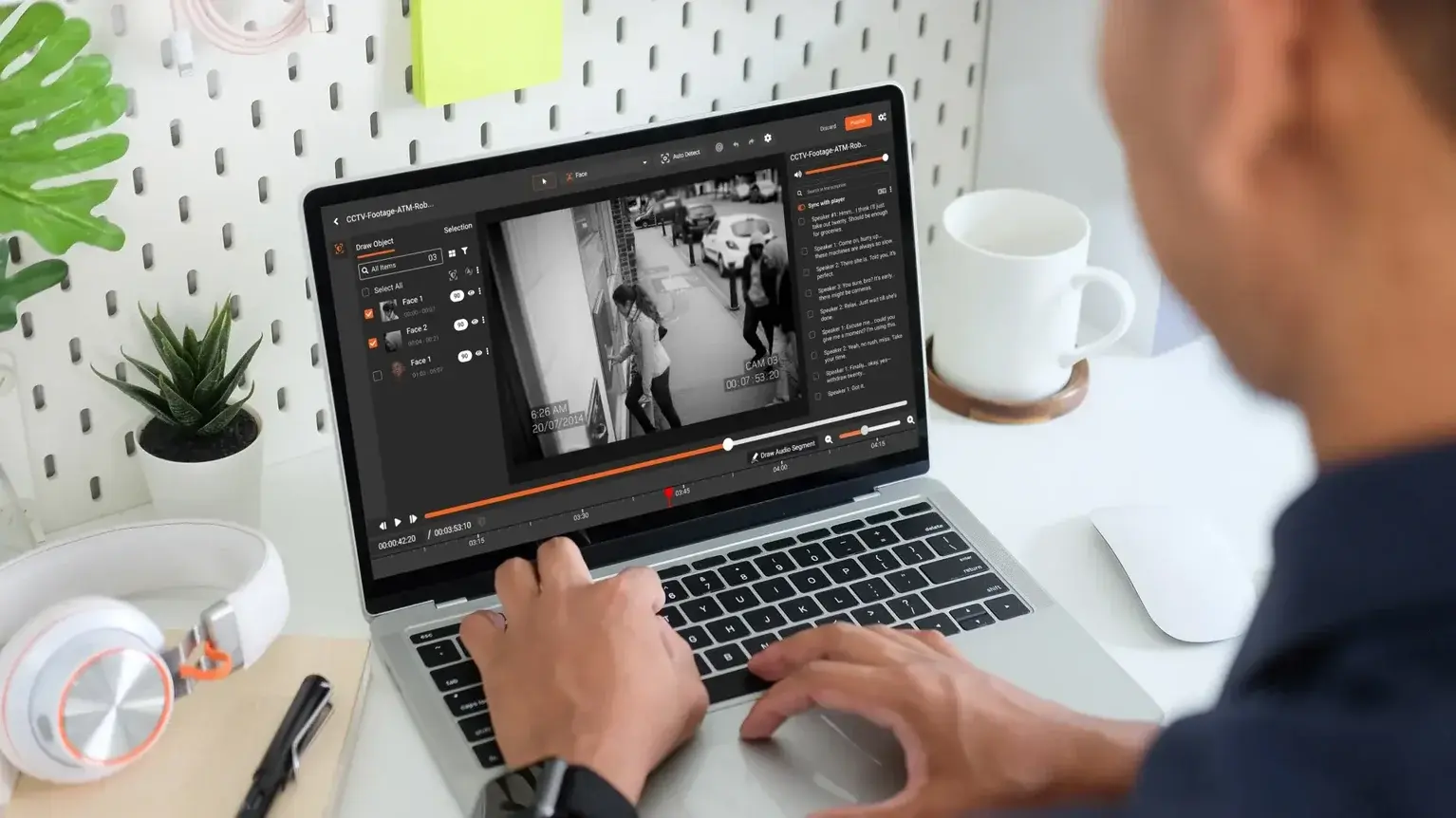
A support engineer records a 12-minute walkthrough of how she resolved a thorny customer ticket. She shares it in the team channel so her colleagues can learn the pattern. Three months later, someone notices that the recording also captured the customer's full account number, email address, birth date, and internal routing notes, all sitting in the CRM pane behind the console she was actually demonstrating. The recording has been viewed 47 times. Nobody flagged it because it looked like a normal product walkthrough.
That is the shape of the problem. Screen recordings capture everything on the screen, not just the thing being demonstrated, and most teams never audit what is actually in them. The term PII in screen recordings has been creeping into privacy reviews for exactly this reason. The more comfortable organizations get with async video, the more sensitive content quietly accumulates in recordings that were never reviewed for privacy.
This piece covers what screen recordings typically capture without teams realizing it, why the pattern is growing, the real-world consequences, why traditional security tools miss the problem, and what to do about it.
What Screen Recordings Capture and Why Each Category Is a Liability
The content in a screen recording depends entirely on what was visible on the operator's monitor when they hit record. In almost every enterprise, that includes more than the thing the recording was meant to show.
Dashboards, CRMs, and Admin Consoles
Dashboards and admin consoles are the most common source of exposure and the most consistently underestimated. A product demo recorded in a CRM tool shows the live customer list behind the feature being demoed. An analytics walkthrough shows the underlying dataset. A ticket resolution recording shows the customer's full history in the side panel. None of this is the point of the recording. All of it is in frame. Under GDPR and CPRA, every one of those incidental disclosures is a processing event and if the recording was shared beyond the minimum necessary audience, it is a violation regardless of intent.
Customer Records and Case Data
Customer records are almost always present in support and operations recordings. Names, email addresses, physical addresses, account numbers, policy numbers, and case notes typically sit in the panes around whatever is being demonstrated. Over time, a library of these recordings becomes a parallel, unmanaged copy of the customer database.
Credentials, Session Tokens, and API Keys
Credentials show up more than most teams would expect. URL bars with session tokens, password manager browser extensions, API keys in developer consoles, database connection strings in terminal windows, and account switcher menus all qualify as credential exposure the moment they are captured in video. Unlike a leaked document, a leaked credential in a recording often stays valid long after the recording is shared.
Payment and Financial Data
Payment and financial data enters through back-office recordings. QA and training recordings made in finance, billing, and operations environments often capture partial or full card numbers, bank account numbers, and transaction amounts tied to named parties. Contact center recordings and agent screen captures are particularly prone to this. For organizations in scope for PCI DSS, a recording containing cardholder data shared outside a controlled environment is not an edge case it is a reportable incident.
Protected Health Information (PHI)
Protected health information appears in any recording made within a clinical workflow. EHR panels, lab results, prescription views, imaging tools, and scheduler interfaces all show PHI that is in scope the moment it is recorded, regardless of whether it was the focus of the clip.
Chat, Email, and Communication Content
Chat panes, email inboxes, and Slack or Teams channels often sit in the background of a recording. Conversations that were never meant to leave a small group get captured along with the main content and travel with the recording wherever it is shared. The liability here is compounded by the fact that communication content frequently references other individuals who had no knowledge they were being recorded and no opportunity to consent. Under GDPR Article 5, that is a data minimisation failure even when the underlying communication was legitimate.
Why Screen Recording Privacy Risks Are Growing in 2026
Three shifts explain why hidden PII in screen recordings has gone from a niche concern to a governance frontier.
The first is the adoption of async video inside enterprises. Loom, Vidyard, Zoom Clips, Microsoft Stream, and a long tail of in-app capture tools have made screen recording so easy that it has replaced written status updates, SOP pages, and live meetings for a meaningful share of internal communication. Recordings used to be occasional. Now they are routine.
The second is the rise of distributed and remote teams. When colleagues are not in the same room, recordings become the default way to show rather than tell. That means more recordings, more operators, more recording tools, and a much wider surface area for sensitive content to slip into video.
The third is the emergence of SOP and knowledge management cultures that prize video as a first-class artifact. Teams record how they do things and publish the recordings to internal libraries. Over time, the library becomes a durable record of internal operations, including every sensitive detail that happened to be on screen while someone was recording.
The net effect is that most enterprises now have a library of hundreds or thousands of recordings with no systematic review for sensitive content. That library grows every week.
The Real Cost of Unredacted Screen Recordings
The consequences of leaking PII through screen recordings follow a familiar pattern, even though recordings are a newer vector than email or document leaks.
Breach notification obligations can trigger if the recording includes regulated personal data and the access controls on the recording platform are broader than the data's classification allows. A recording shared in a company-wide workspace may fail the minimum necessary standard if it contains PHI or cardholder data. The HHS guidance on the HIPAA minimum necessary standard applies to video content the same way it applies to documents.
Regulatory fines follow the same logic as any other disclosure event. If a recording contains PII covered by GDPR or CPRA and it is shared with unauthorized parties, the disclosure is a processing event with enforcement exposure, not a video problem.
Vendor and contractual exposure is often underappreciated. Enterprise buyers increasingly require their SaaS vendors to prove that customer data will not appear in training recordings, marketing assets, or support archives. Contract language is catching up to the practice. A recording that exposes a customer's data can trigger notification clauses the vendor did not realize were applicable.
Reputational damage is harder to measure and often more durable. Screen recordings that leak through public channels, social media, or public support communities tend to stay discoverable long after the underlying access has been locked down.
The common thread across each of these consequences is that the recording itself was usually well-intentioned. The exposure came from content the operator never meant to share.
How to Reduce PII Risk in Screen Recordings
Most organizations benefit from a four-step sequence when they first confront this problem.
Start with an inventory. Identify where screen recordings live, who creates them, and what platforms they flow through. The inventory is almost always larger than the team expected.
Sample the library. A random sample of a few dozen recordings, reviewed by a privacy-aware reviewer, usually surfaces the patterns that apply in your environment. This is the step that converts a theoretical risk into a concrete one.
Define the categories that matter. Not every recording needs the same treatment. A product demo recorded on dummy data is different from a customer support session recorded on live data. A classification rule based on recording source, role, and application typically captures the difference.
Adopt a redaction workflow for the categories that do matter. Automated detection paired with human review is the scalable pattern. Our piece on AI vs. manual screen recording redaction compares the options in detail, and the deep dive on how OCR text redaction works in screen recordings covers the mechanics for teams evaluating AI-driven tooling.
The problem is not that teams are careless with recordings. The problem is that the recordings capture more than anyone intended, and nobody has been looking. Once someone looks, the fix becomes operational rather than cultural.
For teams ready to evaluate AI-powered screen recording redaction, VIDIZMO Redactor handles video, audio, image, and document redaction with configurable confidence thresholds and a full audit trail. Learn more about video redaction software or request a free trial.

FAQ
Frequently Asked Questions
What is an automated screen recording redaction workflow?
An automated screen recording redaction workflow is a configured pipeline that moves recordings from capture through detection, review, export, and retention without manual file handling at each step. AI handles content detection and masking, humans handle review and approval, and the platform logs every action. Automation makes the workflow scalable; human review makes it defensible.
Can the workflow handle multiple recording types with different rules?
Yes. Mature platforms support per-category configuration, including different confidence thresholds, custom pattern sets, review paths, and integrations. The workflow engine routes each recording based on its category and applies the matching configuration. Centralized configuration management prevents drift between categories, which would otherwise produce inconsistent redaction and weaken the audit story.
How does the workflow handle recordings that fail detection?
Recordings that fail detection should route to a triage queue rather than export silently. A human reviewer then classifies the content, adds it to a tuning backlog, or processes it with an alternative tool. Silent failures are the hardest kind to catch after the fact, so the workflow should treat detection errors as explicit events.
What is the audit trail supposed to contain?
A complete audit trail includes source and upload metadata, the detection configuration in effect, every proposed detection with confidence score and category, every reviewer decision, the final export destination, and the retention disposition for each artifact. The trail should be queryable by recording, reviewer, and time range to support compliance reporting.
Can the workflow integrate with our existing video platform and evidence system?
Most enterprise redaction platforms integrate with common video platforms, DMS, and evidence or case management tools via API, webhook, or connector. Integration design should be part of vendor evaluation, not an afterthought. A platform with strong detection but weak integration often becomes a manual-export bottleneck at production volume.
How do we handle recordings that contain content the AI cannot redact?
Recordings with content the AI does not cover (novel identifiers, unusual handwritten content, application-specific synthetic elements) should route to a manual review path. The workflow should flag the content explicitly rather than export with missed redactions. Custom patterns and model tuning close some gaps over time; manual review covers the rest.
TopicsRedactionVideo RedactionRedactorSecurity and ComplianceCIO and IT Leadership

About the author
Ali Rind is a Product Marketing Executive at VIDIZMO, where he focuses on digital evidence management, AI redaction, and enterprise video technology. He closely follows how law enforcement agencies, public safety organizations, and government bodies manage and act on video evidence, translating those insights into clear, practical content. Ali writes across Digital Evidence Management System, Redactor, and Intelligence Hub products, covering everything from compliance challenges to real-world deployment across federal, state, and commercial markets.
You may also like

What Is a Real-Time Crime Center? A Guide for Cities and Counties
Somewhere in the last two years, someone probably asked your department whether it should have a real-time crime ...

Staffing a Real-Time Crime Center When Software Does the Watching
Most chiefs who hear a pitch for a real-time crime center ask the same question before any other, which is whether they ...

RTCC, EOC or Situational Awareness Center: What Each Room Is For
Walk into a real-time crime center, then into a city's emergency operations center, and you will see much the same ...