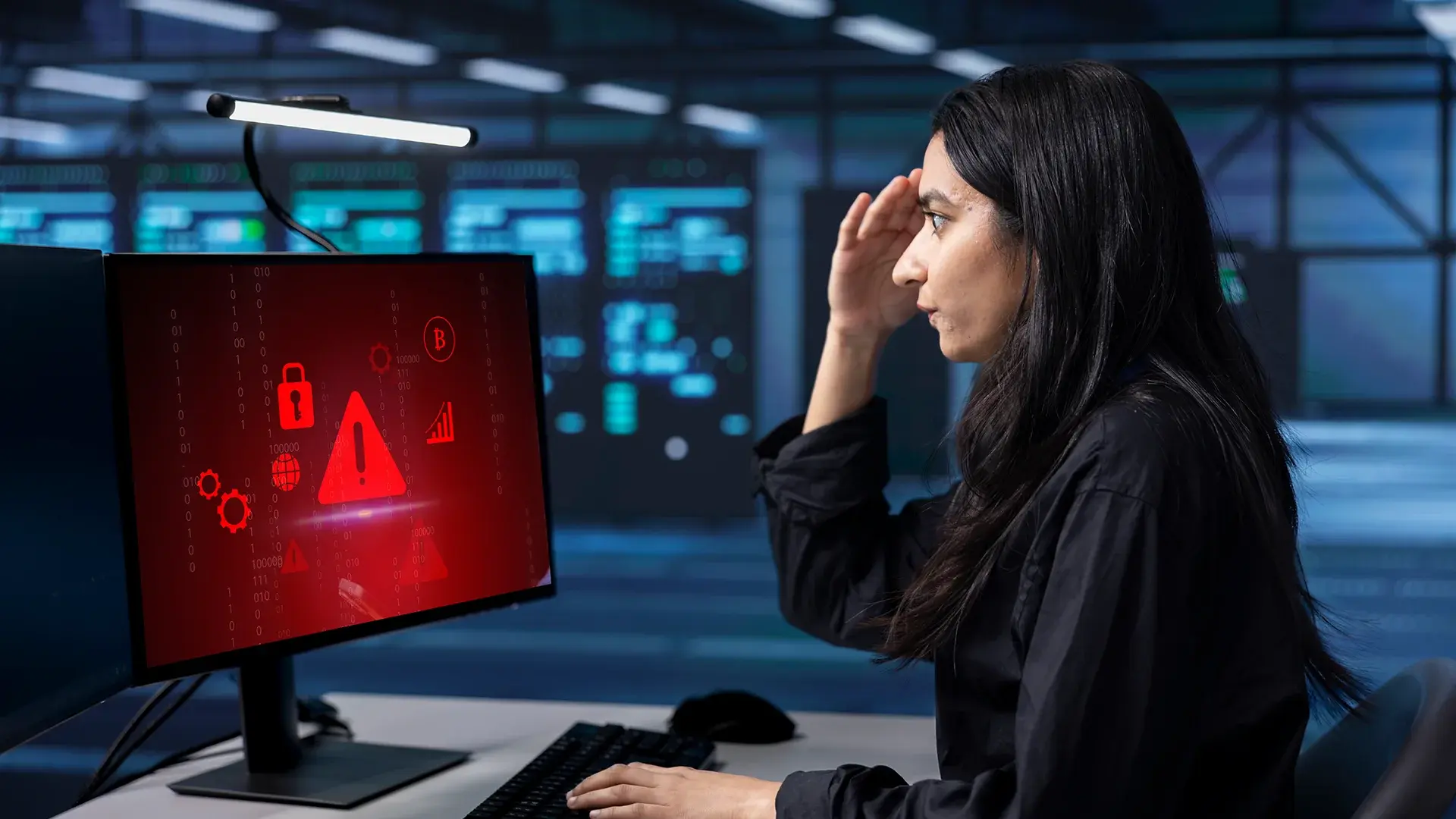
A privileged session recording is, in most organizations, the most complete record of what an insider actually did, and the one piece of evidence almost nobody looks at. The compliance program asked for the recording. It sits in a bucket. Endpoint logs and UEBA dashboards get reviewed every day; the recording gets pulled only after an incident, and usually only by whoever loses the coin toss. AI session analysis is the layer that finally reads the recording without anyone losing the coin toss.
Why traditional insider threat detection misses what's on the screen
The 2024 Verizon Data Breach Investigations Report attributed 35 percent of breaches to internal actors, up from 20 percent the year before. The report is careful to note that 73 percent of those were miscellaneous errors rather than malicious behavior, but a regulator does not care which bucket the breach came from, and a CISO still has to explain it. In healthcare, the internal share is 70 percent. The 2025 Ponemon Cost of Insider Risks report, conducted with DTEX Systems, puts the average annualized cost at $17.4 million and the average containment time at 81 days. The newer 2026 edition pushes that figure to $19.5 million.
Most of that gap is not a data gap. Every tool in a normal insider risk stack already produces a signal. The problem is that each one sees a different slice of the same event.
User and entity behavior analytics (UEBA) watches account behavior across systems and scores statistical anomalies. It does not know what was on the analyst's screen. Data loss prevention (DLP) watches data in transit for known patterns. It does not see a photo of a screen taken with a phone. Privileged access management (PAM) brokers privileged sessions and records them. The recording almost never gets reviewed. SIEM aggregates all of this and correlates events. It does not interpret video.
Meanwhile, the recording, the artifact that captured everything the user typed, pasted, ran, opened, and exfiltrated, sits in storage. The compliance program required the recording. Nothing in the security program required reading it.
What AI session analysis can detect in recorded admin sessions
A few categories come up over and over in production deployments.
Credential and secret exposure surfaced through OCR and audio
Admins paste tokens into terminals. Engineers leave SSH keys open in editors. Support staff read out one-time passwords during screen-shared troubleshooting calls. OCR across video frames combined with audio transcription means a question like "did any API keys, private keys, or credentials appear on screen during this session" returns timestamped hits instead of a list of files to read.
Suspicious command sequences flagged inside terminal recordings
A single command rarely looks malicious. A sequence does. ls ~/.ssh/, find ~ -name "*.env", cat ~/.ssh/id_ed25519.pub is credential harvesting in three keystrokes. AI can lift each command from the screen text, reason about the order, and flag the pattern even when the audit log says only "shell session, 14 minutes."
Scripted bot activity and replayed sessions
Bots type with cadence humans rarely produce. The keystrokes are too even, the mouse trajectories too clean, the typo-and-backspace pattern is missing. When the credential is real and the operator behind it is a script, that is worth surfacing. The same approach catches a recorded session being replayed in a loop, because the keystroke timing repeats almost to the millisecond. The MITRE ATT&CK framework groups this kind of automation under valid accounts and command and scripting interpreter techniques, both of which are notoriously hard to spot from endpoint logs alone.
Off-policy data access caught by the screen, not the log
A finance analyst pulling a customer PII export at 2 a.m. is a UEBA signal. The same analyst pulling that export and then alt-tabbing to a personal webmail tab is a recorded session signal. The screen knows what the log never captured.
Anomalous duration and timing patterns paired with content
Sessions that run far longer than the operator's baseline, repeat at unusual hours, or cluster around terminations and organizational changes can all be surfaced from the recording metadata when it is paired with content analysis. Metadata alone is noisy. Metadata plus what was on screen is evidence.
How session recording software combines with multimodal AI
You do not need to know model weights to evaluate this as a buyer. Four primitives do the work. Frame by frame visual analysis identifies on screen elements like windows, terminals, and file paths. OCR extracts the text inside those frames so commands and visible data become searchable. Audio transcription converts spoken context into text, which matters for screen-shared calls and remote support sessions. A multimodal large language model reasons across all three streams to answer natural language questions and flag patterns against policy.
That is the engine. The hard part is running it on the volume of recordings most organizations actually produce, and running it without sending the recordings anywhere they should not go. VIDIZMO Intelligence Hub handles the pipeline in a single platform across video, audio, image, and document content, with computer vision, OCR, and 82-language transcription in one deployment.
Compliance frameworks that already require session recording
Most organizations record privileged sessions because a regulator told them to, not because anyone reads the tapes. The mandates show up in CJIS, HIPAA, PCI DSS, FedRAMP, and most sector specific frameworks. CJIS Security Policy version 6.0, released December 27, 2024, made the bar measurably higher, with more than 180 primary controls and 1,300 subcontrols. Multifactor authentication and other Priority 1 controls are already auditable. The remaining P2 through P4 controls are fully enforceable by October 1, 2027.
The arithmetic on adding AI analysis is not complicated. Storage is already paid for. The compliance team already requires the recording. What changes is whether the recording is doing anything beyond satisfying the audit. The Intelligence Hub government page covers the public sector pattern in detail; the healthcare page covers the equivalent HIPAA-driven use case.
Deployment requirements for sensitive and regulated environments
The organizations that need this most are also the ones that cannot send their recordings to a third party cloud LLM API. Federal agencies, defense primes, state and local public safety, regulated banks, healthcare systems. Three constraints come up in every conversation.
The model has to run where the data sits. On premises, sovereign cloud, or air gapped. Public LLM APIs are off the table for most session content.
No data can leave the tenancy for training. Recordings are sensitive on their own. They cannot become someone else's training corpus.
The platform has to support bring your own model. Self hosted open weight models, served through Ollama or vLLM, keep inference inside the perimeter and let the security team pick the model that fits the risk profile.
Intelligence Hub is built to all three. It deploys on premises, in private commercial or government cloud, in hybrid, or as SaaS, with air gapped configurations supported for the most sensitive workloads. The LLM layer is model agnostic and supports self hosted models alongside commercial APIs where policy allows them.
Buyer checklist for insider threat detection tools that analyze recordings
A short checklist worth running any vendor through, including this one.
- Multimodal coverage. Frames, OCR, audio, and reasoning across all three. A platform that only transcribes audio misses everything that was typed.
- Custom workflow support. Detection logic you can tune to your policies, not a fixed rule library you cannot edit.
- On-prem and air-gap capability. Confirmed with a deployment reference, not just a slide.
- Bring your own LLM. The vendor's model roadmap should not bind your detection roadmap.
- PAM and SIEM integration. Flags should appear where the SOC already works.
- Audit-grade lineage. Every flag should trace back to the exact frame, transcript line, or command that produced it.
VIDIZMO Intelligence Hub satisfies all six for the recorded session use case. It runs multimodal AI across recorded sessions, supports self-hosted LLMs through Ollama and vLLM, and deploys on-premises, in sovereign cloud, and in air-gapped configurations.
Make the recording earn its storage cost
The recordings are already there. The compliance program insisted on them. Most of them have never been opened by anyone other than the audit team. Book a call with the VIDIZMO team to see AI session analysis applied to your own recorded sessions, or read how the same platform handles generative AI workloads at the enterprise level.

FAQ
Frequently Asked Questions
What is AI session analysis?
AI session analysis applies multimodal AI, including computer vision, OCR, audio transcription, and language model reasoning, to recorded sessions such as terminal recordings, privileged access recordings, and meeting recordings. It turns video, which is normally unsearchable, into structured, queryable evidence so security teams can detect insider threats, audit policy compliance, and investigate incidents without watching hours of footage manually.
How is AI session analysis different from UEBA?
UEBA correlates account level signals across systems and flags statistical anomalies. AI session analysis works on the content of the recording itself. UEBA answers whether an account behaved anomalously across the environment. AI session analysis answers what actually happened on screen during a specific session. The two pair well: UEBA narrows the search to suspicious sessions, and AI session analysis interrogates them.
Can AI detect when a bot is impersonating a human in a recorded session?
Yes, with caveats. Bots produce timing and motion signatures that humans rarely match, including perfectly uniform keystroke cadence, missing micro corrections in mouse paths, and absence of typo and backspace patterns. AI can score these signatures and flag sessions that look automated. Sophisticated automation can mimic human cadence, so the signal is probabilistic and best used as a flag for human review, not as a final adjudication.
Does session analysis work on Teams or Zoom recordings, not just terminal sessions?
Yes. The same engine that analyzes a terminal recording analyzes a Microsoft Teams, Zoom, or WebEx recording. In a meeting recording, the AI transcribes the spoken content, reads on screen text from shared screens, and reasons across both. A query like "when did the user share their AWS console" returns a timestamp inside a one hour meeting recording without anyone scrubbing the timeline.
Can this run fully on premises?
Yes. For environments that cannot send recordings to a commercial cloud LLM, the full pipeline, including ingestion, transcription, OCR, and multimodal reasoning, runs on premises using self hosted models served through Ollama or vLLM. Air gapped configurations are supported. This is the deployment posture most government, defense, and regulated industry customers require.
You may also like
Making a Digital Recording the Official Record
Most guidance about digital court recording assumes the argument is over. It describes microphones, channels, ...
A Maturity Model for Court Digital Evidence: Foundational, Developing, Advanced
Budget conversations about court technology go badly when the ask is a product and well when the ask is a stage.
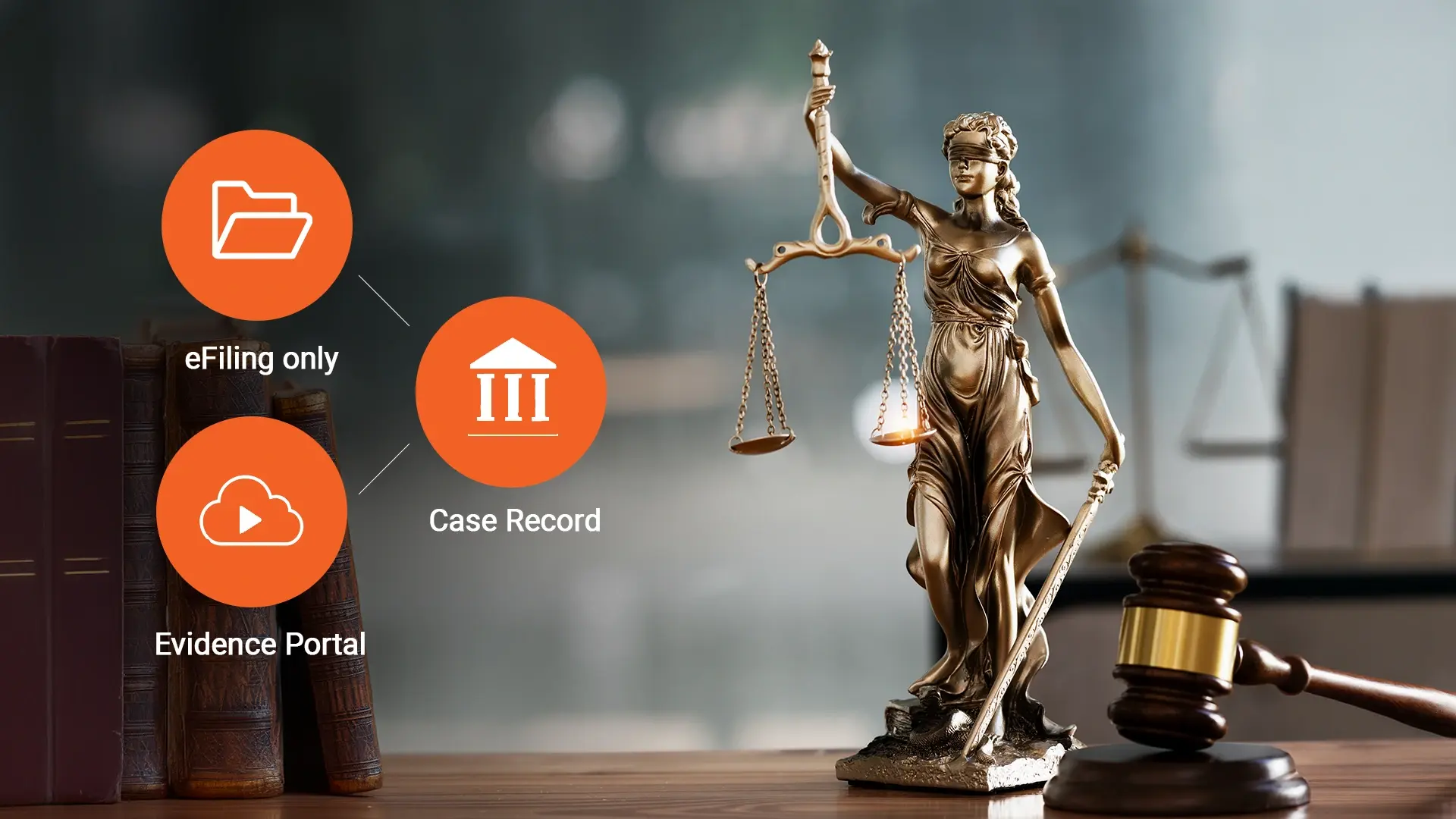
Online Evidence Portal or eFiling: Where Should Exhibits Actually Be Submitted?
Courts deciding where exhibits should be submitted are choosing between an online evidence portal for court exhibits ...