
Full Analyst Control to Redact Sensitive Details with Precision
VIDIZMO Redactor enables manual redaction across documents, audio, video, and images giving analysts complete control when accuracy and context matter most. Use AI-assisted detection to speed up the work, then apply human judgment to redact custom objects, proprietary information, and hard-to-detect details with confidence and auditability.
What Is Manual Redaction?
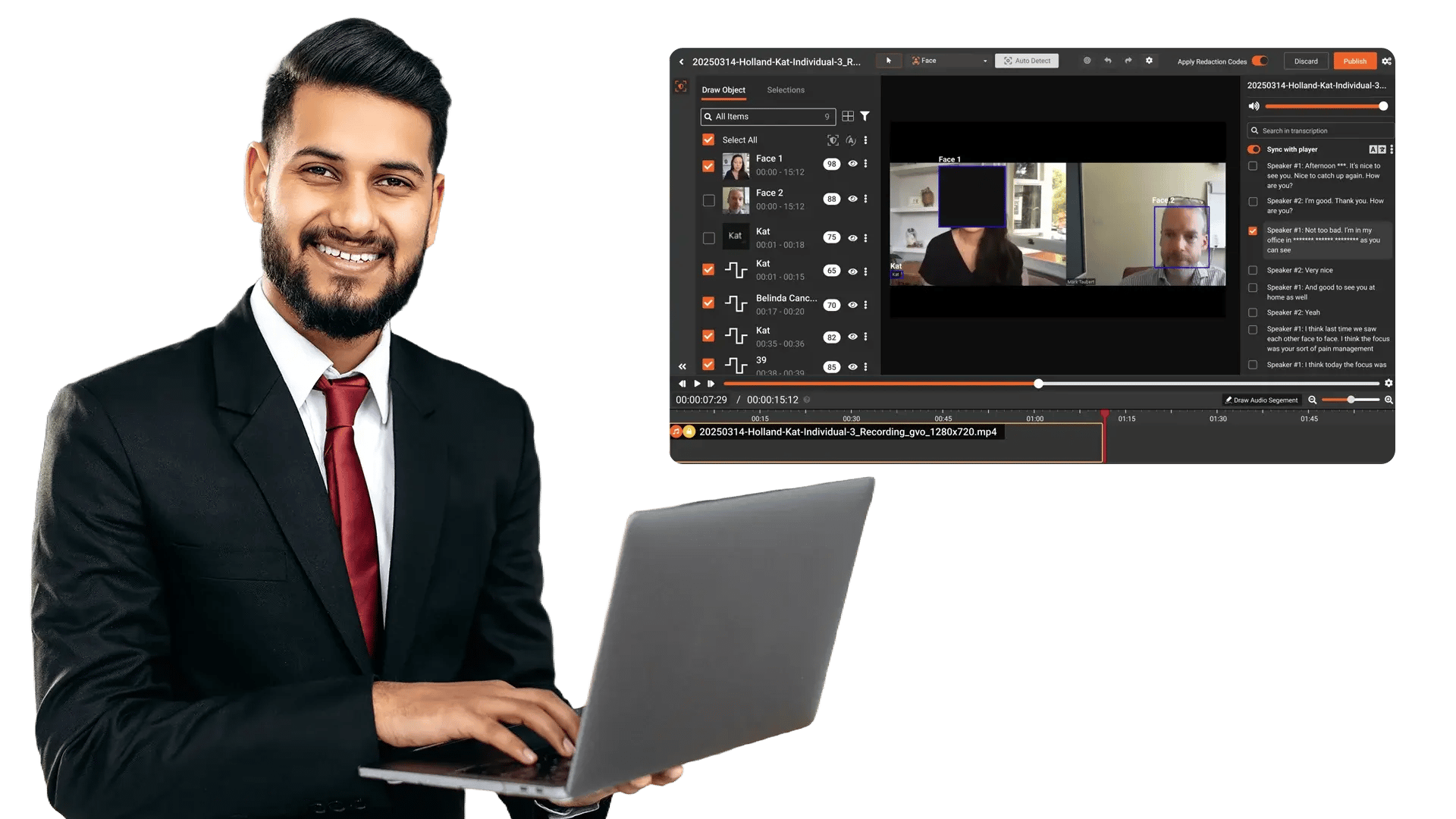
Manual redaction is the process of personally reviewing content and applying redaction marks to permanently obscure sensitive information. It is essential when information is highly contextual, unique, or not easily detected through automation such as proprietary terms, uncommon identifiers, or custom objects.
VIDIZMO Redactor supports manual redaction as a standalone capability or as a “human-in-the-loop” step after automated detection so teams can validate results, refine redaction placement, and ensure defensible outcomes.
Key Benefits:
- Maintain full control when redacting sensitive or unique information
- Improve accuracy by validating and refining automated detections
- Redact custom objects, proprietary terms, and context-specific details
- Apply consistent, permanent redactions with full auditability
Data Privacy in Your Hands
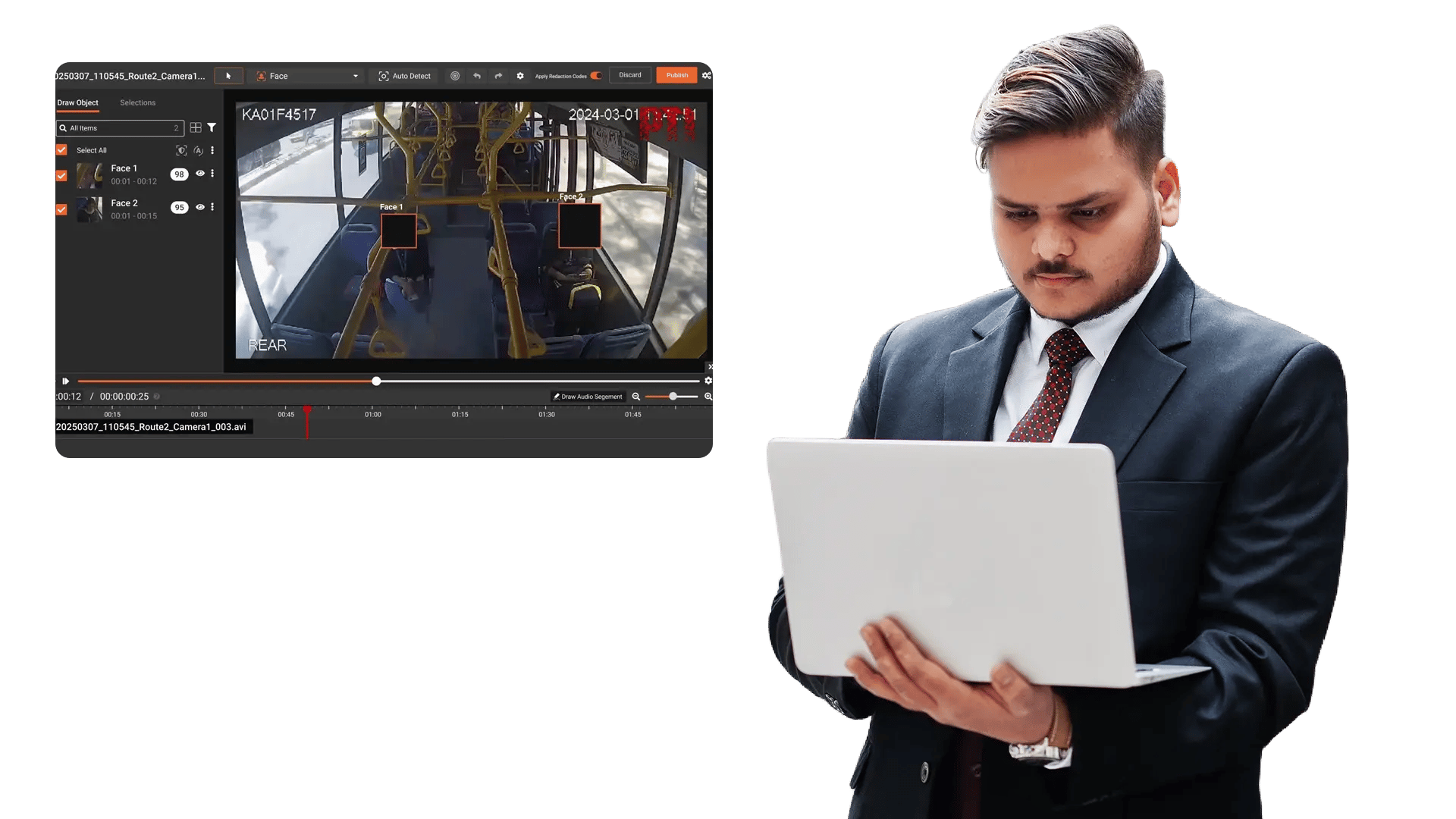
VIDIZMO Redactor combines AI-based automation with hands-on review—so redactions are fast, accurate, and aligned with your policies.
Capabilities Include:
- Use AI to accelerate discovery, then manually refine final outputs
- Review and validate redactions before release
- Ensure sensitive details aren’t missed in complex content
- Produce consistent redactions across teams and workflows
Redact on Your Terms
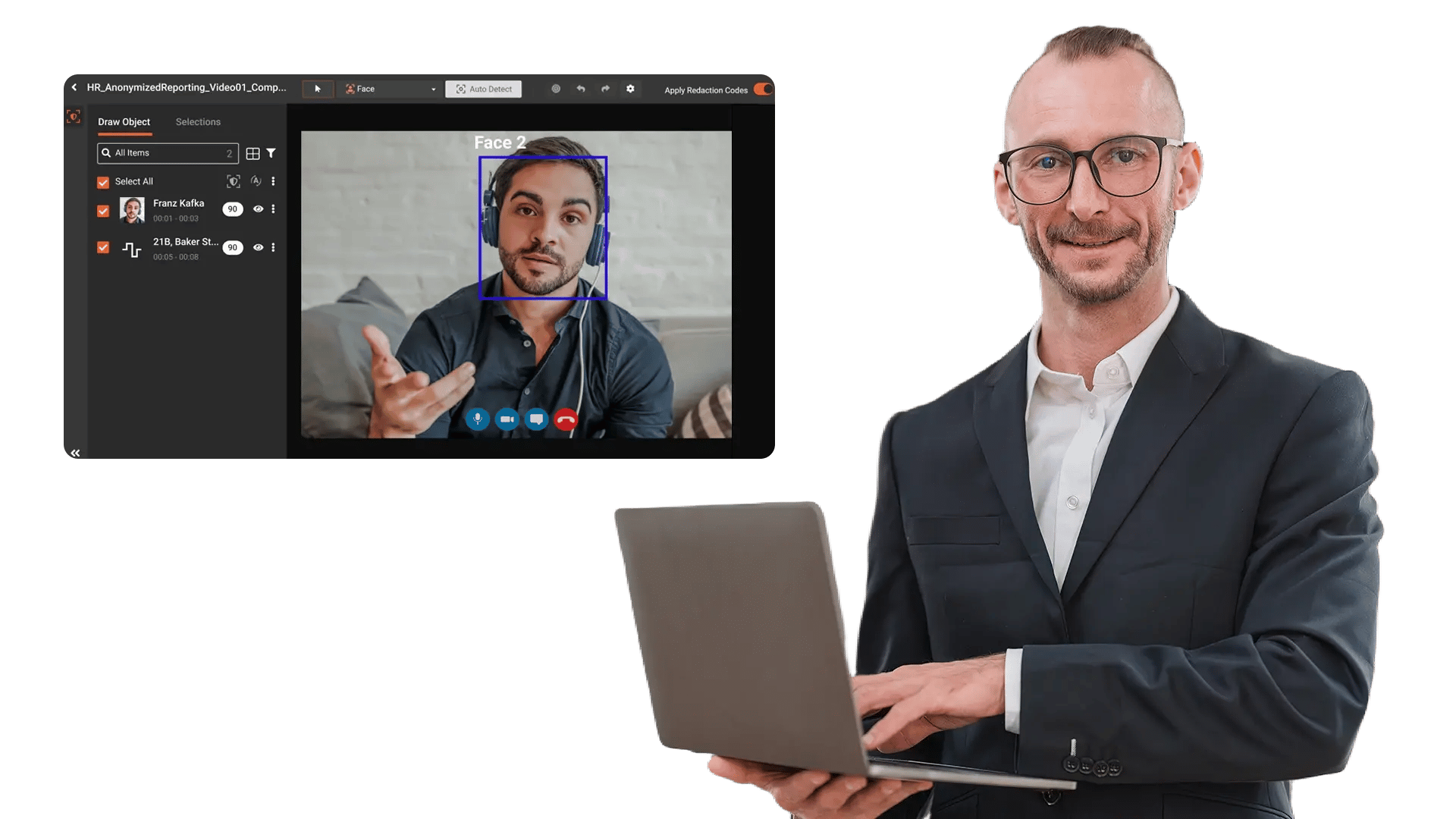
Handle organization-specific or case-specific information that automation may not recognize.
Manually Redact:
- Custom objects and regions in video and images
- Organization names, internal terms, and proprietary identifiers
- Confidential Commercial Information (CCI) and sensitive business details
- Context-driven information that requires analyst judgment
- Unstructured or unusual identifiers not covered by rules
Redactions are applied permanently to prevent recovery.
Scrutinize and Optimize
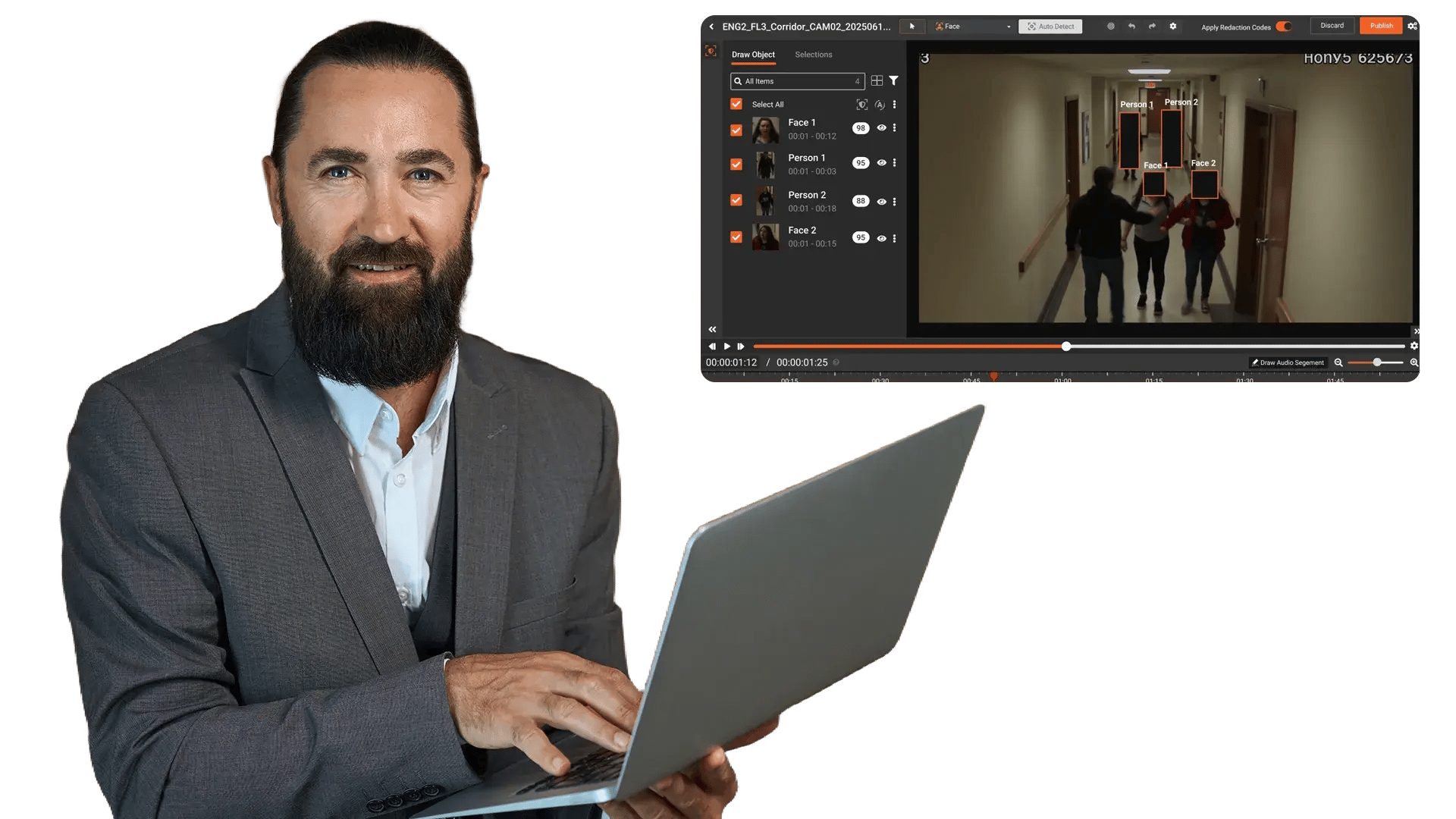
No need to worry about sensitive information slipping through. Manual review tools help you double-check outcomes and fine-tune accuracy.
Capabilities Include:
- Verify and adjust redaction placement and coverage
- Correct false positives and catch missed items
- Apply consistent masking across related content
- Support reviewer/approver workflows for defensibility
Redact Any File Type
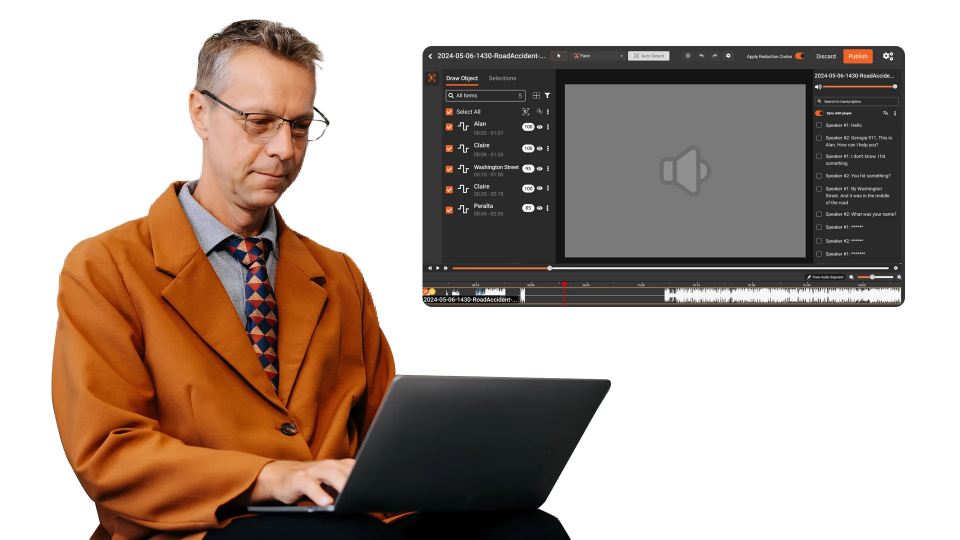
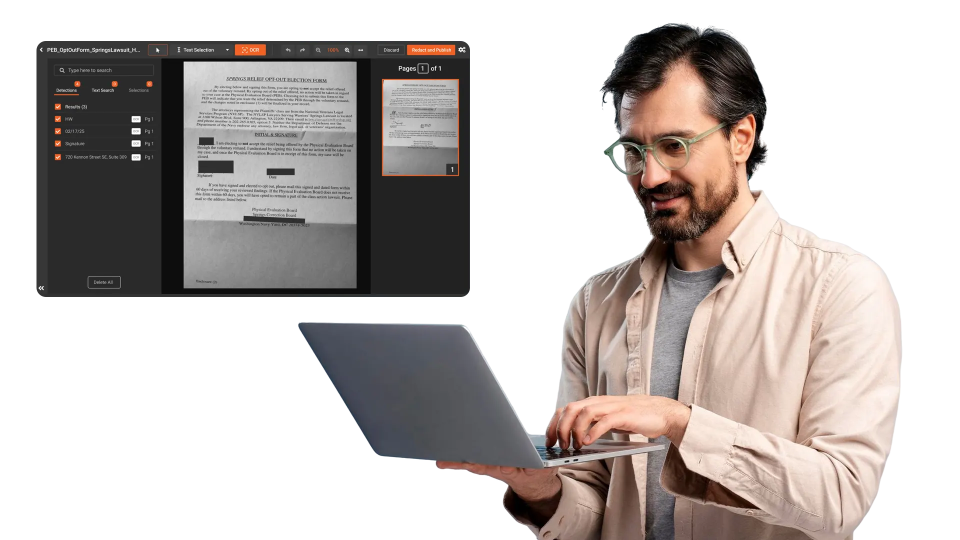
Manual redaction can be applied across all supported media types—so teams can handle mixed evidence and multi-format releases in one workflow.
Capabilities Include:
- Documents: Apply bounding boxes to redact text and regions (including scanned docs via OCR)
- Images: Manually redact regions and sensitive visual details
- Video: Redact custom objects and adjust redaction regions over time
- Audio: Create segments to redact sensitive speech using mute/bleep options


Secure Ingestion
Upload files from cameras, case systems, call platforms, repositories, or shared drives.

Review Content
Analysts inspect audio, video, images, and documents to locate sensitive details.

Apply Manual Redactions
Use bounding boxes, region masking, object redaction, or audio segment redaction to obscure sensitive information.

Export and Distribution
Download or securely share permanently redacted outputs with full auditability.
Disclosure-Ready Workflows
Consistent Redaction Standards
Governance & Access Control
Audit-Ready Accountability
Scalable Operations
Secure Deployment & Data Control
Law Enforcement
Manually redact critical details in evidence when context matters, such as unique identifiers, informant details, or sensitive scene elements. Combine automation with analyst oversight to support CJIS-aligned workflows and defensible disclosure.

Legal
Protect privileged and confidential information in discovery, exhibits, recordings, and filings. Manual redaction ensures accuracy for nuanced content and enables consistent outputs across productions.
Healthcare
Safeguard PHI in scanned records, recorded consultations, and supporting media. Manual refinement helps ensure HIPAA-aligned redactions when identifiers are complex or poorly captured.

Government
Meet FOIA and public records requirements by applying careful, context-aware redactions, especially for sensitive terms, protected categories, or unique identifiers requiring human judgment.

Call Centers
Manually refine redactions in recorded calls where speech is unclear, overlapping, or context-dependent. Reduce risk while maintaining recording usability for QA and dispute resolution.

Education
Protect student and staff privacy in incident reports, recordings, and documentation. Manual tools support FERPA-related redactions when sensitive information is nuanced or case-specific.

Finance
Ensure accuracy when redacting account details, identifiers, and confidential references in customer documentation and recorded interactions—supporting compliance and risk reduction.

Transportation
Redact incident evidence, operational footage, and reports where unique visuals, identifiers, or sensitive context require manual control for accurate release.


On-Premise
Full control over infrastructure, data, and security policies—ideal for strict residency and compliance needs.

Private Cloud
Dedicated cloud environment with enhanced security and isolation, combining scalability with operational control.

Government Cloud
Built to meet government-grade security and compliance standards. Supports regulated frameworks.

Hybrid Environments
Integrates on-prem and cloud deployments seamlessly while keeping sensitive workloads secure.
