Granular Access Controls for Strong Governance
Define specific permissions to determine access to your video content and ensure data integrity on your enterprise video content management system.
100+ Leading Organizations Trust Our Data and AI Solutions
Control Who Can See What, Down to the Asset Level
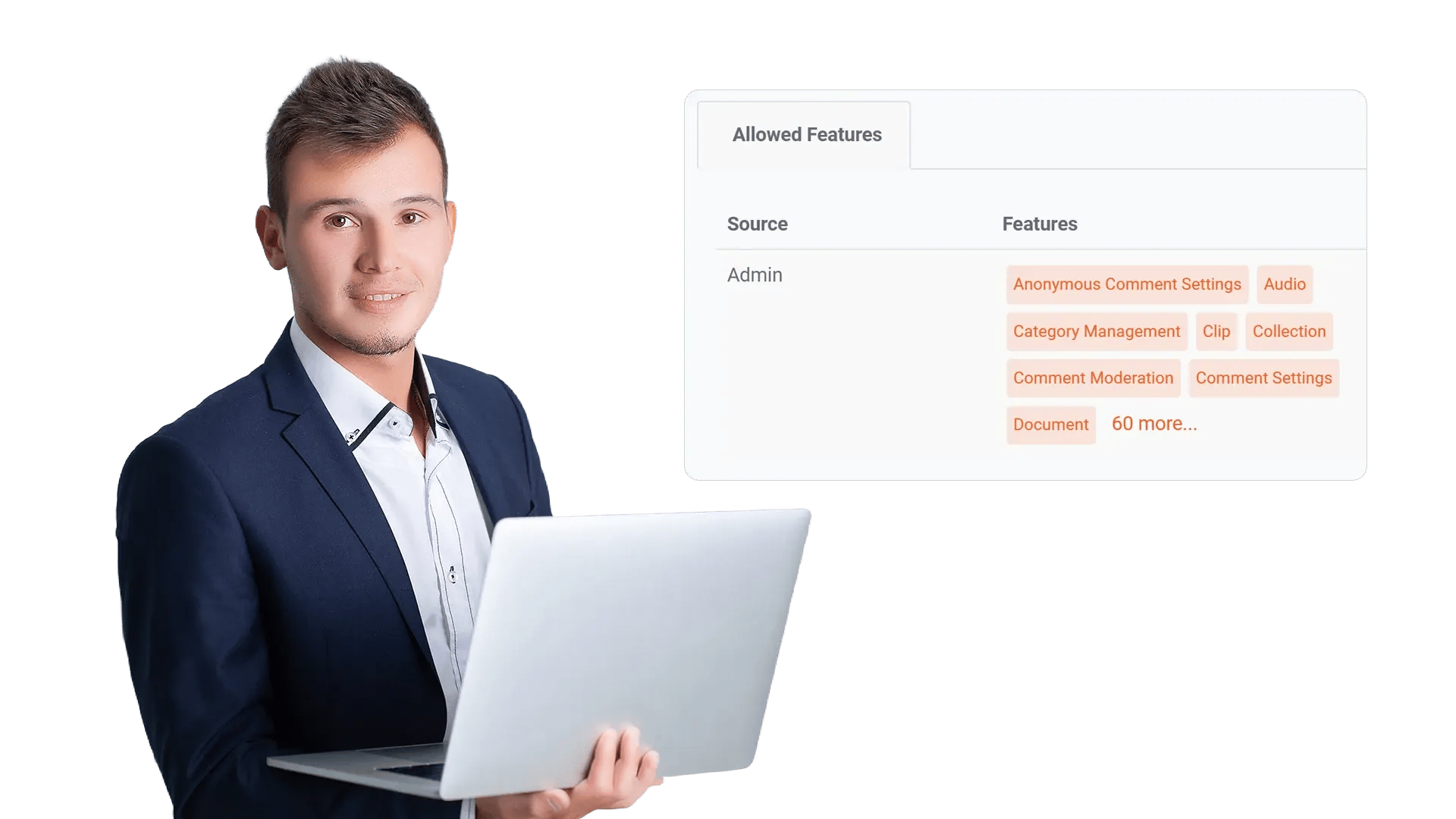
Enterprises cannot treat every viewer the same. Granular access controls let admins define who can view, upload, edit, share, or administer content across libraries, channels, playlists, and individual videos—so sensitive material stays protected while teams still collaborate.
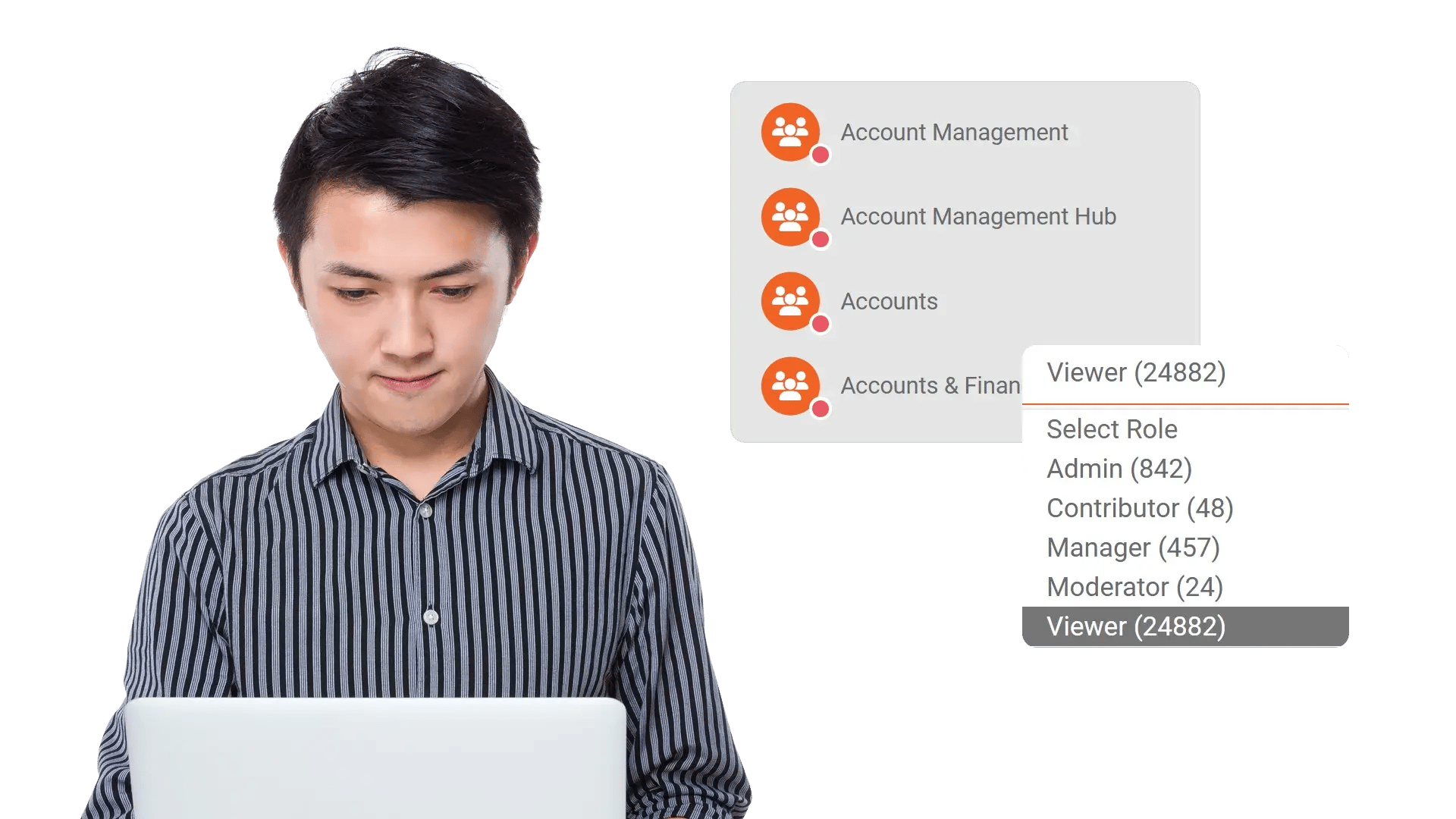
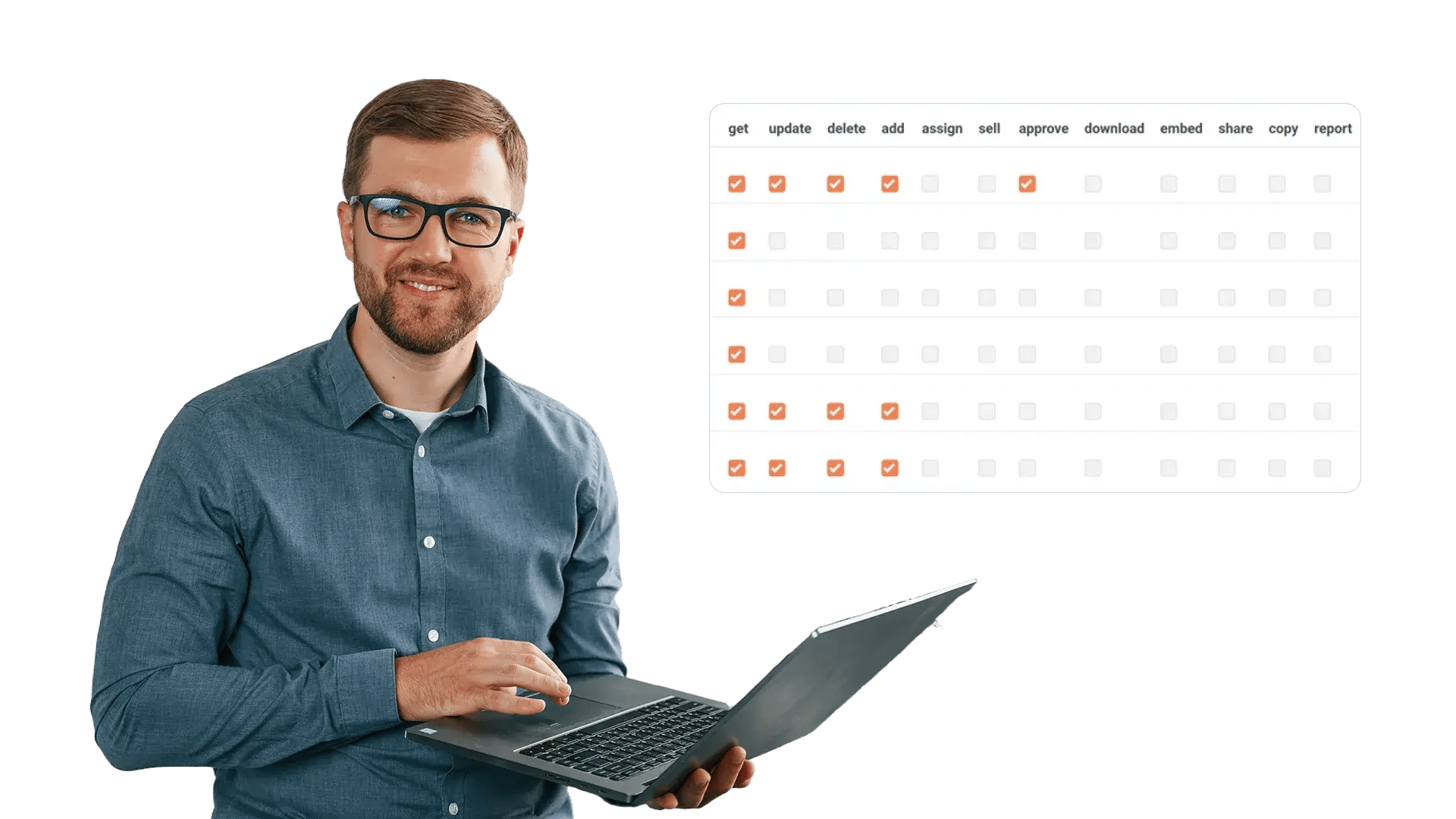
Assign Roles and Groups to Standardize Access
When permissions are managed one-by-one, governance breaks. EnterpriseTube supports role-based access control (RBAC) so you can map permissions to roles and groups, then apply them consistently across the platform.
Enforce Rules Using Metadata and Custom Attributes
Access requirements often depend on business context—department, case ID, region, classification, or project code. Attribute-based policies use metadata and custom attributes to enforce rules automatically as content is uploaded and categorized.
Limit External Sharing and Protect Downloads
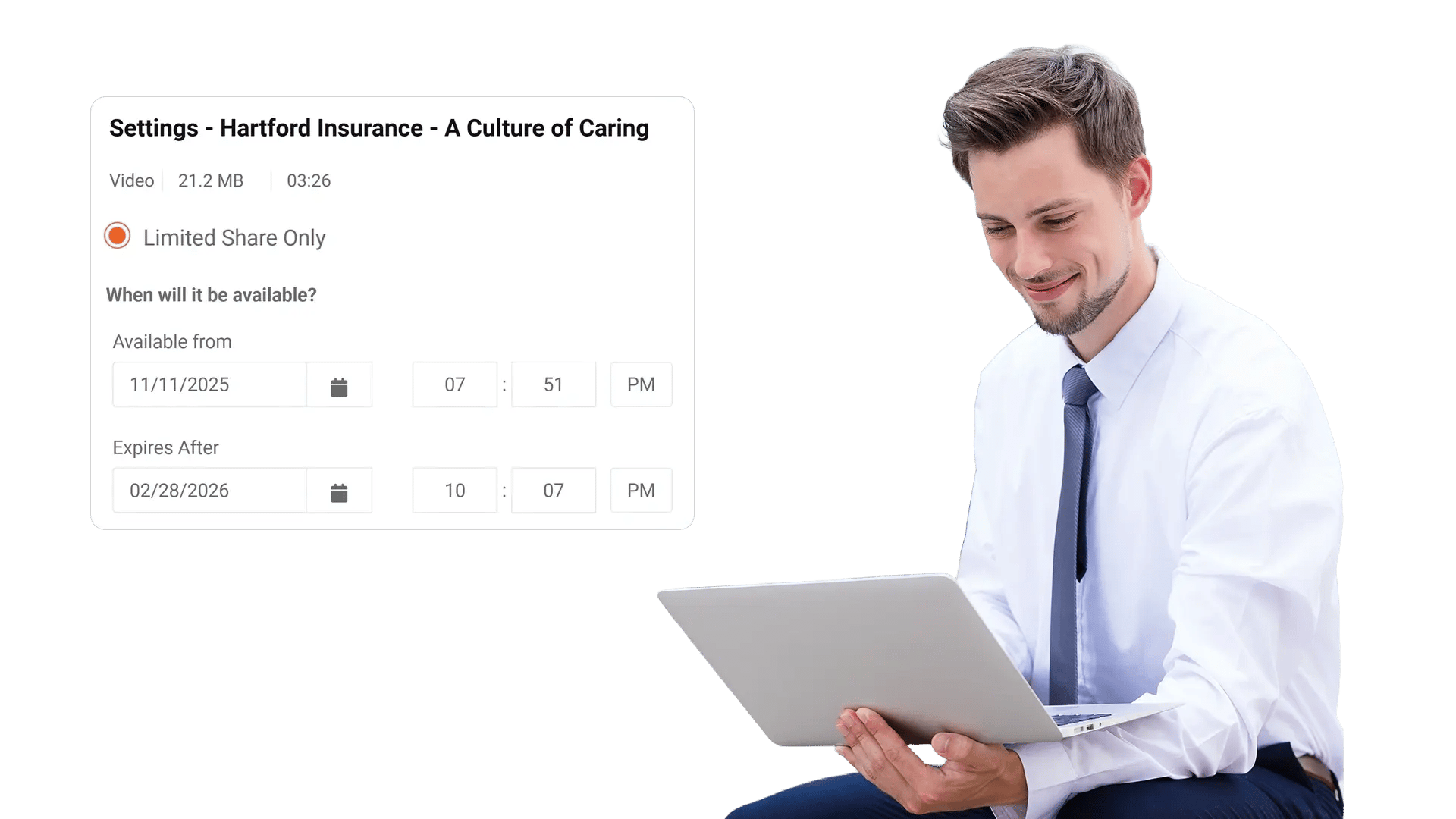
A single unrestricted share link can undermine enterprise security. Control how content is distributed with link rules, domain restrictions, expiration, and download governance—so sharing stays intentional and auditable.
Require Approvals Before Content Becomes Visible
Some content must be reviewed before broader access is granted—legal, compliance, safety, or brand teams may need a sign-off. Use approval steps to prevent accidental publishing and keep content visibility aligned with policy.
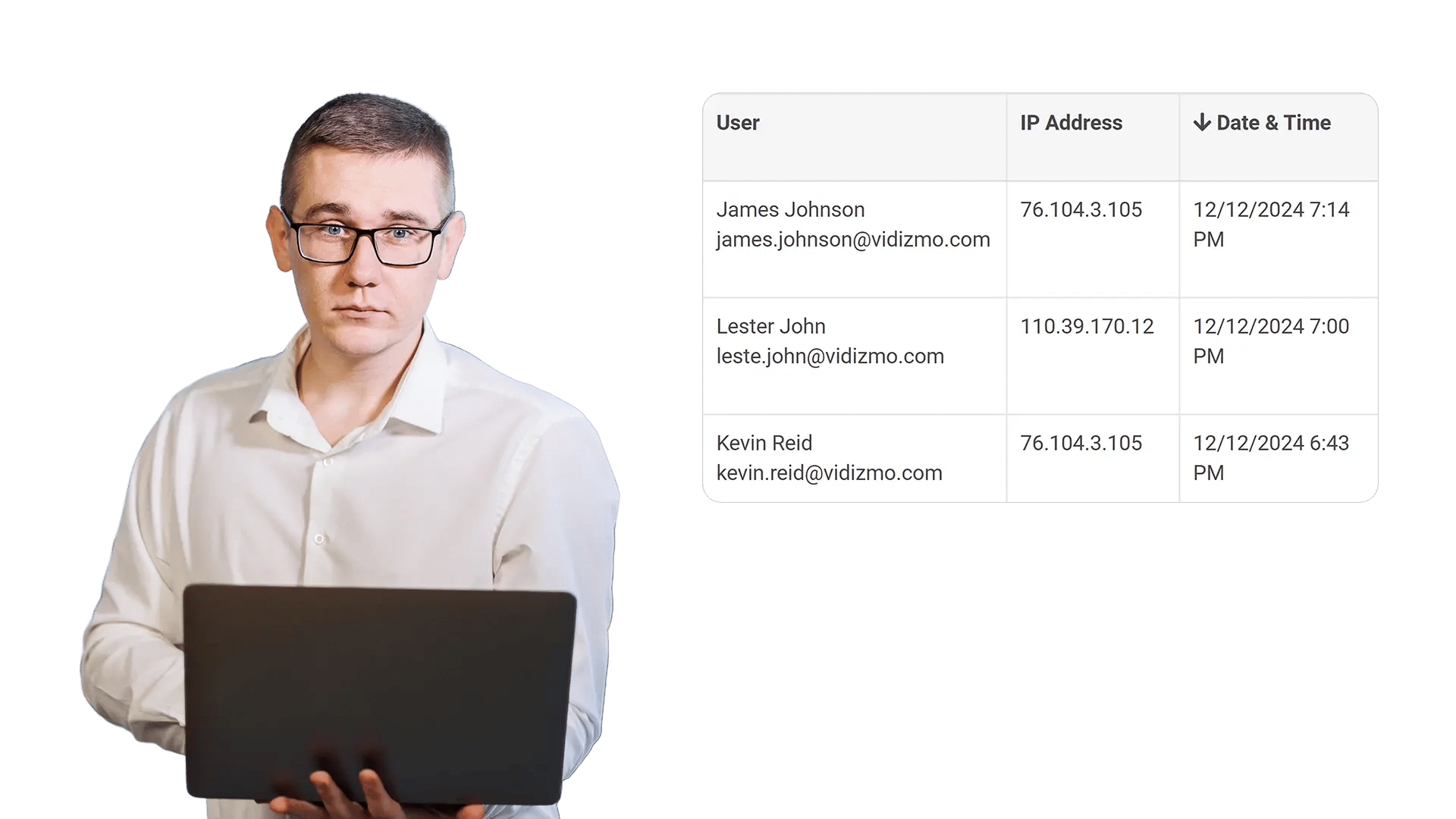
Prove Compliance with Permission History and Logs
When auditors ask who accessed what and why, you need evidence. Detailed audit trails help validate access decisions, identify anomalies, and support investigations—without slowing down daily operations.
Can Be Used For
HR and L&D Teams
Control training visibility by department, role, or region while restricting downloads where required.

Legal and Compliance
Apply classification-based access and require approvals before publishing sensitive material.

Executive Leadership
Restrict strategic communications to executive groups with controlled sharing and expiration.

IT and Security
Enforce policy-based permissions, monitor activity logs, and maintain audit readiness.

Customer and Partner Teams
Segment external access by account or domain while protecting proprietary content.

Operations and Field Teams
Limit editing rights, segment access by site, and retain traceability for investigations.
Frequently Asked Questions
Granular Access Controls let you define detailed permissions for users, roles, and groups across your video libraries—controlling who can view, upload, edit, share, download, or administer content at different scopes.
Yes. Policies can be applied at higher levels (like libraries or channels) and at the individual asset level when stricter controls are needed. Inheritance helps keep governance consistent while allowing exceptions where required.
RBAC maps permissions to roles (e.g., Viewer, Contributor, Moderator, Admin) and groups (teams or departments). This reduces one-off configurations and makes access management repeatable and easier to audit.
Yes. Attribute-based policies can use metadata and custom fields such as department, region, case ID, or classification to automatically enforce access rules and reduce the chance of mis-sharing.
You can restrict sharing to authenticated users or approved domains, enforce link expiration and revocation, and disable downloads to support streaming-only access where policy requires it.
Yes. Audit logs can capture permission updates, sharing events, and access activity to support compliance reporting and investigations.