Download Restrictions for Controlled Video Distribution
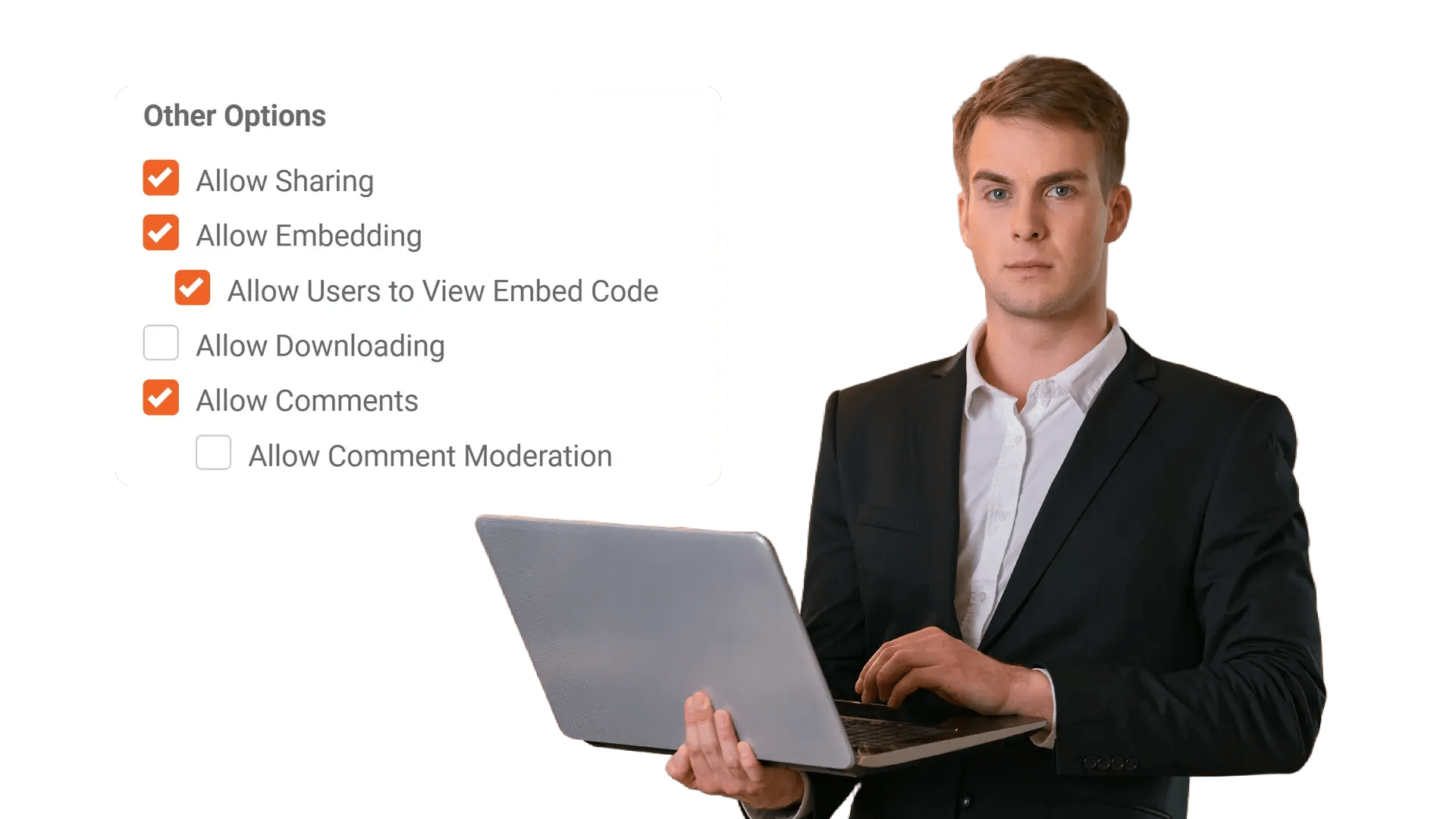
Prevent users from downloading your video content to stop the unchecked spread of videos that are only meant for a few eyes. Enforce policy-based controls across roles, networks, and time windows—without slowing down secure streaming.
100+ Leading Organizations Trust Our Data and AI Solutions
Prevent Downloads to Stop Uncontrolled Video Sharing
Teams distribute training, briefings, and sensitive updates across the organization. Download Restrictions ensure videos remain accessible for authorized viewing without creating local copies that can be re-uploaded, forwarded, or stored in unsecured locations.
Apply Role-Based Permissions for Who Can Download
Not every user needs the same level of control. Restrict downloads to specific roles, groups, or business units so the right people can retain files for approved workflows while everyone else can only stream.
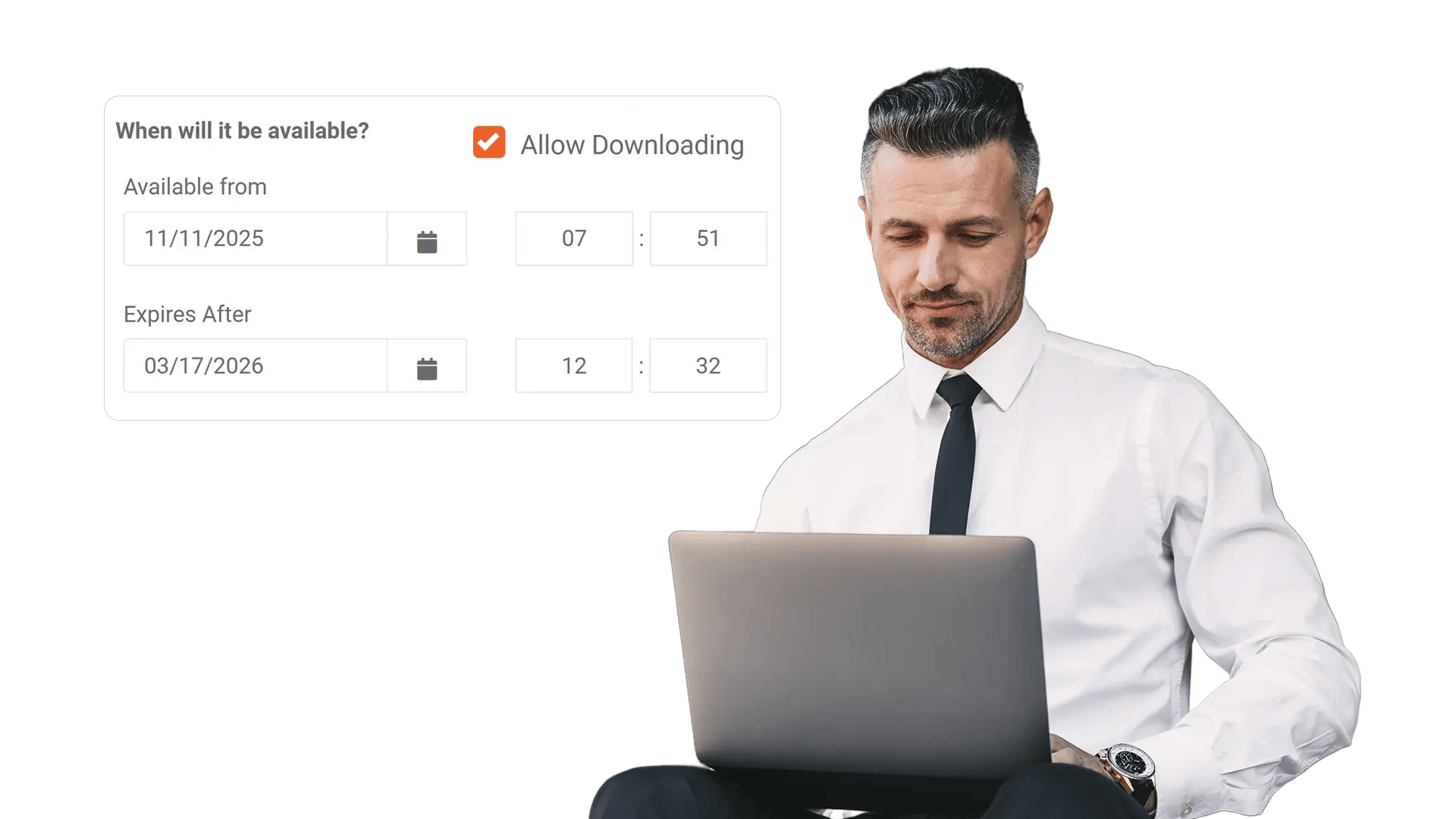
Enforce Time-Bound Access for Temporary Visibility
Some content is sensitive only during a specific window—like a product roadmap, incident response update, or legal review. Combine download controls with expiration windows so access automatically ends when it should.
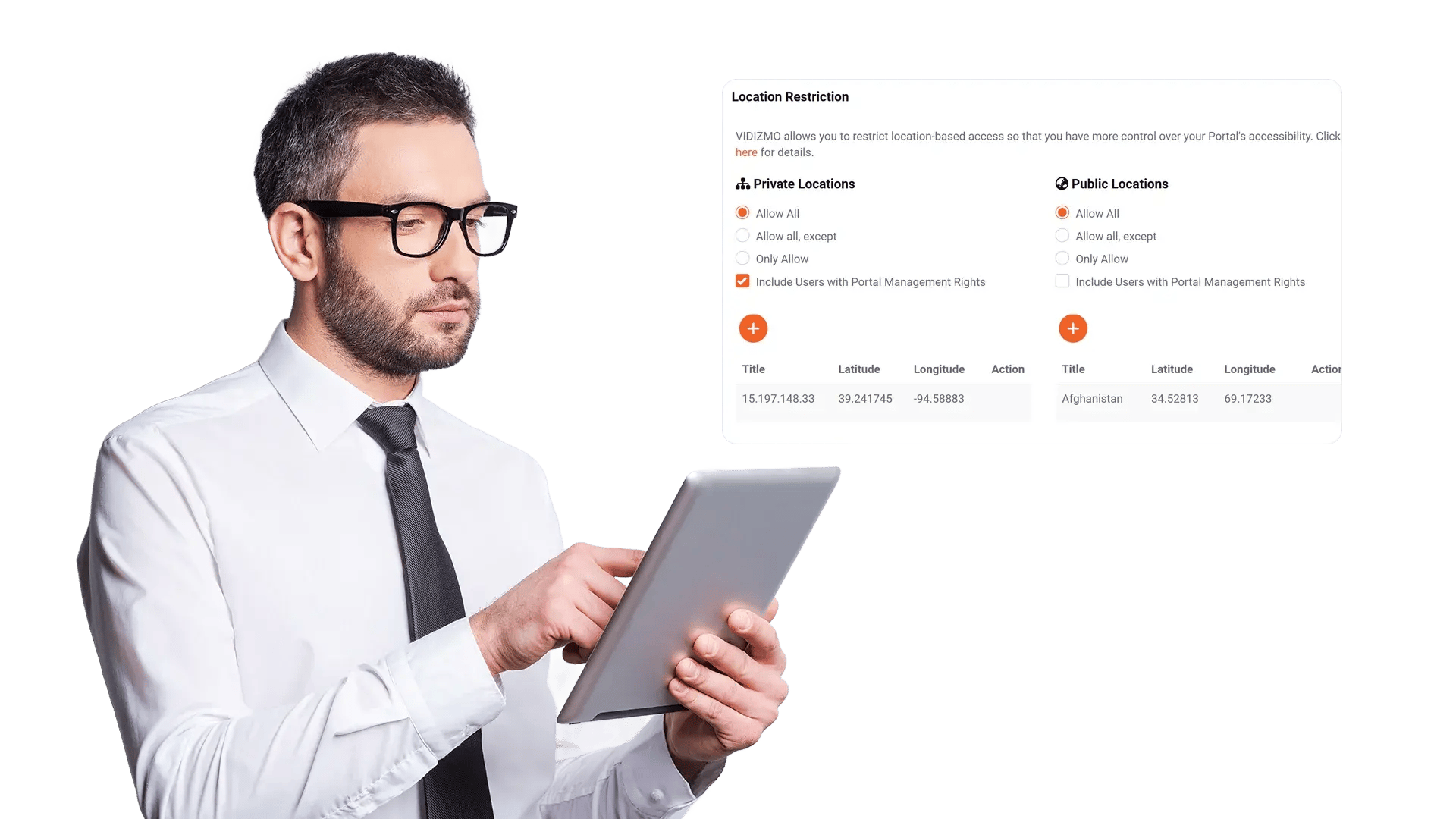
Add Contextual Controls with Network and Location Policies
Reduce exposure by limiting where content can be accessed from. Apply policies that consider network context so sensitive videos remain streamable within approved environments and blocked elsewhere.
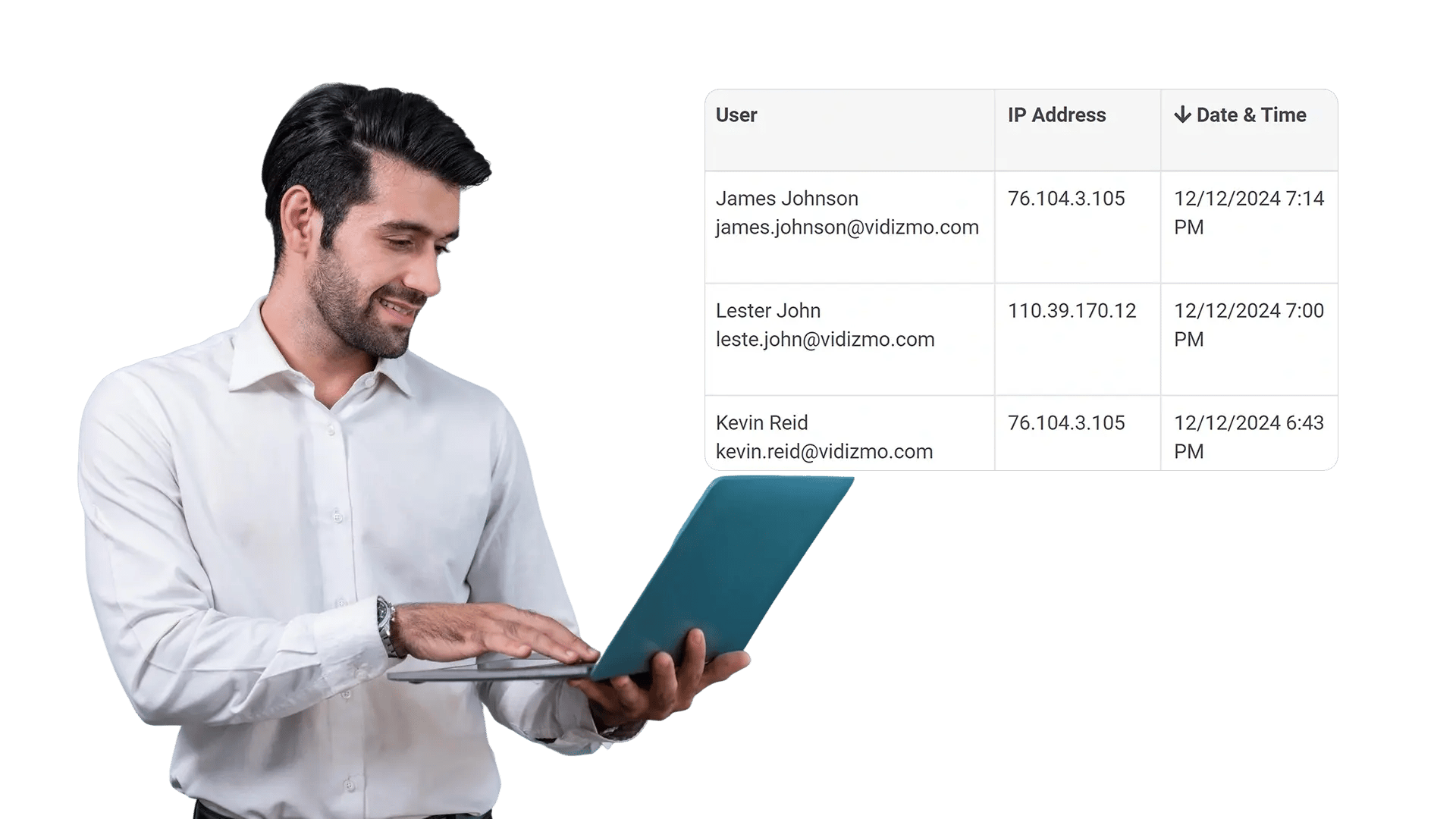
Audit Activity to Prove Compliance and Investigate Incidents
Visibility matters as much as enforcement. Track access, policy changes, and usage signals so security and compliance teams can demonstrate adherence and respond quickly when something looks off.
Can Be Used For
Compliance and controlled distribution
Keep regulated videos from leaving your environment while still enabling secure viewing for authorized teams.

Executive communications
Share leadership updates safely across business units without risking off-platform re-uploads.

Internal training and onboarding
Reduce content leakage by limiting downloads while employees access training on demand.

Investigations and incident review
Protect sensitive footage with strict controls, audit trails, and time-bound access.

Partner and vendor enablement
Allow viewing for external collaborators without enabling local copies that can be redistributed.

Distributed and field teams
Support access across locations while applying IP, device, and location-based controls.
Frequently Asked Questions
Download Restrictions let you prevent users from saving video files locally. You can disable downloads entirely or allow them only for approved roles, groups, or workflows.
Yes. Apply role-based and group-based permissions so only designated users (for example, admins or compliance officers) can download, while other viewers can stream without local copies.
Yes. Configure policies at the content level so the same library can host public-facing videos and restricted internal videos with different download settings.
Yes. Combine download restrictions with expiration windows so access automatically ends after a date, project milestone, or review period.
Use audit logs and reporting to review access activity, permission changes, and usage patterns so security and compliance teams can investigate anomalies.
Playback remains available for authorized viewers, while sharing and embed settings can be governed separately. This helps you keep streaming convenient without enabling file distribution.