<img height="1" width="1" style="display:none;" alt="" src="https://px.ads.linkedin.com/collect/?pid=YOUR_ID&amp;fmt=gif">

Customizable Video Player for Consistent, Controlled Playback

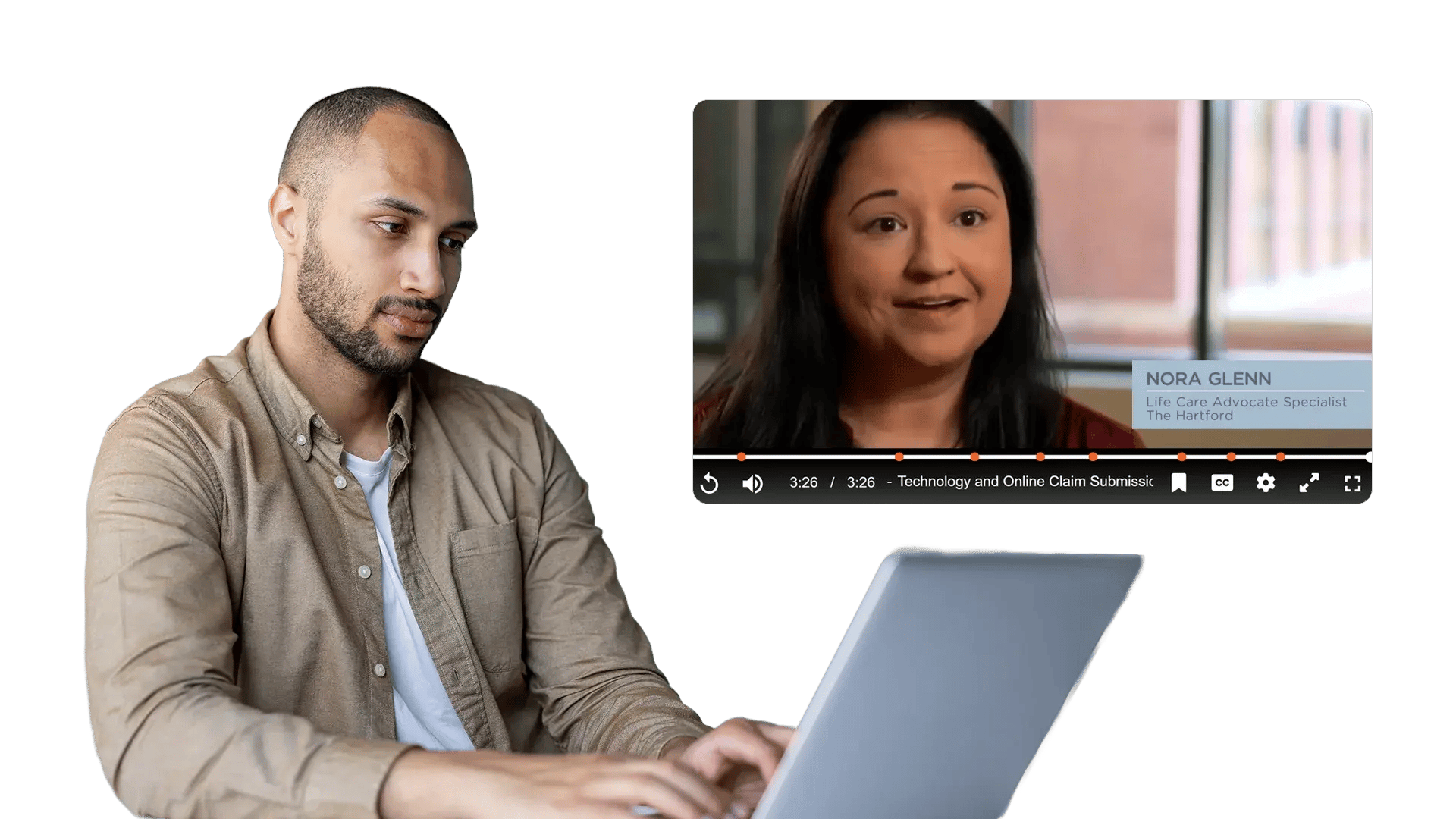
Change the way your video player behaves using player controls such as seek, loop, full-screen mode, and more. Align the player with your brand using custom styling and policies so every audience gets the right experience.
Customizable Video Player for Consistent, Controlled Playback

100+ Leading Organizations Trust Our Data and AI Solutions

Configure Player Behavior Without Rebuilding UX

Different teams need different playback behavior. Training may require controlled viewing, while support teams need fast navigation. EnterpriseTube lets you configure player controls per portal, audience, or policy so videos behave the way you intend.

Configure Player Behavior Without Rebuilding UX
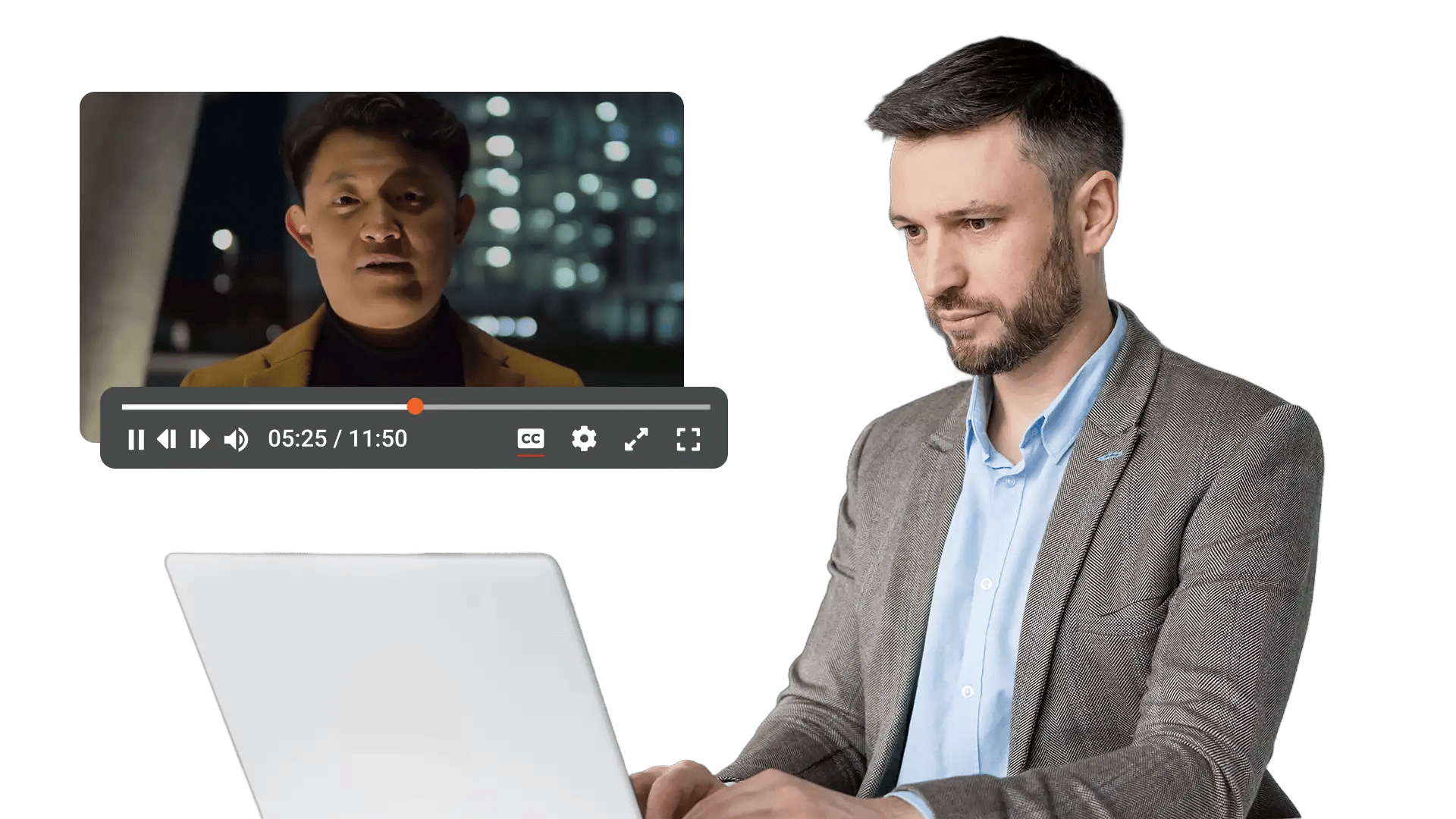
Control Seeking, Looping, and Navigation

Control Seeking, Looping, and Navigation

When viewers scrub freely, they can skip required segments or miss key details. Customize how seeking works, enable looping for short repeats, and provide just the navigation tools your users need.

Apply Custom CSS and Branding

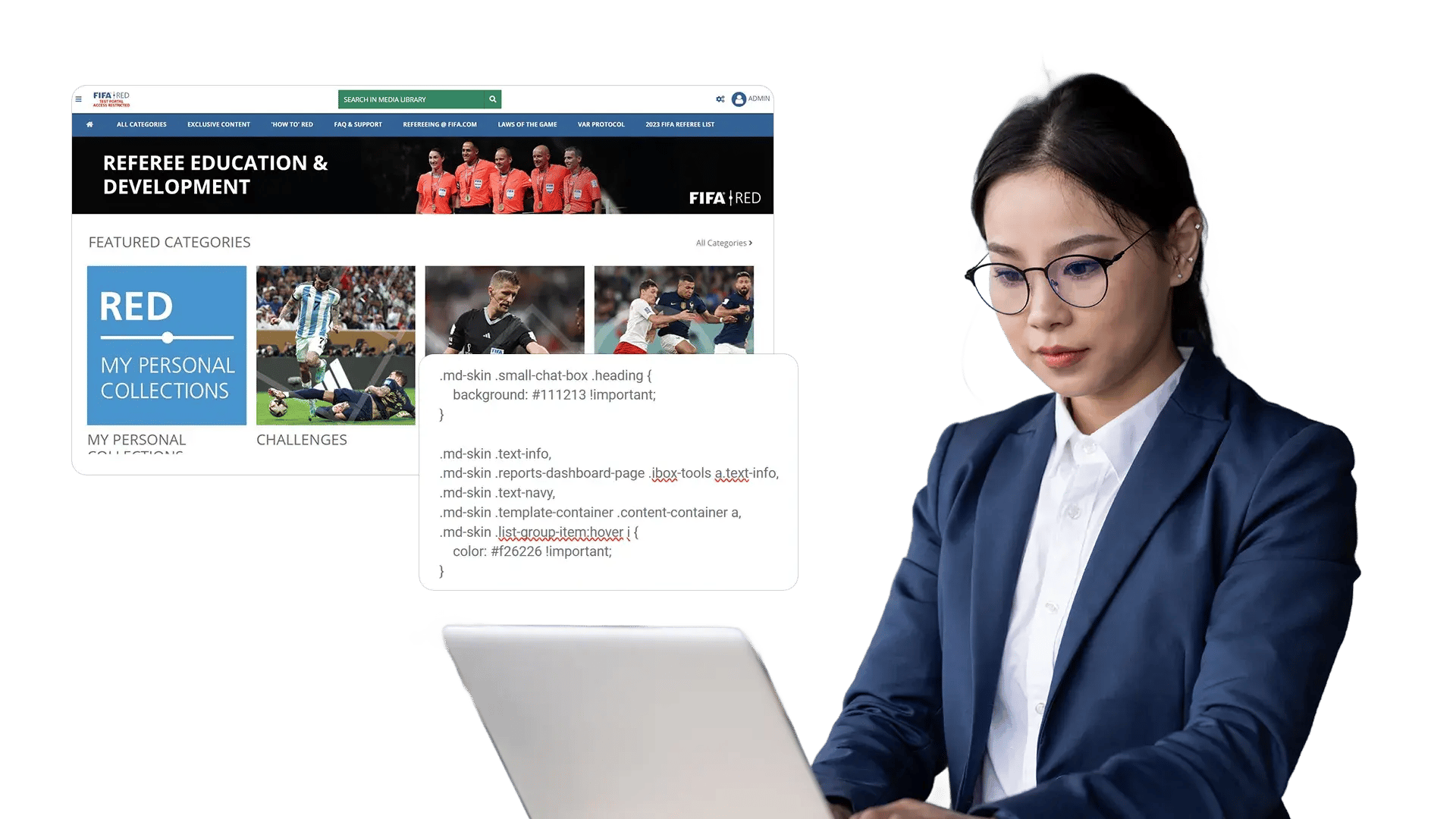
A video player that looks out of place breaks trust and consistency. Style the player to match your design system using custom CSS, brand colors, and UI preferences so videos feel native wherever they live.

Apply Custom CSS and Branding
Standardize Captions and Accessibility-Friendly Controls

Standardize Captions and Accessibility-Friendly Controls

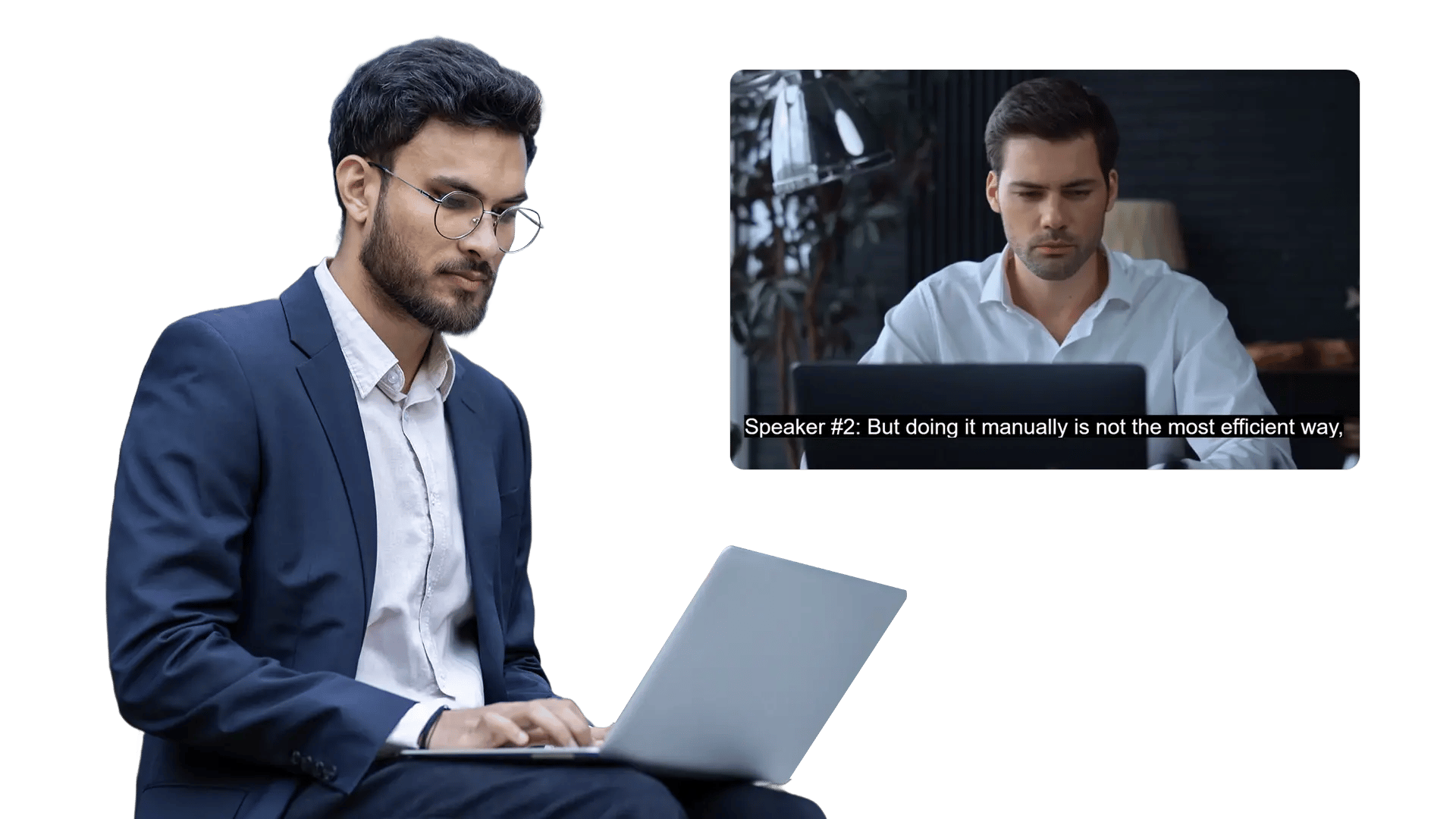
Playback customization should not compromise accessibility. Set organization-wide defaults for captions and keep the experience clear with keyboard-friendly controls and predictable UI patterns.

Bring the Same Player Rules to Every Destination

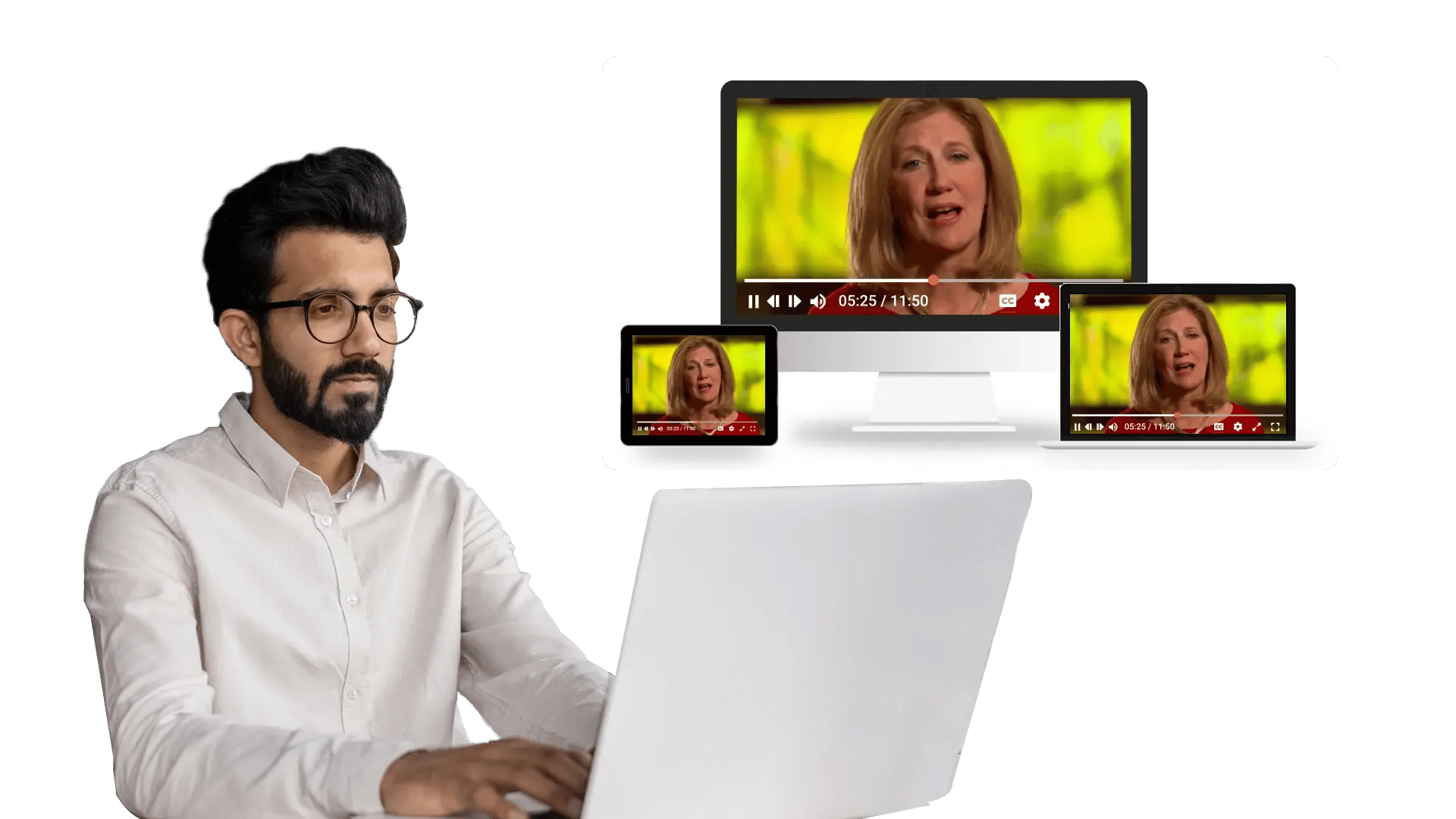
Videos appear across LMS portals, knowledge bases, and internal apps. Apply the same player behavior and styling across embeds so users always know what to expect—no matter where they watch.

Bring the Same Player Rules to Every Destination

Can Be Used For

Frequently Asked Questions

What is the Customizable Video Player in EnterpriseTube?

It is a configurable playback experience that lets admins tailor controls, behavior, and branding to match organizational policies and UX requirements—without rebuilding a player from scratch.

Can we apply our branding and custom CSS?

Yes. You can align the player with your brand using styling options and custom CSS so the experience matches your portal, intranet, or application.

Does customization work for embeds and integrations?

Yes. The same player settings can be applied to embedded videos and integrated experiences so playback behavior remains consistent across destinations.

Which player controls can I customize?

You can tailor common controls such as seek and scrub behavior, playback speed, looping, full-screen mode, captions, volume, picture-in-picture (where supported), and more—based on your use case and permissions.

Can we restrict skipping or enforce viewing behavior for training?

Yes. Configure playback policies to limit or disable seeking for certain content, enabling more controlled viewing in compliance and certification scenarios.

Will customization impact accessibility?

No—when configured properly, customization supports accessible playback by keeping captions, keyboard navigation, and readable UI patterns in mind. You can standardize accessibility-friendly defaults across the library.

Make Your Video Player Fit Your Brand and Policy

Deliver a consistent playback experience across portals, embeds, and apps—while controlling how viewers interact with sensitive, training, and internal content.
back to top