
Content Creation for Fast Knowledge Sharing
Record yourself or your screen to create engaging video content, such as tutorials, video lectures, and more, in the video platform for business.
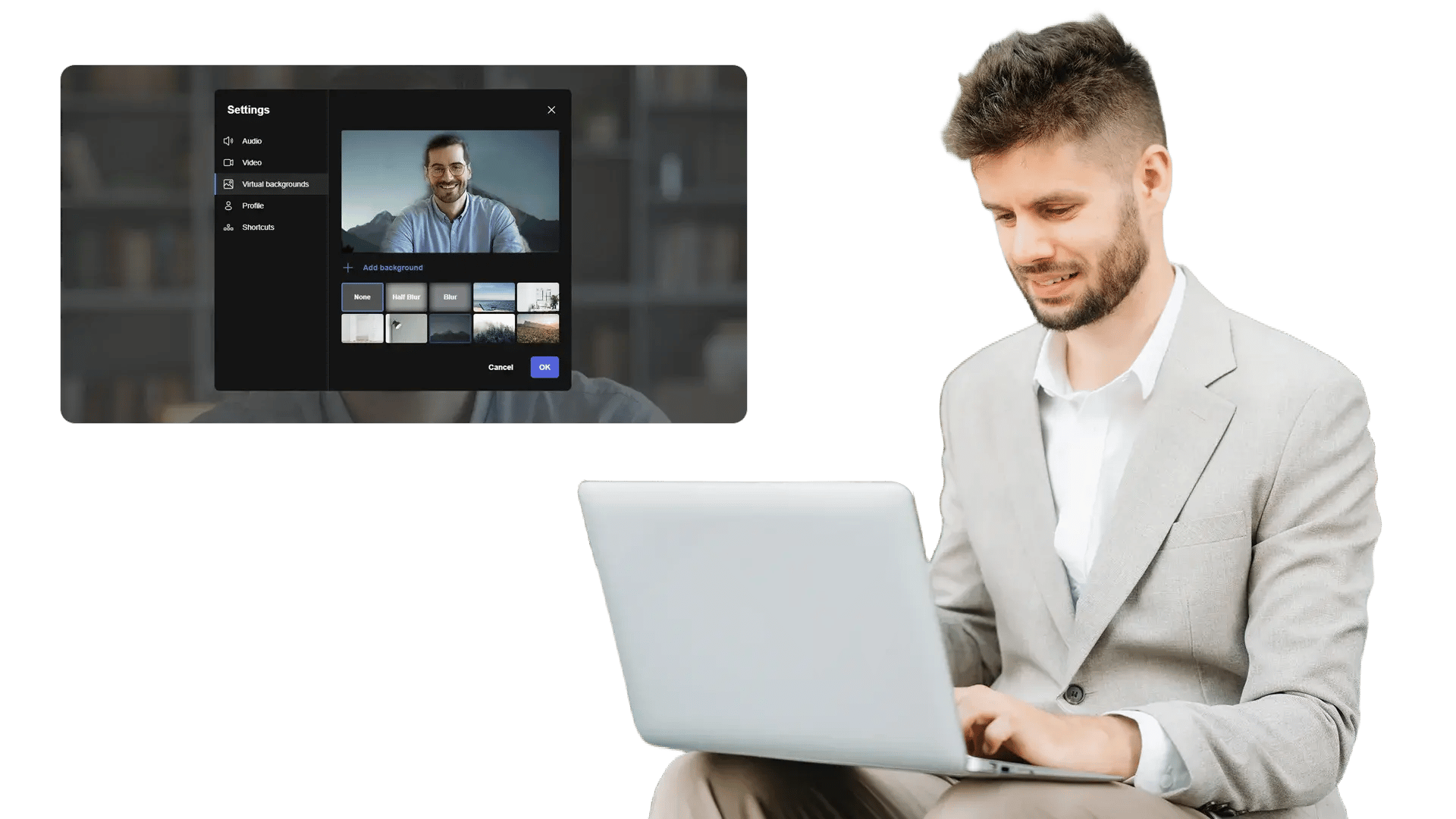





















Record Screen Walkthroughs Without Extra Tools
Teams create tutorials and SOPs, but switching tools slows delivery. Content Creation lets users record their screen directly in EnterpriseTube so knowledge is captured while work happens.

Record Yourself for Clear, Human Explanations
Many topics land better when a presenter adds context. Record webcam video to explain concepts, narrate steps, and keep training content engaging and easier to follow.

Create Video Lectures and Lessons with Slides
Instructors and enablement teams often need quick lecture-style recordings. Capture presentations with voice and optional webcam to produce lessons that viewers can replay and reference anytime.

Polish Recordings Before Publishing
Raw recordings often include pauses, mistakes, or sensitive details. Prepare content for sharing by cleaning the recording before it goes live to your library.
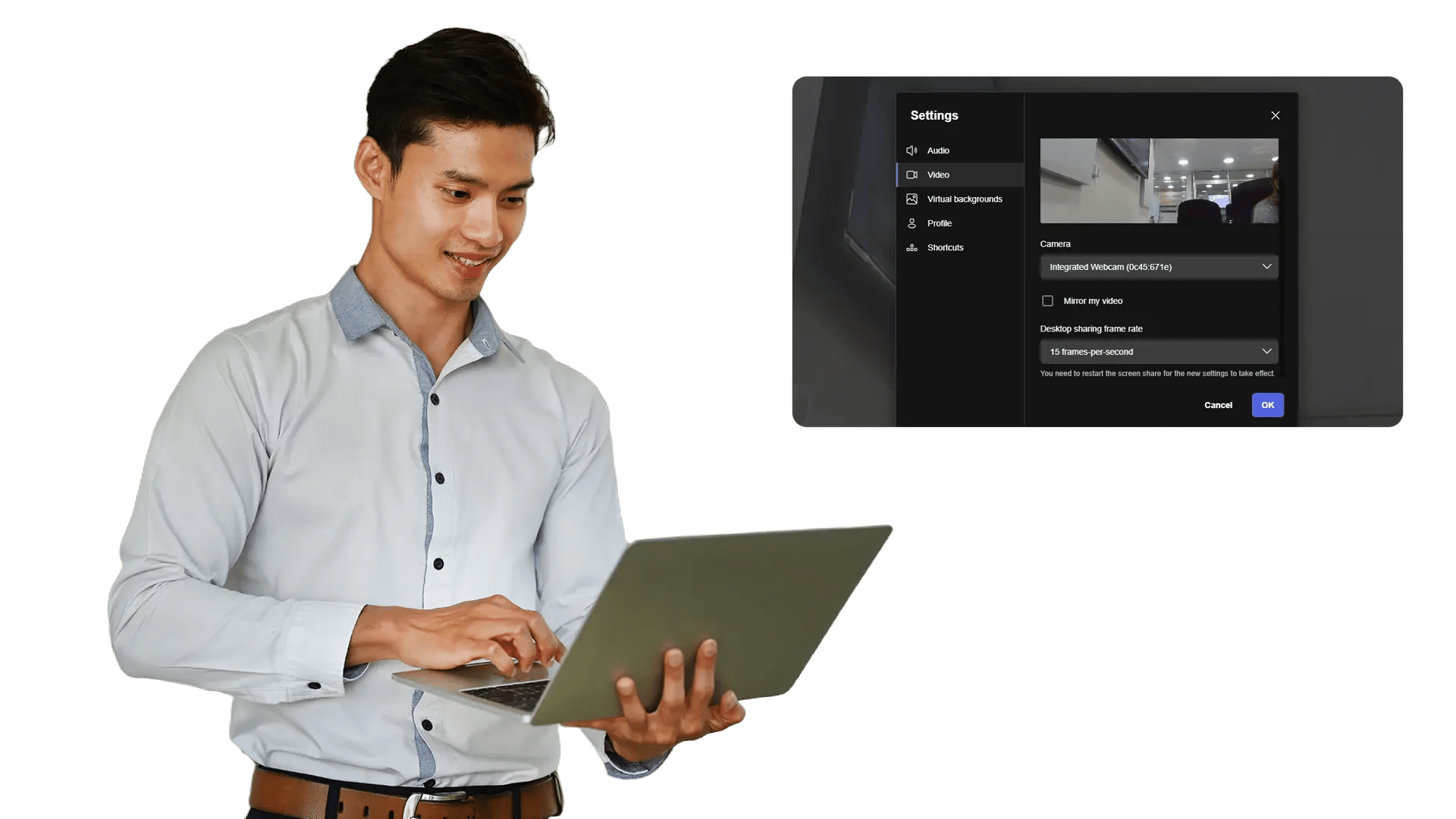
Publish Directly to Your Enterprise Video Library
After recording, content should be easy to store, manage, and share. Publish videos into EnterpriseTube so they are organized, governed, and available to the right audience.
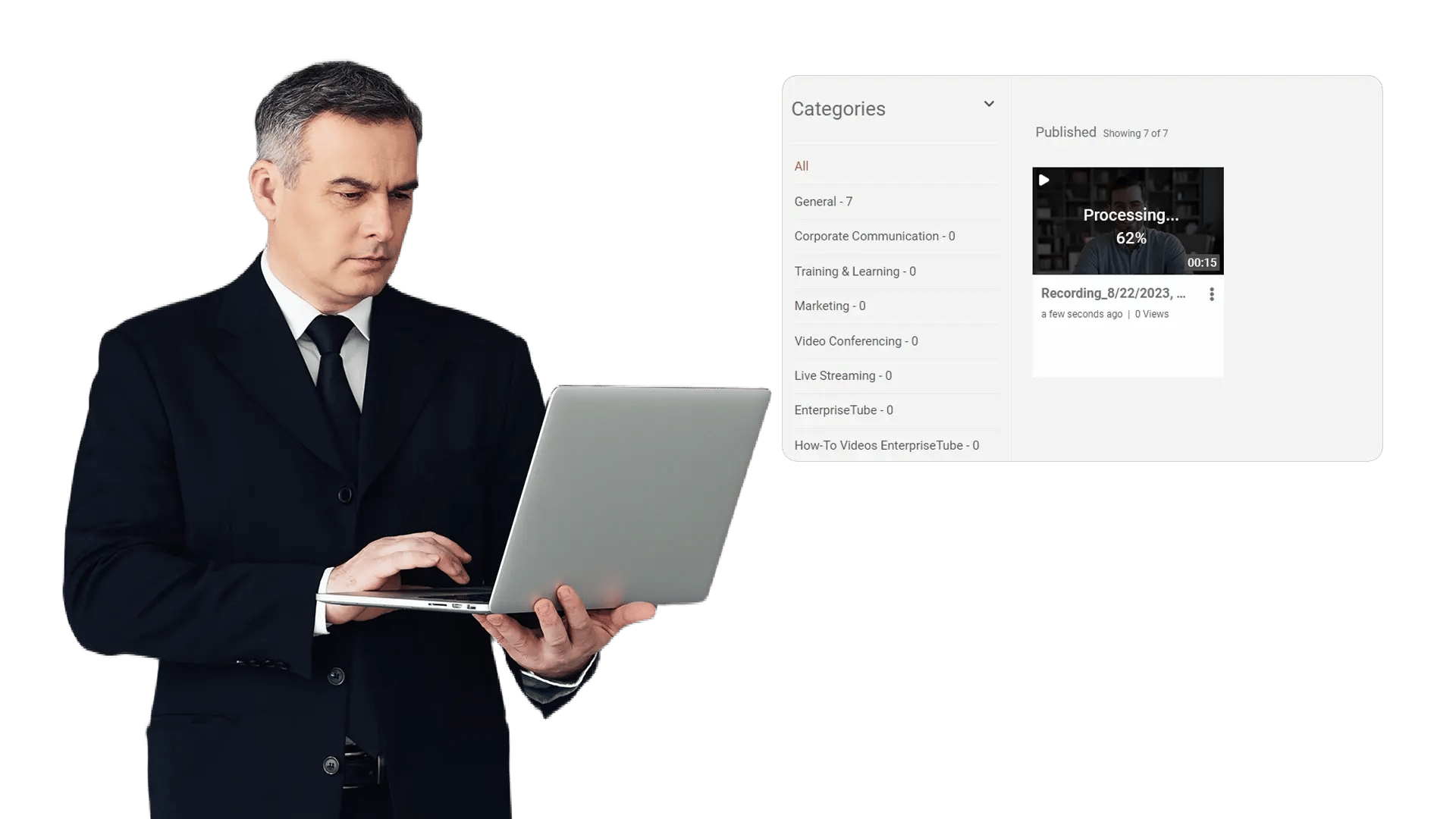
Create onboarding and training videos
Record how-to walkthroughs and repeatable SOPs so new hires ramp faster and teams stay aligned.
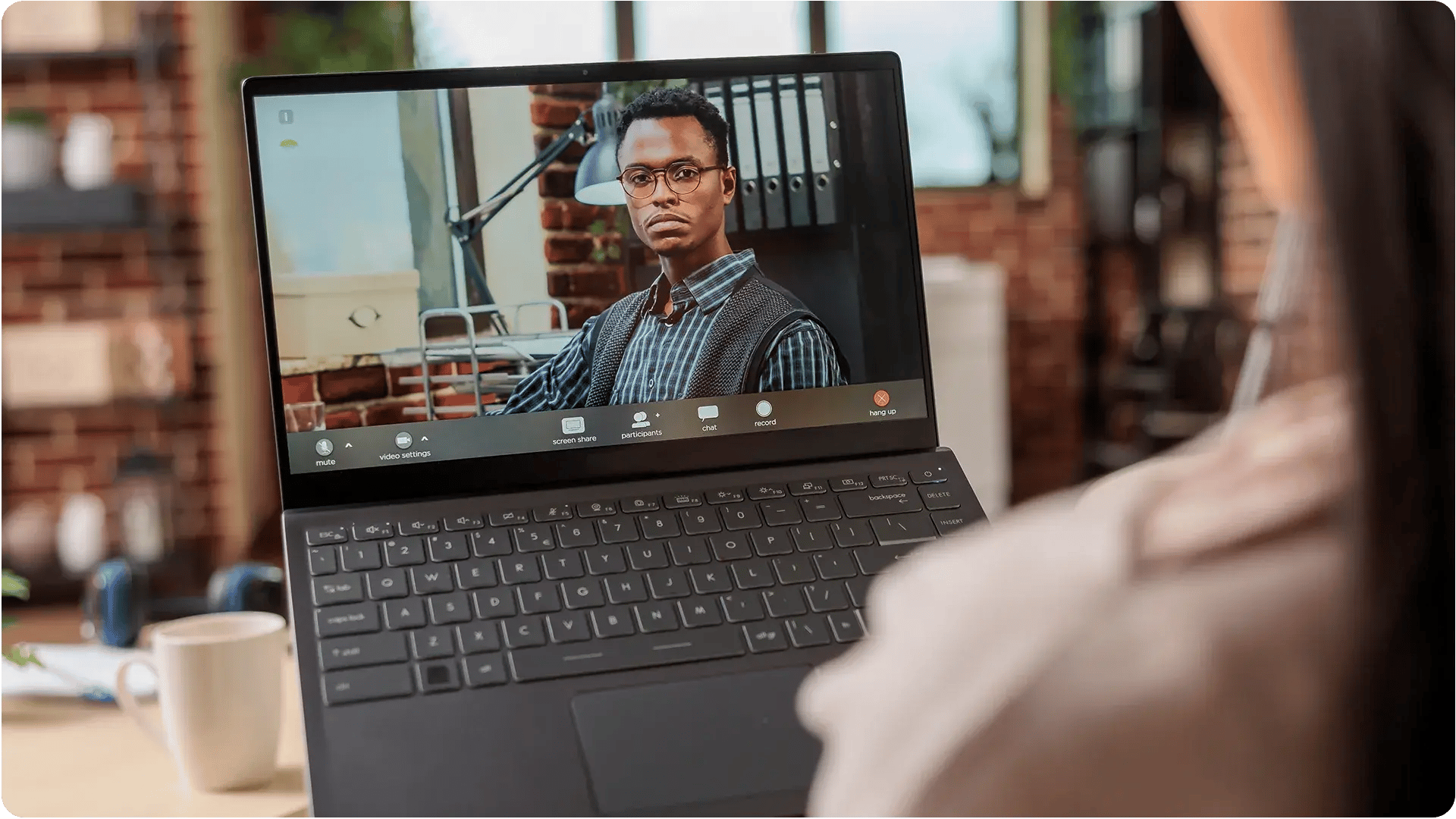
Record video lectures and lessons
Capture slides with voice and webcam to build engaging learning content without extra tools.
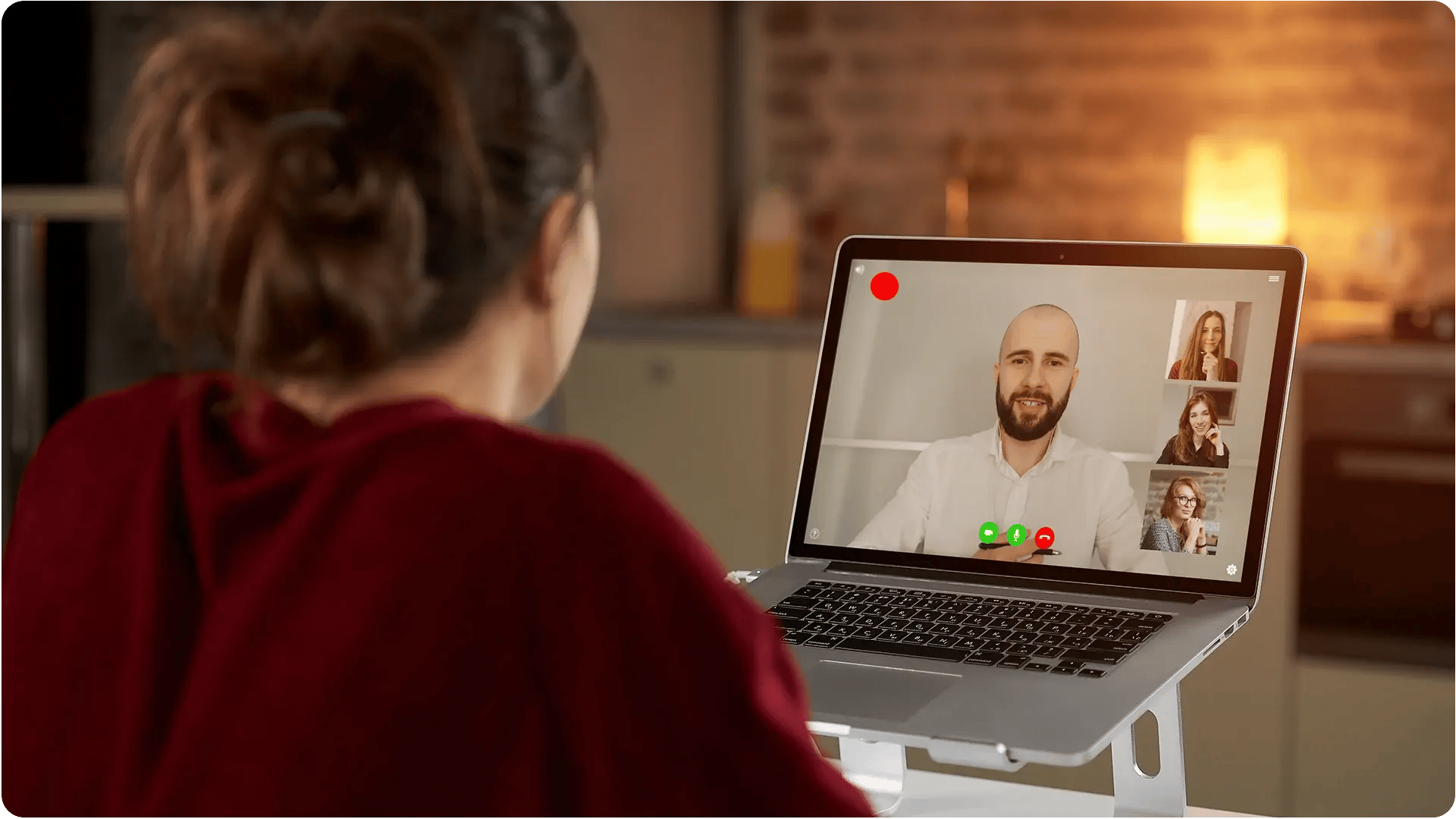
Share product demos and tutorials
Show steps on screen, highlight best practices, and publish to the right audience in minutes.

Publish leadership and team updates
Replace long emails with short updates that are easy to consume, replay, and reference later.
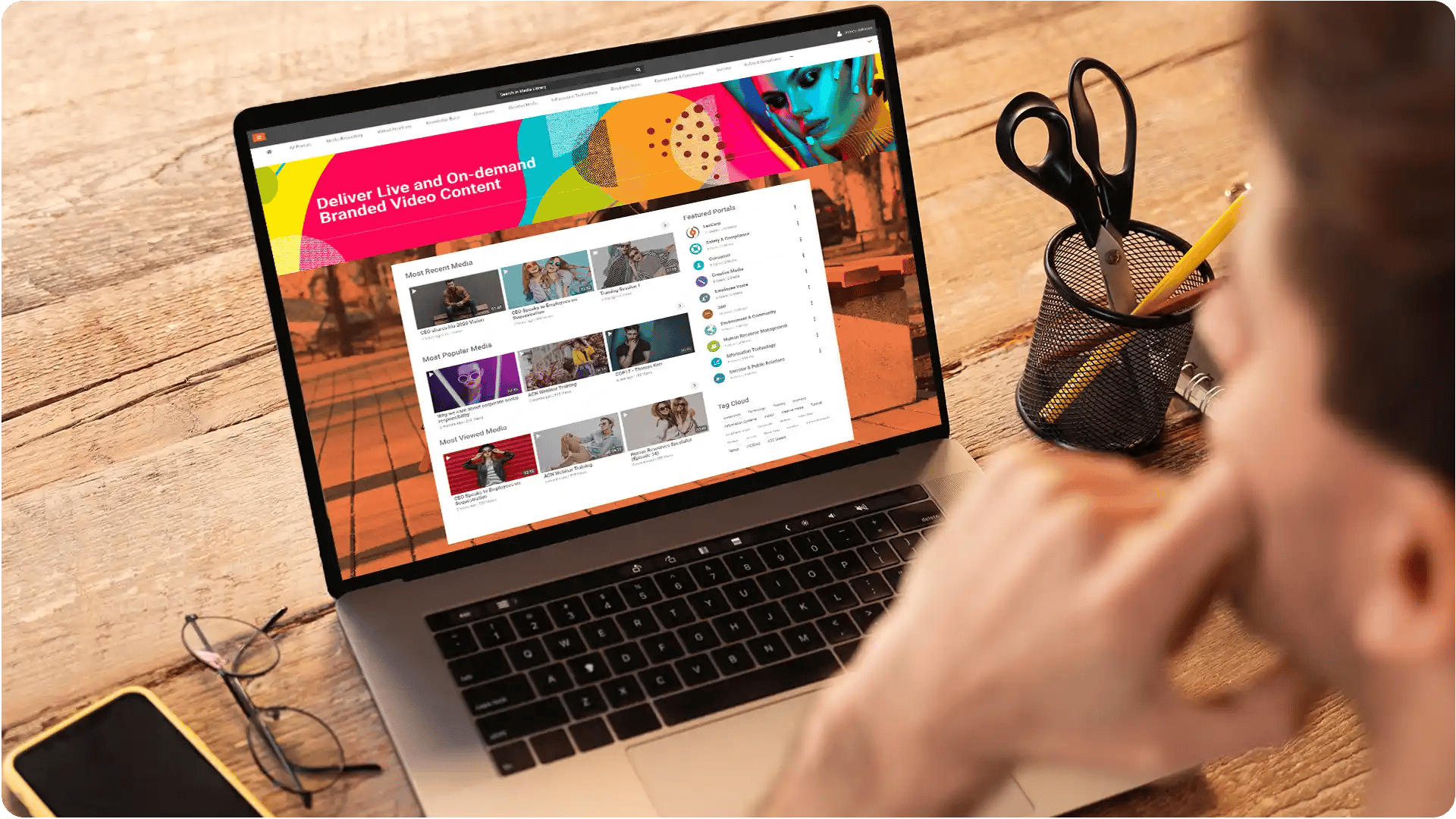
Standardize branded content at scale
Apply approved templates and overlays so every department publishes consistent, professional videos.
