
AI Video Search for Fast Knowledge Retrieval
Search inside your video library using transcripts, on screen text, and metadata. Find the right moment, open results at timestamps, and use a RAG chatbot as an alternate search path for questions and answers.

















Find the Exact Moment Inside Long Videos
Teams store meetings, training, and briefings, then lose time scrubbing recordings to find one line or decision. AI Video Search helps users locate the right moment and open the video at the point where the match occurs.
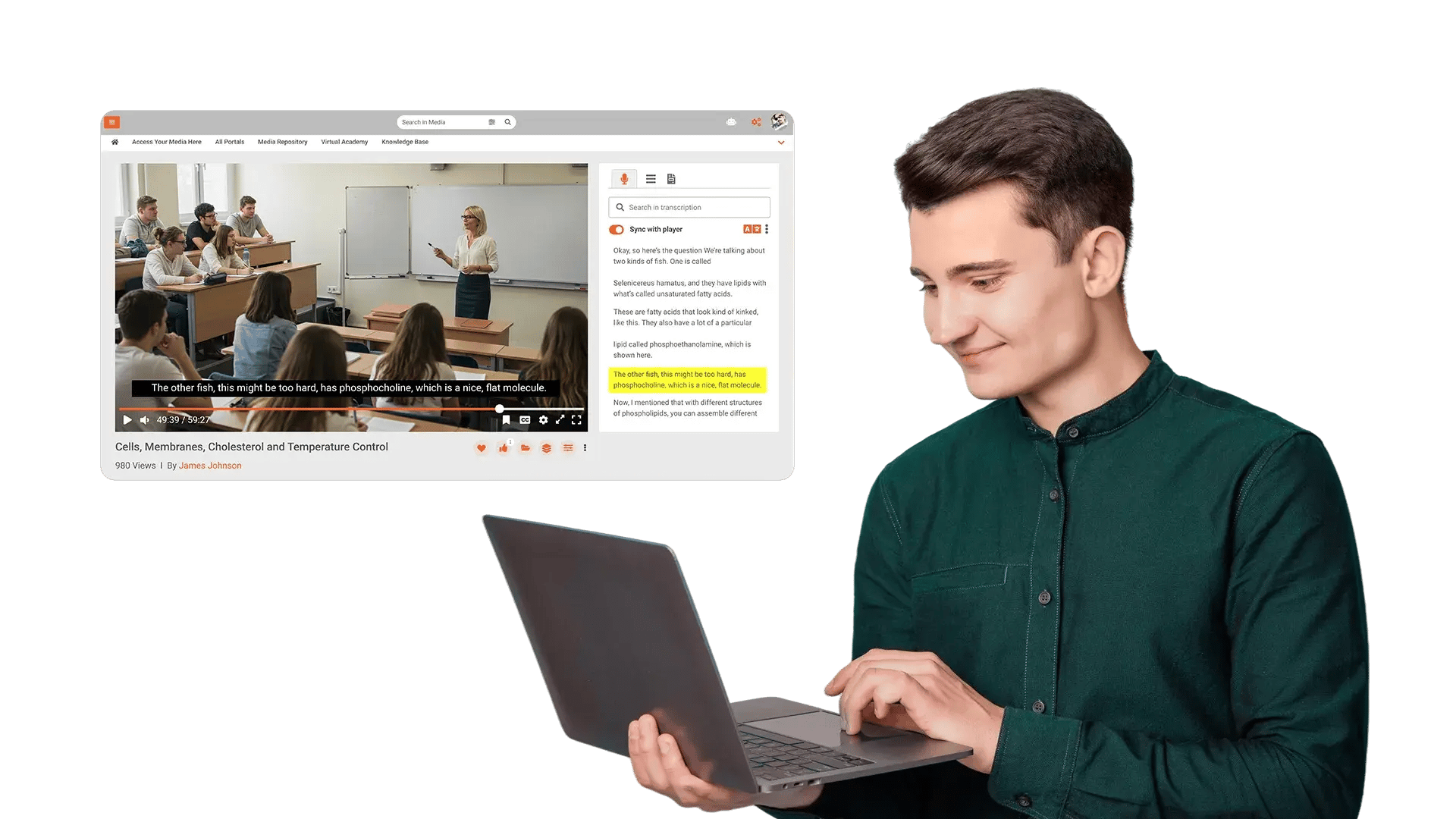
Search Spoken Words with Transcripts and Timestamps
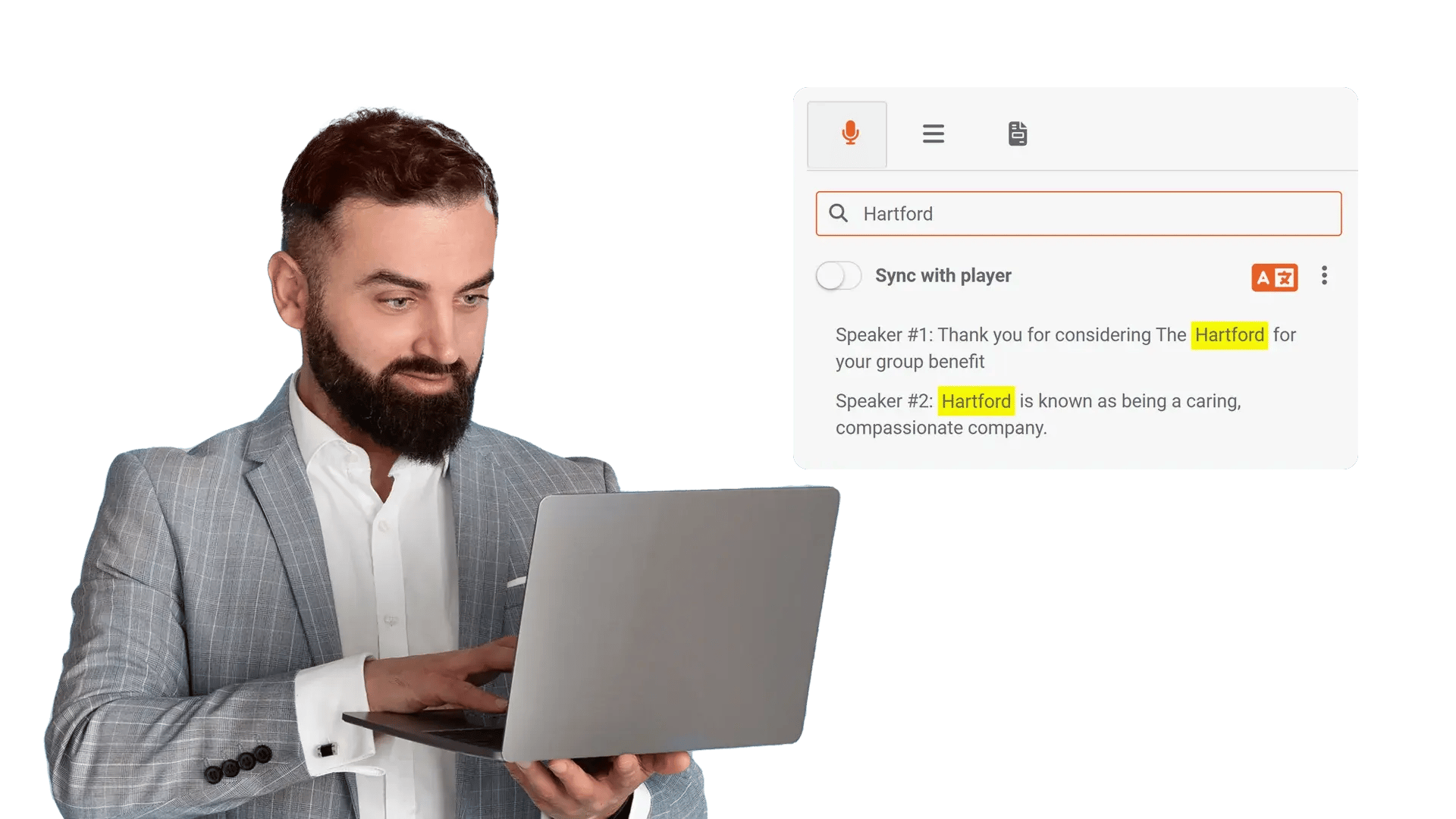
When users only search titles, they miss content buried inside hours of discussion. EnterpriseTube indexes speech into transcripts so users search keywords and jump to matching timestamps.
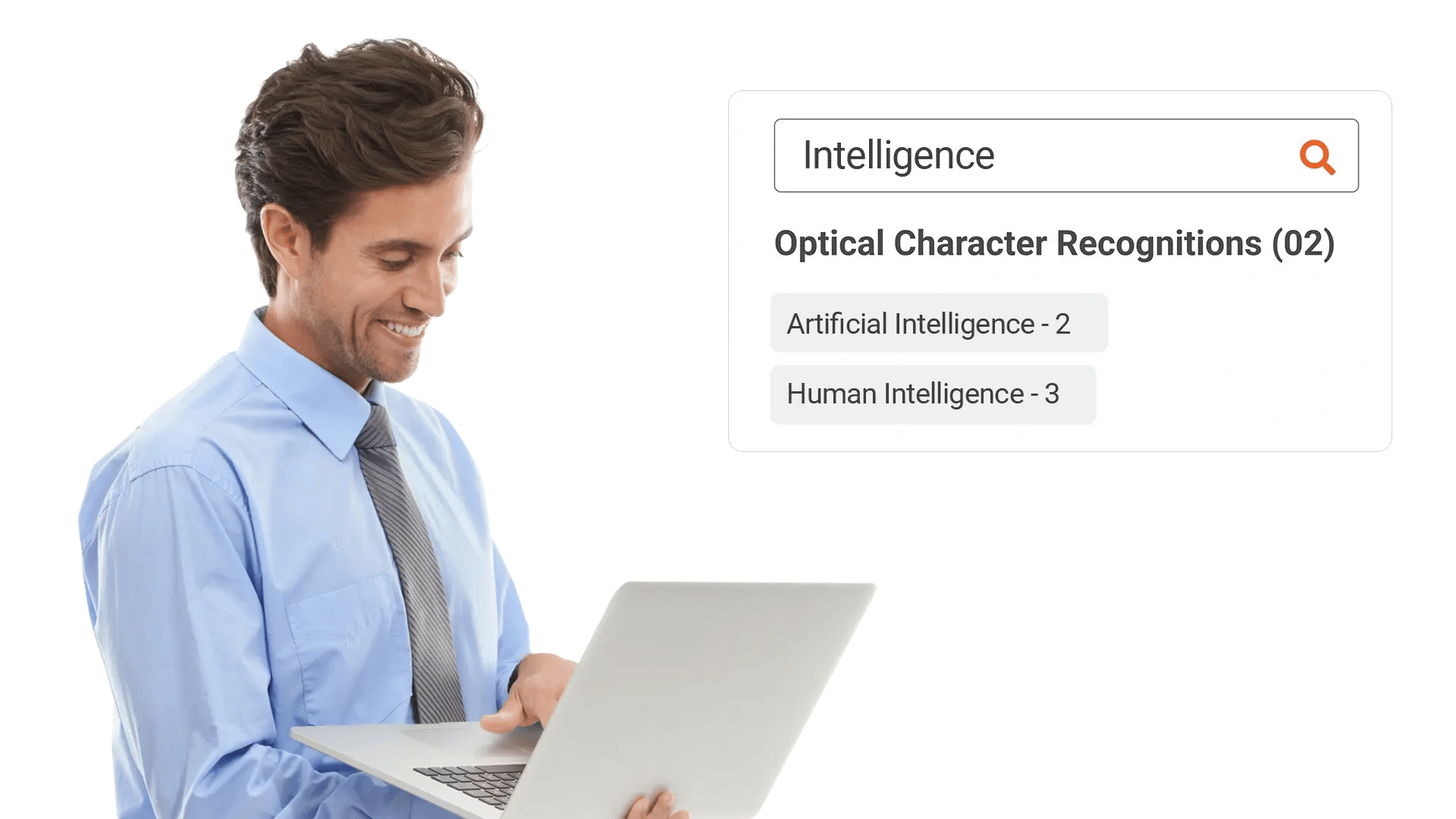
Discover on Screen Text Using OCR
Slides, demos, and screen shares often carry the details teams need, but titles rarely capture them. OCR detects text shown on screen so users can search what appears in the video and open the exact moment.
Narrow Results with Filters and Custom Attributes
Large libraries produce broad results unless users can filter by context like department, case ID, or project code. EnterpriseTube supports faceted filtering across metadata, tags, and custom attributes so users reach the right asset fast.

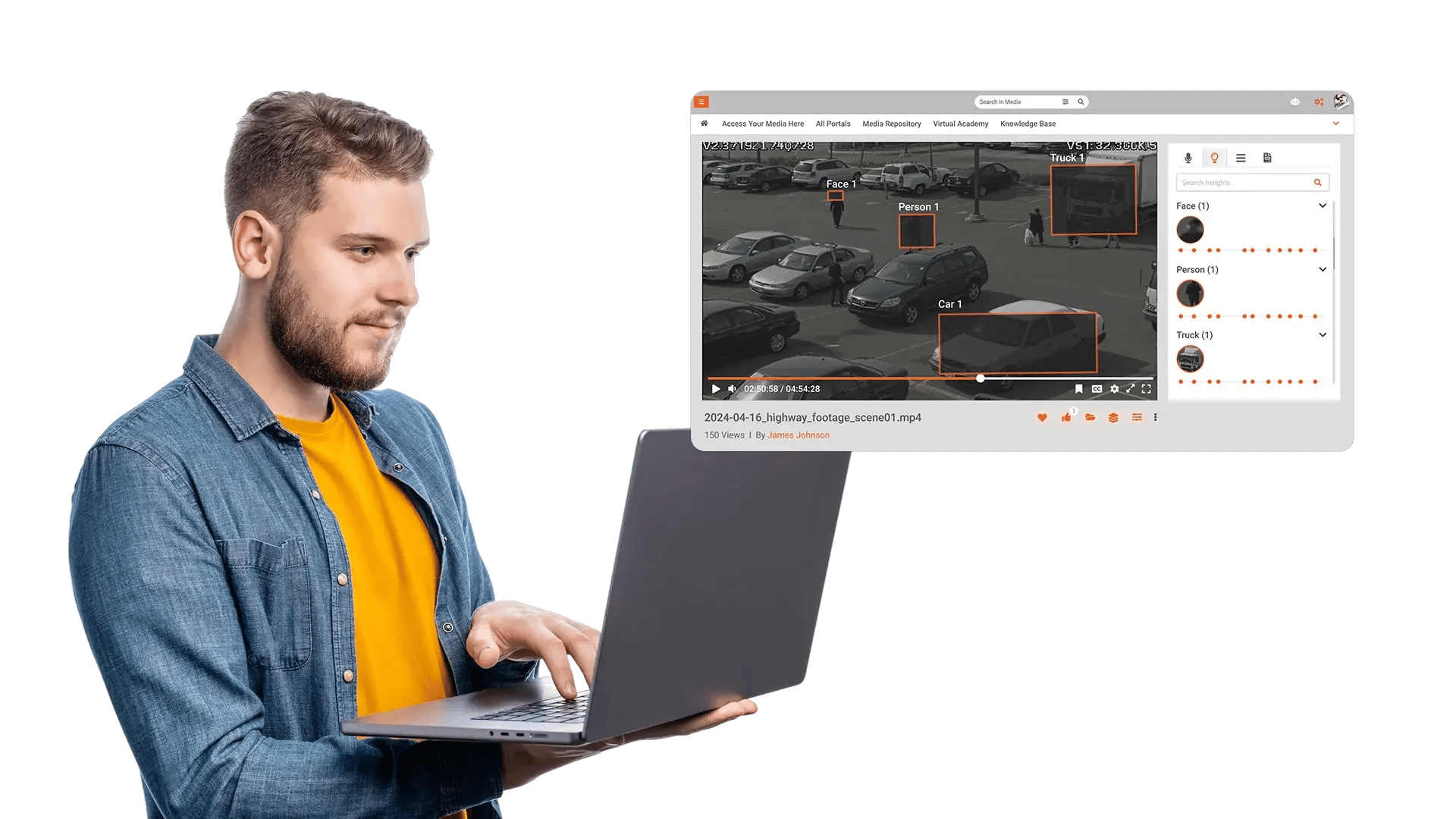
Identify Objects and Faces to Refine Discovery
In surveillance, safety, and field footage, teams often need to locate people or items without knowing the right keywords. Object and face detection adds another way to narrow results so users can reach the clips that match visual cues.
Ask Questions with a RAG Chatbot and Open Cited Clips
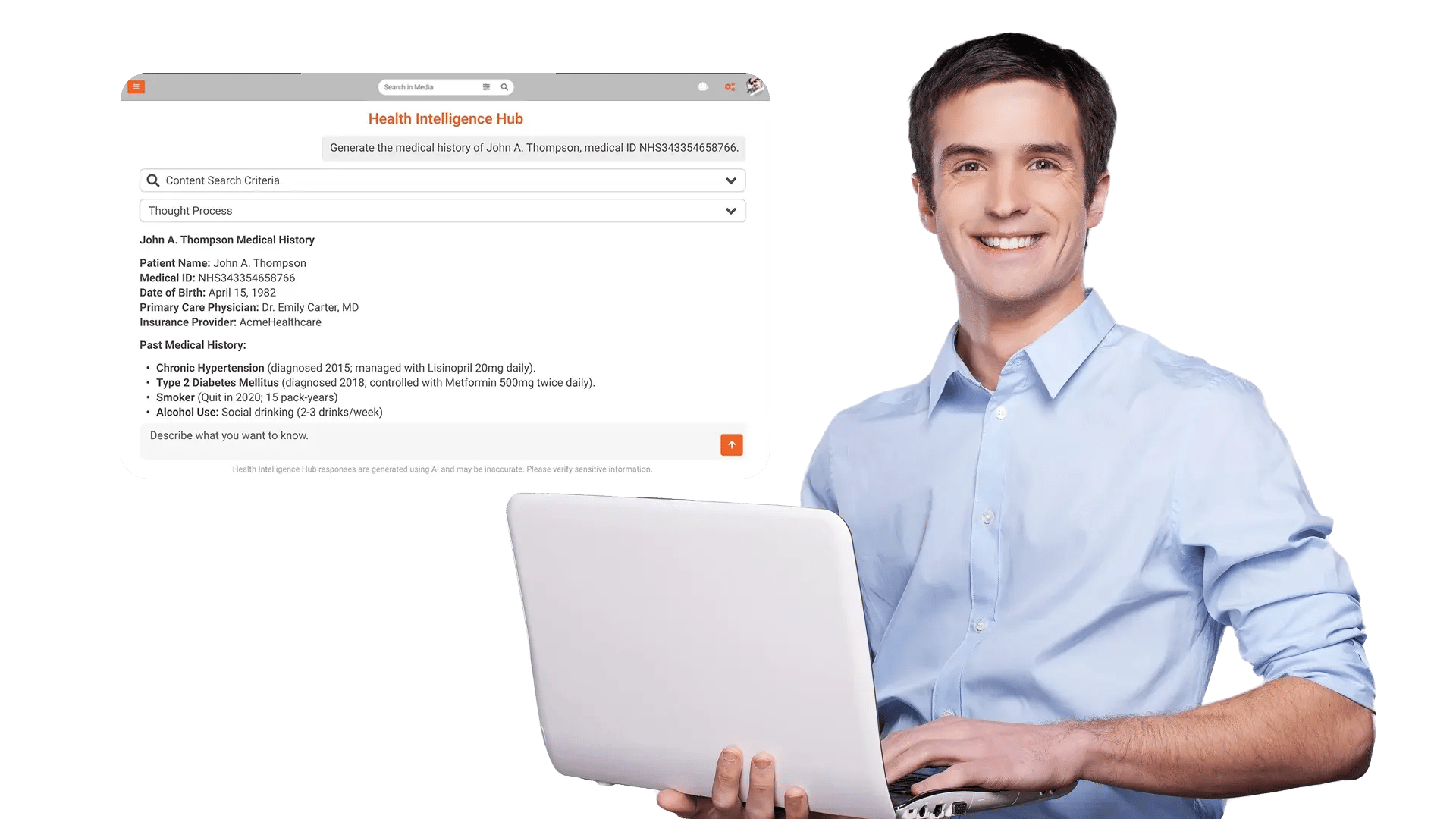
Some users do not know the right keywords, or they want an answer first, then the supporting source. A RAG chatbot lets users ask a question, then returns answers tied to your library with links to relevant video moments.

Search meetings and town halls
Find who said what, when a decision happened, and the timestamp to share with your team.

Retrieve policy and compliance guidance
Search training libraries for the exact point where a rule, process, or requirement is explained.

Support investigations and case review
Locate evidence inside recordings using spoken terms, on screen text, and case attributes.

Find product knowledge in enablement libraries
Search demos and walkthroughs for features, steps, and terms shown on screen.

Answer questions fast, then verify in the source
Use the RAG chatbot for quick Q and A, then open the cited clip to confirm context.
