
by Rafay Muneer, Last updated: March 18, 2026

Your agency portals do almost everything; services, forms, case tracking, and citizen communication. Yet when it comes to video, they suddenly hit a wall.
So town halls end up on consumer platforms you don’t control. Training lives in a separate LMS that nobody can find. Emergency broadcasts go out as long emails instead of live streams. And every new initiative that should use video gets watered down to PDF attachments and static pages.
The damage isn’t loud, but it’s constant: lower engagement, confused citizens, staff who ignore training, and leaders who quietly wonder why “digital transformation” still feels like a slide deck instead of a reality.
The most frustrating part? You’re not missing video because you don’t see the value. You’re missing it because your current platforms are already in place, and you cannot afford to rip and replace them just to enable modern video experiences.
Your Systems Work… But They’re Stuck in a Pre-Video World
Most government IT and program leaders live in the same tension:
- You have mature case management, citizen portals, intranets, and LMS platforms.
- Your security, governance, and funding cycles make big system overhauls nearly impossible.
- Yet your stakeholders now expect live streaming, on-demand video, and Netflix-style experiences.
This gap shows up in very real ways:
- Fragmented experiences: Users have to leave your portal to watch a video elsewhere. Many never come back.
- Shadow IT: Teams spin up YouTube, Vimeo, or ad hoc solutions that bypass policy and security.
- No single source of truth: Video content is scattered across shared drives, portals, and public platforms.
- Limited visibility: You can’t answer basic questions like “Who watched this compliance training?” or “How many citizens viewed last week’s town hall livestream?”
Underneath it all is a simple structural problem: your platforms weren’t built for video, and you’re under pressure to add video capabilities without restarting your entire tech stack.
Why Rebuilding Government Platforms for Video Is a Non-Starter
On paper, you could rebuild your portals and systems with video in mind. In reality, you can’t and shouldn’t.
Rebuilding is often impossible because:
- Budget cycles are slow: Multi-year procurement just to replace functioning systems is a non-starter.
- Risk is high: Legacy systems are deeply integrated with identity, records, and workflows. Rewrites are risky and disruptive.
- Change management is overwhelming: Staff and citizens are already overloaded with new tools and interfaces.
- Compliance is complex: Any new platform has to be re-vetted for FedRAMP, CJIS, GDPR, or local regulations – not a trivial process.
Yet the pressure doesn’t go away. Public hearings need a video streaming API for live streaming. Training departments need secure video integration inside existing LMS portals. Communications teams need to embed video in government portals without spinning up a dozen separate sites.
So you’re stuck: leadership wants better video, but you can’t justify a do-over of systems that otherwise work.
Why Video Platform APIs Are the Answer
This is where video platform API integration comes in.
Put simply, an API is a secure connector that lets one system talk to another. Instead of rebuilding your portal to handle video, you connect it to a dedicated video platform through APIs.
In plain language:
- Your portal stays the same – same URL, same login page, same user experience.
- The video platform handles all the heavy lifting: storing, encrypting, streaming, and managing video.
- APIs act as the wires between themm, quietly passing data, permissions, and content behind the scenes.
You can think of video platform API integration as the difference between building your own power plant and just connecting to the grid. You don’t need to become a video engineering shop. You just need reliable, standards-based connectors.
What “Good” Video Platform API Integration Looks Like in Government
Not all integrations are equal. A few embed codes taped into a portal page is not a strategy. Mature video platform API integration in government usually has these traits:
- Embedded video players that live inside your existing portals – no jarring redirects.
- Single sign-on (SSO) video integration so users log in once, and their video permissions match their existing roles.
- Configurable access controls tied to your directory (Active Directory, Azure AD, LDAP, etc.).
- Automated workflows for uploading, publishing, and archiving videos.
- Analytics pulled via API into existing dashboards for reporting and audit.
- Auditable, compliant storage with retention policies and e-discovery support.
The goal is simple: give users a seamless video experience inside the systems they already use, while IT retains control over security, compliance, and integration.
Core Integration Use Cases for Government Video
When government agencies explore video platform API integration, the same use cases show up again and again. Here’s what usually rises to the top.
1. Embedding video in government portals
Civil service portals, citizen self-service platforms, and internal intranets often need video “in context” – not on a separate site.
With a video streaming API, you can:
- Embed video in government portals as part of existing workflows (e.g., onboarding checklists, benefit explanations, application walkthroughs).
- Surface relevant videos based on user profile, department, or service type.
- Ensure content is accessible (captions, transcripts, multi-language support) without redesigning the portal.
2. Live streaming public meetings and internal broadcasts
City councils, agency town halls, emergency briefings – these all benefit from a video API for live streaming that ties into existing communication channels.
Through video platform API integration, agencies can:
- Schedule and manage live events from the video platform while surfacing them inside portals.
- Embed a live player in portals, intranets, and public pages.
- Automatically archive live streams as on-demand recordings with the right permissions.
3. Training and e-learning inside existing LMS
Training divisions don’t want one more standalone system. They want secure video integration within their current LMS, HR, or learning portal.
API-driven integration allows you to:
- Host video lessons in the video platform while presenting them as LMS modules.
- Track completions and watch-time analytics via the LMS using API data.
- Apply SSO video integration so user roles and groups drive content access.
4. Analytics and auditing
For government, it’s not enough to stream video. You need proof that critical content was actually consumed.
APIs enable you to:
- Pull video analytics into existing BI tools or data warehouses.
- Report on who watched what, when, and for how long.
- Support compliance, audits, and legal discovery from a unified source.
EnterpriseTube: API-Based Video Platform for Government
Let’s look at how a modern enterprise-grade video platform like EnterpriseTube typically connects into existing government systems via APIs.
EnterpriseTube is built around video platform API integration as a core capability, not an afterthought. Agencies use several common patterns:
1. Embedded player integration
This is the lightest-weight approach and often the first step.
- EnterpriseTube hosts and secures the content.
- You embed video in government portals using configurable players – responsive, branded, and accessible.
- APIs control which videos appear where, and under what conditions (e.g., user role, case status).
It feels native to the portal, but you’re not asking your portal to suddenly become a video repository.
2. Full portal integration
In more advanced deployments, EnterpriseTube essentially becomes the “video engine” behind the scenes while your portal becomes the single front door.
- Users browse, search, and interact with content within your portal UI.
- EnterpriseTube APIs serve up video libraries, metadata, and thumbnails on demand.
- Actions like upload, share, or request access are all triggered through your portal and executed through the video APIs.
This approach keeps your existing UX and navigation but leverages a purpose-built video backend.
3. Secure authentication and SSO video integration
Security is where generic consumer platforms fall apart for government. EnterpriseTube is designed for:
- SSO video integration with existing identity providers (ADFS, Azure AD, Okta, etc.).
- Role-based and group-based permissions enforced via API for each video, channel, or collection.
- Granular access rules – internal only, specific agencies, external partners, or public.
Through video platform API integration, your portal passes a user’s authenticated identity, EnterpriseTube enforces rules, and the user never sees a second login screen.
4. Workflow and automation
EnterpriseTube exposes APIs for the entire content lifecycle:
- Program owners can upload from the portal; videos are ingested by EnterpriseTube.
- Transcoding, captioning, and security policies are applied automatically.
- Published videos are surfaced in the right sections of your portal using metadata-driven APIs.
The user sees a clean, simple process; behind the scenes, the video platform API integration keeps everything compliant and consistent.

Security, Compliance, and SSO: Non-Negotiables for Public Sector Video
Every discussion about video platform API integration in government eventually lands on the same concern: security.
A serious video platform should provide:
- Secure video integration with encryption in transit and at rest.
- Fine-grained access control down to the video or even segment level.
- Support for data residency, on-premises, or government cloud deployments where required.
- Audit trails for who accessed, shared, or changed content.
- Integration with your existing SSO and MFA stack.
On the live side, a video API for live streaming also needs to handle:
- Secure ingestion from encoders or conferencing platforms.
- Controlled distribution – public, internal, or segmented audiences.
- Recording and automatic application of your retention policies.
Security is not an add-on. It’s part of the integration design from day one.
How to Approach a Video Platform API Integration Project
To keep your initiative focused and defensible, frame your video platform API integration project in clear stages.
1. Clarify use cases and constraints
- Is this primarily for public meetings, internal training, or both?
- Which existing platforms must integrate – portals, LMS, intranet, CRM?
- What are your non-negotiables: SSO, encryption, data residency, certifications?
2. Map user journeys first, then APIs
Start with people, not endpoints. Define flows such as:
- A citizen looking up a benefit and watching an embedded explainer video.
- An employee joining a live briefing from the intranet with single sign-on.
- A manager pulling completion data for mandatory training.
Then work backward to determine which APIs are required to support those journeys.
3. Start with one or two high-impact integrations
Don’t boil the ocean. For many agencies, the first wins are:
- Embedding video in government portals for a flagship program, and
- Enabling a secure live stream for leadership communications.
These are visible, politically defensible, and technically achievable in a defined timeline.
4. Measure and expand
From the start, use the video platform’s analytics APIs to show impact:
- Increased completion of required training.
- Higher engagement with citizen-facing pages that include video.
- Reduced support calls for processes explained via video.
Use this data to justify additional phases of video platform API integration into other systems.
Common Pitfalls to Avoid
A few patterns consistently slow down government video projects. Watch for these early.
- Treating video as a side project: If it’s not tied to core outcomes – compliance, service delivery, staff readiness – it will stall.
- Ignoring identity and access up front: SSO video integration and role mapping should be part of the first conversation, not the last.
- Relying only on basic embed codes: Simple iframes seem fast but don’t give you the control, analytics, or security you need long term.
- Underestimating governance: Decide early who can upload, publish, and share; your video platform API integration should enforce those rules.
- No plan for metadata: If you don’t define titles, tags, and taxonomies, your video library will become unsearchable chaos.
About the Author
Jump to
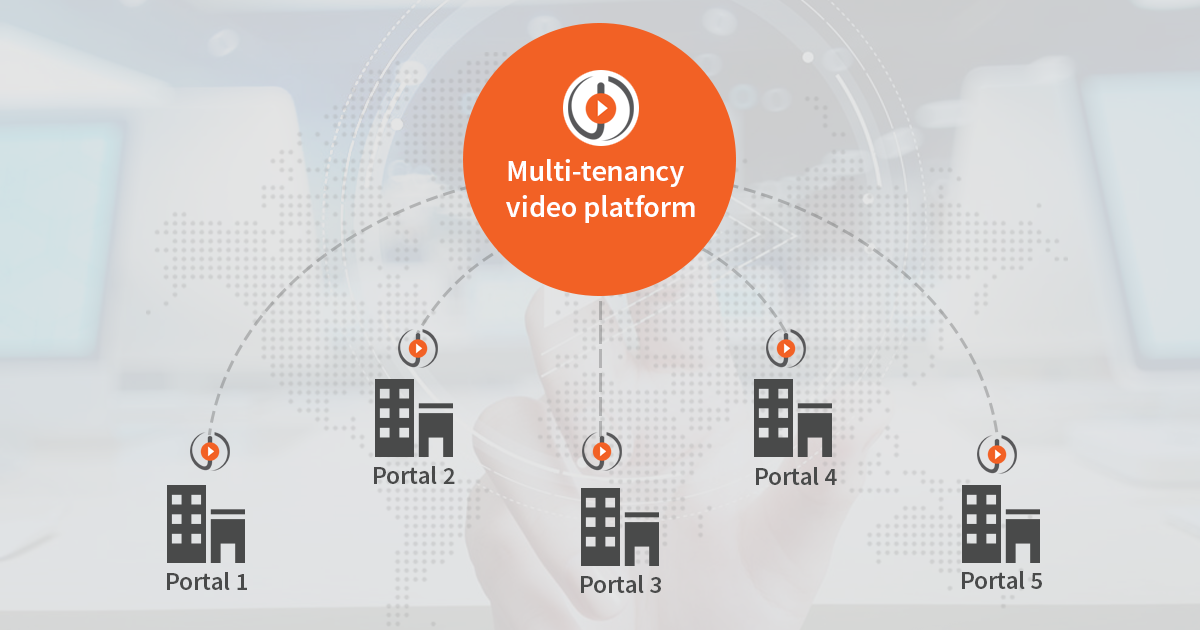
Why Enterprises Need Multiple Autonomous Portals in a Video Platform

Security Requirements for Enterprise Video Platforms: A Practical Guide for IT and Security Teams


No Comments Yet
Let us know what you think