
Edit and Prepare Video Evidence Without Leaving Your Redaction Workflow
VIDIZMO Redactor includes built-in video editing tools so your team can trim, clip, and remove segments directly alongside redaction workflows. No need to export to a separate editor. Cut irrelevant portions before or after redaction, split long recordings into focused clips, and deliver only the content that matters for review, disclosure, or publication.
Edit and redact in one place. Preserve the original every time.
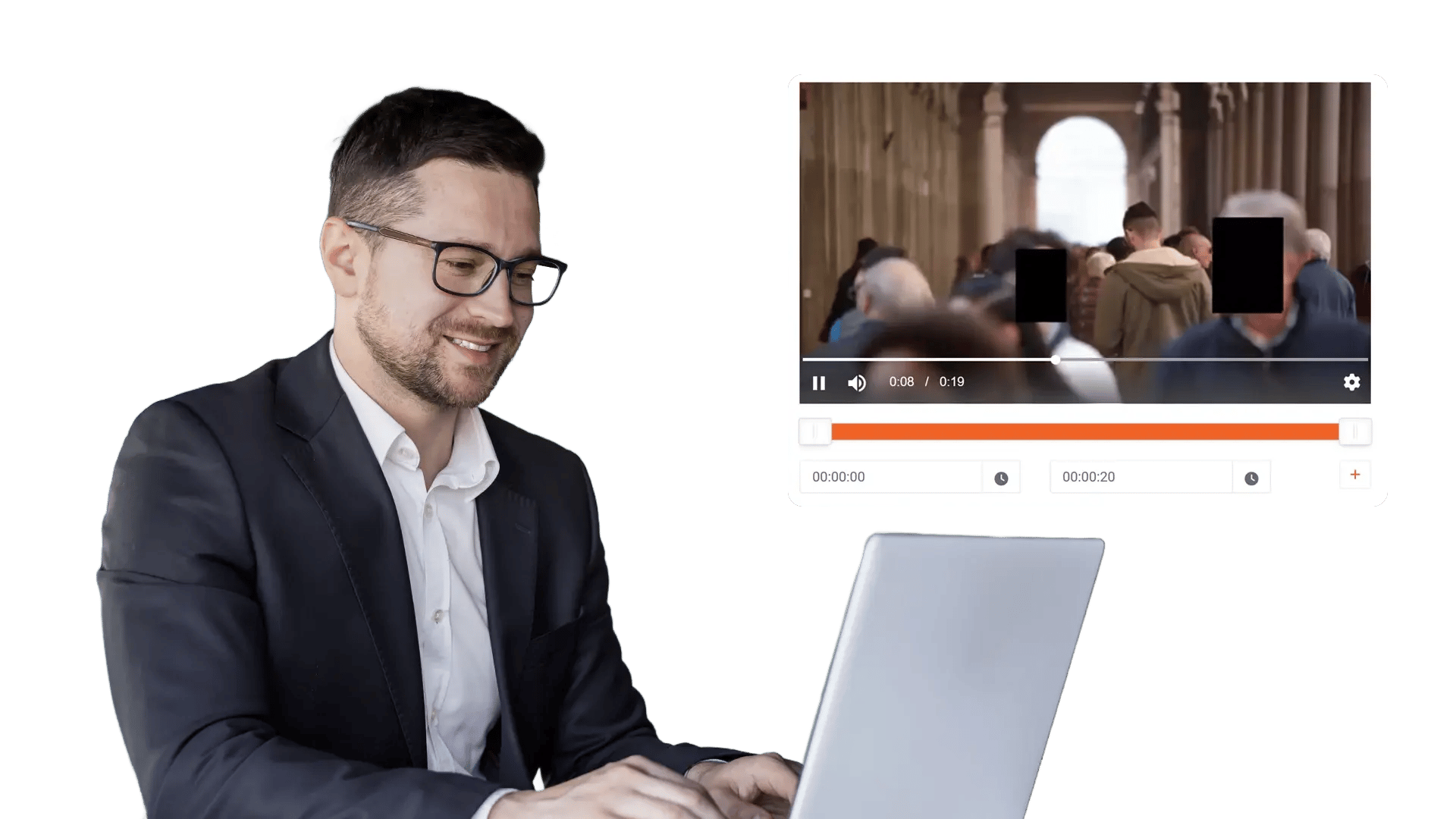
What Is Video Editing in VIDIZMO Redactor?
Video editing within VIDIZMO Redactor allows teams to modify the structure of a video file without relying on external tools. Trimming, segment removal, and clipping happen inside the same interface used for AI-powered redaction, keeping all evidence handling, chain of custody, and audit logging intact.
Edits generate a separate output file. The original recording is always preserved in its unmodified state, maintaining evidentiary integrity for legal proceedings, compliance reviews, and internal audits.
Key Benefits:
- Trim start and end points to remove unnecessary lead-in and trailing footage
- Permanently delete specific segments from a video while keeping the rest intact
- Split long recordings into shorter, focused clips for targeted sharing or review
- Combine editing and redaction in a single workflow without switching tools
- Preserve the original file untouched while generating an edited output copy
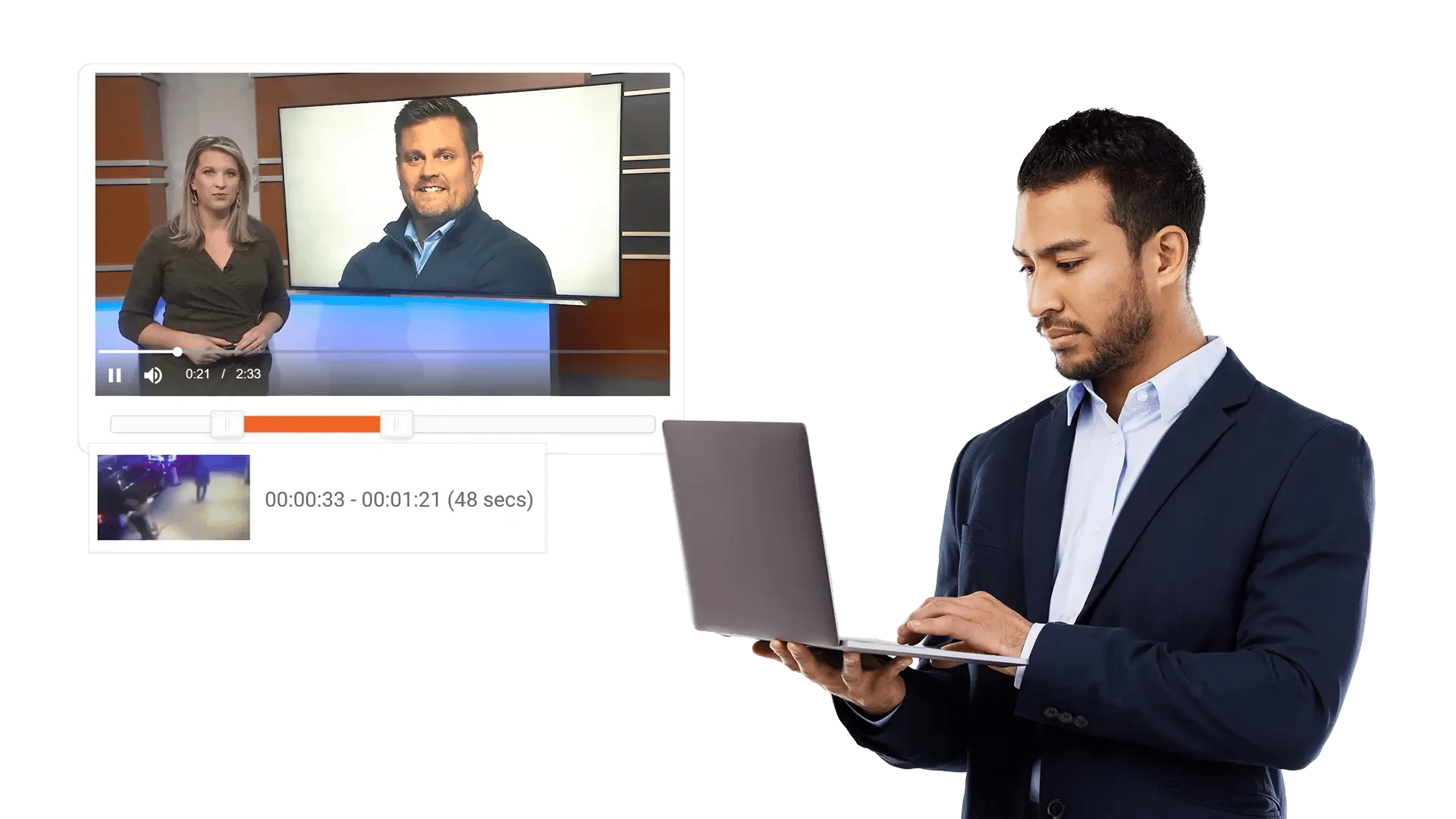
Trim Videos to the Exact Footage That Matters
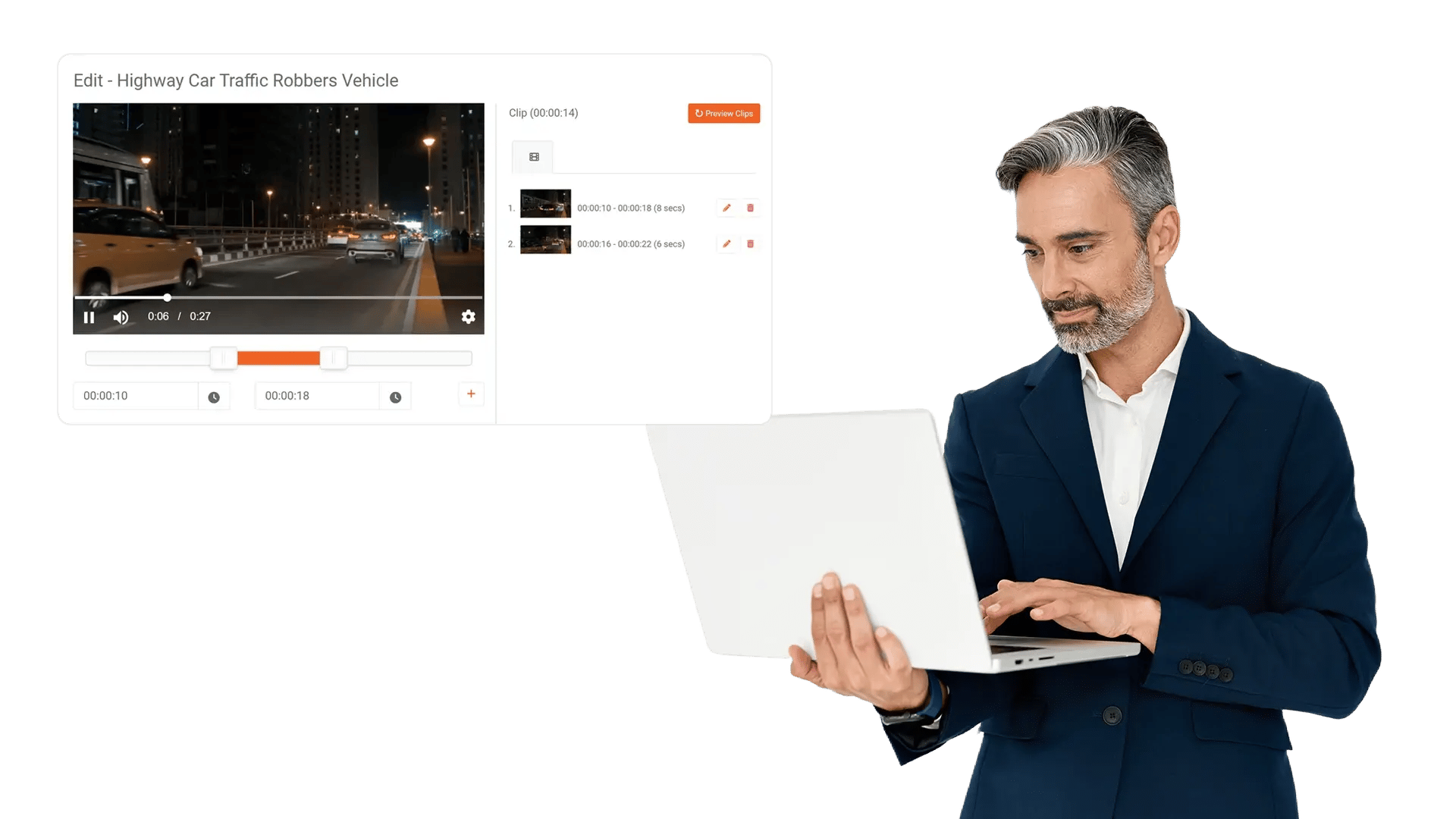
Long recordings from body cameras, surveillance systems, and meeting platforms often contain extended periods of irrelevant content. Trimming lets your team set precise start and end points to isolate only the footage that requires redaction, review, or disclosure.
Capabilities Include:
- Set exact start and end timestamps to define the portion of the video to keep
- Remove lead-in footage, dead air, and trailing segments that add no value
- Reduce file sizes before redaction processing to save time and compute resources
- Preview the trimmed result before generating the output file
- Apply trimming before or after AI redaction depending on your workflow requirements
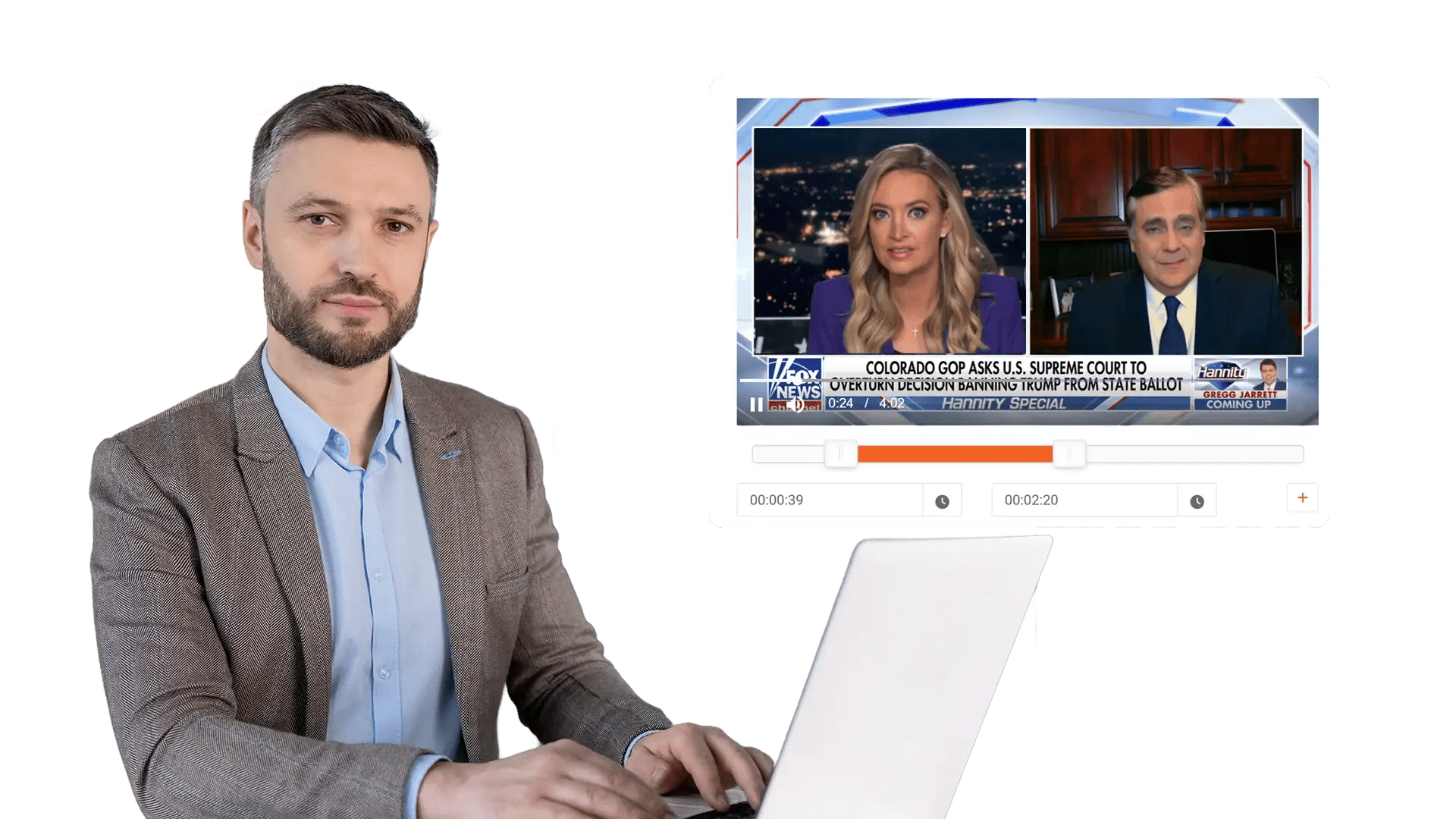
Remove Segments Without Disrupting the Timeline
Some recordings contain sections that must be permanently excluded, whether due to privileged content, technical issues, or irrelevant material. Segment removal lets your team cut specific portions out of a video and stitch the remaining clips into a single continuous output.
Manually Redact:
- Select one or more segments within a video for permanent deletion
- Remaining portions are automatically joined into a consolidated output file
- Remove privileged, classified, or technically corrupted sections before disclosure
- Combine segment removal with redaction so both visual privacy and content structure are handled in one pass
- Every removal action is logged in the audit trail with timestamps and user attribution
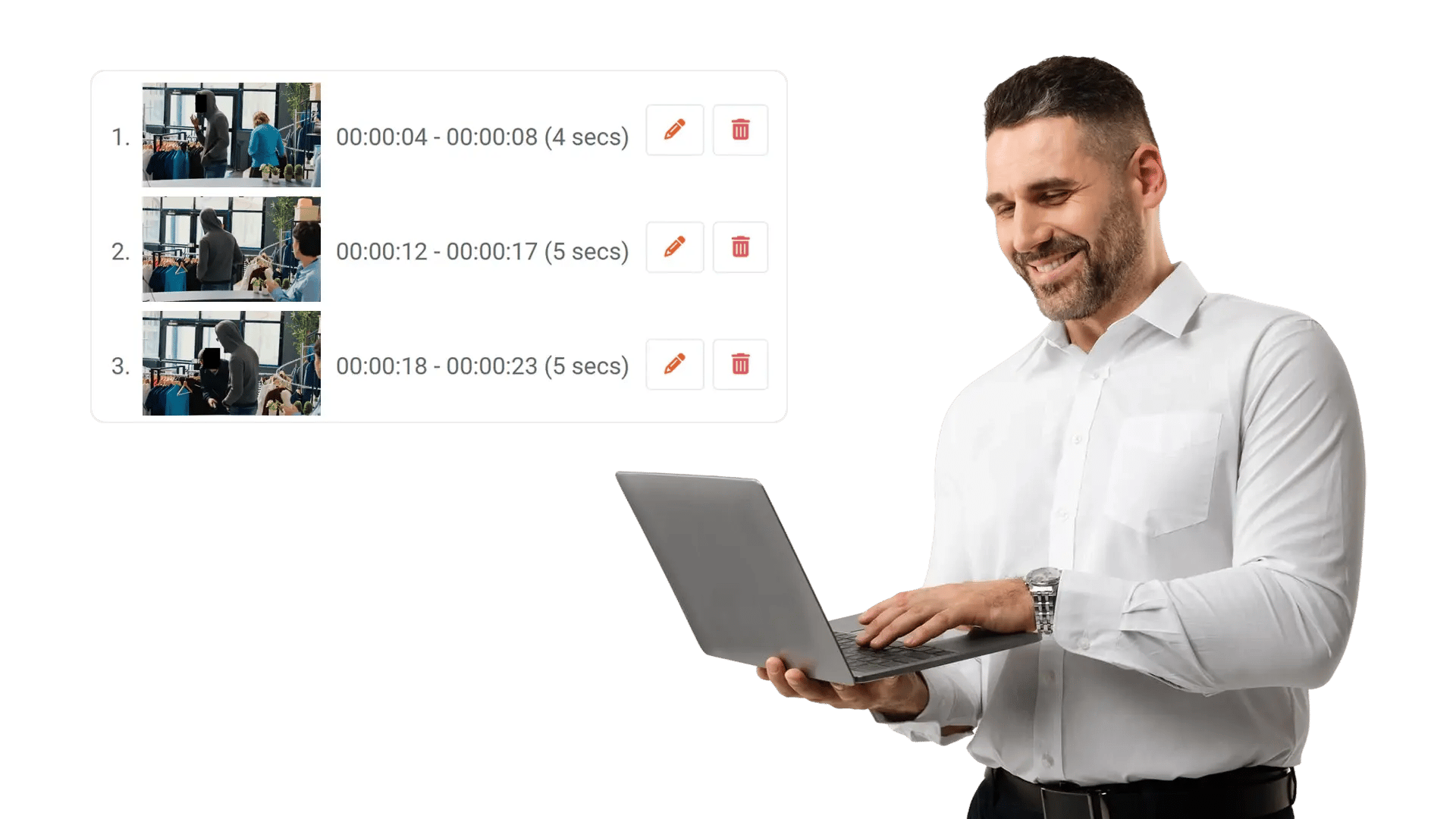
Split Long Recordings into Focused, Shareable Clips
Hours-long surveillance feeds, multi-topic meetings, and extended interview recordings are difficult to review and distribute as a single file. Clipping lets your team break a recording into smaller, standalone segments for targeted distribution.
Capabilities Include:
- Define multiple clip boundaries within a single source video
- Export each clip as an independent file with its own redaction applied
- Share specific clips with different stakeholders without exposing the full recording
- Maintain chain of custody and audit logging for every generated clip
- Reduce review burden for legal teams, oversight boards, and compliance reviewers who only need specific portions


Upload Your Recording
Ingest videos from body cameras, surveillance systems, meeting platforms, or shared drives. VIDIZMO supports 255+ media formats.

Trim or Remove Segments
Set start and end points to trim the video, or select specific segments for permanent removal. Preview changes before applying.

Apply Redaction
Run AI detection and redaction on the trimmed, cleaned, or clipped content. Combine editing and privacy protection in one workflow.

Export With Full Audit Trail
Generate edited and redacted output files. The original recording stays preserved and untouched. Every action is logged.
Law Enforcement
Manually redact critical details in evidence when context matters, such as unique identifiers, informant details, or sensitive scene elements. Combine automation with analyst oversight to support CJIS-aligned workflows and defensible disclosure.

Legal
Protect privileged and confidential information in discovery, exhibits, recordings, and filings. Manual redaction ensures accuracy for nuanced content and enables consistent outputs across productions.
Healthcare
Safeguard PHI in scanned records, recorded consultations, and supporting media. Manual refinement helps ensure HIPAA-aligned redactions when identifiers are complex or poorly captured.

Government
Meet FOIA and public records requirements by applying careful, context-aware redactions, especially for sensitive terms, protected categories, or unique identifiers requiring human judgment.

Call Centers
Manually refine redactions in recorded calls where speech is unclear, overlapping, or context-dependent. Reduce risk while maintaining recording usability for QA and dispute resolution.

Education
Protect student and staff privacy in incident reports, recordings, and documentation. Manual tools support FERPA-related redactions when sensitive information is nuanced or case-specific.

Finance
Ensure accuracy when redacting account details, identifiers, and confidential references in customer documentation and recorded interactions—supporting compliance and risk reduction.

Transportation
Redact incident evidence, operational footage, and reports where unique visuals, identifiers, or sensitive context require manual control for accurate release.

Disclosure-Ready Workflows
Consistent Redaction Standards
Governance & Access Control
Audit-Ready Accountability
Scalable Operations
Secure Deployment & Data Control

On-Premise
Full control over infrastructure, data, and security policies—ideal for strict residency and compliance needs.

Private Cloud
Dedicated cloud environment with enhanced security and isolation, combining scalability with operational control.

Government Cloud
Built to meet government-grade security and compliance standards. Supports regulated frameworks.

Hybrid Environments
Integrates on-prem and cloud deployments seamlessly while keeping sensitive workloads secure.
