Choose the Right Redaction Style for Any Compliance Requirement
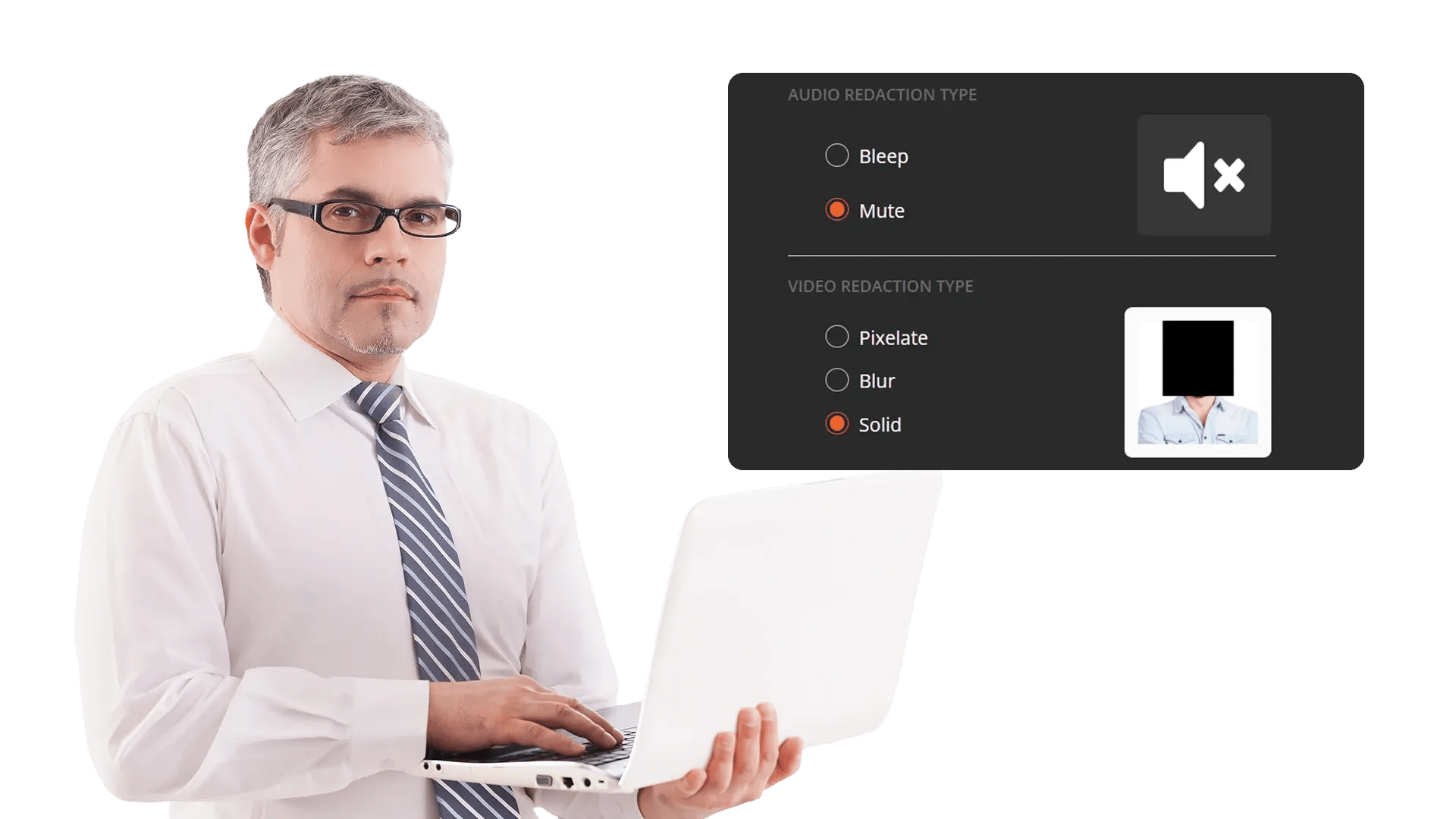
VIDIZMO Redactor provides multiple redaction styles so your team can match the visual and auditory treatment to your compliance requirements, legal standards, and organizational policies. Apply blur, pixelate, or solid black box to visual content. Mute or bleep sensitive audio segments. Every style applies consistently across frames, pages, and files.
One platform. Every format. Every style.
What Are Redaction Styles?
Redaction styles determine how sensitive content appears after it has been identified and marked for protection. Rather than a single one-size-fits-all approach, different regulatory frameworks, legal proceedings, and organizational policies require different visual treatments.
VIDIZMO Redactor supports three visual styles for video and image content (blur, pixelate, black box), two audio treatments (mute and bleep), and solid black box redaction for documents and PDFs. Styles are selected during the redaction workflow and applied consistently across every frame, page, or audio segment in the file.
Key Benefits:
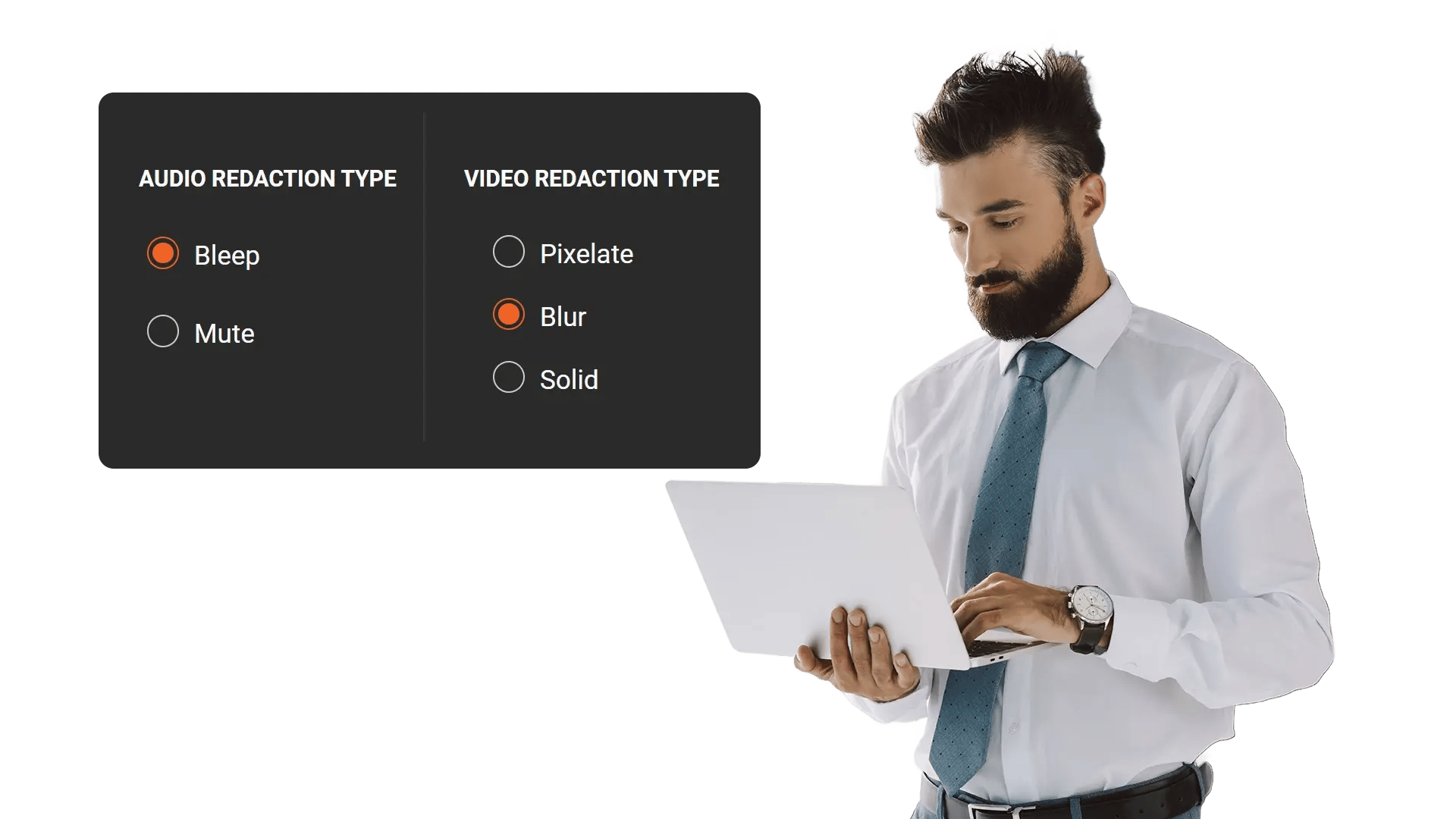
- Choose from blur, pixelate, or black box for videos and images based on compliance or presentation needs
- Apply mute or bleep to audio segments containing spoken PII
- Maintain consistent style application across every frame and page in a file
- Meet different legal and regulatory requirements with the appropriate visual treatment
- Apply styles to AI-detected objects, manual selections, or both in the same workflow
Visual Redaction Styles for Video and Images
Different use cases call for different levels of visual obscurity. VIDIZMO Redactor lets your team select the right style for each redaction job and apply it uniformly across all detected or manually selected regions.
Capabilities Include:
- Blur softens the selected region, making content unreadable while preserving the general shape and context of the surrounding area
- Pixelate breaks the selected region into large blocks, removing fine detail while indicating that content exists underneath
- Black box covers the selected region with a solid opaque fill, completely hiding both content and context
- Apply any style to AI-detected objects (faces, plates, vehicles, weapons, devices) or manually drawn selections
- Consistent style application across every frame of a video, so tracked objects maintain the same treatment throughout

Audio Redaction Styles
Spoken PII in call recordings, interviews, body camera audio, and meeting recordings requires its own treatment. VIDIZMO Redactor supports two audio redaction methods that work alongside visual redaction in the same file.
Capabilities Include:
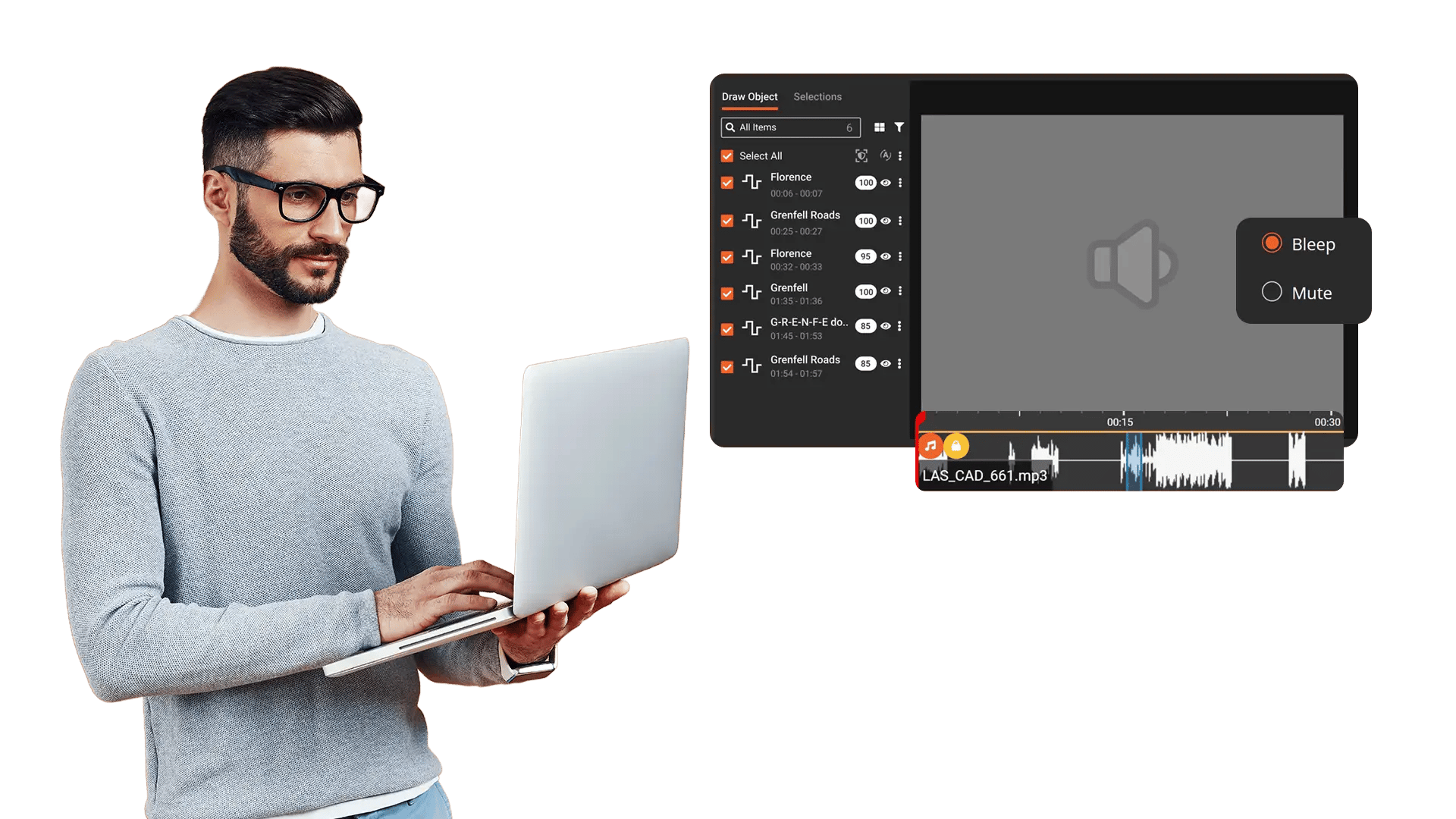
- Mute replaces the selected audio segment with complete silence, removing all sound from that portion
- Bleep replaces the selected audio segment with a tone signal, clearly indicating that content has been redacted
- Apply audio redaction to AI-detected spoken PII (names, phone numbers, addresses, SSNs, and 33+ categories)
- Redact audio independently or in combination with visual redaction on the same video file
- Maintain original audio quality in all non-redacted segments
Document and PDF Redaction Styles
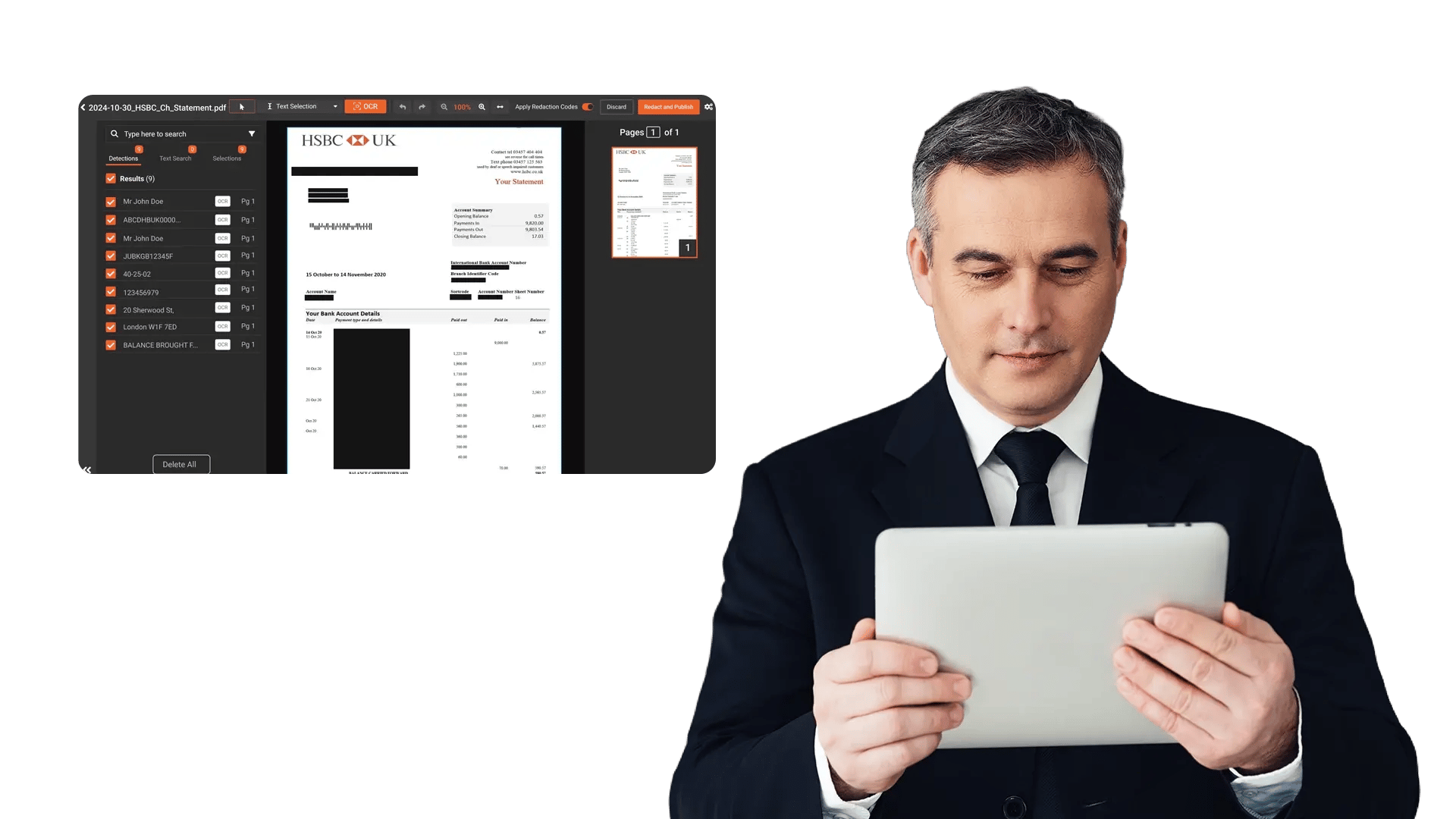
Documents, spreadsheets, and scanned files require permanent, irreversible redaction that removes the underlying data, not just a visual overlay. VIDIZMO Redactor applies solid black box redaction to documents and PDFs, ensuring the original text is permanently removed from the output.
Capabilities Include:
- Black box redaction permanently removes underlying text from documents and PDFs
- Apply to AI-detected PII, OCR-extracted text from scanned documents, or manually selected regions
- Redact text, images, and objects embedded within PDF files
- Support for PDF, DOCX, XLSX, PPTX, JPG, PNG, and TIFF formats
- Bates stamping and exemption codes can be applied alongside redaction styles for legal defensibility


Upload Content
Ingest videos, images, audio files, or documents from cameras, case systems, surveillance platforms, or shared drives.

Select Your Style
Choose blur, pixelate, or black box for visual content. Choose mute or bleep for audio. Document redaction applies black box by default.

Review Before Applying
Preview styled redactions with split-screen or side-by-side comparison. Validate AI detections with confidence scores before finalizing.

Export Securely
Generate redacted outputs with full audit trails. The original file is preserved separately and untouched.
Disclosure-Ready Workflows
Consistent Redaction Standards
Governance & Access Control
Audit-Ready Accountability
Scalable Operations
Secure Deployment & Data Control

On-Premise
Full control over infrastructure, data, and security policies—ideal for strict residency and compliance needs.

Private Cloud
Dedicated cloud environment with enhanced security and isolation, combining scalability with operational control.

Government Cloud
Built to meet government-grade security and compliance standards. Supports regulated frameworks.

Hybrid Environments
Integrates on-prem and cloud deployments seamlessly while keeping sensitive workloads secure.
Law Enforcement
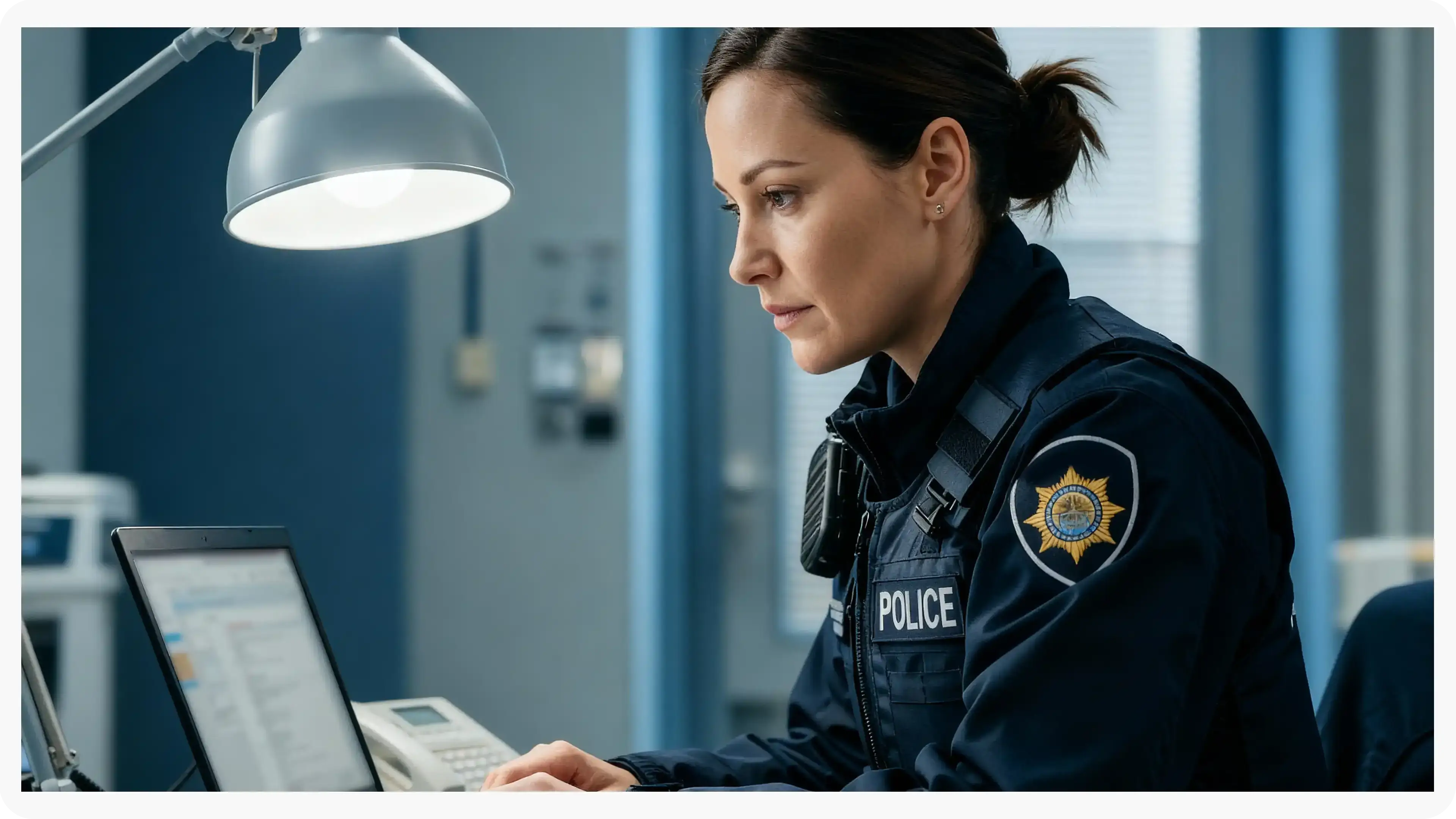
Manually redact critical details in evidence when context matters, such as unique identifiers, informant details, or sensitive scene elements. Combine automation with analyst oversight to support CJIS-aligned workflows and defensible disclosure.
Legal
Protect privileged and confidential information in discovery, exhibits, recordings, and filings. Manual redaction ensures accuracy for nuanced content and enables consistent outputs across productions.
Healthcare
Safeguard PHI in scanned records, recorded consultations, and supporting media. Manual refinement helps ensure HIPAA-aligned redactions when identifiers are complex or poorly captured.

Government
Meet FOIA and public records requirements by applying careful, context-aware redactions, especially for sensitive terms, protected categories, or unique identifiers requiring human judgment.

Call Centers
Manually refine redactions in recorded calls where speech is unclear, overlapping, or context-dependent. Reduce risk while maintaining recording usability for QA and dispute resolution.

Education
Protect student and staff privacy in incident reports, recordings, and documentation. Manual tools support FERPA-related redactions when sensitive information is nuanced or case-specific.

Finance
Ensure accuracy when redacting account details, identifiers, and confidential references in customer documentation and recorded interactions—supporting compliance and risk reduction.

Transportation
Redact incident evidence, operational footage, and reports where unique visuals, identifiers, or sensitive context require manual control for accurate release.