
Create a Redacted Copy and Keep Your Original File Untouched
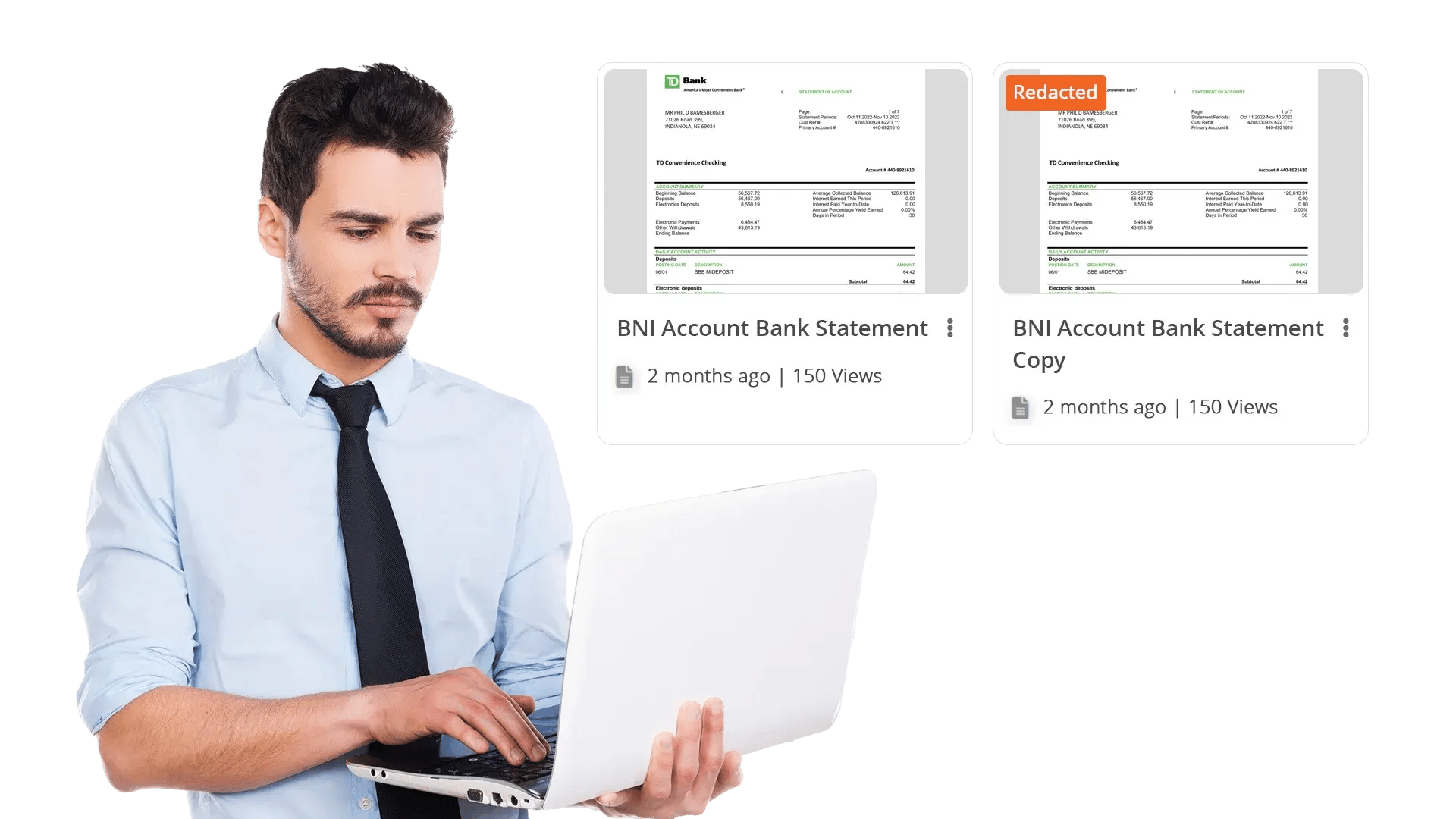
With VIDIZMO Redactor, you never have to risk your original file. When you redact a video, audio recording, image, or document, the system saves a brand-new file with the redactions applied. Your source stays clean, locked, and ready for the record. Your redacted copy is ready to share, release, or hand off, with the sensitive parts permanently hidden.
What Is a Redaction Copy?
A redaction copy is a brand-new file that VIDIZMO Redactor creates when you apply redactions. The original file you uploaded does not change. Instead, the system bakes the blur, black box, mute, or beep into the new file, so the redacted parts can never be reversed or peeked behind.
This matters when you need to keep the original for evidence, records, or legal review, but you also need to share a clean version with a court, an agency, a requester, or the public.
Key Benefits:
- Keep your original file exactly the way you uploaded it
- Get a fully redacted copy that is safe to share
- Make sure redactions can never be reversed or removed
- Create more than one redacted version from the same source for different audiences
- Track every action on both files in one audit log

Keep the Original Safe for Records, Audits, and Legal Review
Editing the original file can break your case, your audit trail, or your records policy. VIDIZMO Redactor never touches the file you uploaded. The original stays exactly as it was, every time.
Capabilities Include:
- Run redactions without changing or replacing the source file
- Track who opened, viewed, or downloaded the original separately from the copy
- Keep a clear record of who created each copy, what was redacted, and when it happened
- Hold originals as long as your retention policy requires, in their original form
- Manage the original and the redacted copy as two separate files with their own permissions
Generate Permanently Redacted Files Ready to Share
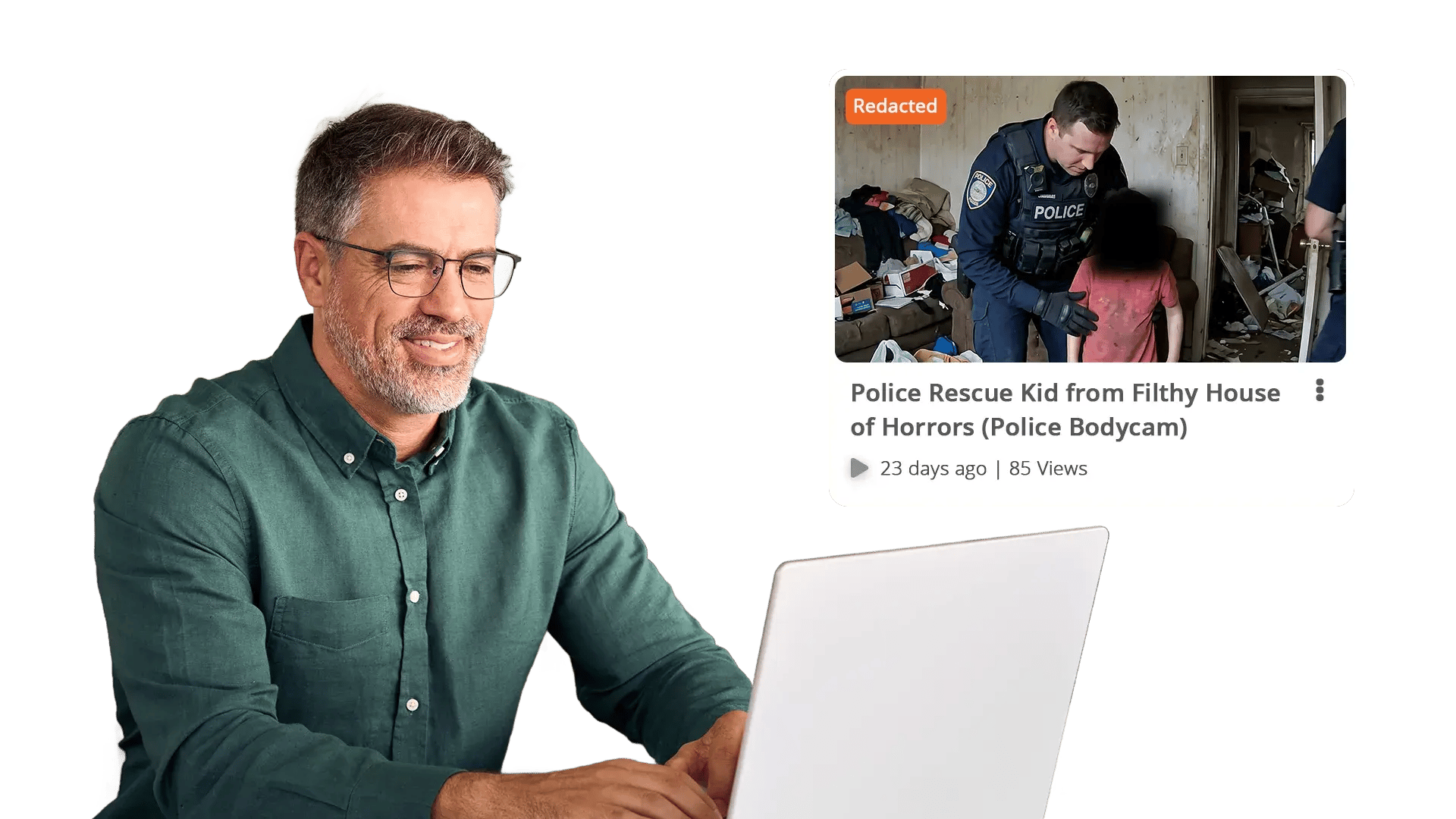
The redacted copy is a finished file. The blurs, black boxes, mutes, and beeps are baked in. Nobody can peel them back, undo them, or pull the hidden details out, even with the right tools.
Capabilities Include:
- Click "Redact as New" to save the redacted version as its own file
- Apply blur, pixelate, black box, mute, or beep, all locked into the output
- Share the file knowing the protected content cannot be recovered
- Make different redacted copies from the same original for different audiences
- Run redactions on hundreds or thousands of files in a single batch


Upload Your File
Add a video, audio recording, image, or document from a camera, case system, surveillance platform, or shared drive.

Detect or Redact
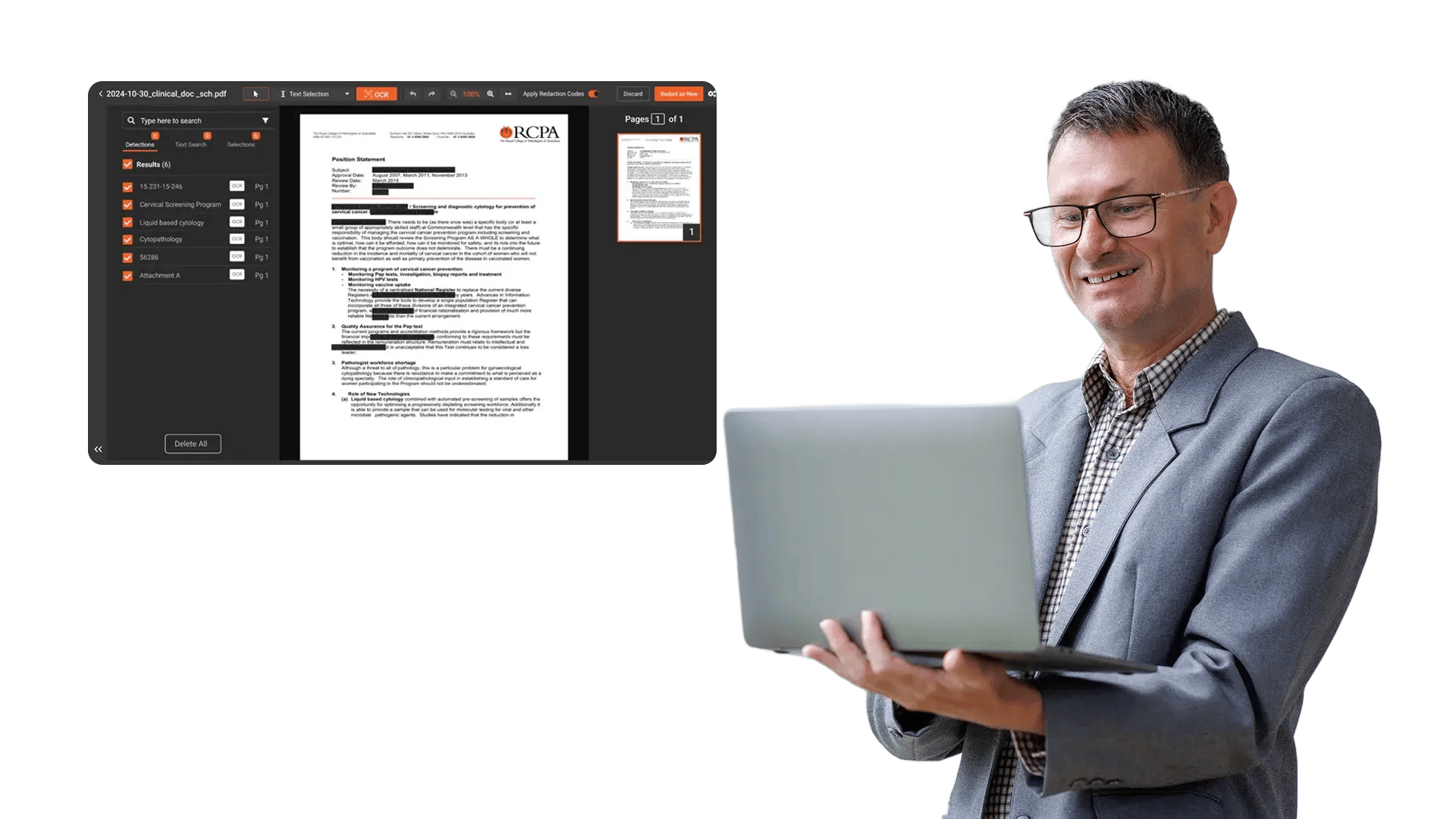
Let the AI find faces, plates, vehicles, spoken sensitive information, or document fields. Add manual selections if you need them. Pick the redaction style for each one.

Create the Redacted Copy
Click "Redact as New". The system saves a separate file with the redactions baked in. Your original stays untouched.

Share or Export
Send the redacted copy with the right permissions, expiring links, and access rules. Every action is logged for full traceability.
Disclosure-Ready Workflows
Consistent Redaction Standards
Governance & Access Control
Audit-Ready Accountability
Scalable Operations
Secure Deployment & Data Control
Law Enforcement
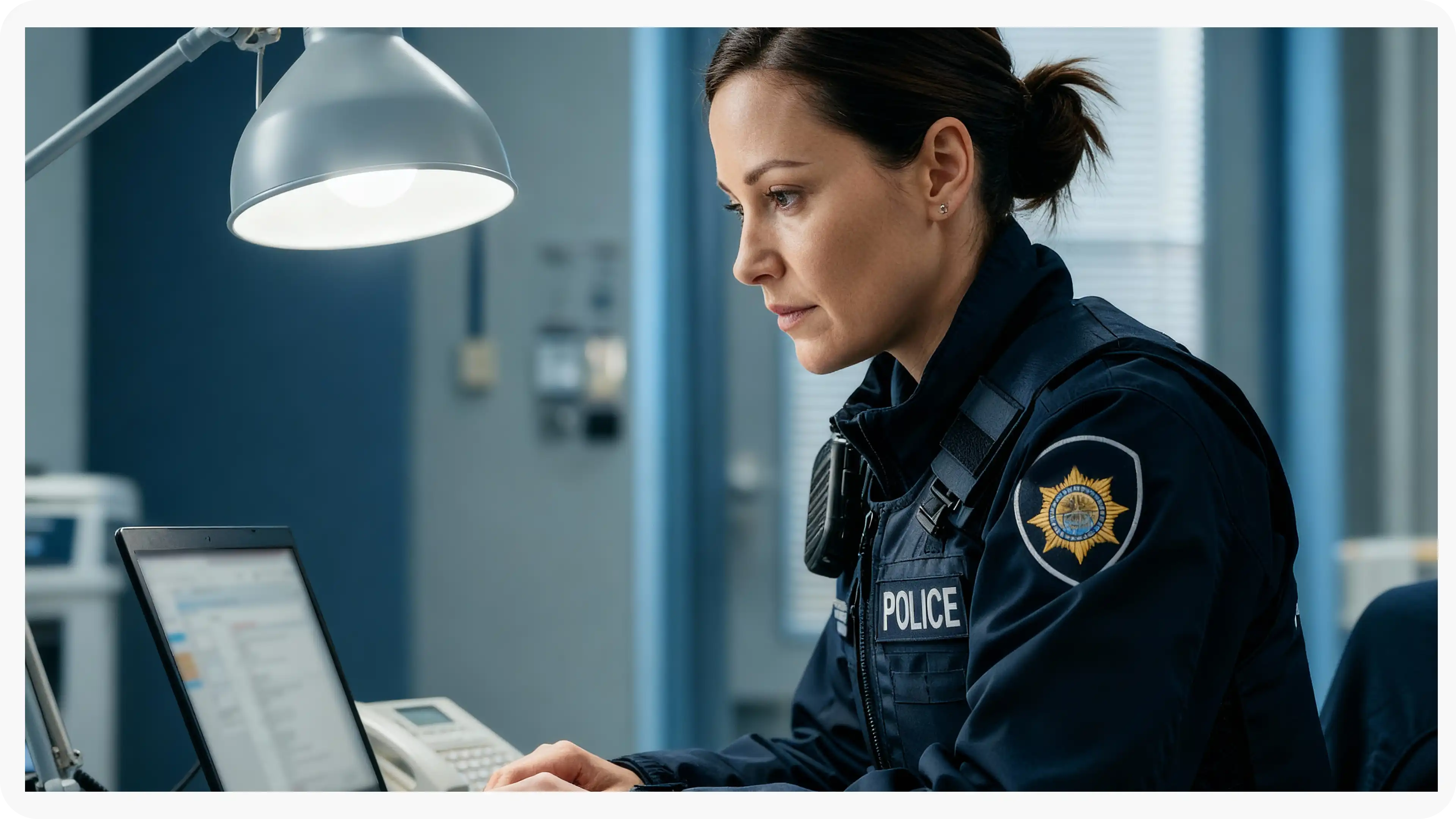
Manually redact critical details in evidence when context matters, such as unique identifiers, informant details, or sensitive scene elements. Combine automation with analyst oversight to support CJIS-aligned workflows and defensible disclosure.
Legal
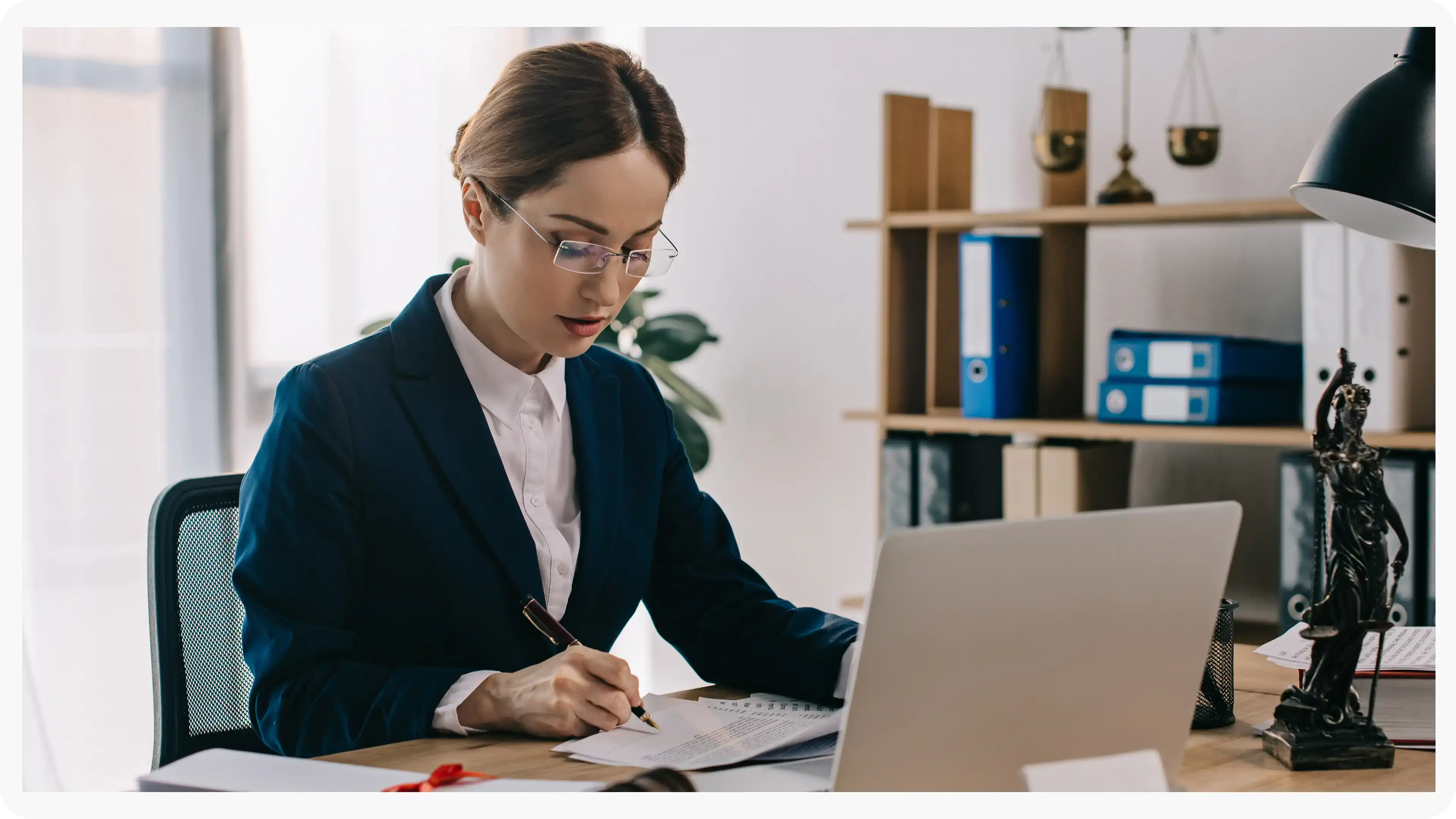
Protect privileged and confidential information in discovery, exhibits, recordings, and filings. Manual redaction ensures accuracy for nuanced content and enables consistent outputs across productions.
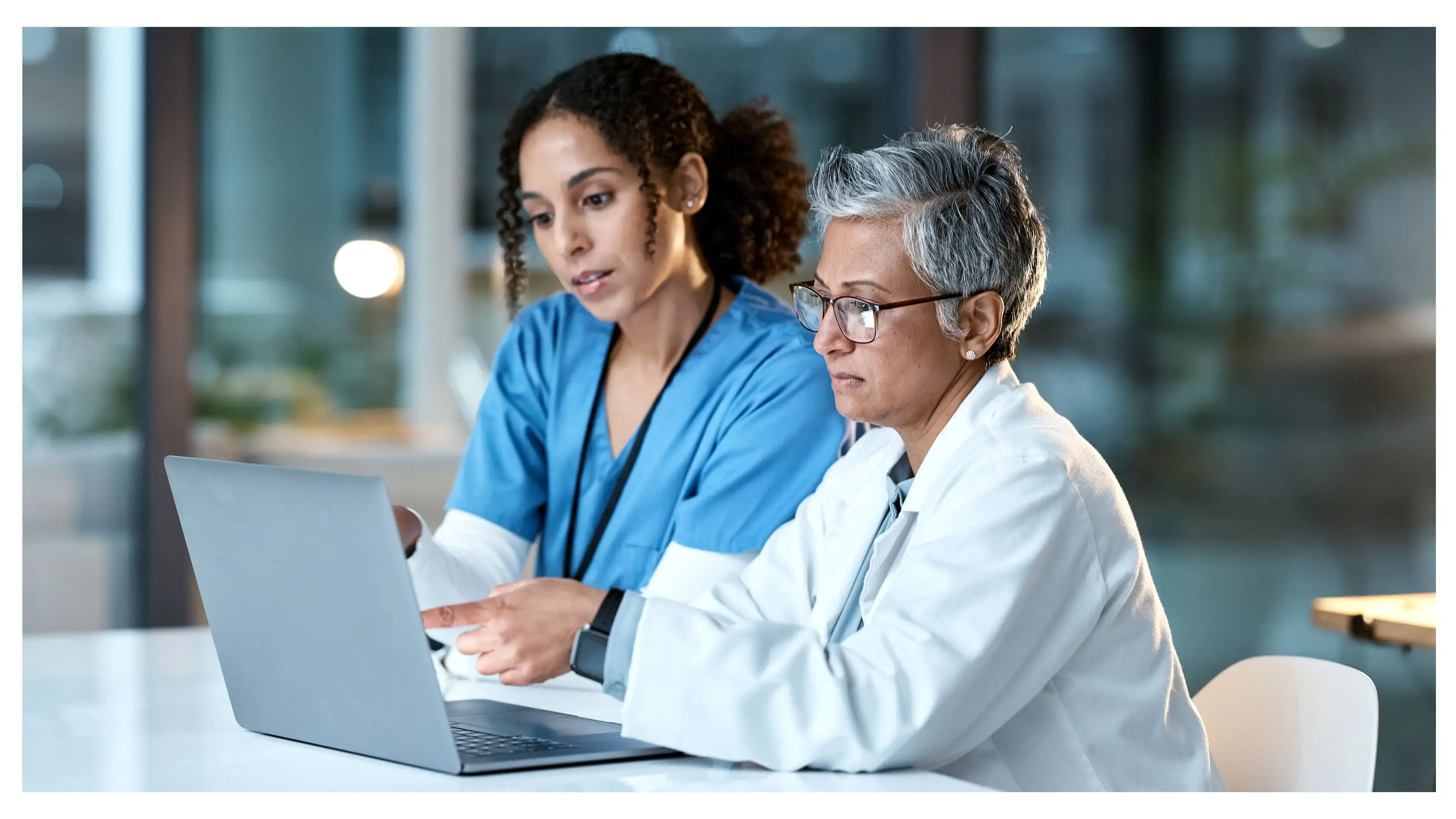
Healthcare
Safeguard PHI in scanned records, recorded consultations, and supporting media. Manual refinement helps ensure HIPAA-aligned redactions when identifiers are complex or poorly captured.
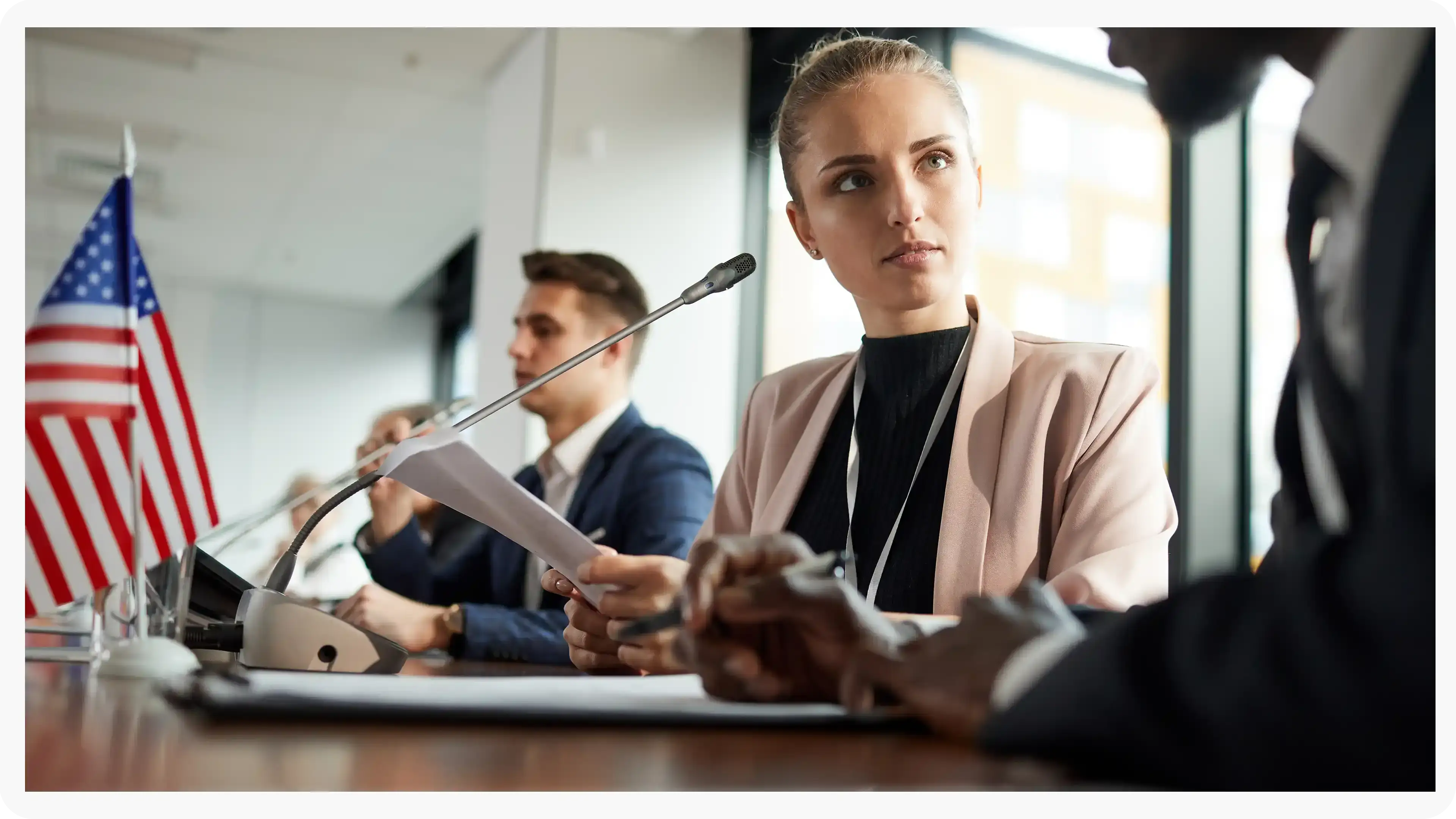
Government
Meet FOIA and public records requirements by applying careful, context-aware redactions, especially for sensitive terms, protected categories, or unique identifiers requiring human judgment.
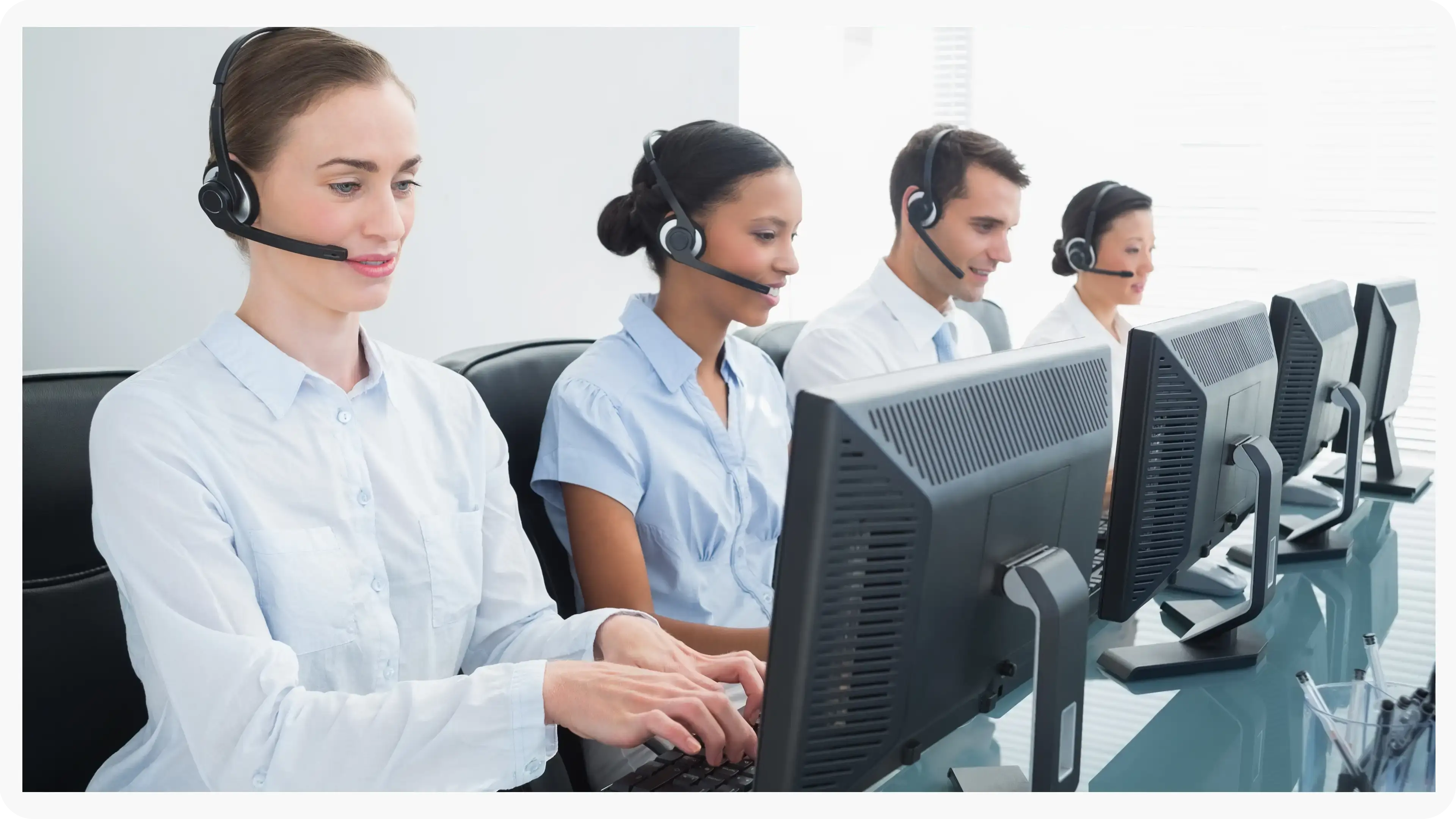
Call Centers
Manually refine redactions in recorded calls where speech is unclear, overlapping, or context-dependent. Reduce risk while maintaining recording usability for QA and dispute resolution.
Education
Protect student and staff privacy in incident reports, recordings, and documentation. Manual tools support FERPA-related redactions when sensitive information is nuanced or case-specific.
Finance
Ensure accuracy when redacting account details, identifiers, and confidential references in customer documentation and recorded interactions, supporting compliance and risk reduction.

Transportation
Redact incident evidence, operational footage, and reports where unique visuals, identifiers, or sensitive context require manual control for accurate release.


On-Premise
Full control over infrastructure, data, and security policies, ideal for strict residency and compliance needs.
Private Cloud
Dedicated cloud environment with enhanced security and isolation, combining scalability with operational control.

Government Cloud
Built to meet government-grade security and compliance standards. Supports regulated frameworks.

Hybrid Environments
Integrates on-prem and cloud deployments seamlessly while keeping sensitive workloads secure.
