Redact Thousands of Files at Once with Bulk Redaction
VIDIZMO Redactor lets you upload and redact multiple files in a single operation. Documents, audio recordings, videos, and images are processed through automated AI pipelines so your team can handle high-volume workloads without reviewing each file individually.

What Is Bulk Redaction?
Bulk redaction is the process of applying automated redaction across large batches of files at once instead of processing them one by one. Organizations dealing with records requests, regulatory audits, litigation holds, or call center recordings need to redact hundreds or thousands of files within tight timelines.
Key Benefits:
- Upload and redact multiple files in a single batch across all media types
- Automate processing with queue-based workflows that run overnight or off-hours
- Apply predefined templates for consistent redaction across recurring file types
- Monitor batch progress in real time through the workflow window
- Preserve originals while generating separate redacted output files
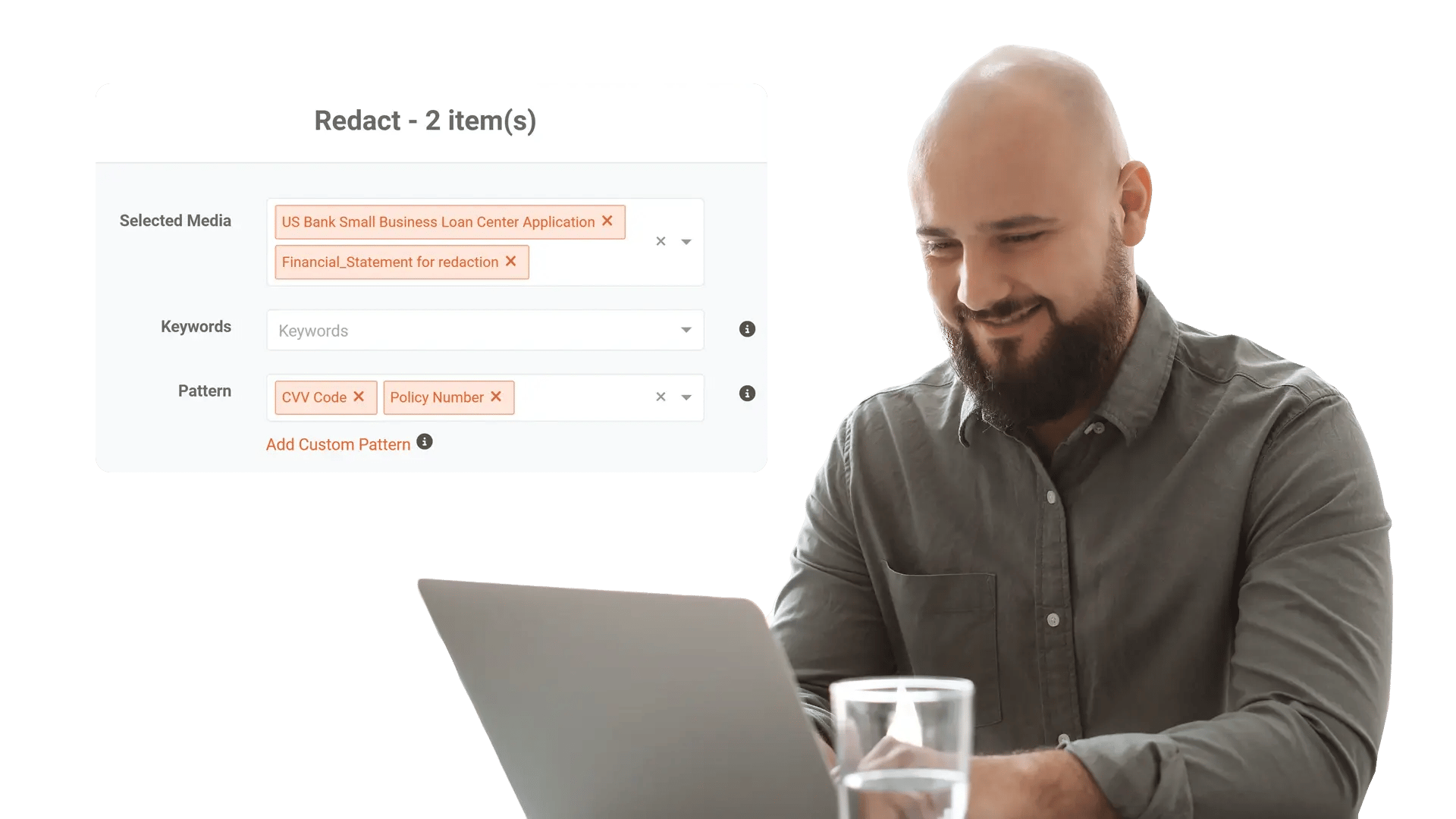
Process Large Volumes Without Manual Bottlenecks
Manual file-by-file redaction does not scale when you are facing hundreds of FOIA requests, thousands of discovery documents, or millions of call recordings. VIDIZMO Redactor removes the bottleneck with queue-based batch processing.
Capabilities Include:
- Upload multiple files at once from case systems, shared drives, or local storage
- Queue-based automation processes files sequentially without analyst intervention
- Schedule batch jobs for overnight or off-hours to maximize throughput
- Workflow progress window tracks status, completion, and errors across the batch
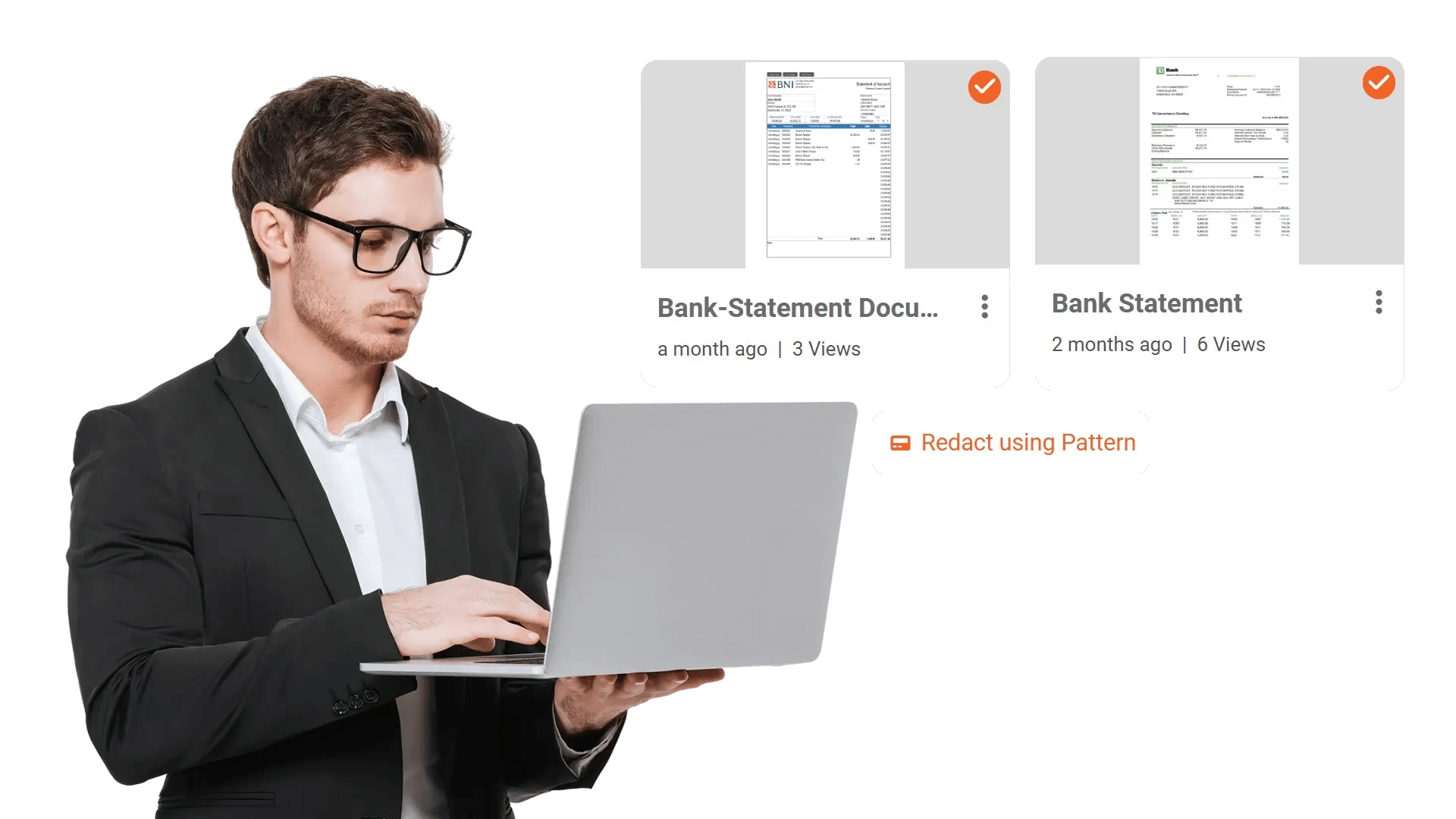
Redact Audio Recordings at Scale
Call centers and government agencies generate millions of recorded interactions containing spoken PII. VIDIZMO Redactor processes audio files in bulk, detecting and redacting sensitive speech automatically.
Capabilities Include:
- Bulk audio redaction with mute and bleep options for spoken PII
- 40+ PII types detected including names, SSNs, credit card numbers, addresses, phone numbers, and account details
- Custom PII patterns using regex and context words for organization-specific identifiers
- 82-language transcription support for multilingual audio content
- Speaker diarization to identify and differentiate speakers before redaction

Apply Consistent Redaction with Templates
When your team processes the same types of files repeatedly, templates eliminate guesswork. Define your redaction rules once and apply them across every batch for consistent, repeatable results.
Capabilities Include:
- Predefined redaction templates for standardized document types and layouts
- Reusable configurations for PII patterns, redaction styles, and object detection settings
- Redaction styles (blur, pixelate, or black box) applied consistently across all files in the batch
- OCR processing for scanned and handwritten documents included in bulk workflows
- Annotation support for exemption codes and redaction reasons across batch output
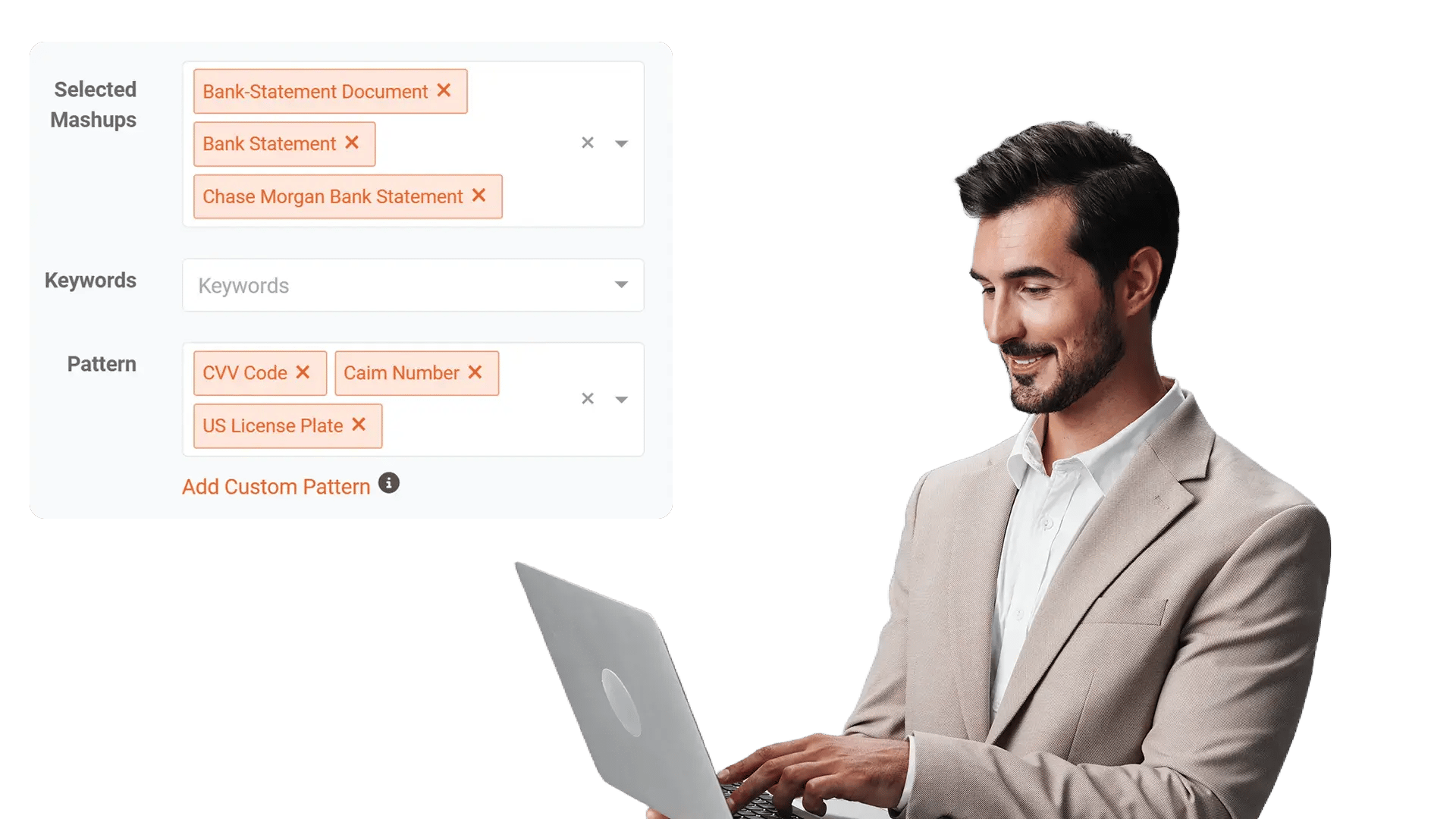


Upload Files
Ingest multiple documents, audio files, videos, or images from case systems, shared drives, or bulk upload.

Configure Redaction Rules
Select a predefined template or configure PII patterns, object types, and redaction styles. Apply settings across the entire batch.

Process and Monitor
Submit the batch to the queue. Files are processed sequentially. Track progress, completion, and errors through the workflow window.

Export Securely
Download or distribute redacted outputs with full audit trails. Originals are preserved separately. Metadata is stripped from redacted files.
Disclosure-Ready Workflows
Consistent Redaction Standards
Governance & Access Control
Audit-Ready Accountability
Scalable Operations
Secure Deployment & Data Control

On-Premise
Full control over infrastructure, data, and security policies—ideal for strict residency and compliance needs.

Private Cloud
Dedicated cloud environment with enhanced security and isolation, combining scalability with operational control.

Government Cloud
Built to meet government-grade security and compliance standards. Supports regulated frameworks.

Hybrid Environments
Integrates on-prem and cloud deployments seamlessly while keeping sensitive workloads secure.
Law Enforcement
Manually redact critical details in evidence when context matters, such as unique identifiers, informant details, or sensitive scene elements. Combine automation with analyst oversight to support CJIS-aligned workflows and defensible disclosure.

Legal
Protect privileged and confidential information in discovery, exhibits, recordings, and filings. Manual redaction ensures accuracy for nuanced content and enables consistent outputs across productions.
Healthcare
Safeguard PHI in scanned records, recorded consultations, and supporting media. Manual refinement helps ensure HIPAA-aligned redactions when identifiers are complex or poorly captured.

Government
Meet FOIA and public records requirements by applying careful, context-aware redactions, especially for sensitive terms, protected categories, or unique identifiers requiring human judgment.

Call Centers
Manually refine redactions in recorded calls where speech is unclear, overlapping, or context-dependent. Reduce risk while maintaining recording usability for QA and dispute resolution.

Education
Protect student and staff privacy in incident reports, recordings, and documentation. Manual tools support FERPA-related redactions when sensitive information is nuanced or case-specific.

Finance
Ensure accuracy when redacting account details, identifiers, and confidential references in customer documentation and recorded interactions—supporting compliance and risk reduction.

Transportation
Redact incident evidence, operational footage, and reports where unique visuals, identifiers, or sensitive context require manual control for accurate release.