Find Exactly What You Need to Redact Across Thousands of Files in Seconds
VIDIZMO Redactor indexes every piece of uploaded content using AI-generated transcripts, detected objects, metadata, and tags. Search across thousands of files by what was said, what was seen, or how it was tagged. Jump directly to the exact moment in a video or the exact page in a document without manual review.

What Is AI Enhanced Search?
AI Enhanced Search combines transcript indexing, object detection data, metadata extraction, and tag-based filtering into a unified search experience. Every uploaded file is automatically processed and indexed so your team can query content by spoken words, visual objects, file properties, or applied tags.
Results link directly to the timestamp or page where the match occurs, eliminating the need to watch entire recordings or scan full documents manually.
Key Benefits:
- Search across transcripts to find files by spoken words, names, or phrases
- Locate content by AI-detected objects like faces, plates, vehicles, and weapons
- Filter results using auto-generated tags, categories, and metadata fields
- Jump to the exact timestamp or page where a match occurs
- Query thousands of files simultaneously instead of reviewing them one by one

Turn Every Spoken Word into a Searchable Index
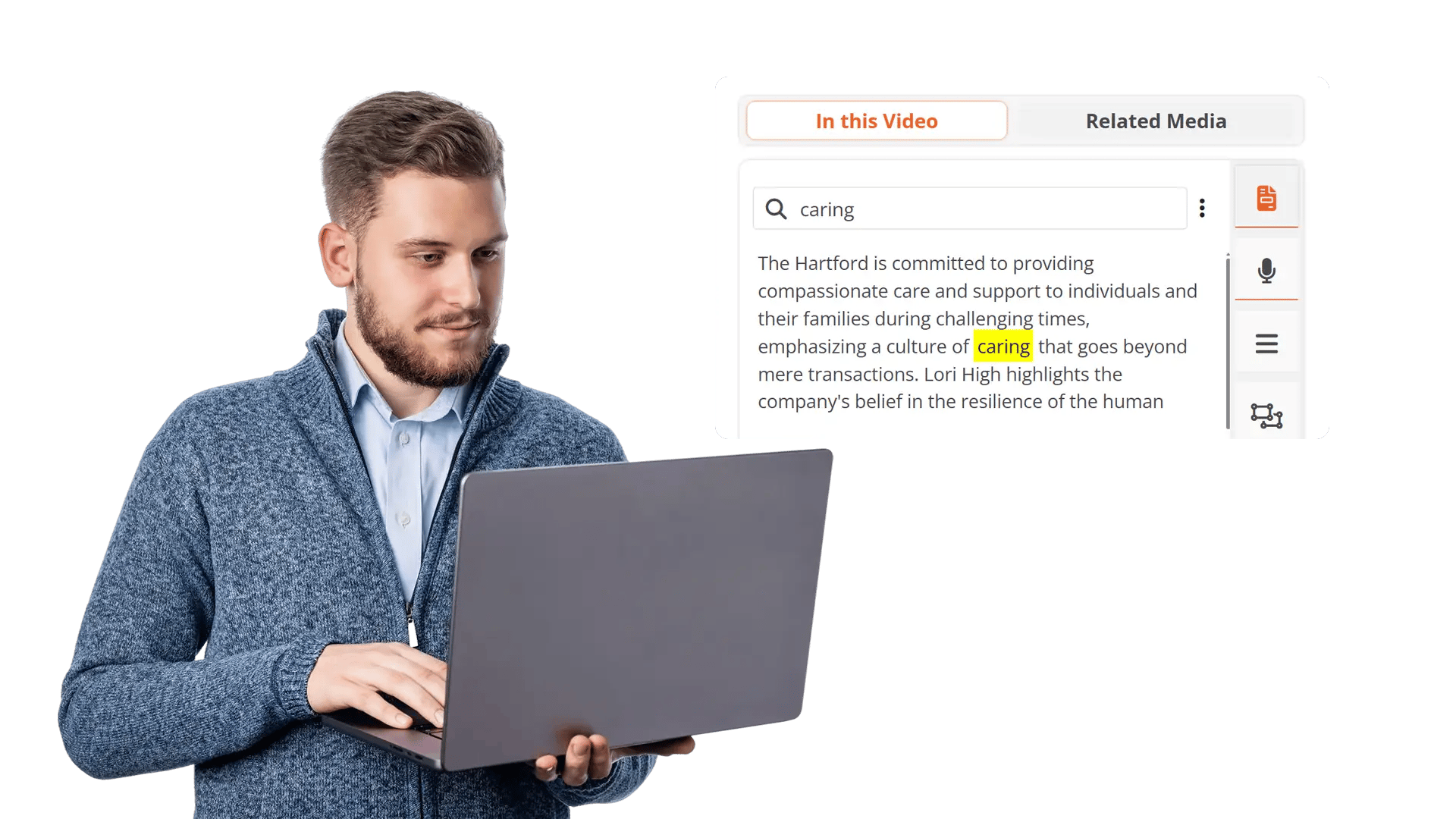
AI transcription processes every video and audio file into timestamped, searchable text across 82 languages. Type a name, phrase, or keyword and land on the exact second it was spoken.
Capabilities Include:
- Full-text search across AI-generated transcripts from video and audio files
- Click any result to jump directly to the timestamp where the word was spoken
- 82-language transcription coverage for multilingual evidence and media libraries
- Speaker diarization separates voices so you can search and filter by who said it
- 33+ spoken PII categories indexed automatically to surface sensitive content before redaction

Locate Files by What AI Detected in Every Frame
Object detection runs on every frame of every video and image at upload. Detected objects are indexed, so you can search your entire library by what appeared visually, not just by filename or tag.
Capabilities Include:
- Query files by detected faces, people, license plates, vehicles, weapons, or devices
- Jump to the exact frame or image region where a specific object was identified
- Filter results by object type, detection confidence level, or combination of both
- Custom-trained object detections are indexed and searchable alongside built-in models
- OCR-extracted text from scanned documents, images, and embedded PDF content is fully searchable
Filter and Narrow Results with Metadata, Tags, and Case Structure
Every file is enriched with metadata from upload, AI processing, and manual tagging. Layer these filters on top of transcript and object searches to pinpoint exactly what you need across large content libraries.
Capabilities Include:
- Filter by auto-generated tags, manually applied labels, and content categories
- Narrow results by upload date, file format, source system, or assigned case
- Tag cloud navigation highlights the most frequent terms across your library
- Stack metadata filters with transcript and object queries in a single search
- Retrieve content organized by cases, folders, and hierarchical team structures



Upload Content
Ingest videos, audio files, images, or documents from cameras, case systems, surveillance platforms, or shared drives.

Search and Filter
Enter spoken words, object types, tags, or metadata filters. Combine multiple dimensions in a single query to narrow results.

Review Results
Click any result to jump directly to the exact timestamp, frame, or page where the match occurs. Preview content before taking action.

Apply Redaction & Export
Redact, share, or export content directly from search results. Every action is logged with full audit trails. Originals remain preserved and untouched.
Disclosure-Ready Workflows
Consistent Redaction Standards
Governance & Access Control
Audit-Ready Accountability
Scalable Operations
Secure Deployment & Data Control

On-Premise
Full control over infrastructure, data, and security policies—ideal for strict residency and compliance needs.

Private Cloud
Dedicated cloud environment with enhanced security and isolation, combining scalability with operational control.

Government Cloud
Built to meet government-grade security and compliance standards. Supports regulated frameworks.

Hybrid Environments
Integrates on-prem and cloud deployments seamlessly while keeping sensitive workloads secure.
Law Enforcement
Manually redact critical details in evidence when context matters, such as unique identifiers, informant details, or sensitive scene elements. Combine automation with analyst oversight to support CJIS-aligned workflows and defensible disclosure.

Legal
Protect privileged and confidential information in discovery, exhibits, recordings, and filings. Manual redaction ensures accuracy for nuanced content and enables consistent outputs across productions.
Healthcare
Safeguard PHI in scanned records, recorded consultations, and supporting media. Manual refinement helps ensure HIPAA-aligned redactions when identifiers are complex or poorly captured.

Government
Meet FOIA and public records requirements by applying careful, context-aware redactions, especially for sensitive terms, protected categories, or unique identifiers requiring human judgment.

Call Centers
Manually refine redactions in recorded calls where speech is unclear, overlapping, or context-dependent. Reduce risk while maintaining recording usability for QA and dispute resolution.

Education
Protect student and staff privacy in incident reports, recordings, and documentation. Manual tools support FERPA-related redactions when sensitive information is nuanced or case-specific.

Finance
Ensure accuracy when redacting account details, identifiers, and confidential references in customer documentation and recorded interactions—supporting compliance and risk reduction.

Transportation
Redact incident evidence, operational footage, and reports where unique visuals, identifiers, or sensitive context require manual control for accurate release.