<img height="1" width="1" style="display:none;" alt="" src="https://px.ads.linkedin.com/collect/?pid=YOUR_ID&amp;fmt=gif">

Geo-restrictions for Controlled Video Access

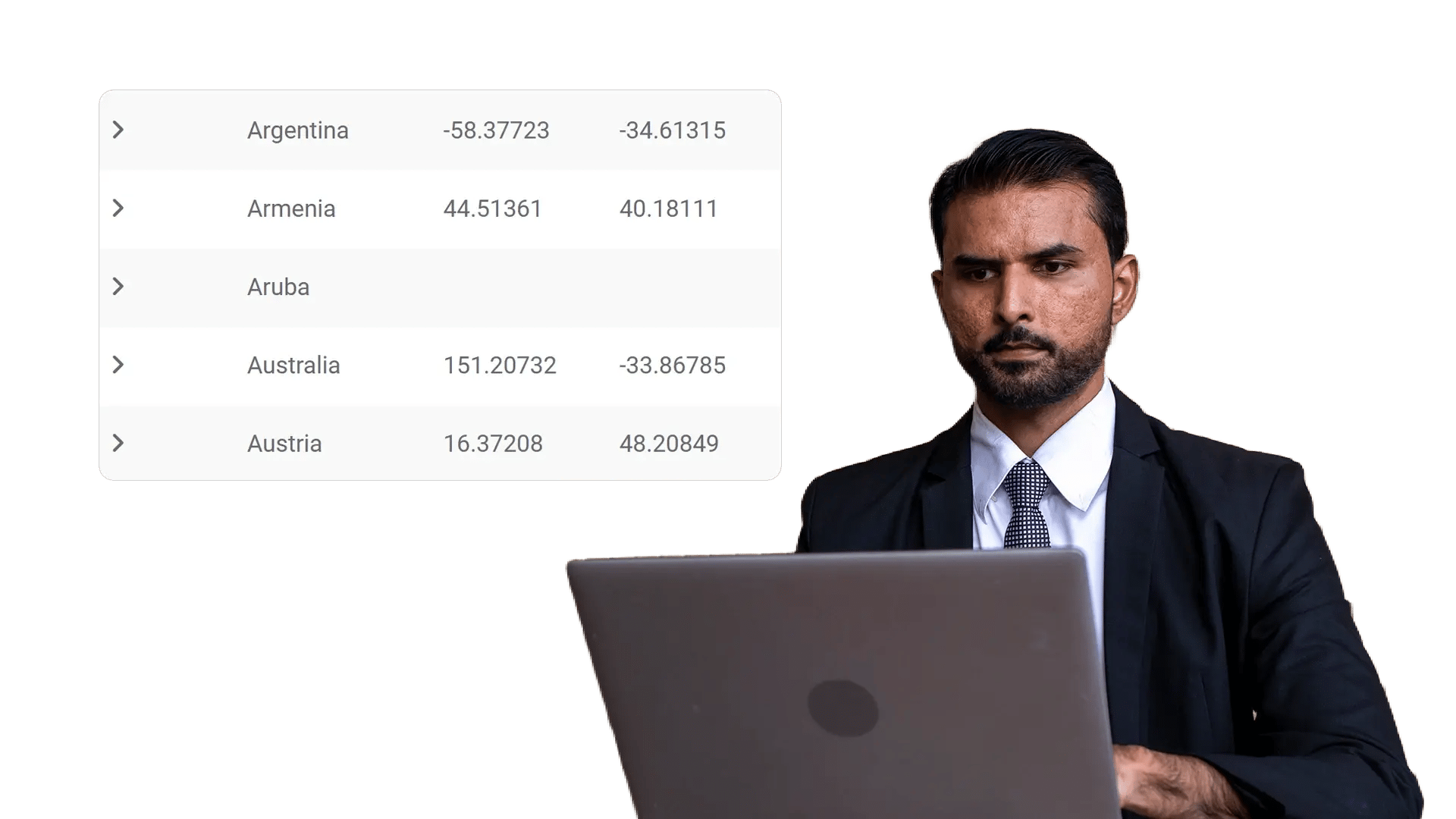
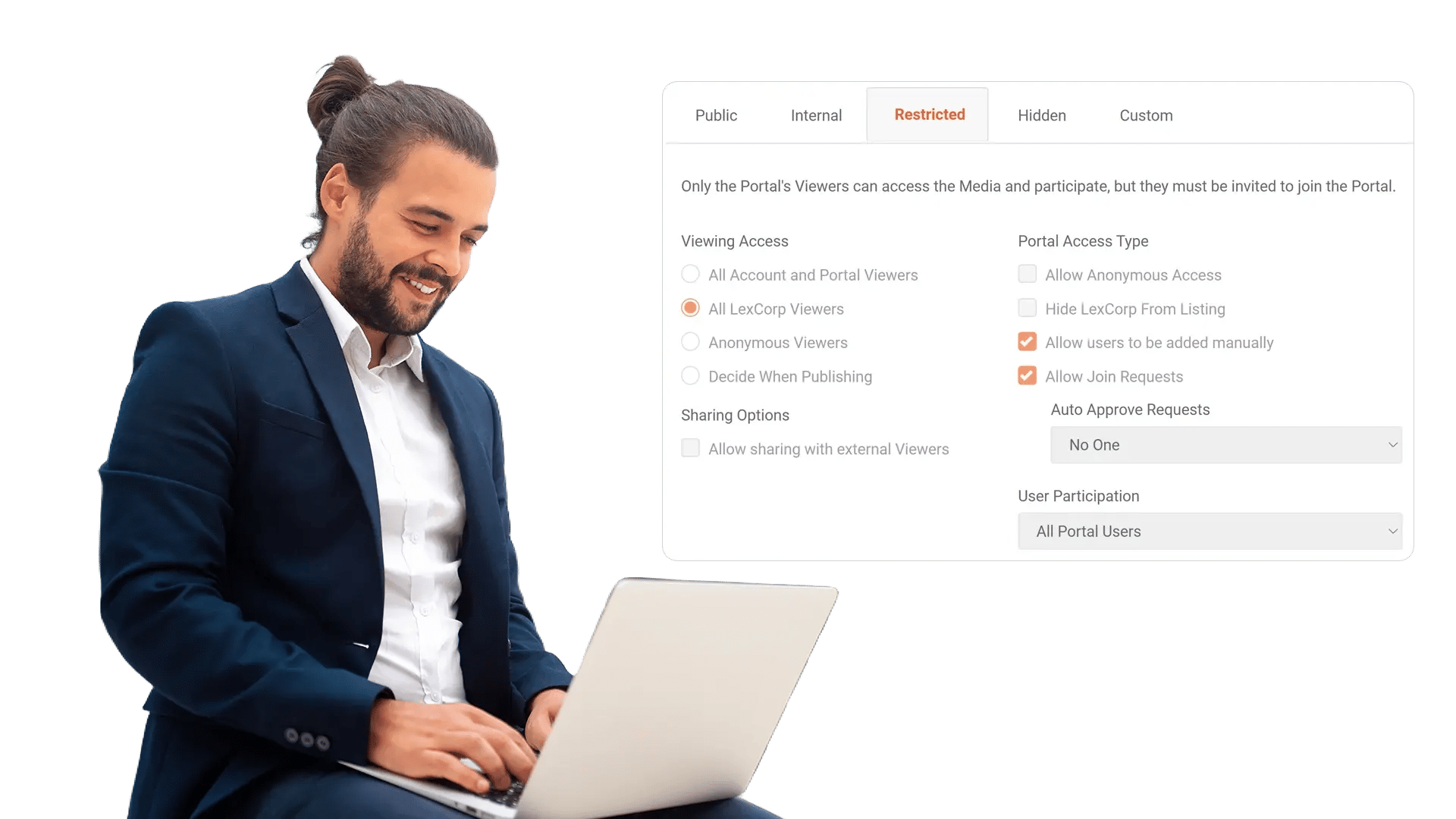
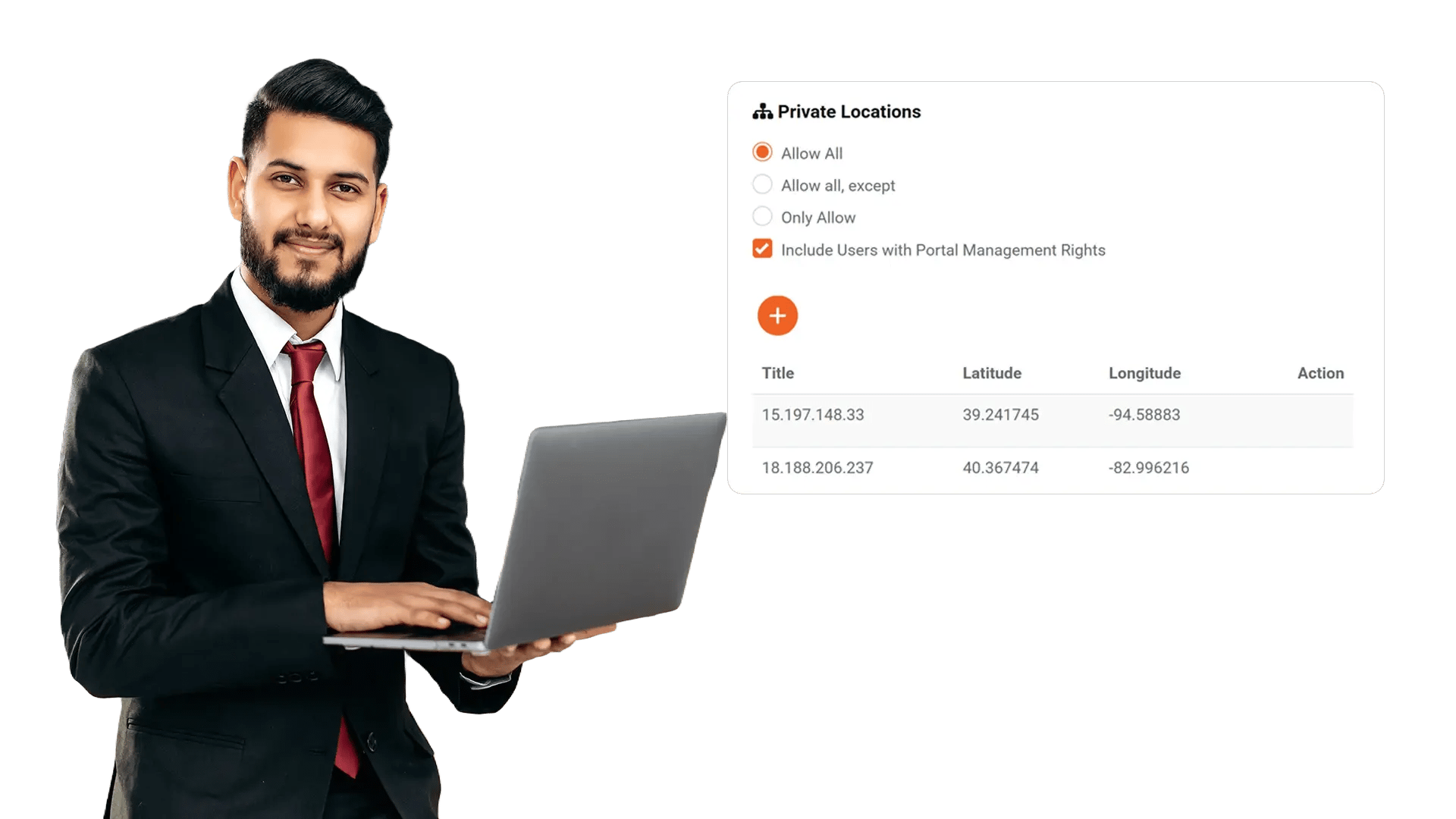
Create a whitelist and blacklist of select IP addresses to allow or prevent access to your video content hosted on the enterprise video platform. Enforce viewing rules across portal playback, embeds, and shared links.
Geo-restrictions for Controlled Video Access

100+ Leading Organizations Trust Our Data and AI Solutions

Create IP Whitelists and Blacklists for Video Access

Protect internal meetings, training, and sensitive briefings by controlling where your EnterpriseTube videos can be played. Allow trusted networks and block risky sources by defining clear IP-based access rules.

Create IP Whitelists and Blacklists for Video Access
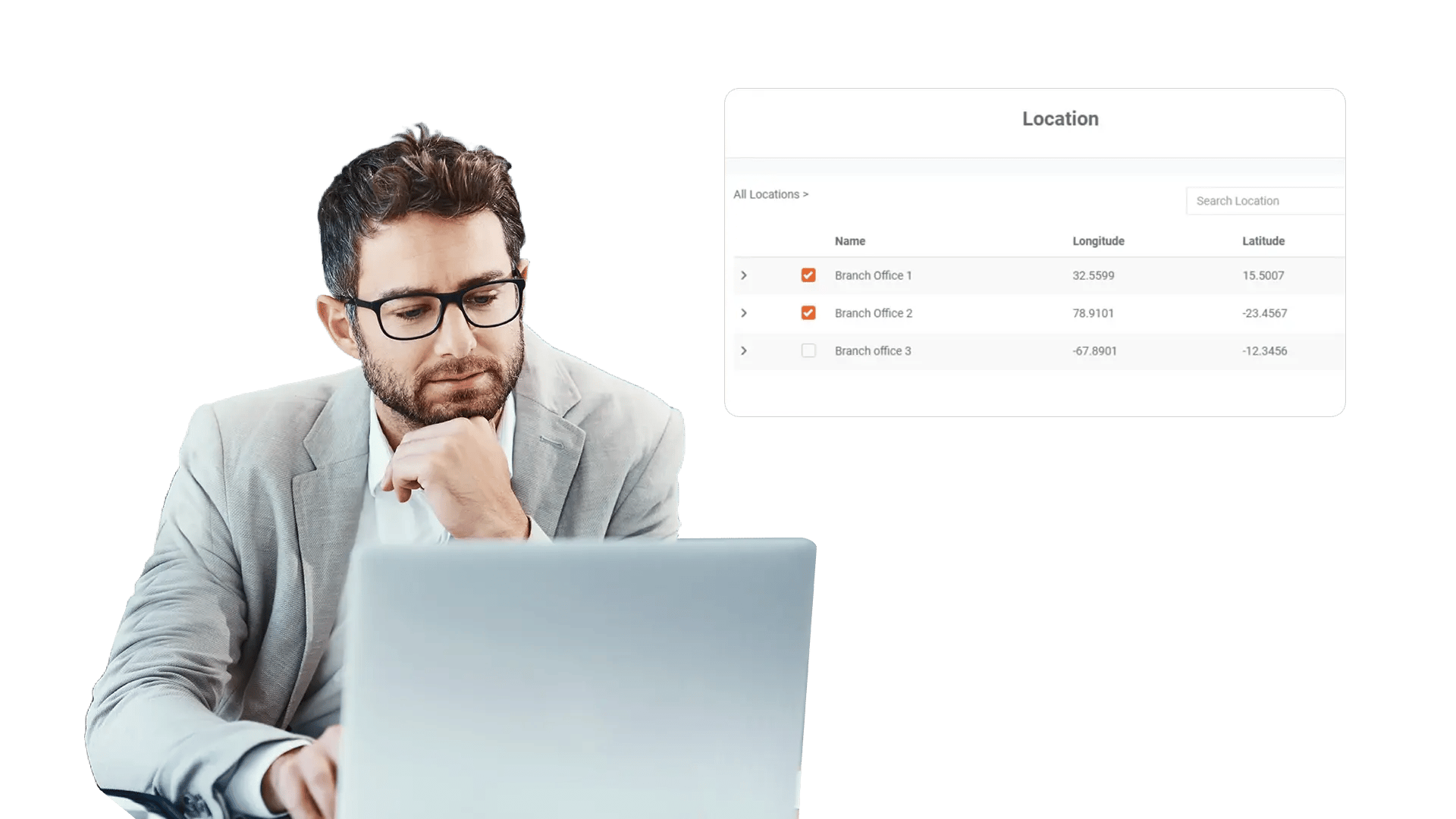
Restrict Viewing by Region for Compliance and Licensing

Restrict Viewing by Region for Compliance and Licensing

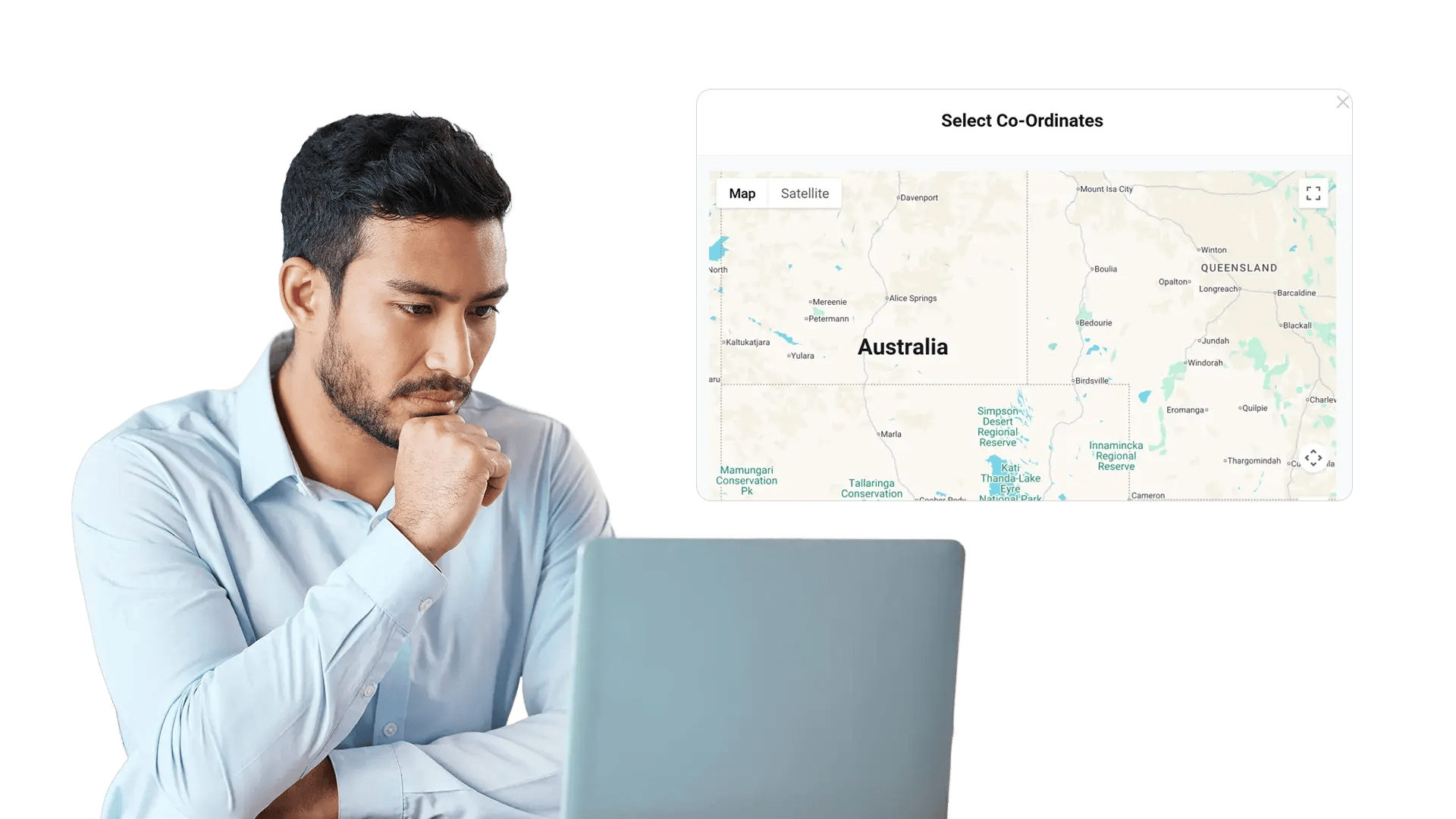
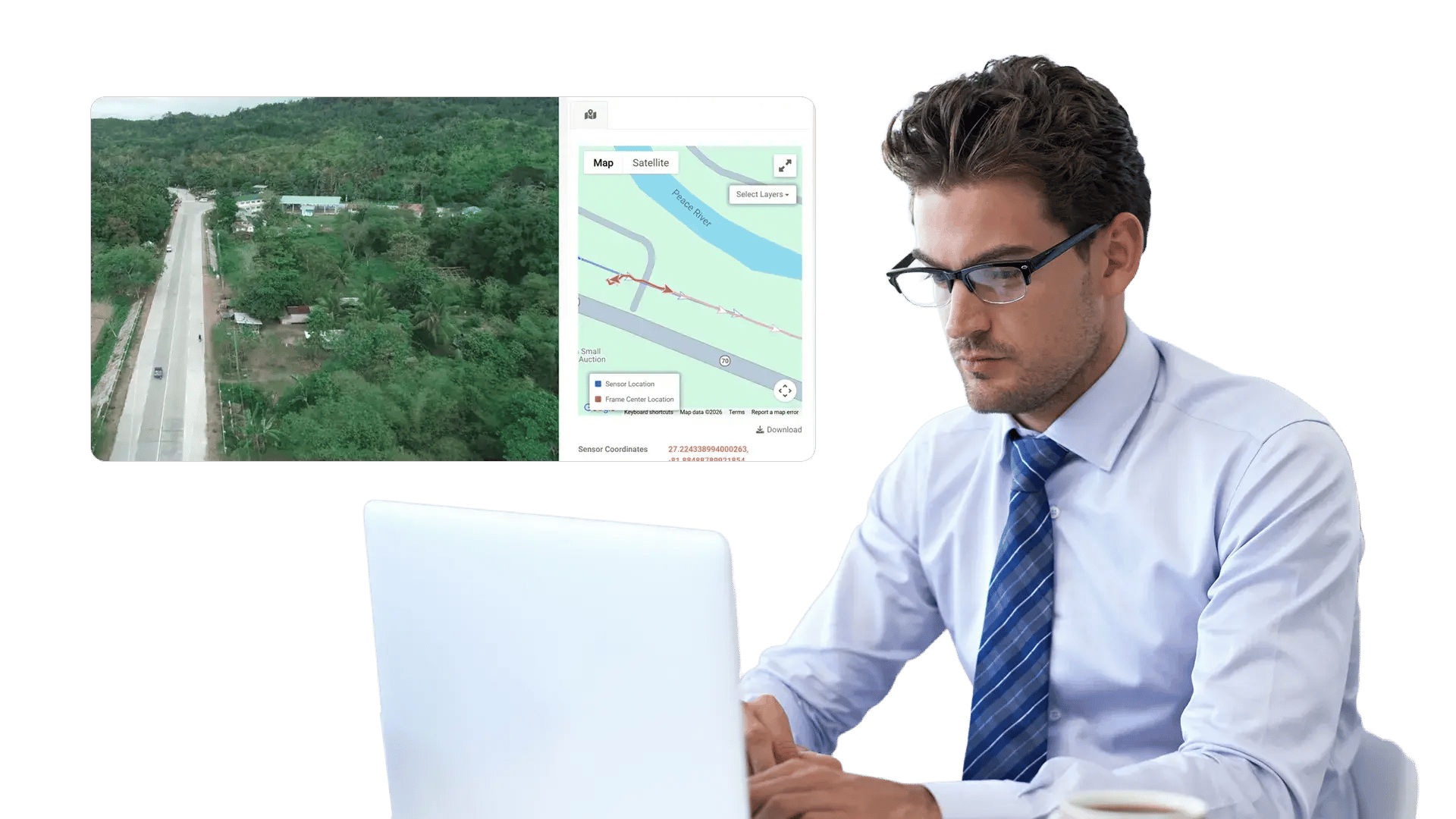
When content is tied to regional compliance requirements or distribution rights, you need more than user logins. Add location-based restrictions so video playback aligns with your operational and legal boundaries.

Set Different Rules by Library, Channel, or Content Type

Not every asset needs the same restrictions. Apply stricter controls to executive updates and incident recordings, while keeping general training accessible to distributed teams.

Set Different Rules by Library, Channel, or Content Type
Enforce Geo-restrictions on Embeds and Shared Links

Enforce Geo-restrictions on Embeds and Shared Links

Shared links and embedded players are common routes for content sprawl. EnterpriseTube enforces the same IP and geo policies even when videos leave your portal—so security travels with the player.

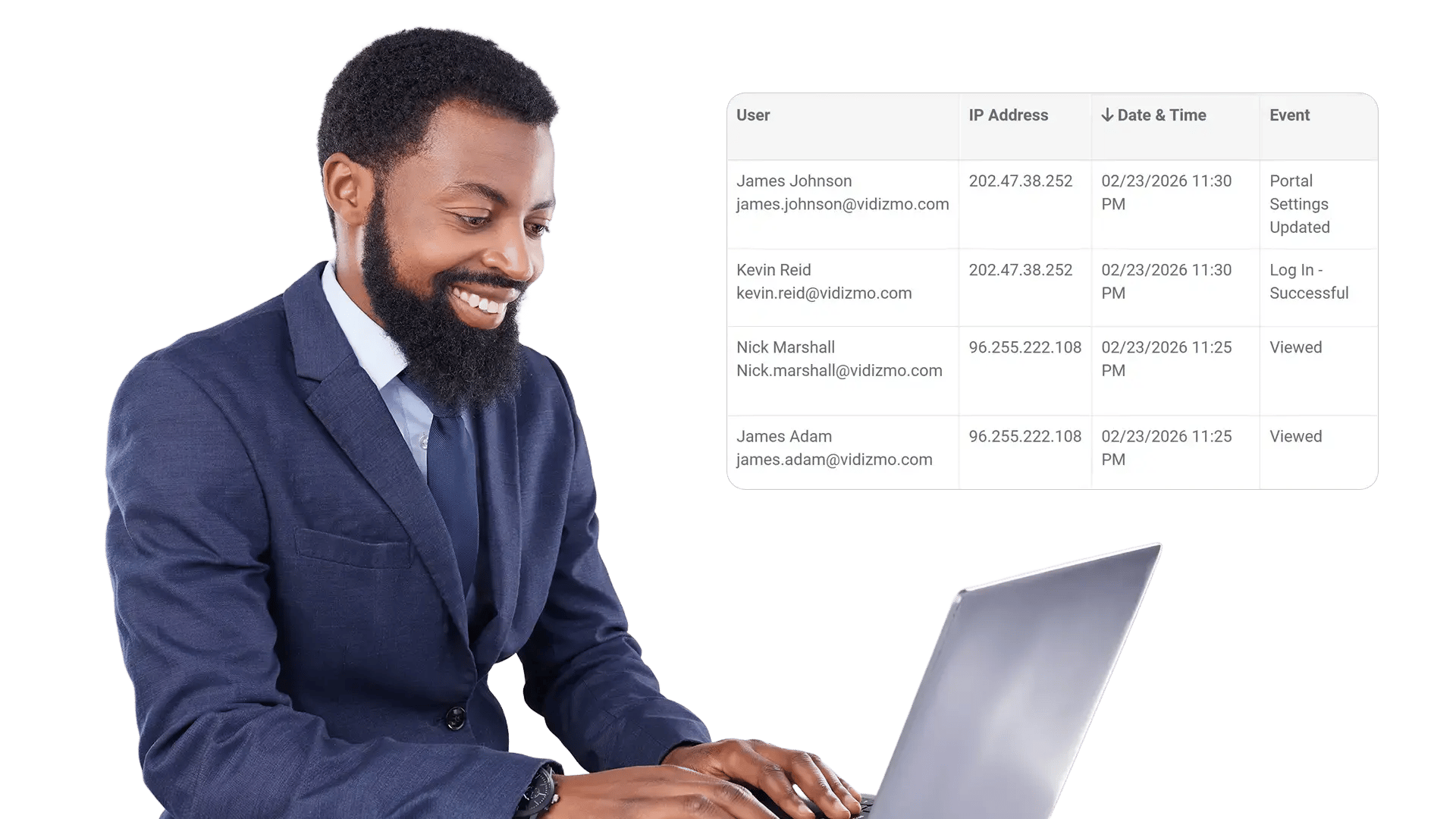
Track Policy Hits with Detailed Access Logs

Security teams need evidence. EnterpriseTube records access decisions so you can review allowed and blocked attempts, spot patterns, and support internal audits.

Track Policy Hits with Detailed Access Logs
Get Alerts When Access Patterns Look Suspicious

Get Alerts When Access Patterns Look Suspicious

If the same video is repeatedly requested from blocked ranges or unfamiliar locations, you should know quickly. Use alerts and reporting to stay ahead of potential misuse.

Can Be Used For

Apply Geo-restrictions anywhere video access needs boundaries—whether the constraint is compliance, distribution rights, or operational security.

Frequently Asked Questions

What are Geo-restrictions in EnterpriseTube?

Geo-restrictions let you control video playback based on where a request comes from. You can allow or block access using IP address rules, and align playback to your geographic and network boundaries.

Can I create both an IP whitelist and a blacklist?

Yes. You can explicitly allow trusted IP addresses or ranges (whitelist) and deny risky or untrusted sources (blacklist). You can use either approach alone or combine both for layered control.

Do Geo-restrictions apply to embedded players and shared links?

Yes. The same access policies can be enforced across portal playback, embedded players, and share links—so restrictions remain active even when videos are viewed outside the main portal.

Can policies be different for different libraries or channels?

Yes. Assign stricter policies to sensitive libraries (e.g., executive meetings) and more flexible policies to general training or announcements. This helps teams balance access with security.

What happens when a viewer is blocked?

EnterpriseTube denies playback and records the event in access logs. Admins can review blocked attempts to understand patterns, verify enforcement, and fine-tune policy rules.

How does this work with role-based permissions and SSO?

Geo-restrictions complement identity and role-based access controls. Users still need the right permissions, and geo/IP rules provide an additional layer that constrains where playback can occur.

Keep Your Video Library Accessible Only Where It Should Be

Enforce IP whitelists and blacklists, apply geo rules across playback surfaces, and maintain audit-ready access logs—without disrupting approved viewers.
back to top