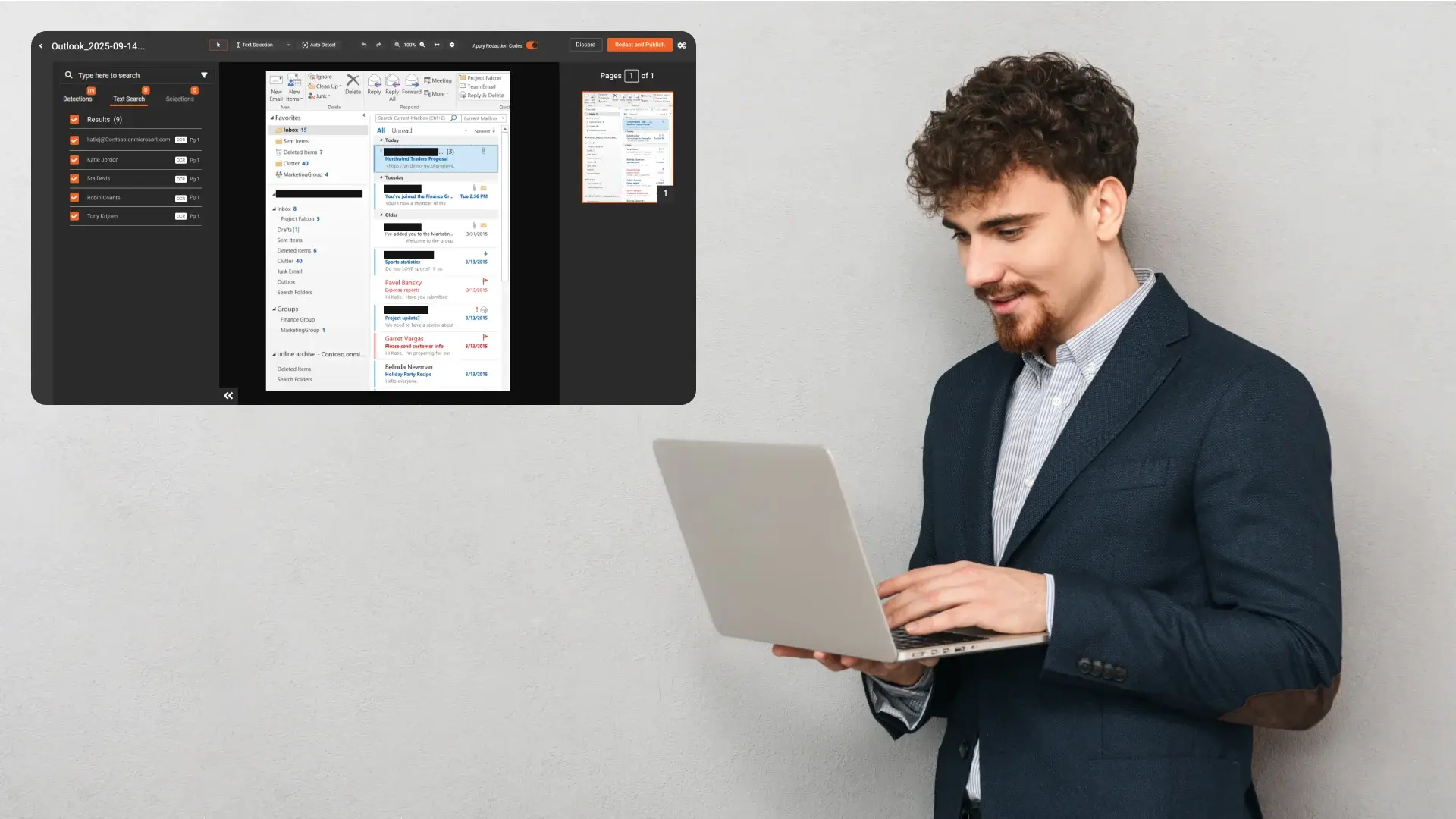
Subject Access Requests (SARs) and similar disclosure obligations often require organisations to provide copies of emails while protecting third-party personal data. If you use Microsoft Outlook or Microsoft 365, email evidence is commonly exported as.MSG files (Outlook Message Format). That’s where the real work begins: redacting hundreds or thousands of messages, long reply chains, and attachments without missing anything.
This guide lays out a general, repeatable workflow for redacting Outlook exports for SARs applicable to any organisation handling GDPR/UK GDPR disclosure.
Why Outlook email redaction is harder than it looks
Email redaction becomes complex because sensitive information is duplicated and scattered:
-
Threads repeat names, phone numbers, and addresses in quoted replies
-
Signatures contain contact details that appear on every message
-
Headers/metadata may include recipients, distribution lists, and routing info
-
Attachments often contain the most sensitive content (PDFs, scans, spreadsheets)
If you redact only the visible email body, you can still leak sensitive details elsewhere.
Step 1: Export emails consistently (and keep it defensible)
Different organisations export Outlook data differently. What matters is consistency and traceability:
-
Export as an individual.MSG files (common for preserving message structure)
-
Export a structured set from a mailbox/folder
-
Avoid ad-hoc conversion steps unless necessary (they introduce risk)
Best practice: record how the export was performed (scope, search criteria, date range, custodian, and timestamp). This makes your SAR process auditable and repeatable.
Step 2: Choose a thread strategy (this determines your workload)
Option A: Redact each.MSG individually
-
Pros: clean traceability, simplest chain-of-custody
-
Cons: repeated content = repeated redaction work
Option B: Consolidate threads before redaction
-
Pros: reduces duplication and speeds review
-
Cons: must preserve context (timestamps, participants, subject) to remain useful
Option C: Use a tool/workflow that accounts for duplication
-
Pros: best at scale; consistent redactions even when the same data appears repeatedly
-
Cons: requires a purpose-built redaction platform
If you regularly face large SAR sets, Option C usually provides the best time savings with the least risk.
Step 3: Define what must be redacted (use categories, not just keywords)
In SARs, you typically need to protect third-party personal data such as:
-
Names of other individuals
-
Email addresses and phone numbers
-
Physical addresses
-
Identifiers (employee IDs, customer IDs, etc.)
-
Any content that can identify someone else in context
Manual keyword lists don’t scale well. A better approach is PII category detection with configurable rules.
Step 4: Don’t overlook headers, signatures, and quoted content
These are frequent sources of accidental disclosure:
Email headers/routing details
Depending on export settings and file structure, you may need to redact:
-
To/From/Cc fields
-
distribution lists
-
reply-to addresses
-
other metadata included in the export
Signatures and footers
Signatures often contain:
-
direct phone numbers
-
job titles
-
office addresses
-
legal disclaimers with additional identifiers
Quoted replies
Threads often repeat the same personal data multiple times. Your workflow should reduce rework and maintain consistency.
Step 5: Treat attachments as first-class items (not an afterthought)
Attachments often contain:
-
PDFs and scanned documents
-
images (IDs, photos, screenshots)
-
spreadsheets (lists of names, addresses)
-
Word documents with tracked changes
Best practice: your workflow should:
-
identify attachments linked to each email,
-
redact attachments with the same policy,
-
export/share them alongside the redacted email set.
Step 6: Use automation, then apply human review (the safe scaling model)
A practical, low-risk redaction approach is:
-
Auto-detect PII (names, emails, phones, addresses, identifiers)
-
Apply confidence thresholds (auto-redact high-confidence items)
-
Use human review for exceptions and edge cases
-
Generate a redaction report (what was removed, when, and by whom)
This keeps quality high while dramatically reducing time.
Step 7: Make sure redaction is irreversible (not just “covered”)
A major risk in email/document redaction is applying visual overlays that can be removed or copied around.
Your exported outputs should ensure:
-
The underlying text is removed or properly redacted (not simply hidden)
-
Redaction can’t be “lifted” by selecting/copying text or editing layers
If you’re using basic PDF drawing tools, verify the output is truly redacted—not masked.
Step 8: Export or share securely (with controls)
After redaction, organisations usually need one or both:
-
Export/download the final redacted files for archiving and disclosure
-
Secure share links with restrictions such as:
-
expiry (hours/days)
-
view-only vs download
-
authentication
-
limited number of views
-
Secure sharing reduces the risk of accidental re-distribution and helps control access.
Common mistakes in Outlook SAR redaction
-
Redacting only the visible email body and missing headers/signatures
-
Ignoring attachments or redacting them inconsistently
-
Re-redacting the same thread content repeatedly (slow + error-prone)
-
Using non-irreversible “black boxes” that can be removed
-
Lacking an audit trail and redaction reporting
Vendor/workflow checklist for Outlook.MSG redaction
If you’re evaluating tools or building an internal process, confirm:
-
Direct support for.MSG files (no manual conversion needed)
-
Bulk processing for large exports
-
Thread-aware or duplication-aware workflows
-
Attachment handling (extract, redact, re-package)
-
PII categories + confidence thresholds + exclusions
-
Audit logs + redaction reports
-
Export + secure sharing controls
The fastest way to validate your process: run a realistic pilot
Use a sample set that includes:
-
short emails, long reply chains, forwarded threads
-
signatures and header-heavy messages
-
common attachment types (PDFs/images/spreadsheets)
Measure:
-
time saved vs manual redaction
-
accuracy and consistency
-
ease of review
-
quality and irreversibility of outputs
How VIDIZMO Redactor supports Outlook.MSG redaction for SARs
VIDIZMO Redactor is designed to handle the specific challenges of Subject Access Requests involving Outlook and Microsoft 365 email exports, including complex threads, metadata, and attachments.
For organisations dealing with SARs at scale, VIDIZMO Redactor provides:
Native.MSG file support
Emails can be processed in their original Outlook Message Format without risky or manual pre-conversion steps, helping preserve structure, context, and evidentiary integrity.
Thread-aware and duplication-aware redaction
Repeated content across reply chains and forwarded emails can be detected and handled consistently, reducing rework and lowering the risk of inconsistent redactions.
Comprehensive PII detection
VIDIZMO Redactor supports automated detection of personal data categories such as names, email addresses, phone numbers, physical addresses, and identifiers, with configurable confidence thresholds and exclusions to align with SAR policies.
Full coverage of email components
Redaction workflows can include:
-
email bodies and quoted replies
-
headers and addressing fields (To, From, Cc, metadata where present)
-
signatures and footers
-
attachments linked to each message
Attachments are treated as first-class items and redacted using the same policy as the parent email.
Irreversible, audit-ready redaction
Redactions are applied in a way that removes or neutralises the underlying content rather than visually masking it, helping ensure sensitive data cannot be recovered.
Audit trails and reporting
VIDIZMO Redactor maintains logs and redaction reports detailing what was redacted, when actions occurred, and how files were processed—supporting defensible, regulator-ready SAR responses.
Secure export and controlled sharing
Final redacted outputs can be exported for disclosure or shared securely with controls such as expiration, access restrictions, and download limitations.
For organisations responding to frequent or large SARs, this approach helps standardise Outlook email redaction workflows while maintaining accuracy, consistency, and auditability.
You Can Start Your Free Trial Today - No Credit Card Needed

Bottom line
The best way to redact Outlook exports for SARs is to standardise your export, treat threads and attachments as part of the same workflow, use automation with human review, and produce irreversible, audit-ready outputs.
FAQ
Frequently Asked Questions
Can you redact a .MSG file directly, or does it need to be converted first?
You can redact .MSG files directly if your tool supports the format natively. Converting to PDF or another format before redaction introduces unnecessary steps, risks breaking email structure, and reduces auditability. Always confirm your redaction platform handles .MSG without pre-conversion.
What personal data must be redacted in Outlook emails for a SAR?
For SARs, you must redact third-party personal data, not the requester's own data. This includes:
- Names of other individuals
- Email addresses, phone numbers, and physical addresses
- Employee or customer identifiers
- Any contextual detail that could identify a third party
The requester's own information should remain visible.
Do email headers and signatures need to be redacted in a SAR response?
Yes. Headers can expose recipient lists, routing data, and distribution groups. Signatures repeat phone numbers, job titles, and office addresses on every message in a thread. Both are common sources of accidental third-party disclosure and must be included in your redaction scope.
How do you handle redaction across long email reply chains without missing repeated data?
Each reply in a thread can repeat the same names, addresses, and contact details. Redacting each instance manually is slow and inconsistent. The reliable approach is to use a thread-aware redaction tool that detects repeated PII across the full chain and applies redactions consistently throughout.
Are attachments in .MSG emails covered under SAR redaction obligations?
Yes. Attachments are part of the email record and must be treated with the same redaction policy as the email body. PDFs, scanned documents, spreadsheets, and images linked to an email can all contain personal data and should be extracted, redacted, and re-packaged alongside the parent message.
What is the difference between permanent redaction and covering text in a PDF?
Covering text with a black box using basic drawing tools is not true redaction. The underlying text can still be selected, copied, or revealed by removing the overlay. Permanent redaction removes or neutralises the source data so it cannot be recovered, which is the only defensible standard for SARs.
How do you scale Outlook email redaction without sacrificing accuracy?
The practical model is automated detection followed by human review. Auto-detect high-confidence PII categories such as names, emails, and phone numbers, then route edge cases and low-confidence detections to a reviewer. This combination reduces processing time significantly while keeping accuracy and auditability intact.
What should an audit trail include for SAR email redaction?
A defensible audit trail should capture:
- Which files were processed and when
- What was redacted and the detection method used
- Who reviewed and approved the redactions
- How outputs were exported or shared
This documentation supports regulatory scrutiny and demonstrates a consistent, repeatable process.
TopicsRedaction
About the author
Zain Noor is a Product Marketing Executive at VIDIZMO with expertise in AI redaction technology. He focuses on how public safety agencies, government bodies, and commercial organizations adopt and operationalize video intelligence at scale.
You may also like

Deploying a Low-Latency Surveillance Pipeline: An Architecture Guide
"Real-time" is one of those phrases that gets used loosely, and in a video analytics pipeline it hides a lot of ...
Choosing a GPU for Real-Time Video Analytics
Capacity planning tells you how many GPUs a deployment needs. This is the other half of the question: which GPU to ...
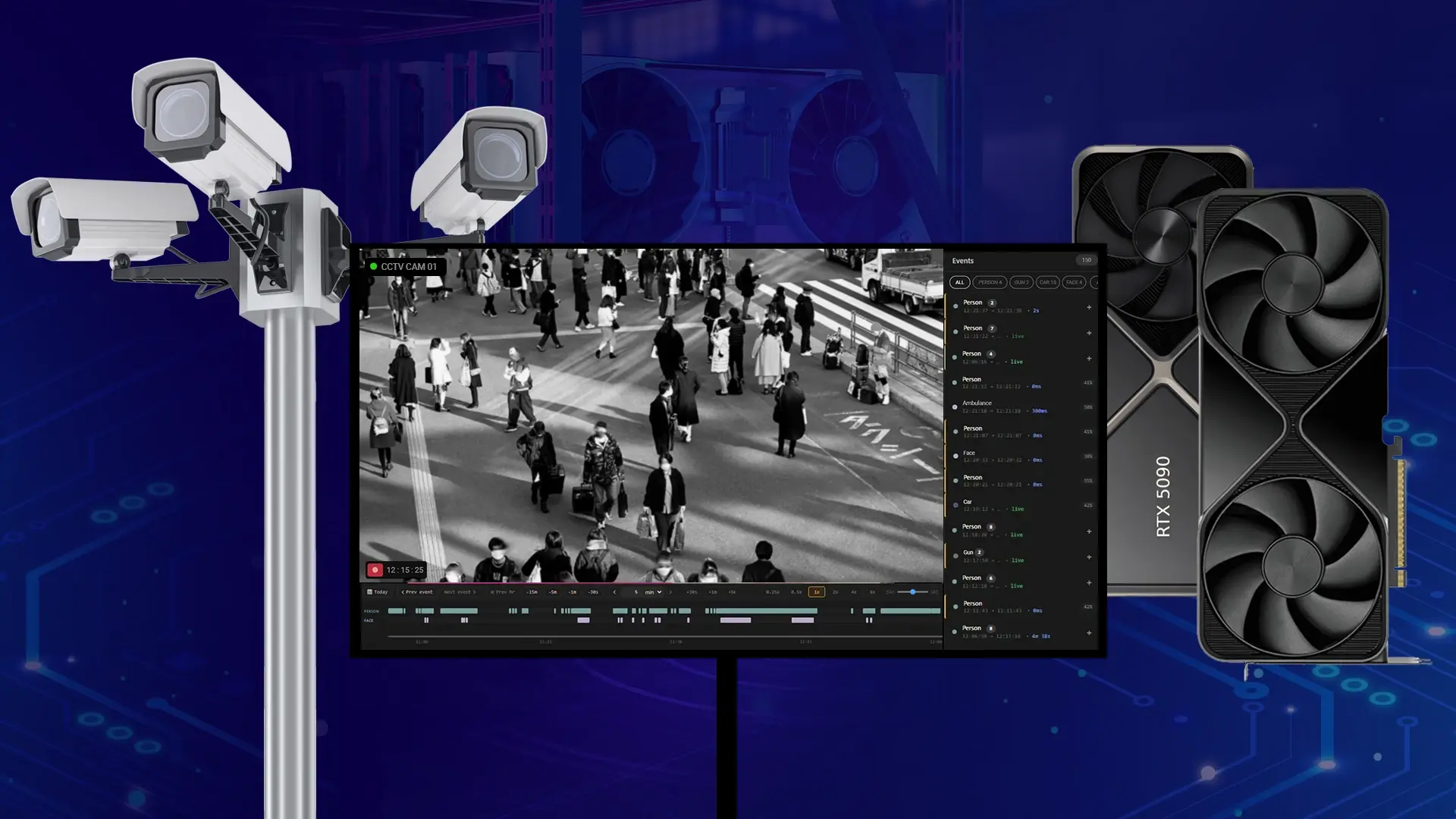
GPU Capacity Planning for Real-Time AI Video Analytics
Ask a vendor how many cameras their AI runs on one GPU and you will usually get a single confident number with no ...