
Take Control of Sensitive Content with Role-Based Access
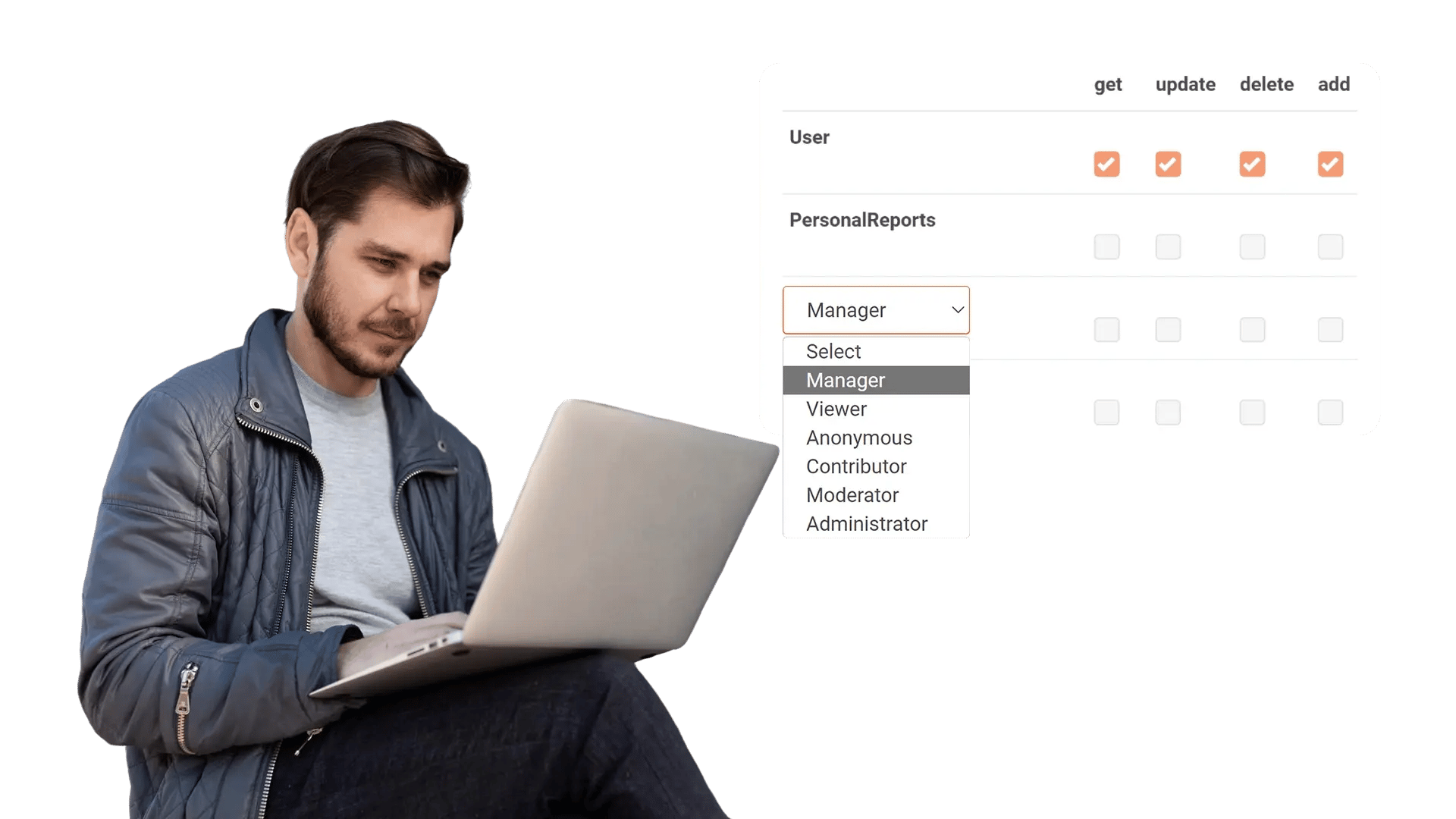
Control who can upload, redact, manage, and release with role-based access control. With VIDIZMO Redactor, you assign each person a role, and their permissions follow it. The right people can upload, redact, and release while everyone else stays out. Set it once, apply it across teams, and adjust the moment duties change.
What Is Role-Based Access Control?
Role-based access control (RBAC) lets you grant access by role instead of one user at a time. Each role carries a defined set of permissions across files, features, and administrative functions, so access maps to responsibility across your teams. Password protection and location restriction add further control over where and how users sign in.
Set Access by Role, Not by Person
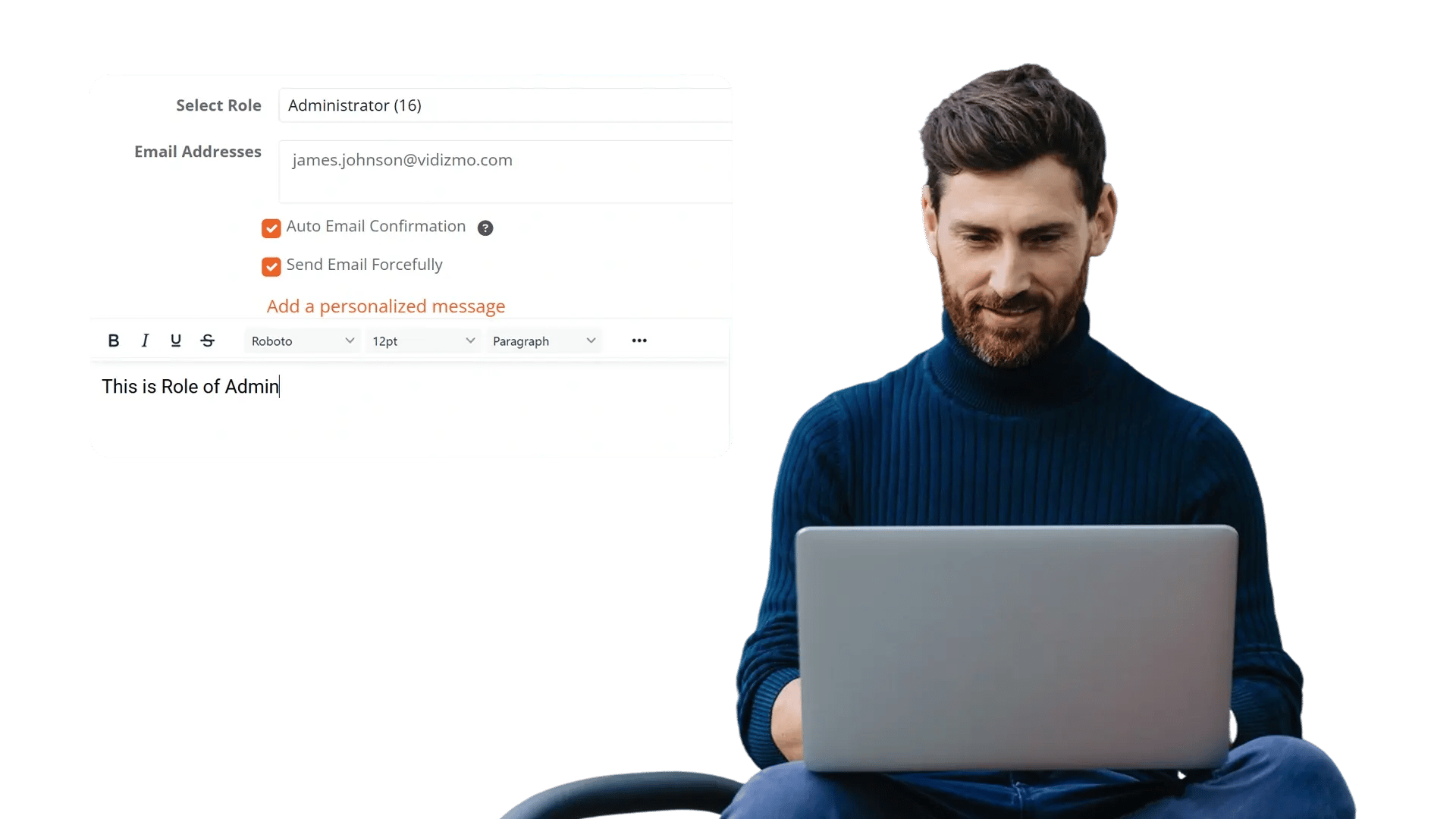
Setting permissions for one person at a time does not scale. RBAC lets you assign permissions to a role, then apply them to everyone who holds it. Authorize who can upload, manage, redact, and release based on duties, and update in bulk the moment responsibilities shift, with no repetitive per-user work.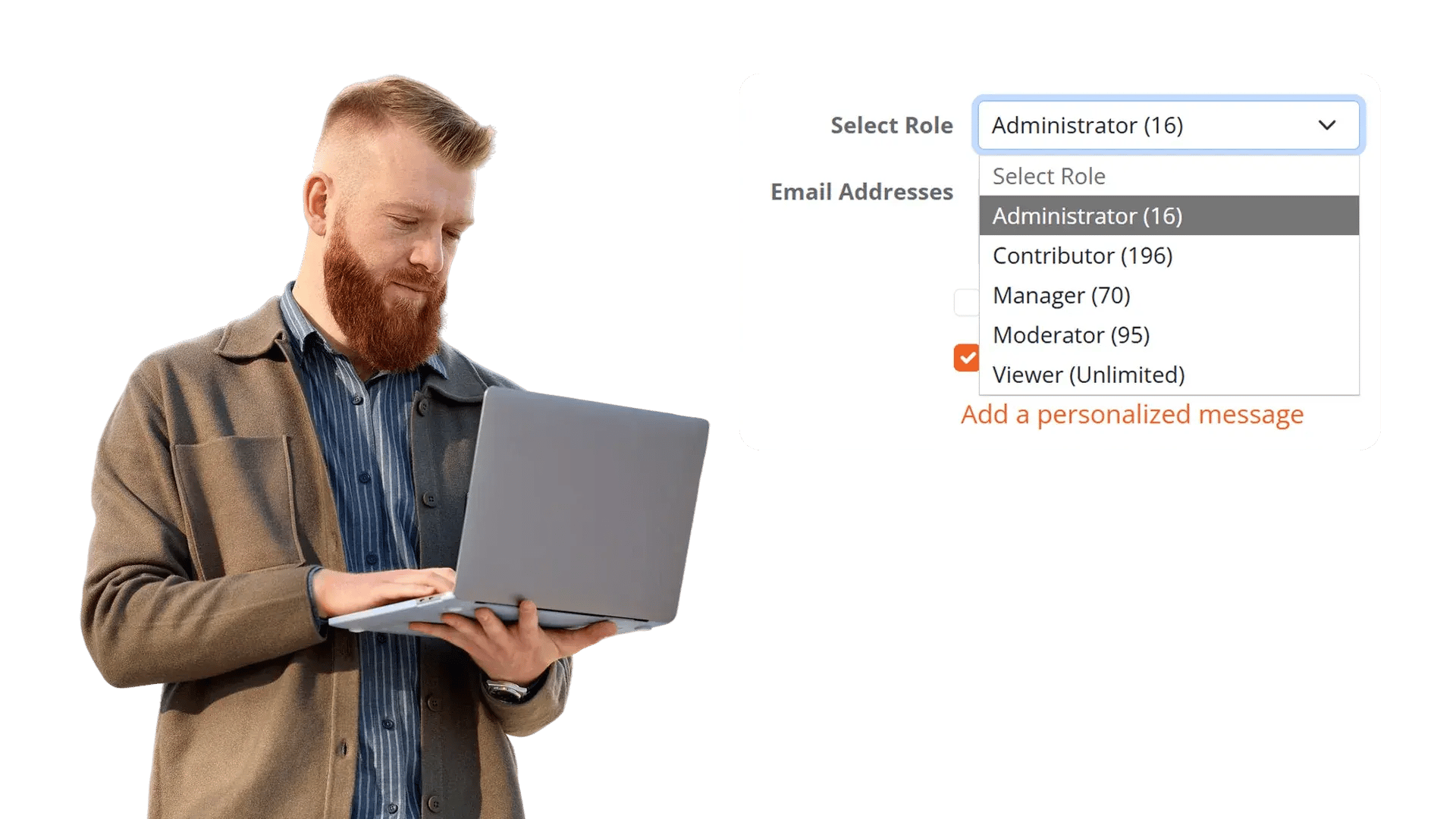
Keep Access Consistent Across Every Team
Roles let you organize users the way your teams are actually structured. Everyone in the same function holds the same access by default, so there are no one-off exceptions to track and no permissions drifting out of line over time. What each person can reach always reflects the role they hold, which keeps access uniform and predictable across every team.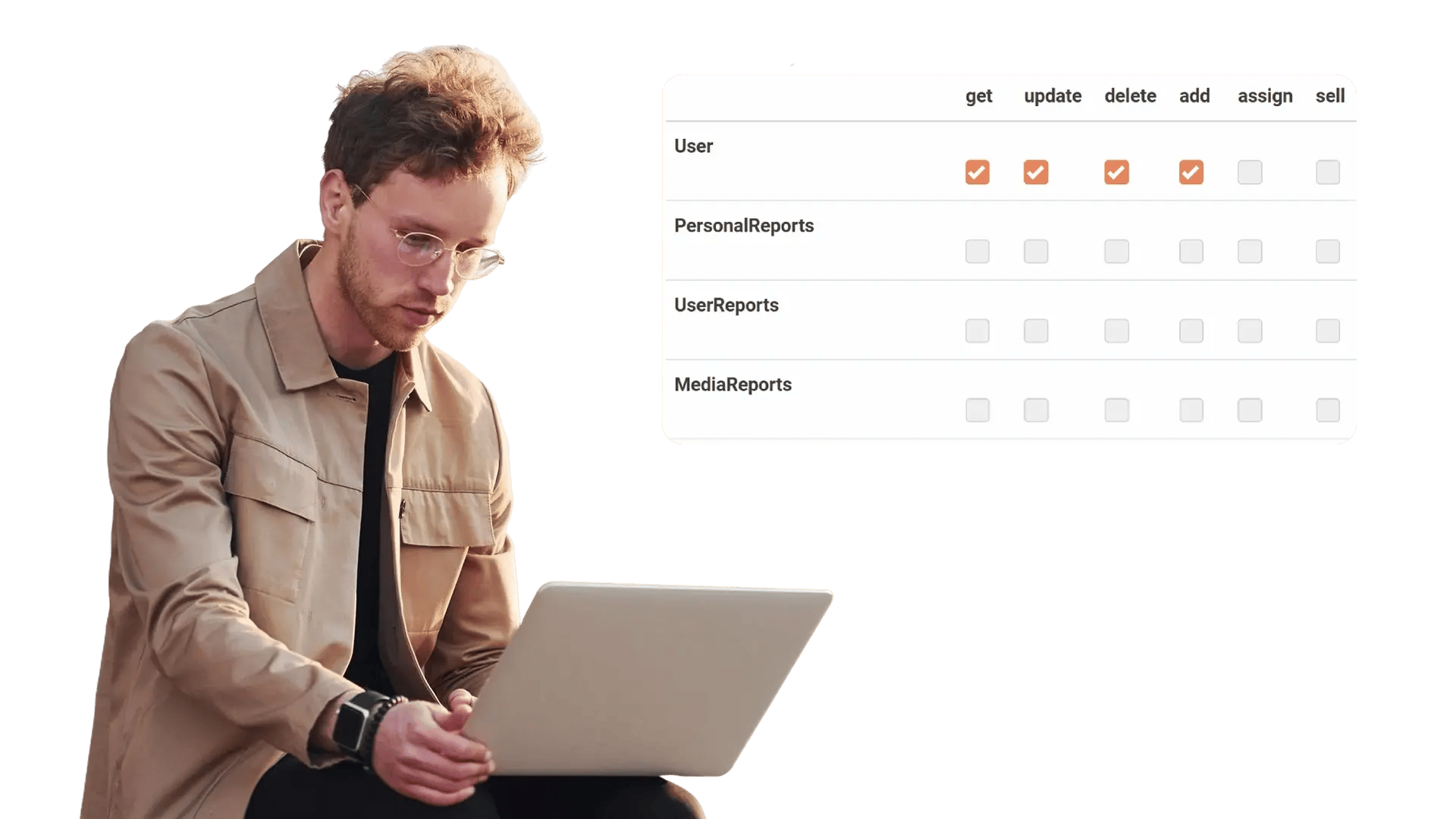
Control Access Down to the Redaction Layer
Most access control stops at the file. RBAC goes further. Role-based layer permissions extend control into the redaction itself, so reviewers and approvers see and act only on the layers their role allows. Sensitive layers stay restricted to the right people, and every redaction activity stays inside a secure, governed environment.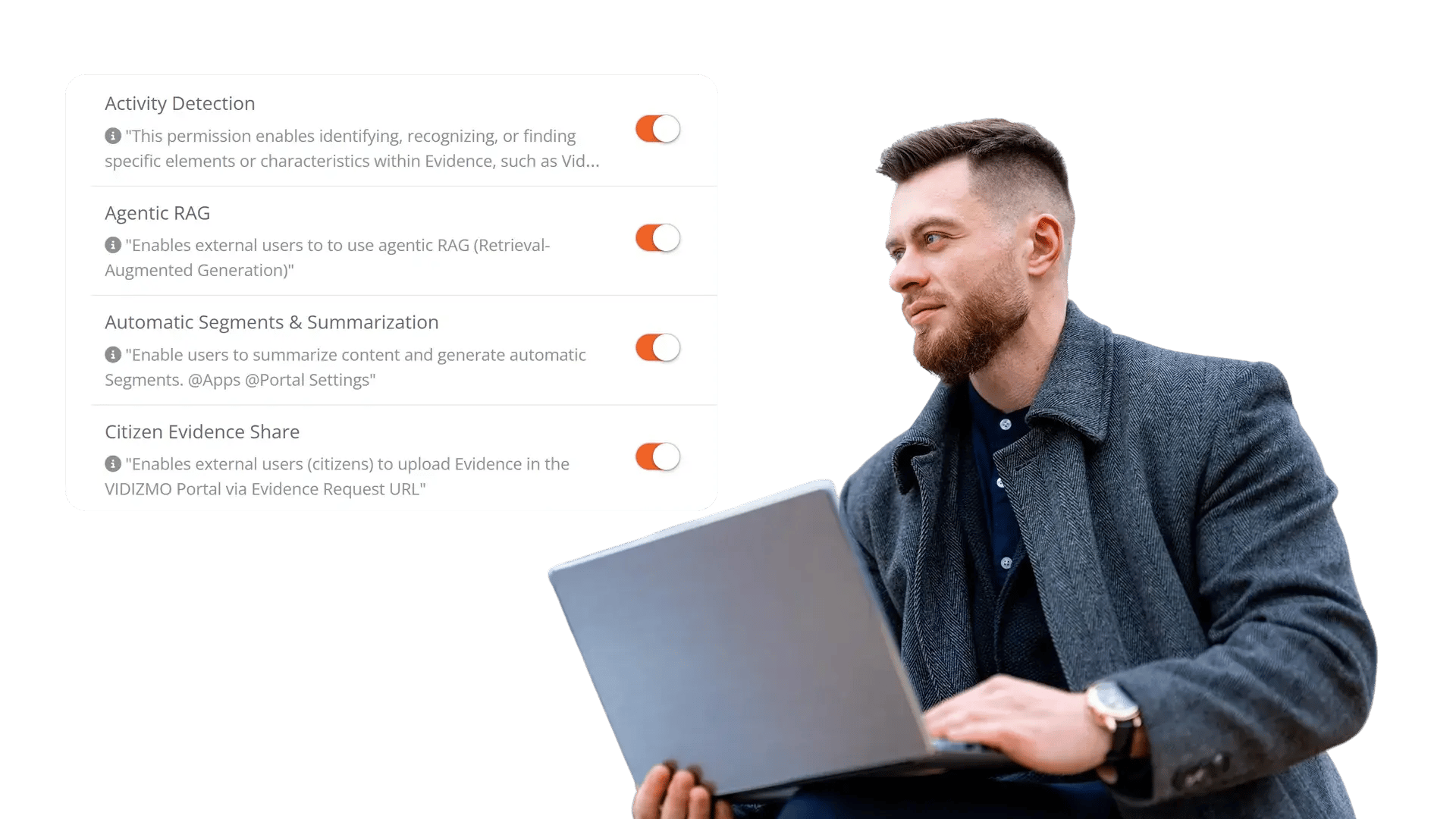


Define your roles
Set the permissions each role needs across files, features, and administrative functions.

Assign users
Place users into roles individually or in bulk, and group them to keep access consistent across teams.

Adjust as duties change
Update permissions whenever responsibilities shift, and the change applies to everyone in that role

Track every action
Every access, redaction, and release is logged with the user, the time, and the action.
Disclosure-Ready Workflows
Consistent Redaction Standards
Governance & Access Control
Audit-Ready Accountability
Scalable Operations
Secure Deployment & Data Control
Law Enforcement
Manually redact critical details in evidence when context matters, such as unique identifiers, informant details, or sensitive scene elements. Combine automation with analyst oversight to support CJIS-aligned workflows and defensible disclosure.

Legal
Protect privileged and confidential information in discovery, exhibits, recordings, and filings. Manual redaction ensures accuracy for nuanced content and enables consistent outputs across productions.

Healthcare
Safeguard PHI in scanned records, recorded consultations, and supporting media. Manual refinement helps ensure HIPAA-aligned redactions when identifiers are complex or poorly captured

Government
Meet FOIA and public records requirements by applying careful, context-aware redactions, especially for sensitive terms, protected categories, or unique identifiers requiring human judgment.

Call Centers
Manually refine redactions in recorded calls where speech is unclear, overlapping, or context-dependent. Reduce risk while maintaining recording usability for QA and dispute resolution.

Education
Protect student and staff privacy in incident reports, recordings, and documentation. Manual tools support FERPA-related redactions when sensitive information is nuanced or case-specific.

Finance
Ensure accuracy when redacting account details, identifiers, and confidential references in customer documentation and recorded interactions, supporting compliance and risk reduction.

Transportation
Redact incident evidence, operational footage, and reports where unique visuals, identifiers, or sensitive context require manual control for accurate release.


On-Premise
Full control over infrastructure, data, and security policies, ideal for strict residency and compliance needs.

Private Cloud
Dedicated cloud environment with enhanced security and isolation, combining scalability with operational control.

Government Cloud
Built to meet government-grade security and compliance standards. Supports regulated frameworks.

Hybrid Environments
Integrates on-prem and cloud deployments seamlessly while keeping sensitive workloads secure.
