
White Label Video Platform
Brand the enterprise video platform your way by changing the logo, font, colors, thesaurus, custom CSS, custom URL, and more.
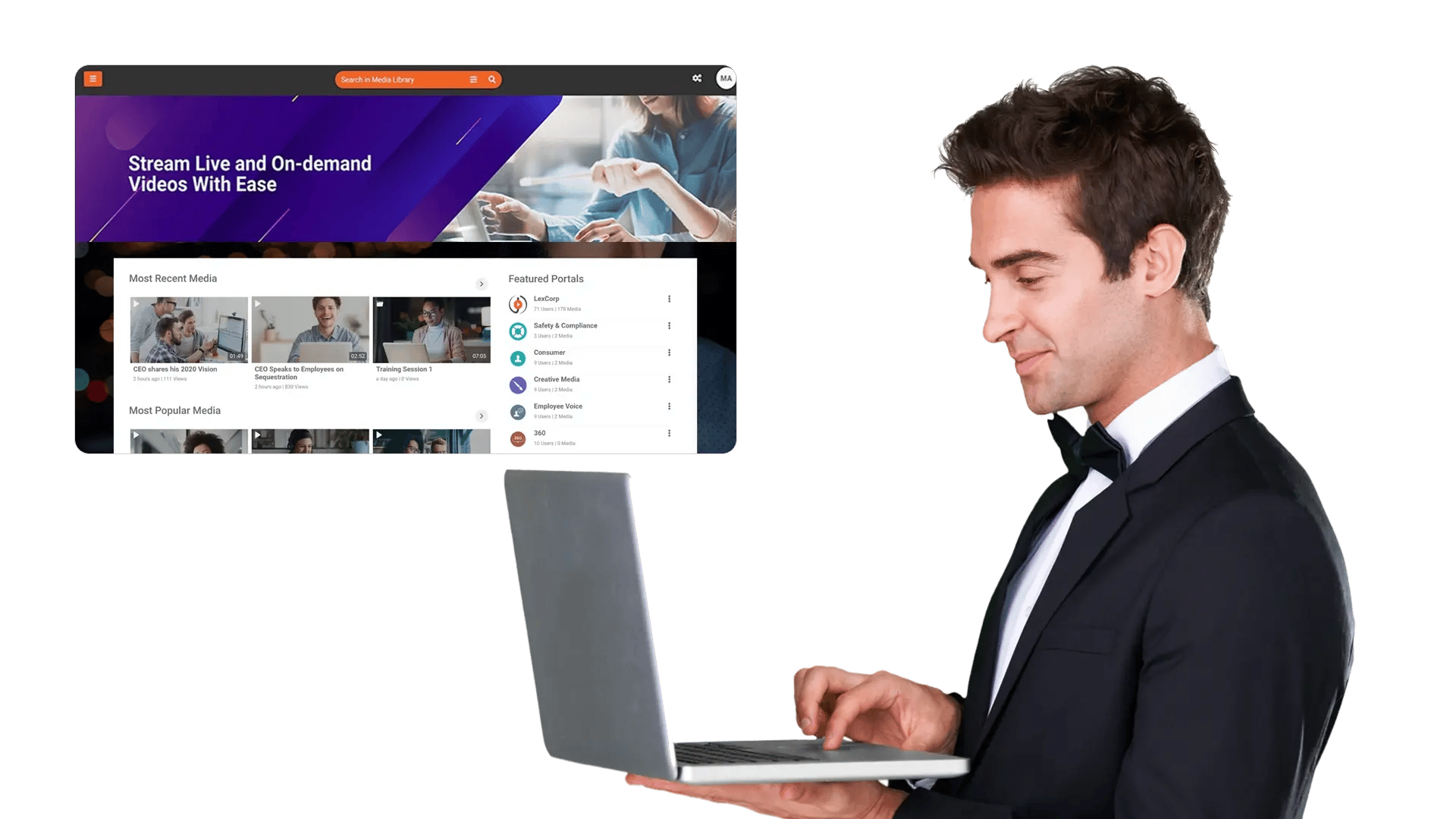

















Brand the Portal and Player to Match Your Identity
A platform that feels unfamiliar slows adoption. Apply your logo, fonts, and colors across the portal and player so the experience feels like a natural extension of your organization.

Use a Custom URL Users Already Trust
Host the portal on a custom URL to strengthen trust, simplify sharing, and maintain consistent navigation across your digital workplace.
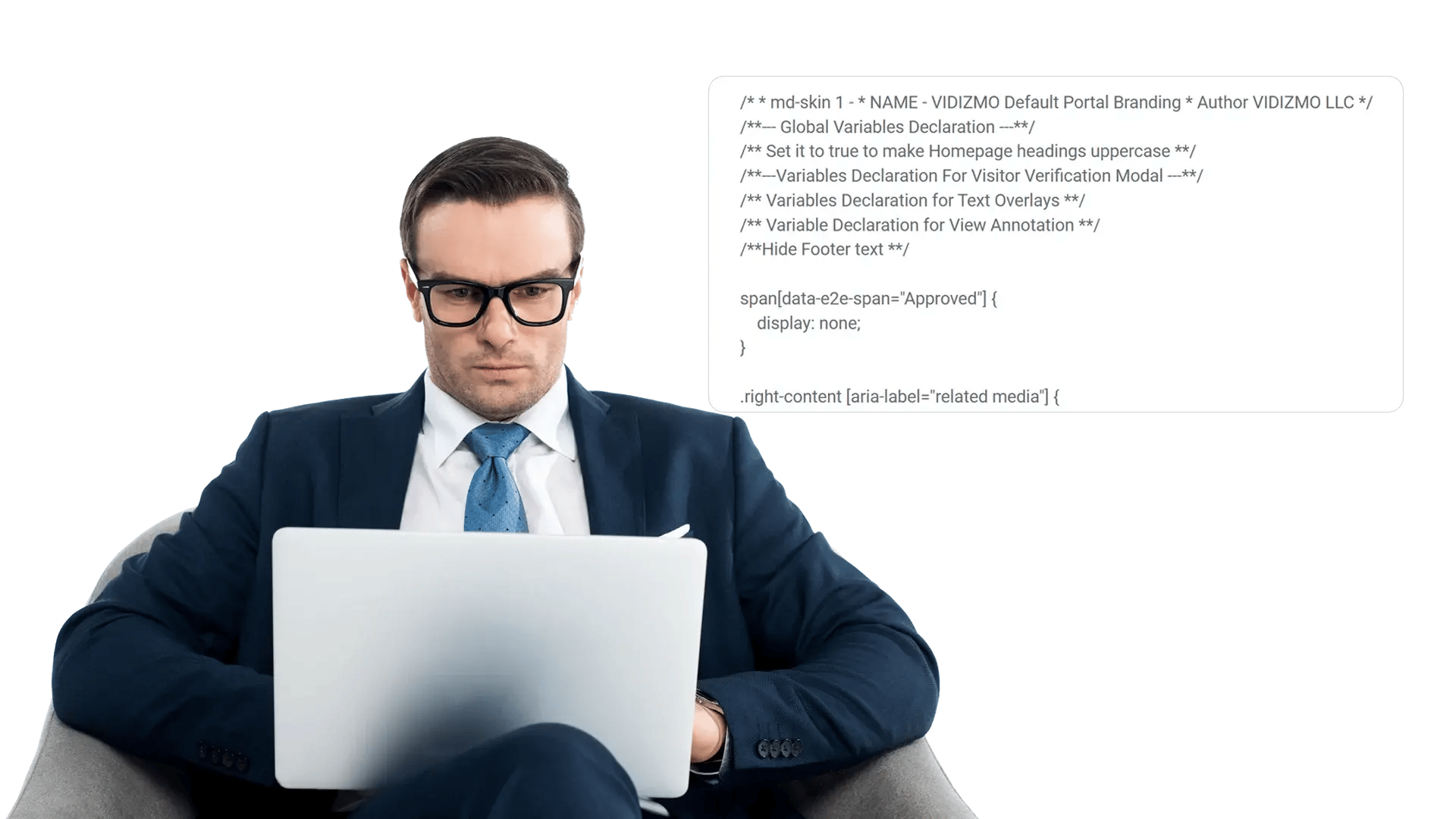
Align Labels and Navigation with a Thesaurus
Different teams use different words for the same concepts. Customize labels and synonyms so the UI and search align with your organization’s language.
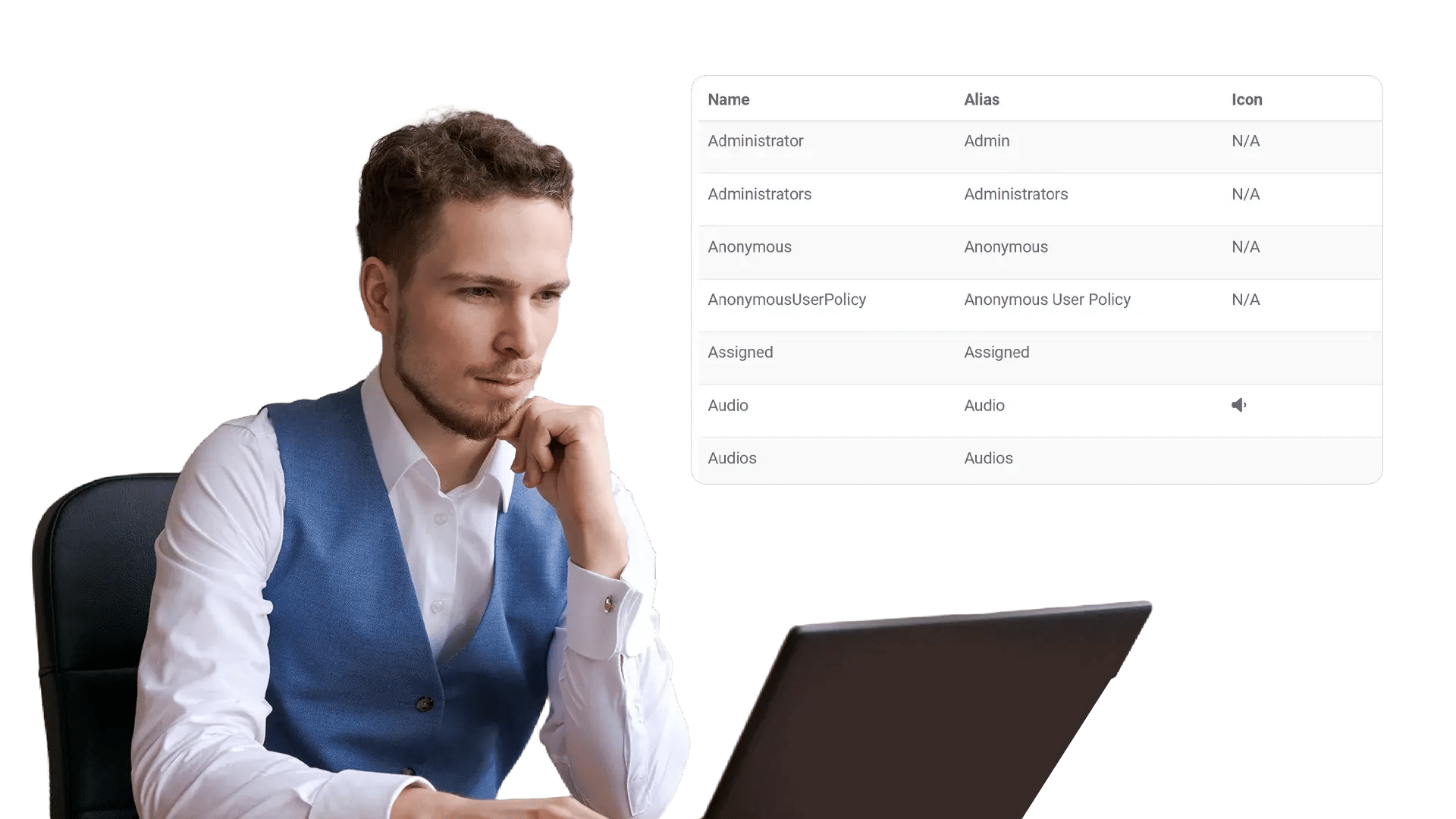
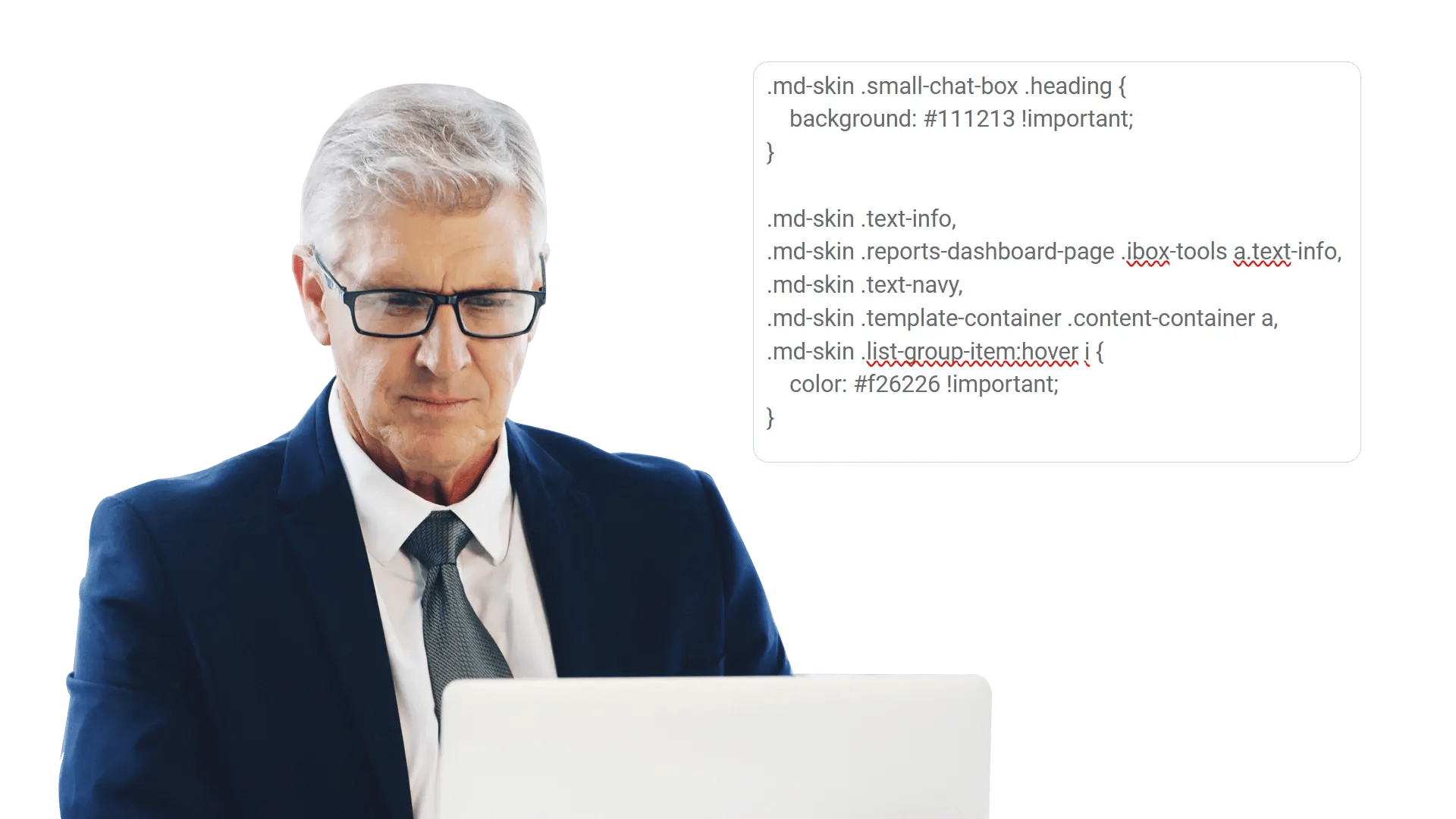
Fine-tune Styling with Custom CSS
Go beyond basic theming. Apply custom CSS to refine styling details so the platform aligns with your design system and accessibility standards.
Deliver a Consistent Branded Experience Everywhere
From portal pages to embedded players, white labeling helps you deliver a cohesive, on-brand experience across touchpoints—so adoption stays high.

Internal video hubs that feel first-party
Make the portal look like your intranet to reduce resistance and increase adoption.
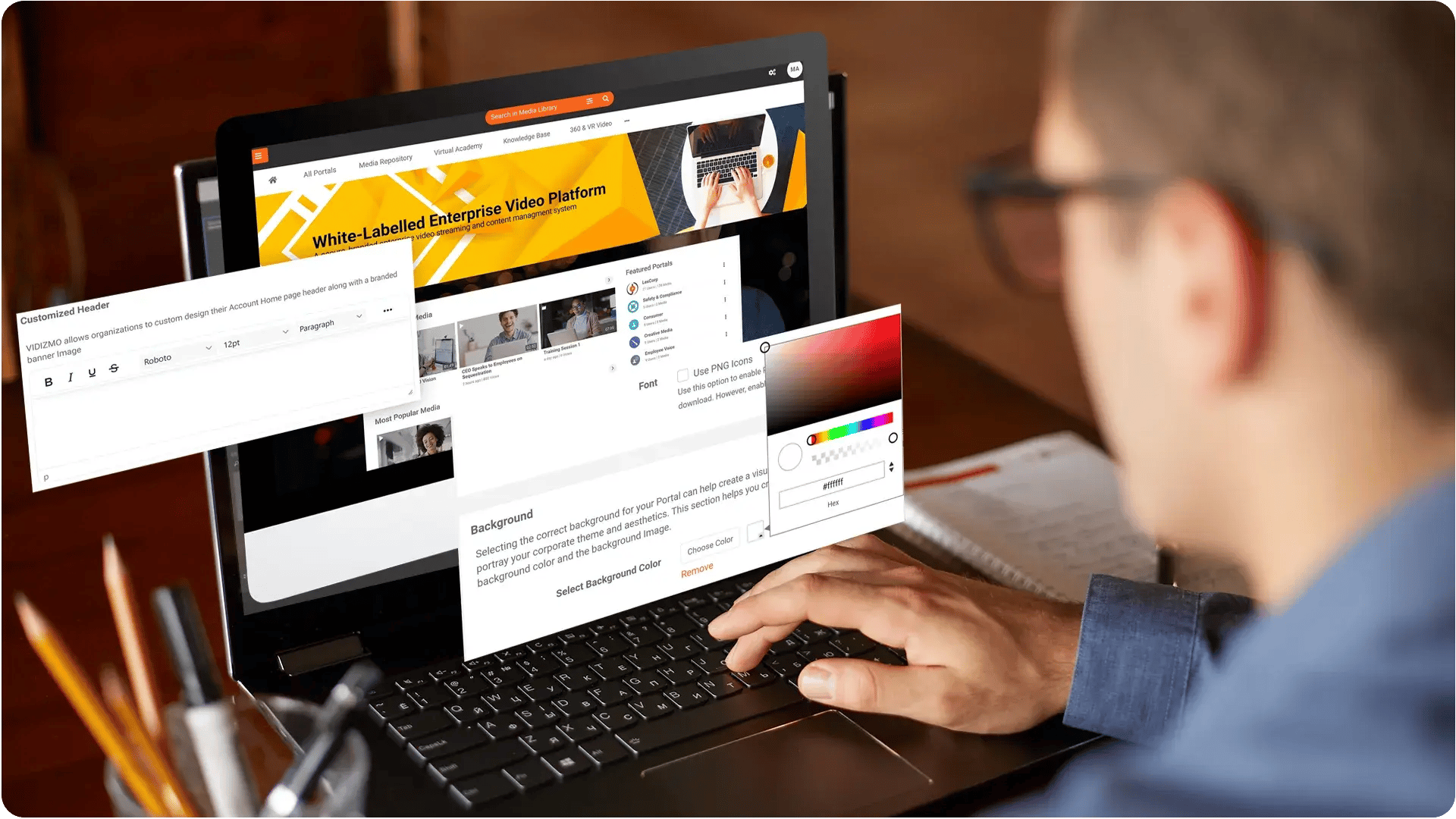
Client-facing portals without vendor branding
Deliver onboarding and training under your identity—not a third-party’s.
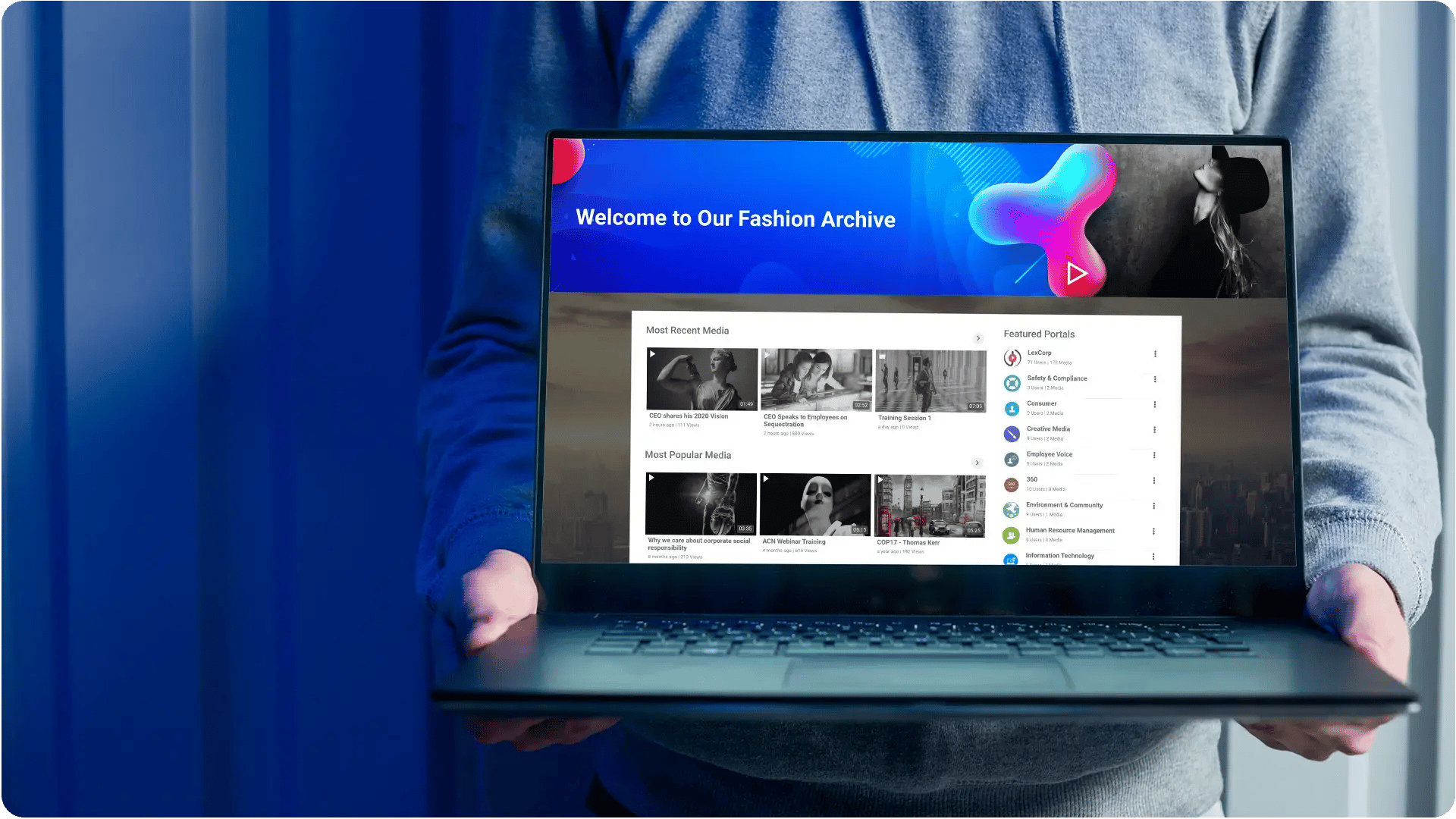
Subsidiaries and multi-brand environments
Apply the right identity per portal so each business unit stays on-brand.
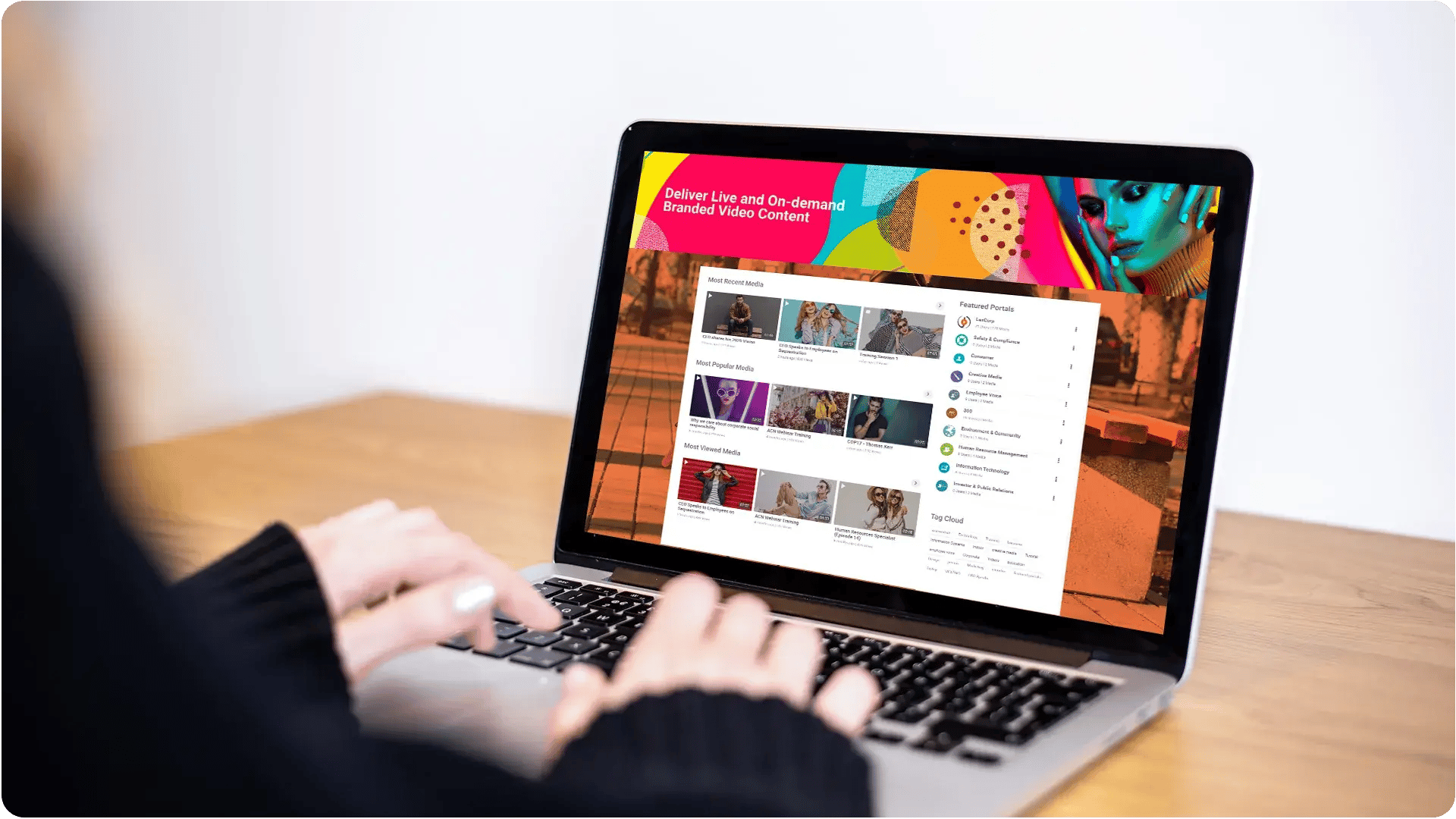
Agency and program branding requirements
Align the experience with branding mandates and digital standards.

Adoption through familiar terminology
Match labels and synonyms to how teams talk—so navigation feels intuitive.

Design-system alignment
Use CSS controls to match UI patterns, spacing, and accessibility expectations.
