
Custom Security Policy for Confident Video Governance
Create your own portal-level security policy on EnterpriseTube to align video access, sharing, and retention with your organization’s data-sharing rules. Standardize how content is protected across teams—without slowing down discovery and collaboration.
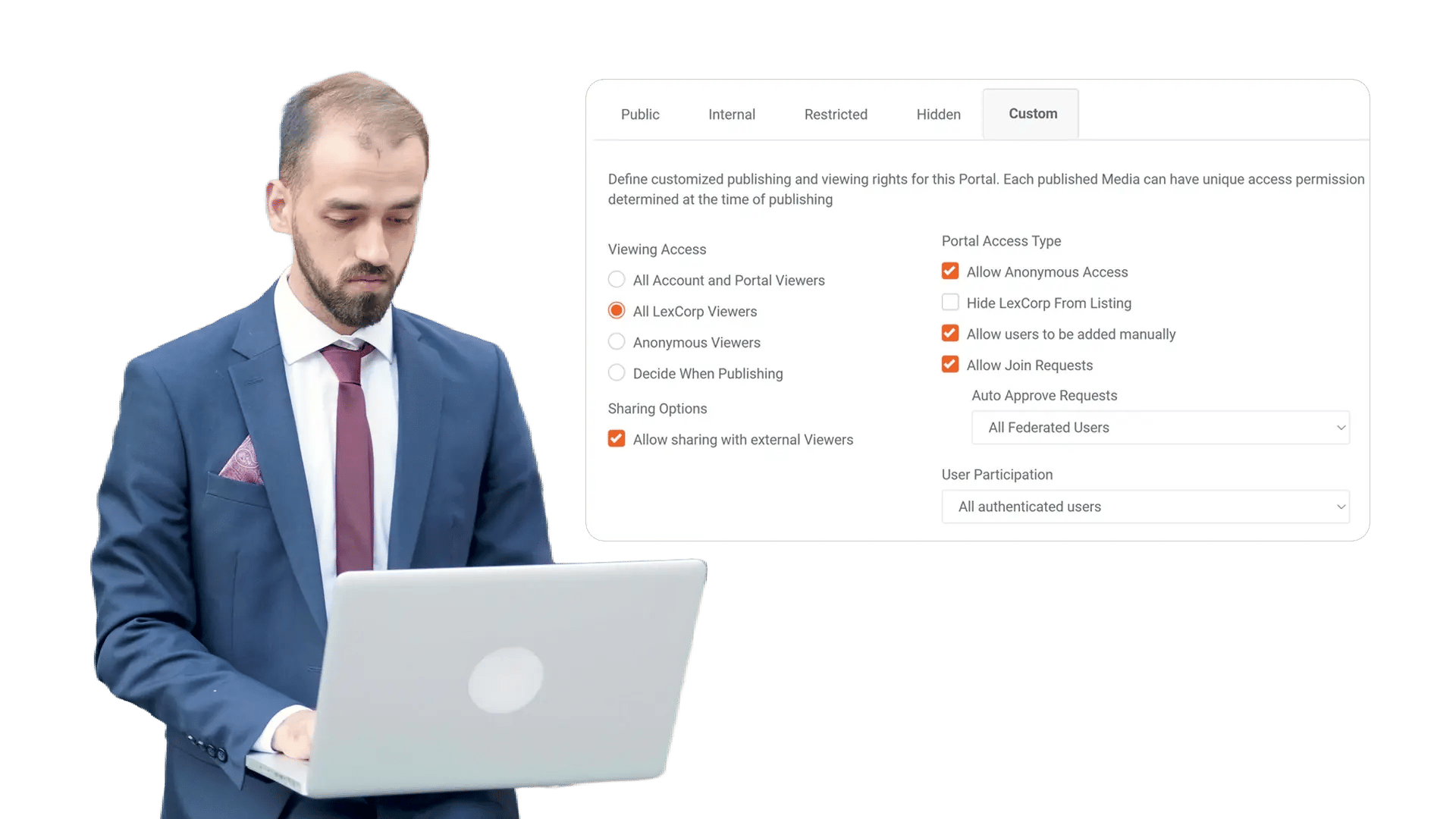





















Define a Security Baseline for Every Video in Your Portal
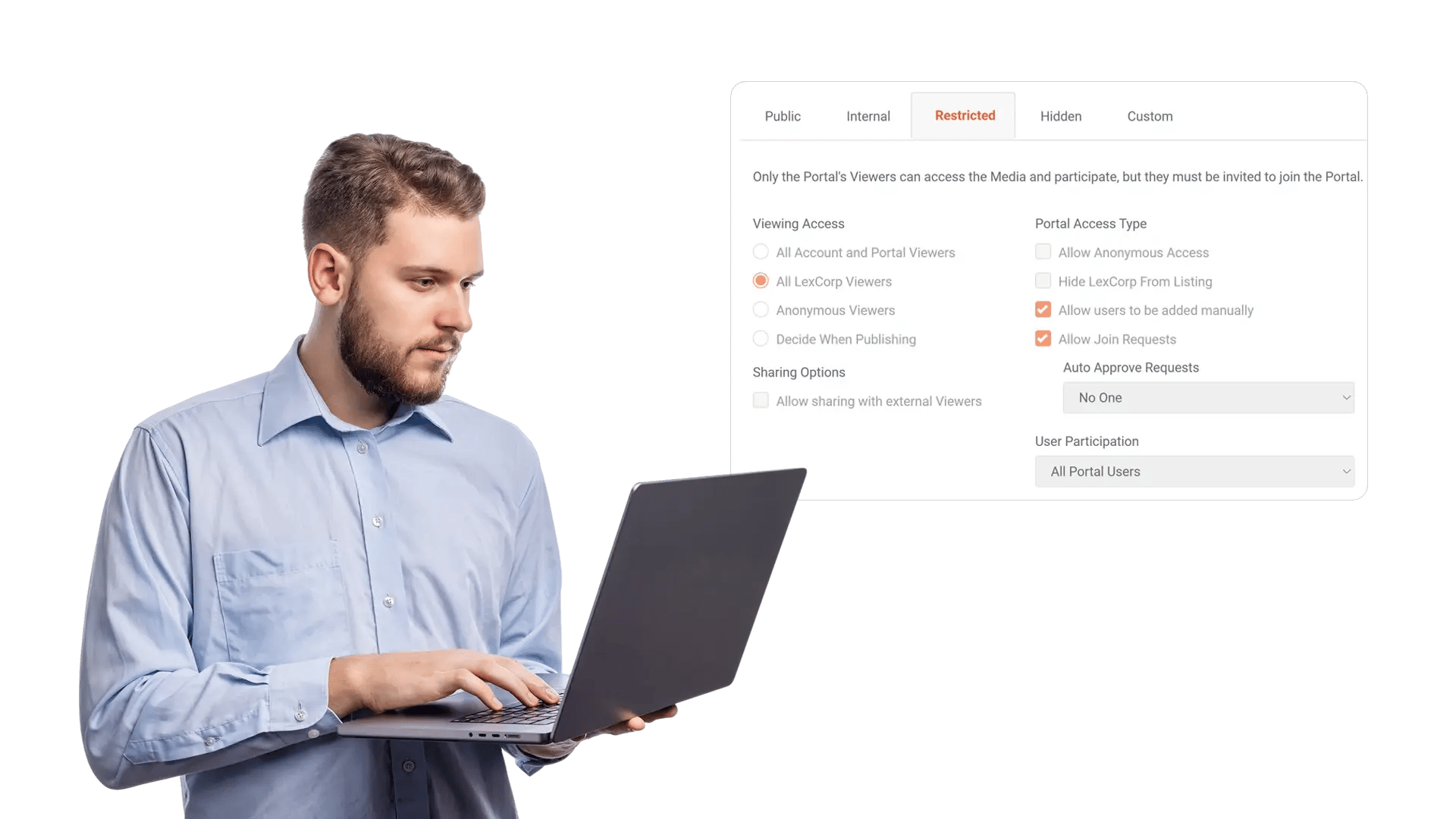
When security settings vary by uploader, teams drift away from the organization’s data-sharing policy. Custom Security Policy lets admins set portal-level defaults—so newly uploaded videos inherit consistent access, sharing, and handling rules from day one.
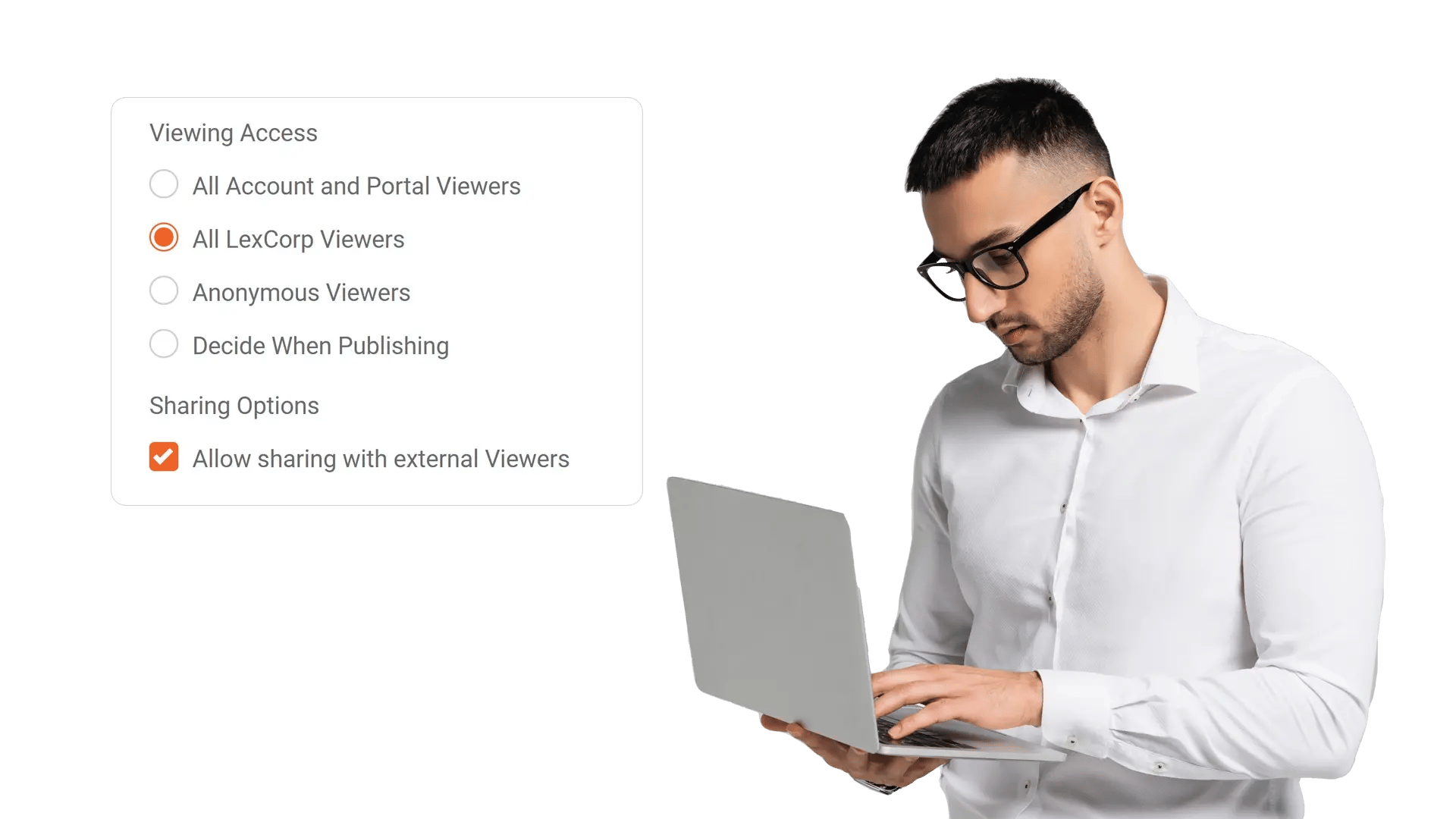
Standardize Who Can View, Upload, Download, and Share
Sensitive video libraries require more than ad-hoc permissions. Apply a policy that governs key actions—viewing, uploading, downloading, embedding, and sharing—so every role follows the same controls across the portal, even as teams and content scale.
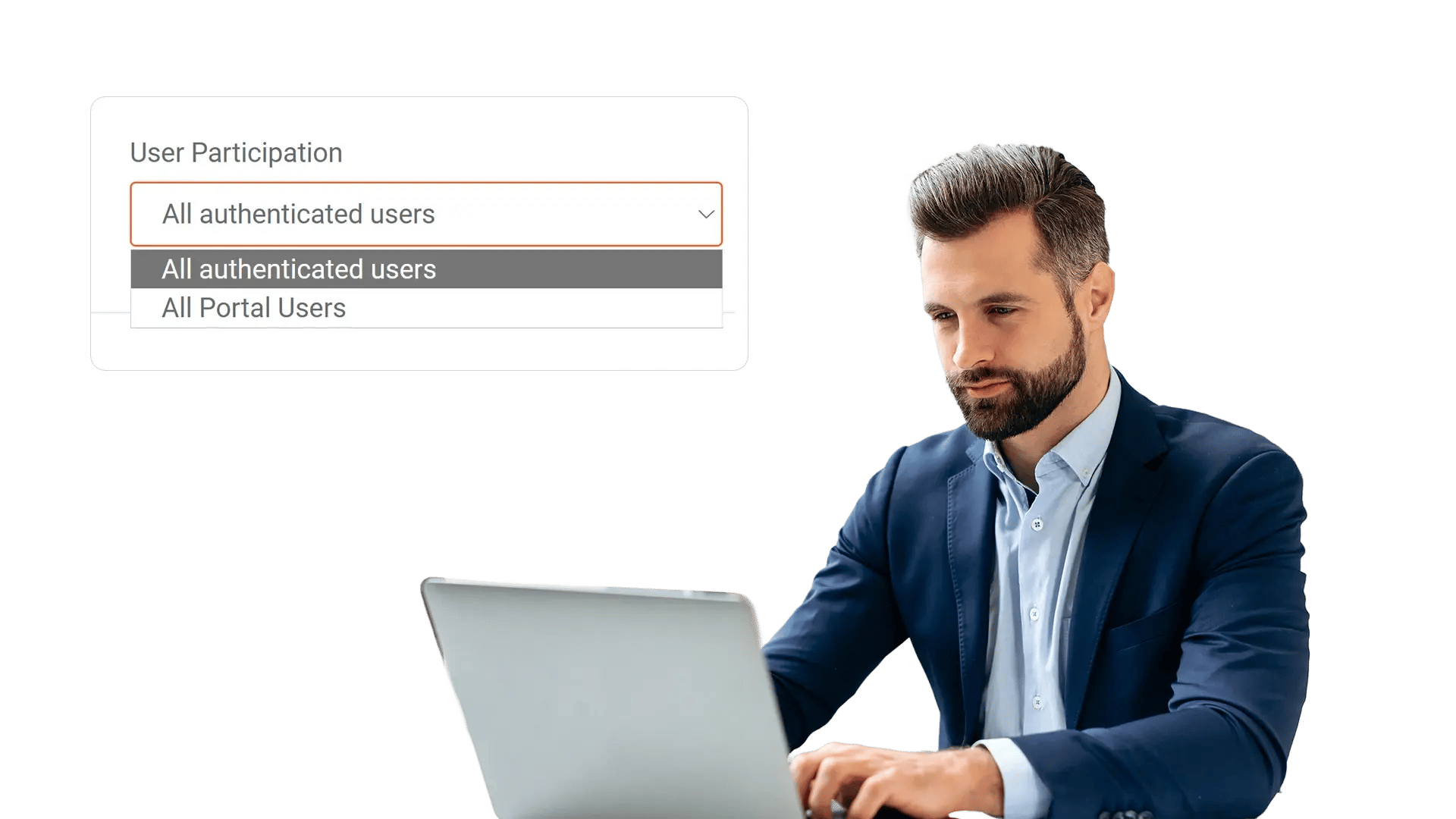
Prevent Unapproved Distribution Beyond Your Organization
A single public link can break a data-sharing policy. Use Custom Security Policy to restrict external sharing patterns, enforce authenticated access, and reduce accidental exposure—while still enabling approved collaboration with partners when needed.
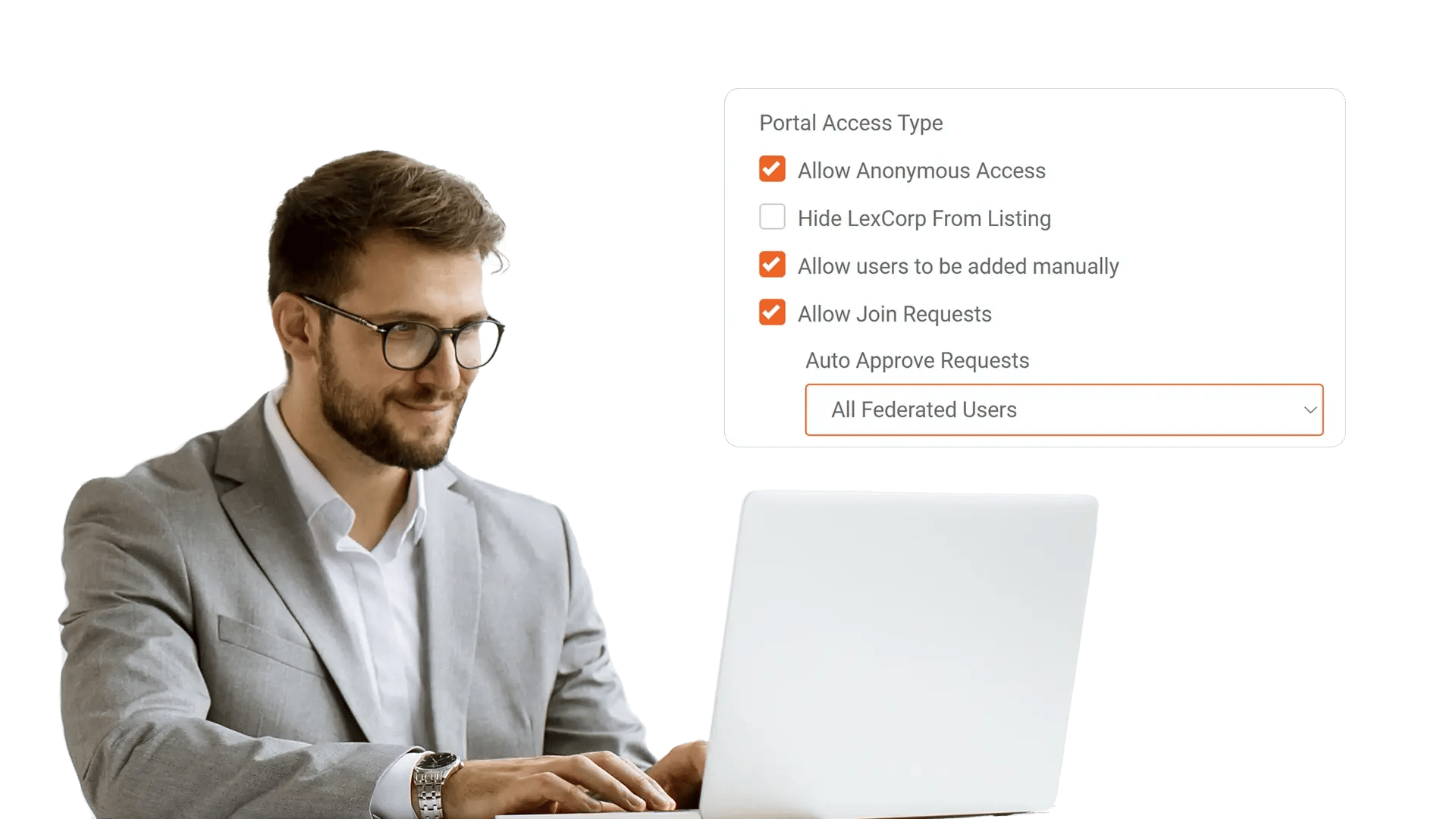
Meet Compliance Needs with Consistent Controls and Visibility
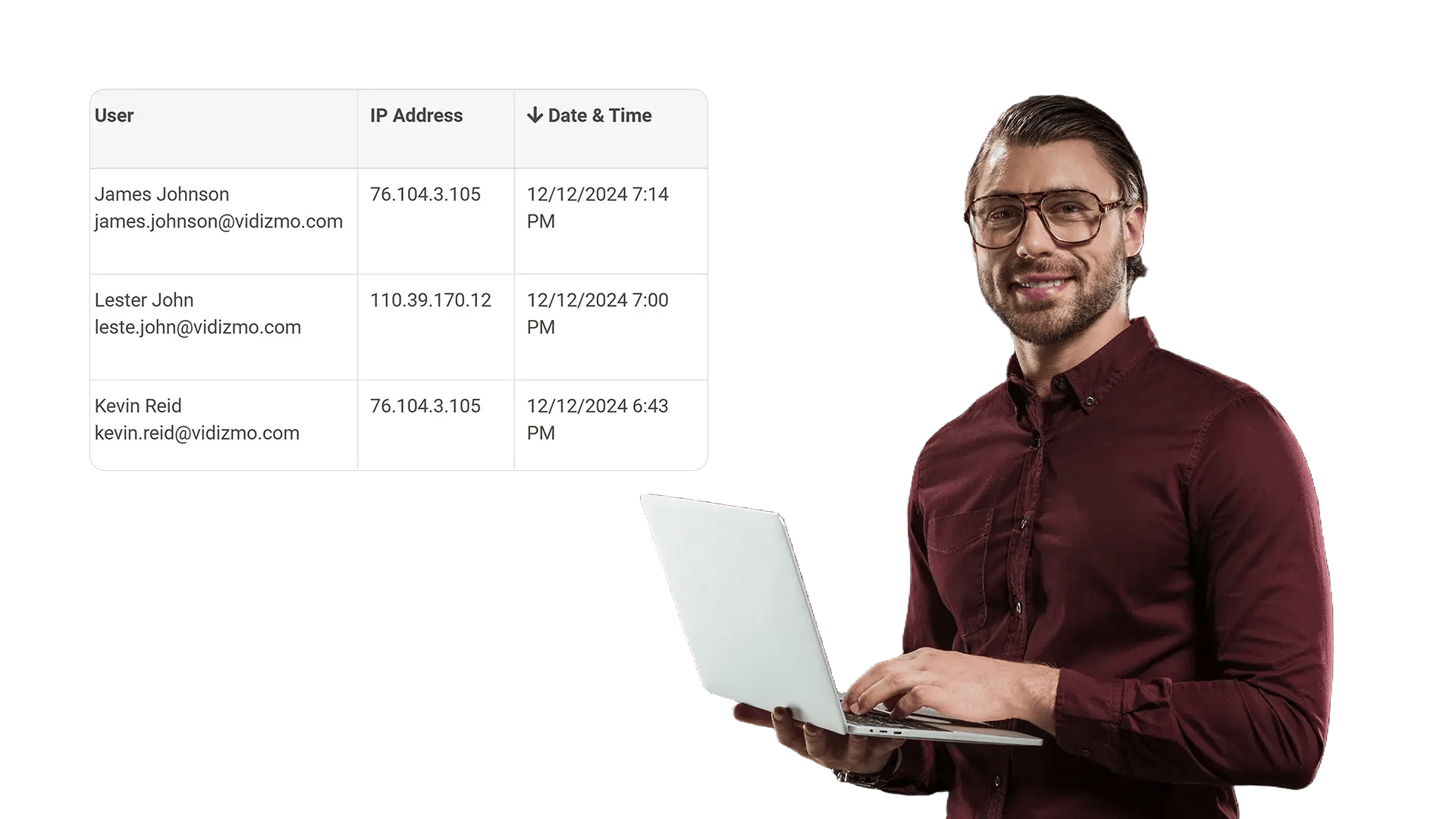
Audits get harder when each department configures security differently. Portal-level policies make enforcement predictable, while governance workflows help teams demonstrate adherence to internal controls and compliance requirements using consistent, reviewable settings.
Apply a Unified Policy While Supporting Departmental Needs
Organizations often need one security baseline with room for controlled variation. Set a strong default at the portal level, then support structured exceptions where authorized—so departments can work efficiently without bypassing your governance model.

Regulated Training Libraries
Standardize access controls for compliance training, safety briefings, and policy acknowledgments across locations.

Executive and Board Content
Protect sensitive meetings and updates with strict sharing rules and authenticated access by default.

Investigations and Case Footage
Reduce exposure risk for incident recordings and evidence by enforcing consistent download and sharing constraints.

Partner and Vendor Collaboration
Enable approved external collaboration while keeping strong defaults that prevent accidental public distribution.
