
Category Access Rights for Secure Content Organization
Create unlimited categories and subcategories to organize your content and apply specific access rights to secure them. Control who can view, upload, manage, and share—so the right teams access the right videos, in the right place.
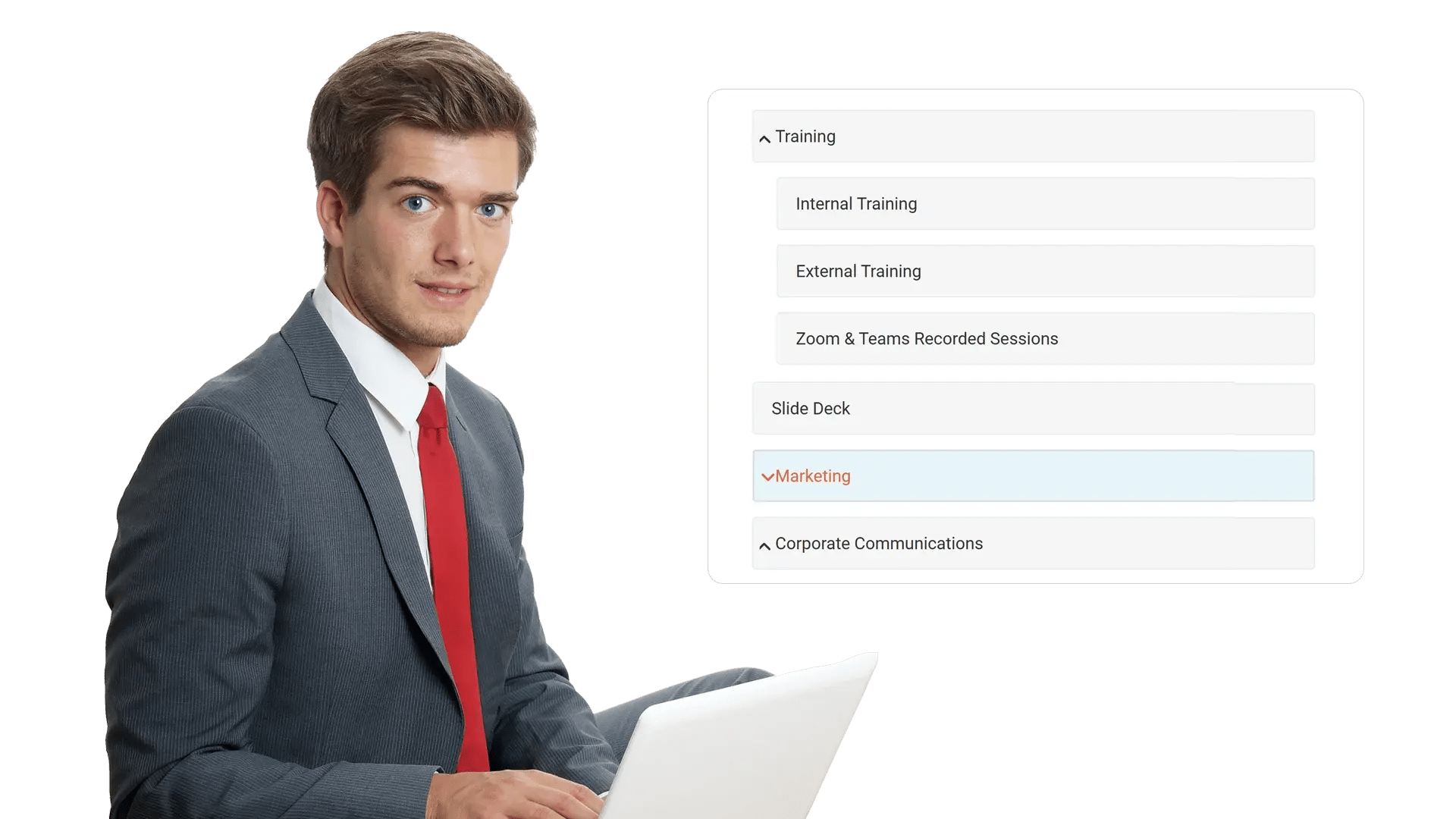





















Secure Category-Based Access at Scale
As video libraries grow, open access creates risk and clutter. Category Access Rights let administrators apply clear permission rules per category—so teams can browse confidently while sensitive content stays protected.
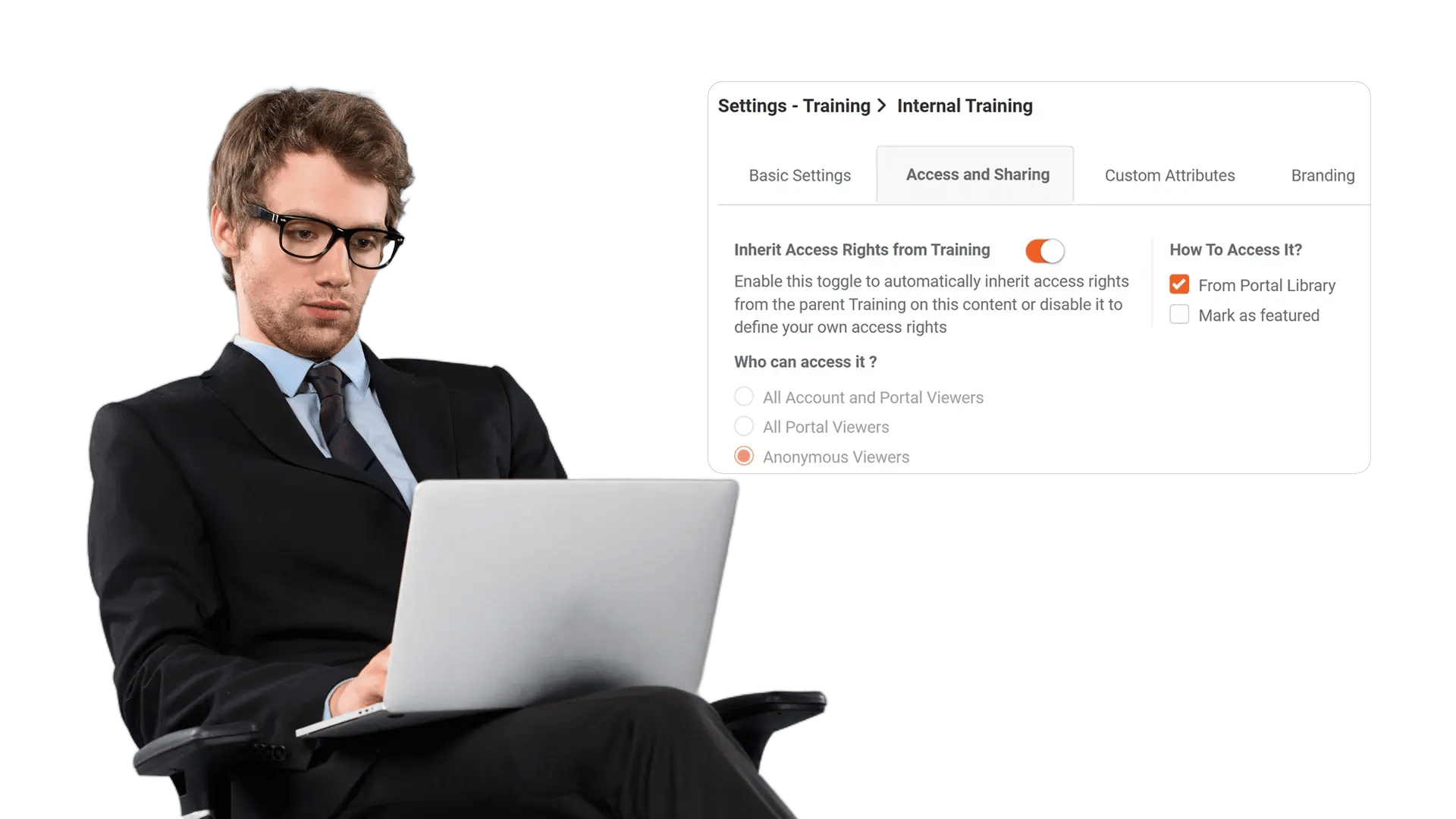
Create Unlimited Categories and Subcategories
Model your enterprise structure with as many categories and subcategories as needed. Organize by department, region, program, client, project, or workflow—without forcing teams into one-size-fits-all folders.

Apply Granular Rights for View, Upload, and Manage
Assign role- and group-based permissions to control who can view content, upload new assets, edit metadata, manage members, or administer the category. Enforce least-privilege while keeping self-service workflows fast.

Inherit Permissions Across Subcategories
Reduce administrative overhead by setting rights once and propagating them down the hierarchy. Maintain consistent access as teams create new subfolders, onboard users, or reorganize content—without manually updating every node.

Segment Audiences Without Duplicating Content
Support multiple audiences in one platform by assigning different access rules per category. Keep one source of truth for videos while ensuring each team only sees what they are authorized to access.
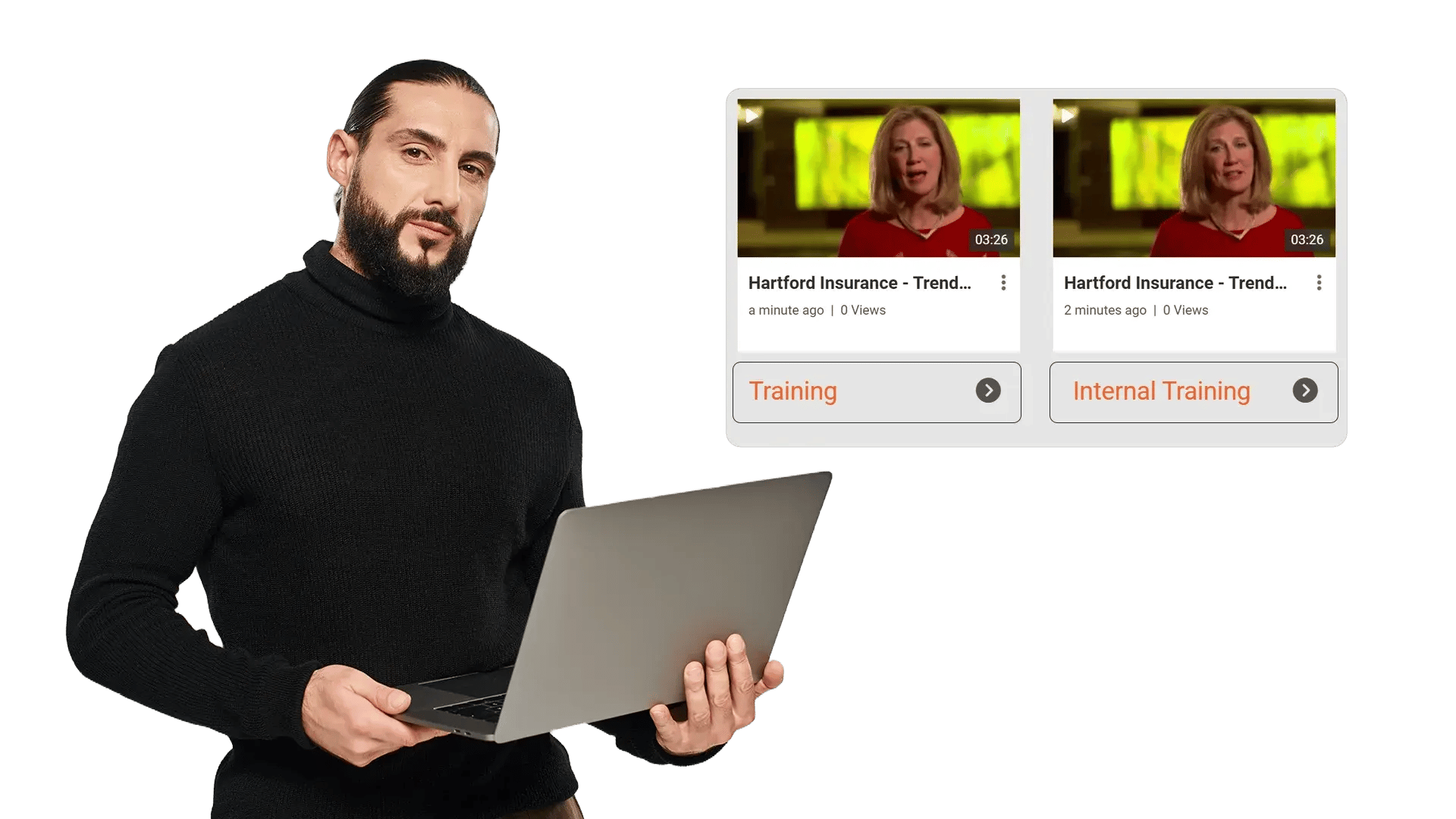

Department and team libraries
Organize videos by team and restrict access by department roles, ensuring internal comms and enablement stay scoped to the right audience.

Secure training and compliance
Protect regulated content with category-level controls while keeping training discoverable to authorized learners and auditors.

Executive communications
Publish leadership messages in secured categories so only intended employee groups can view and share them.

Client and project workspaces
Create project folders with specific access rights for cross-functional teams, contractors, or partner groups—without overexposing other content.

Centralized knowledge hubs
Maintain one enterprise video hub while using category rights to segment visibility by region, business unit, or program.

Controlled uploads and curation
Allow contributors to upload to the right category while limiting who can edit, publish, or manage access for consistent governance.
