
Automatic Video Translation for Multilingual Teams
Generate translated captions and translated transcripts so teams watch, search, and share knowledge across languages. Support playback language switching, bulk processing, and editable text for accuracy.



















Translate Captions into 40 Plus Languages
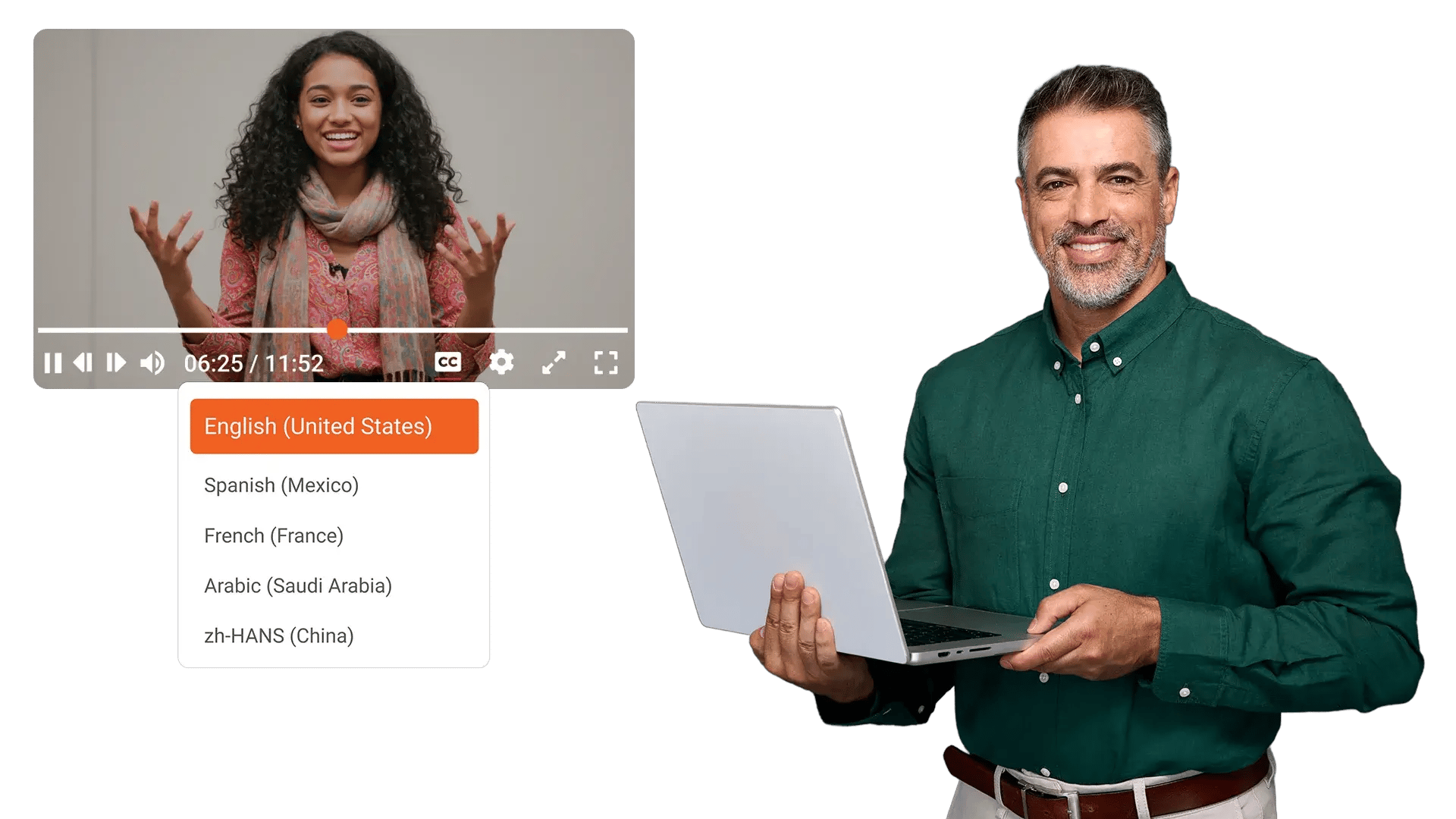
Global teams watch key videos, then miss context when captions stay in one language. EnterpriseTube generates translated captions so viewers follow the message in their preferred language.
Auto Detect Spoken Language, Then Generate Translated Transcripts
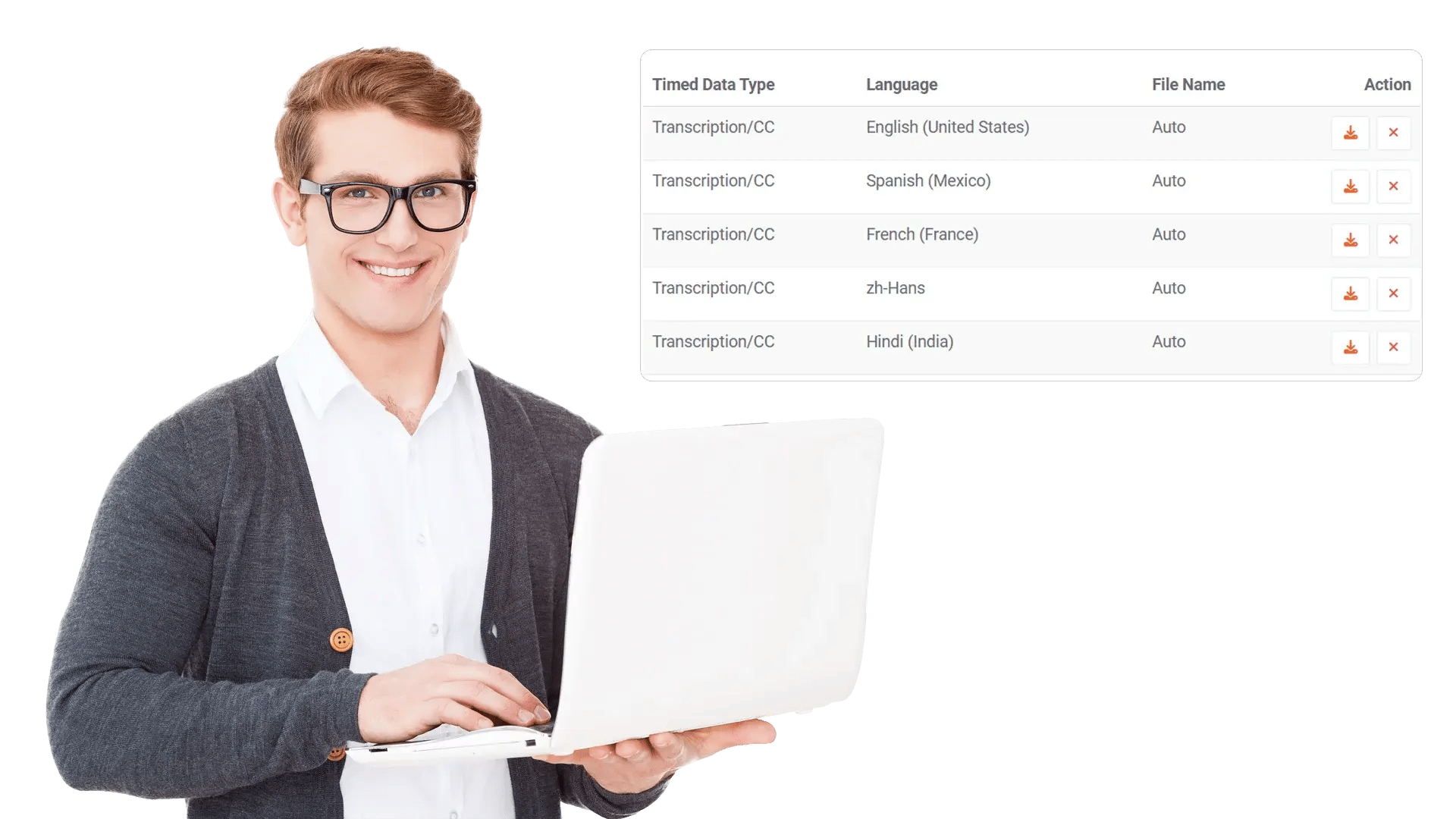
Teams upload recordings from different regions, then waste time guessing the spoken language and recreating notes. Automatic language detection creates a transcript, then generates a translation so teams share knowledge across regions.

Let Viewers Switch Subtitle Languages During Playback
One recording often serves many locations, yet each viewer needs a different subtitle language. A language selector on the player lets viewers change subtitle language without duplicating the video.

Process Translations on Demand or in Bulk
Libraries grow fast, and manual processing turns translation into a backlog. Admins can translate one item or many items, and keep new uploads processing through configurable rules.

Keep Accuracy With Editable Transcripts and Translations
Names, acronyms, and product terms break trust when captions translate incorrectly. Teams can review and edit generated text so captions match internal language and compliance needs.
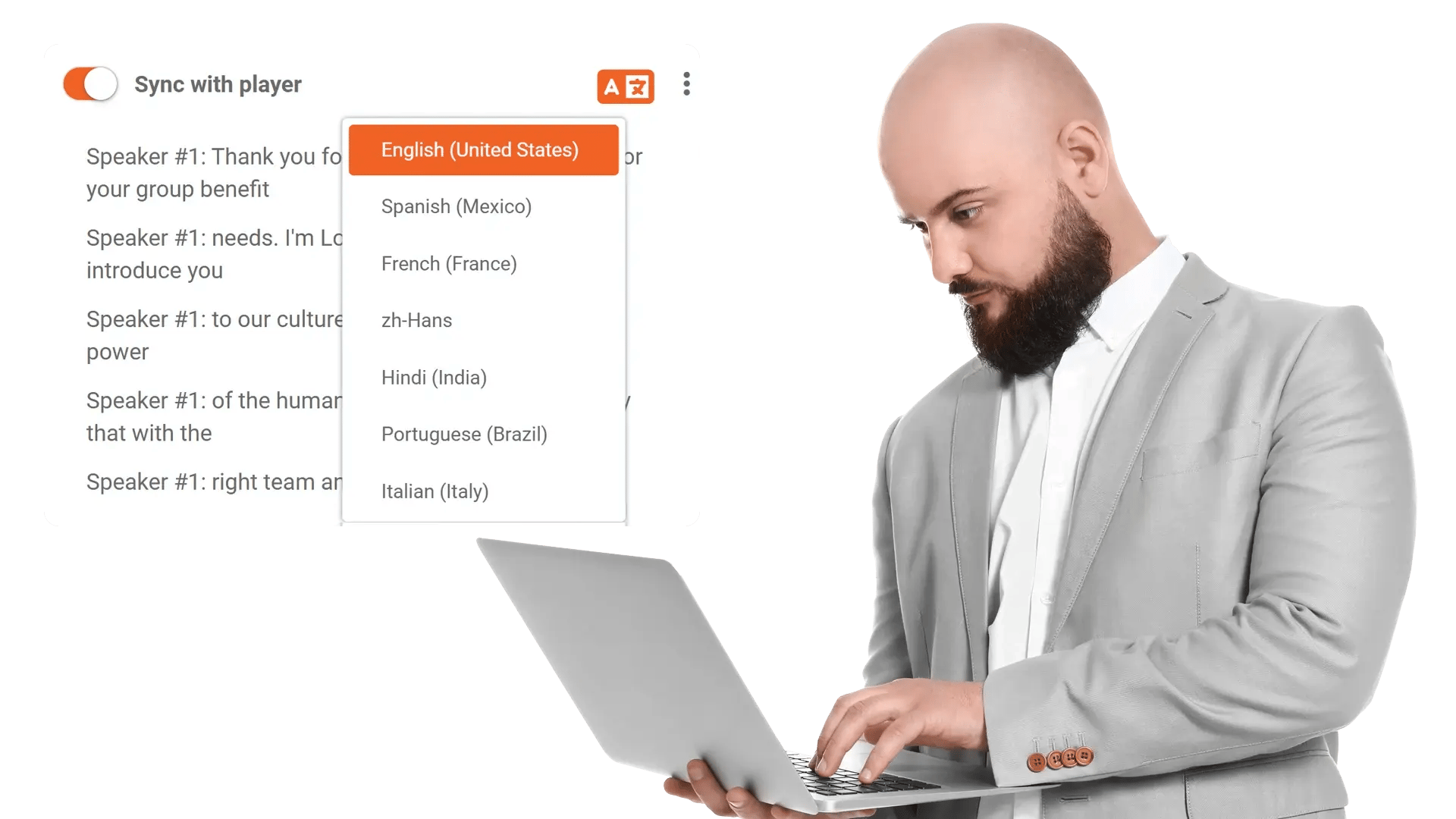
Translate Supporting Documents and Images for full Context
Policies, slides, and reference images sit beside videos, and language gaps block understanding. Optional translation for documents and images keeps supporting material readable for the same global audience.


Share leadership updates across regions
Publish one town hall recording, then let employees watch with captions in their preferred language.

Support onboarding for global teams
Translate training videos and transcripts so new hires ramp up without waiting for re recorded content.

Standardize policy communication
Translate compliance briefings so teams interpret requirements consistently across locations.

Improve search for multilingual libraries
Use translated transcripts to help users find videos even when the original audio is in another language.

Localize customer facing enablement
Translate product walkthroughs and knowledge videos for partners and regional support teams.
