
Automatic Transcription for Accessible Enterprise Video
Convert speech into captions and transcripts so everyone can follow along, meet accessibility requirements, and share content across EnterpriseTube libraries.




















Add Captions and Transcripts Automatically
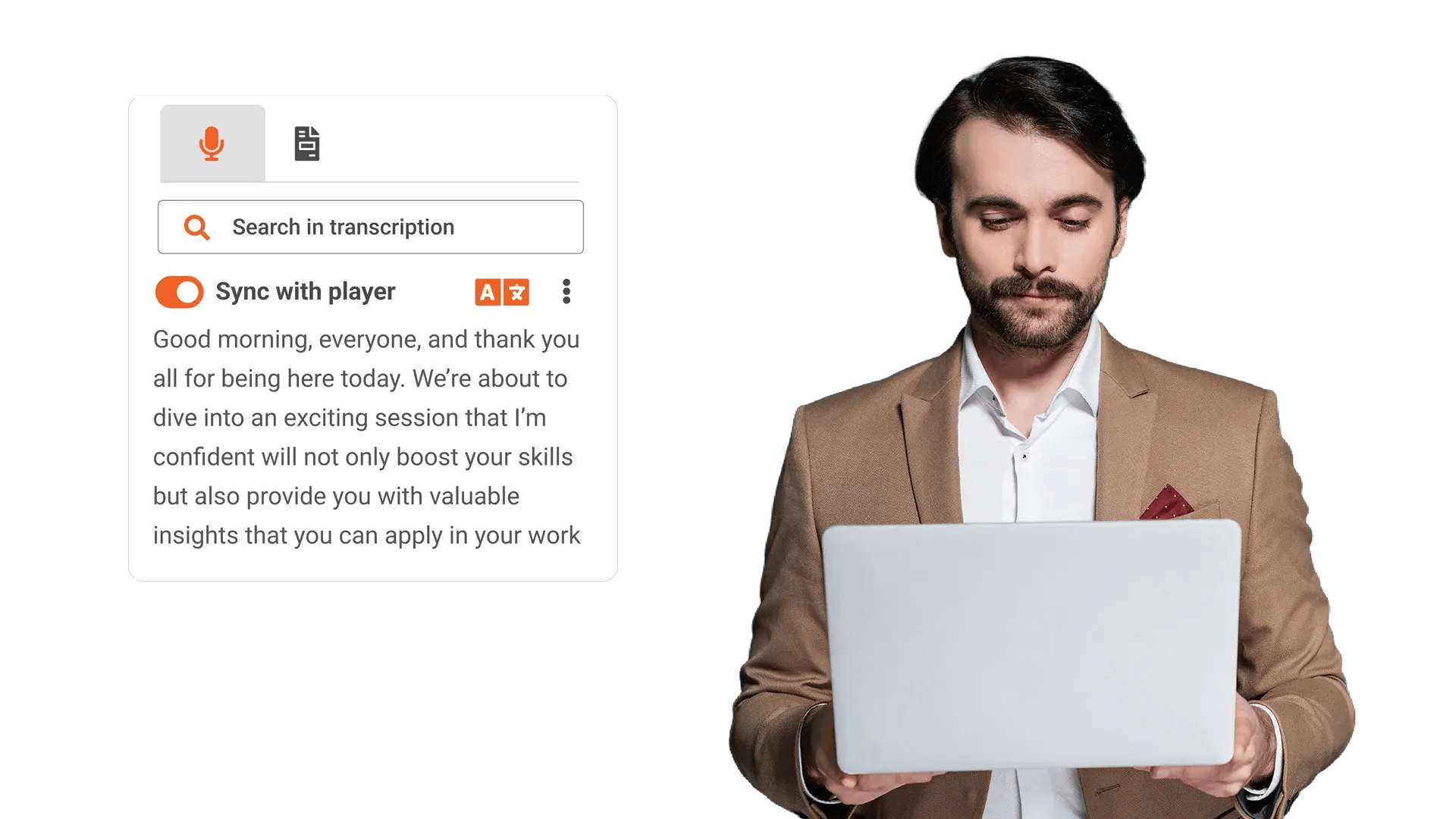
Teams share updates in video, but some viewers cannot rely on audio alone, and manual captioning creates delays. EnterpriseTube generates captions and transcripts automatically so viewers can follow along, even without sound.
Review Long Recordings Without Scrubbing Timelines
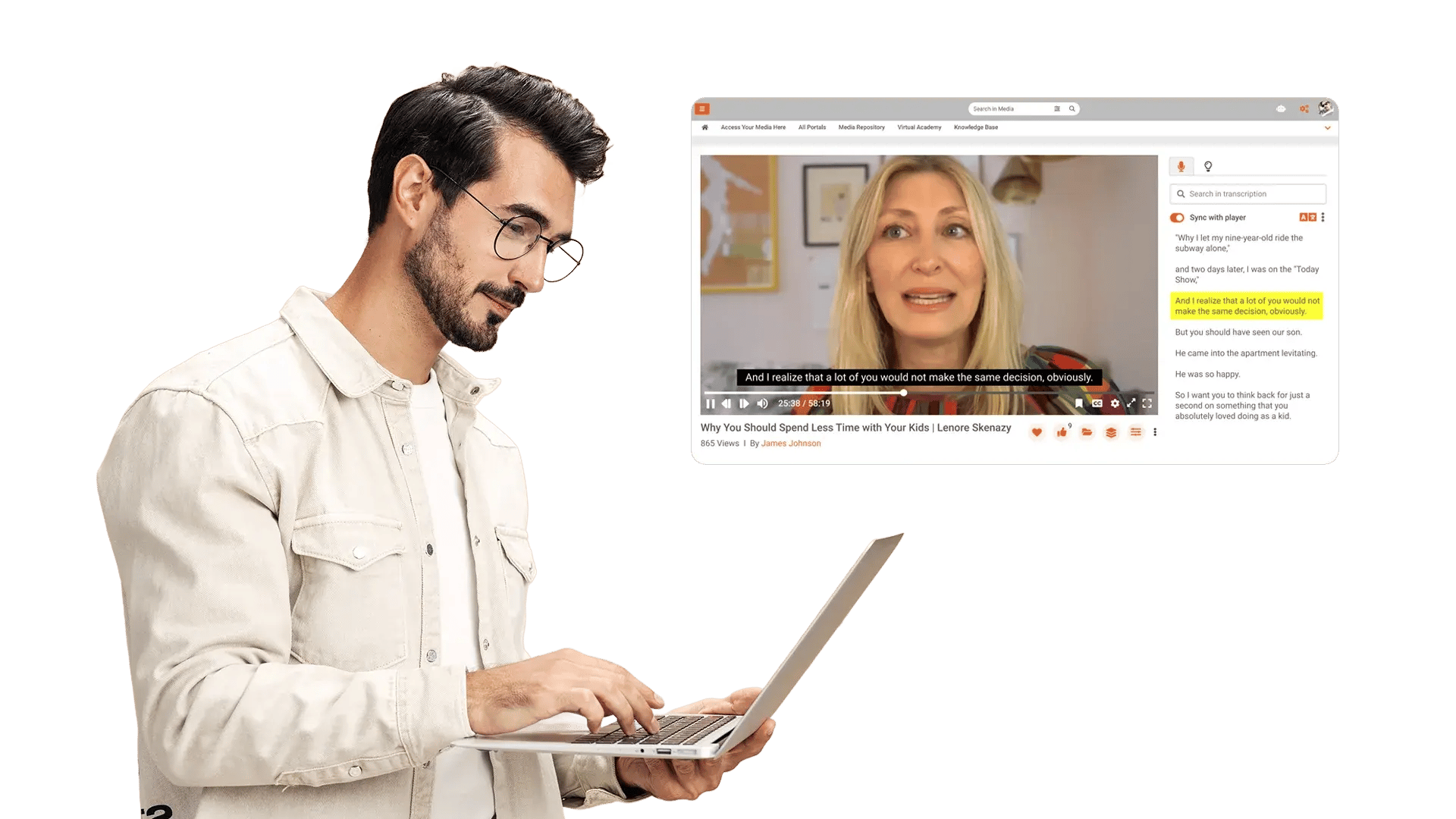
Reviewing video for decisions, action items, or risk takes too long when reviewers rely on full playback. Transcripts let reviewers scan content first, then play only the segments they need.
Meet Accessibility Requirements Across Your Library
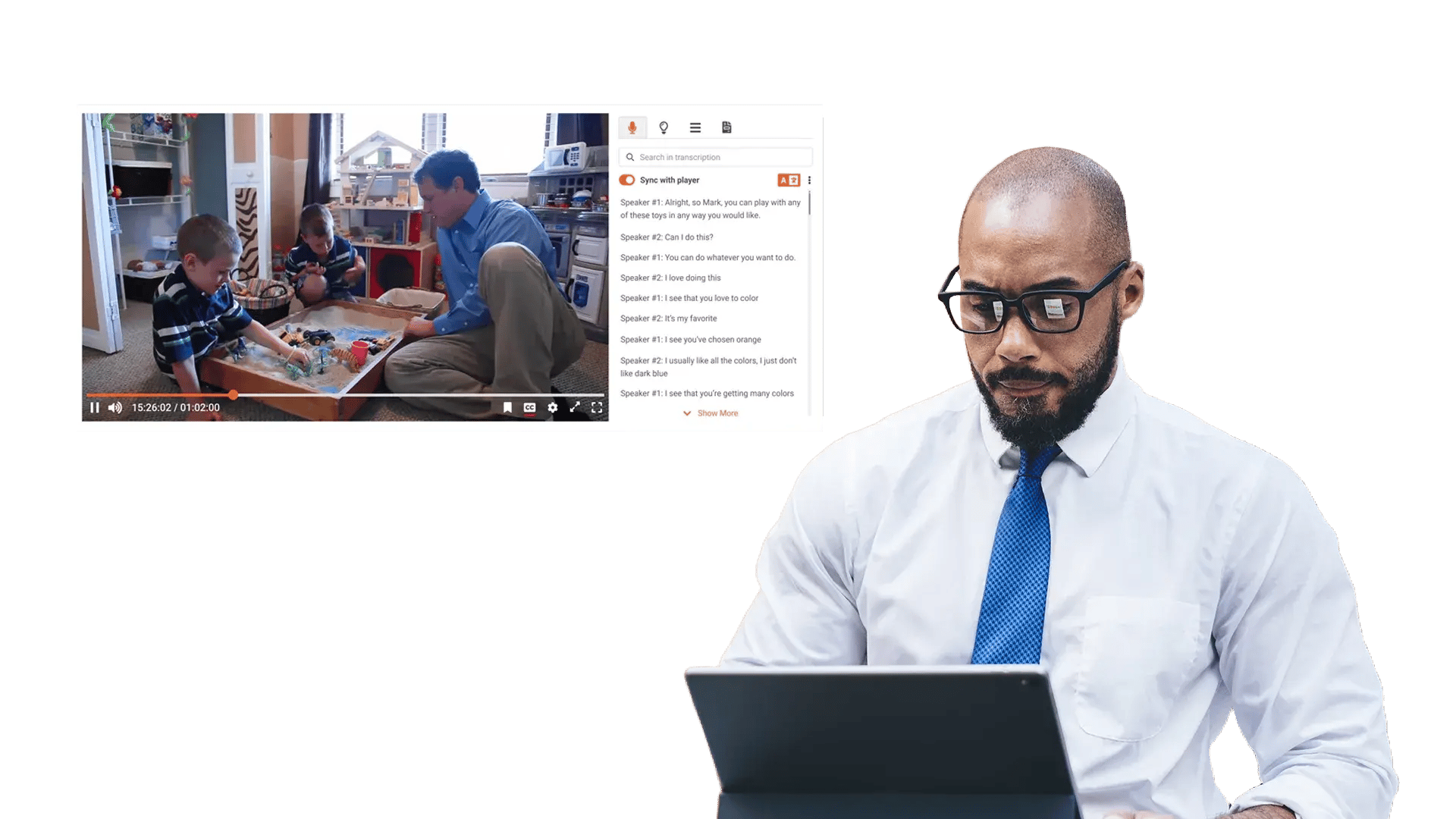
Teams publish more video each week, and manual captioning does not scale across departments and regions. Automatic transcription helps standardize captions and transcripts so content stays accessible across roles, languages, and policies.
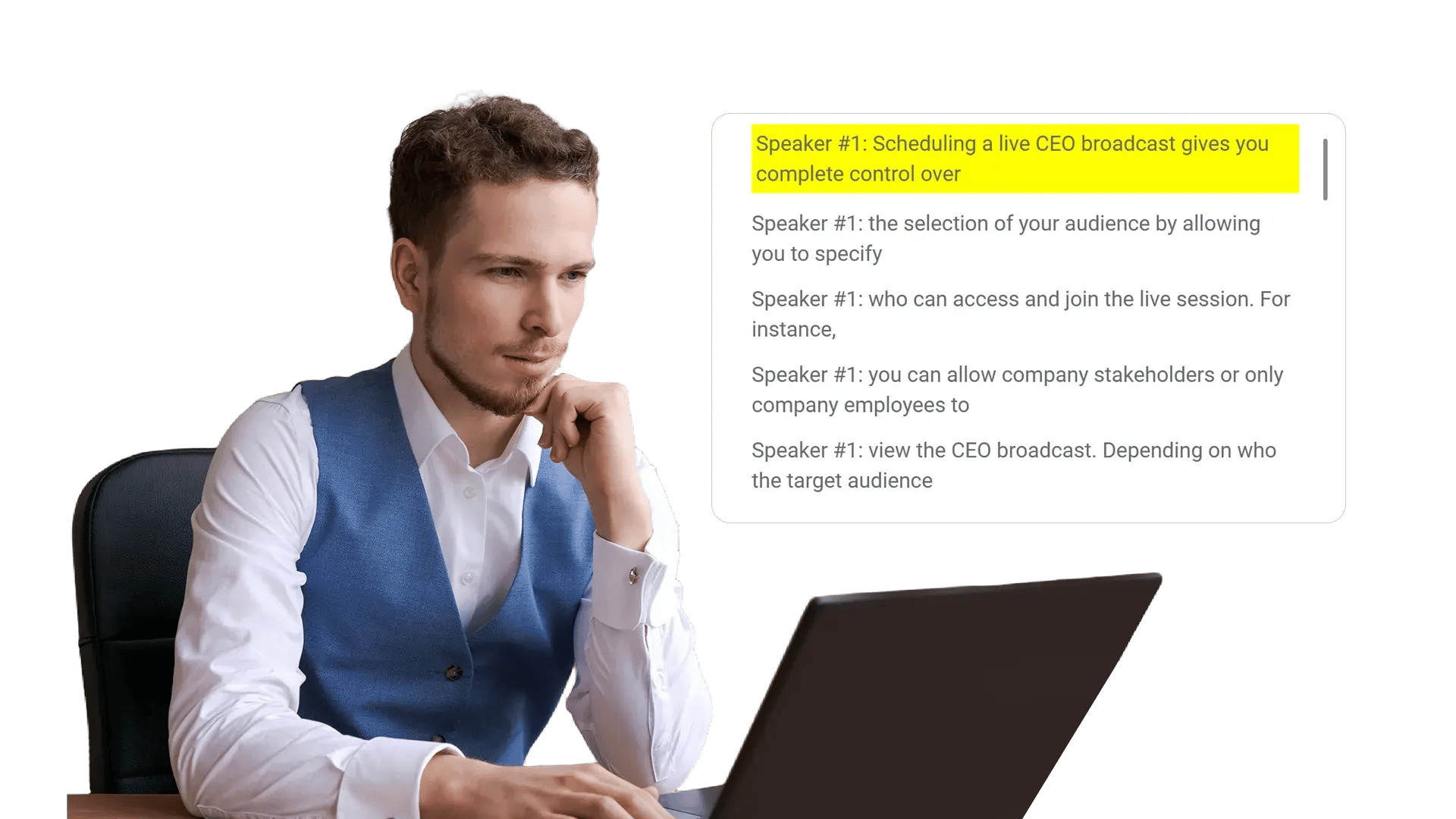
Make Every Recording Usable Without Sound
Employees watch content in open offices, on mobile, or in secure areas where audio is not an option. Captions and transcripts keep content usable across environments, accessibility needs, and viewing preferences.
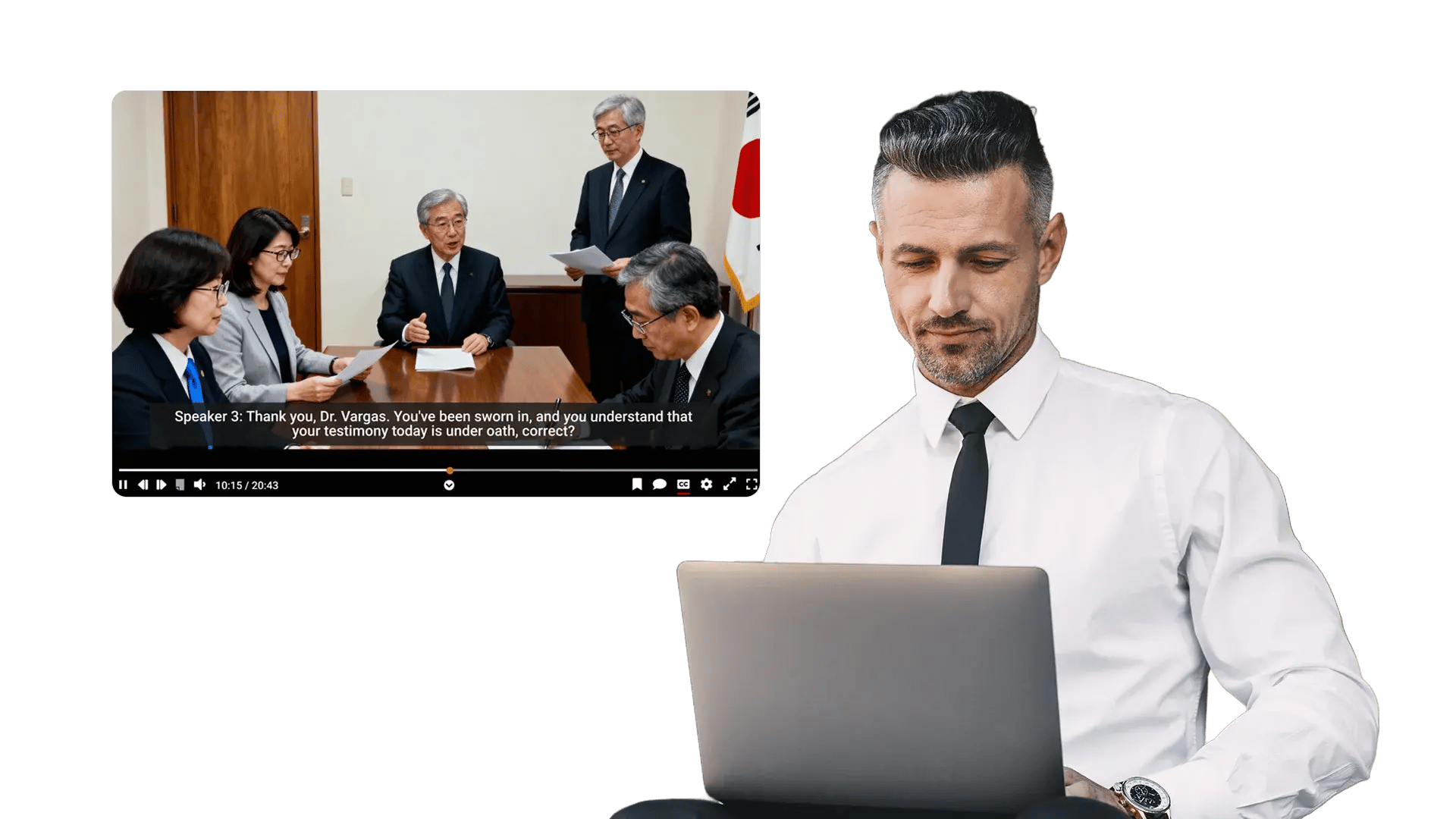
Correct Transcript Text When Accuracy Matters
Names, acronyms, and domain terms can cause errors in automated speech recognition. Authorized users can edit transcripts so critical records stay accurate for training, audits, and reuse.
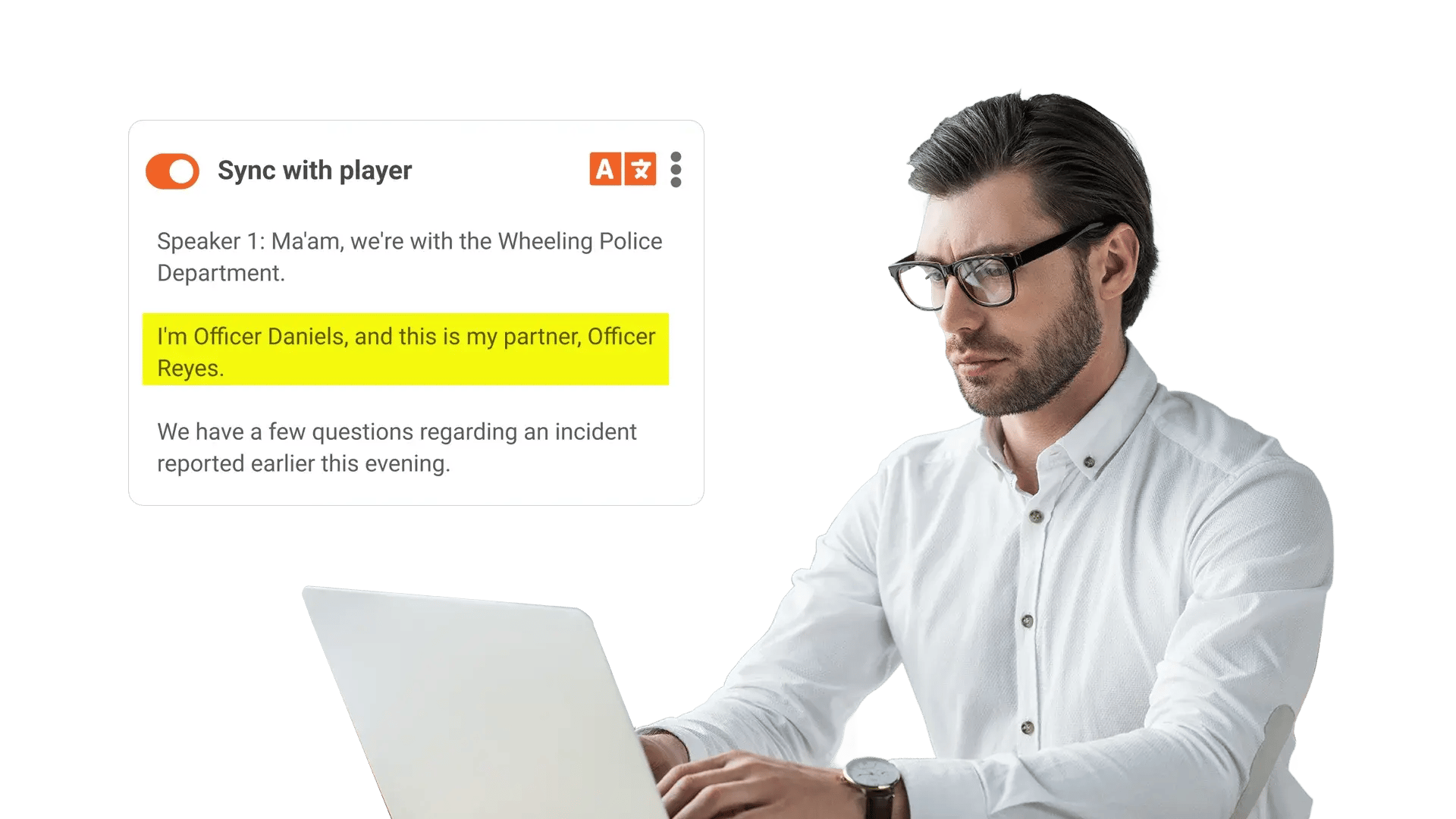
Keep Transcripts Aligned With Governance Controls
Text versions of sensitive content need the same access rules as the original recordings. EnterpriseTube keeps transcript visibility aligned to permissions so governance stays consistent.
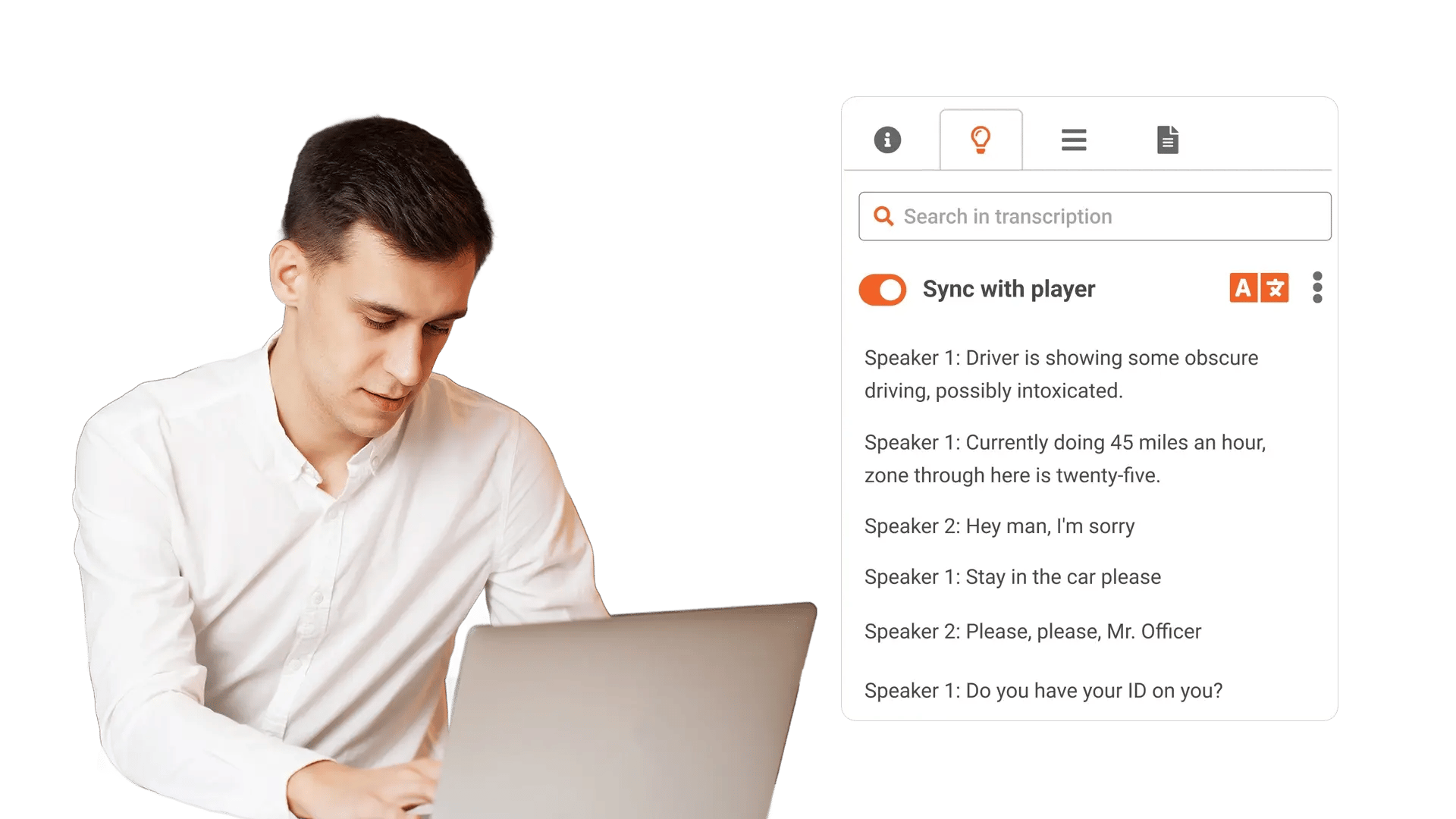

Publish accessible training and policy videos
Provide captions and transcripts so employees can follow along and teams meet accessibility requirements.

Support multilingual and global audiences
Use transcripts as a base for translation and localization workflows across regions.
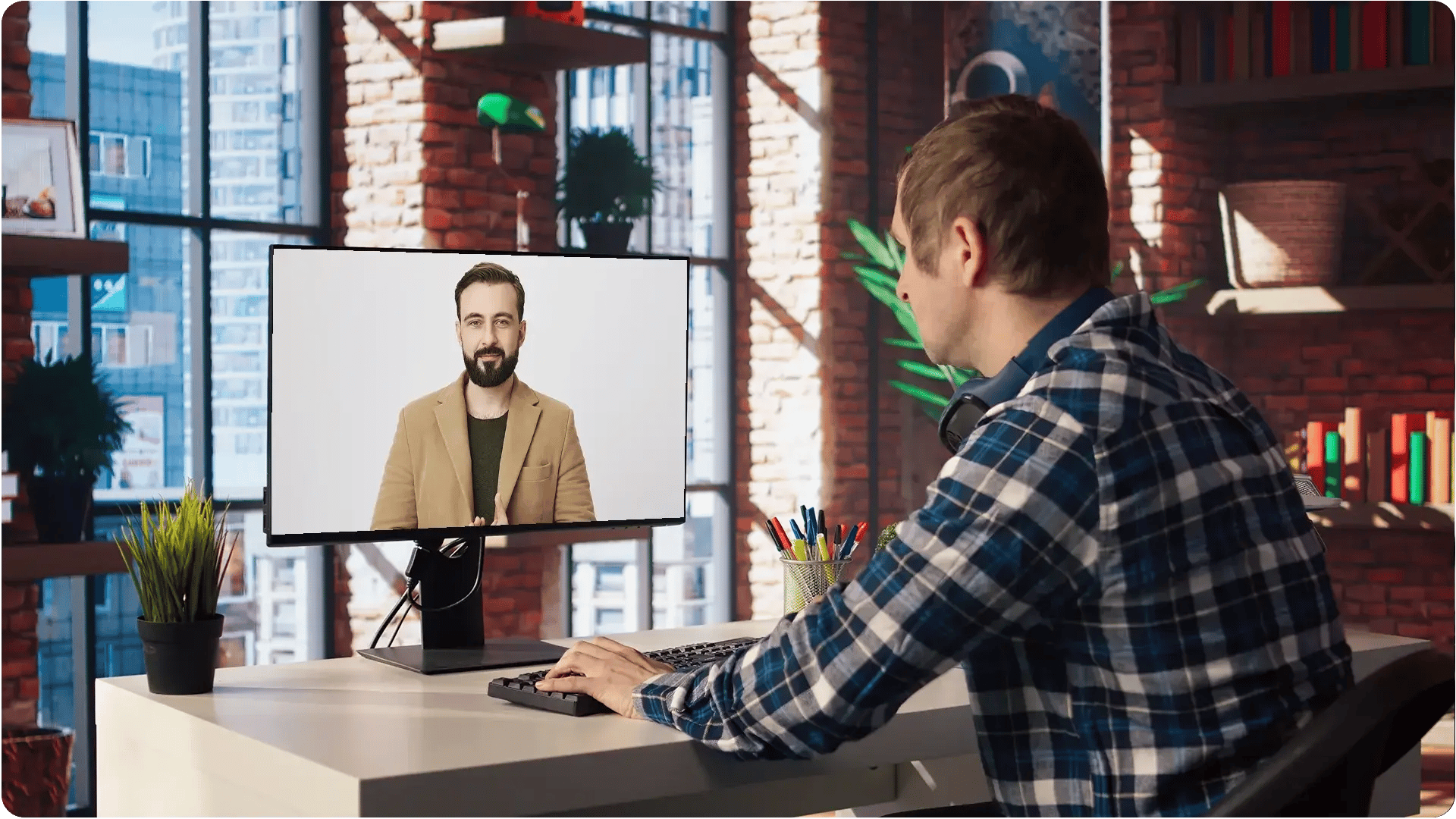
Make silent viewing practical
Let users follow meetings and briefings in quiet spaces, shared offices, and mobile settings.

Speed up compliance and legal review
Scan transcripts for key terms, then validate context using aligned playback.

Search recordings when you need proof
Find names, phrases, and topics inside long recordings without replaying the full session.
