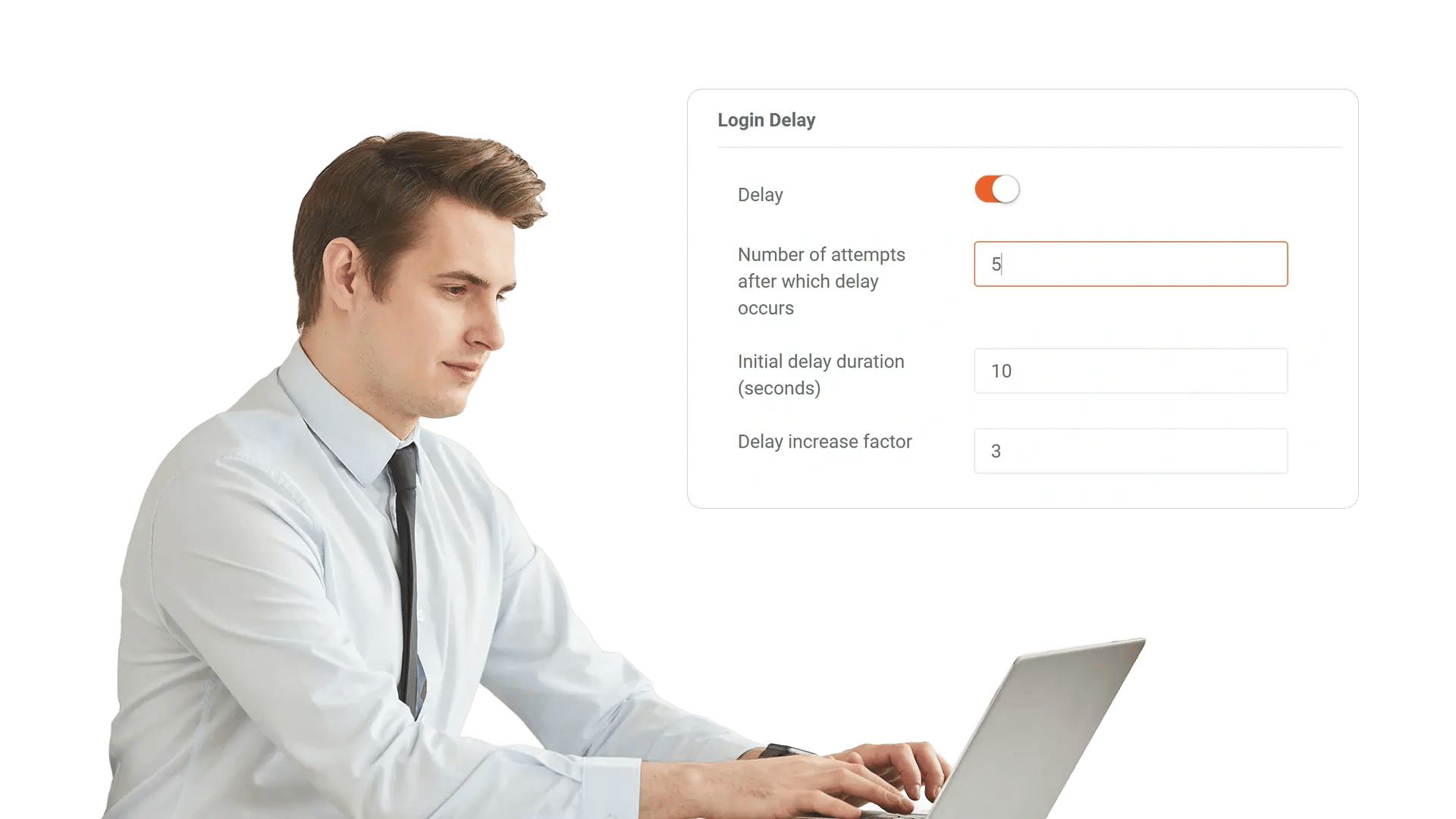
Automatic Login Timeout to Secure Unattended Sessions
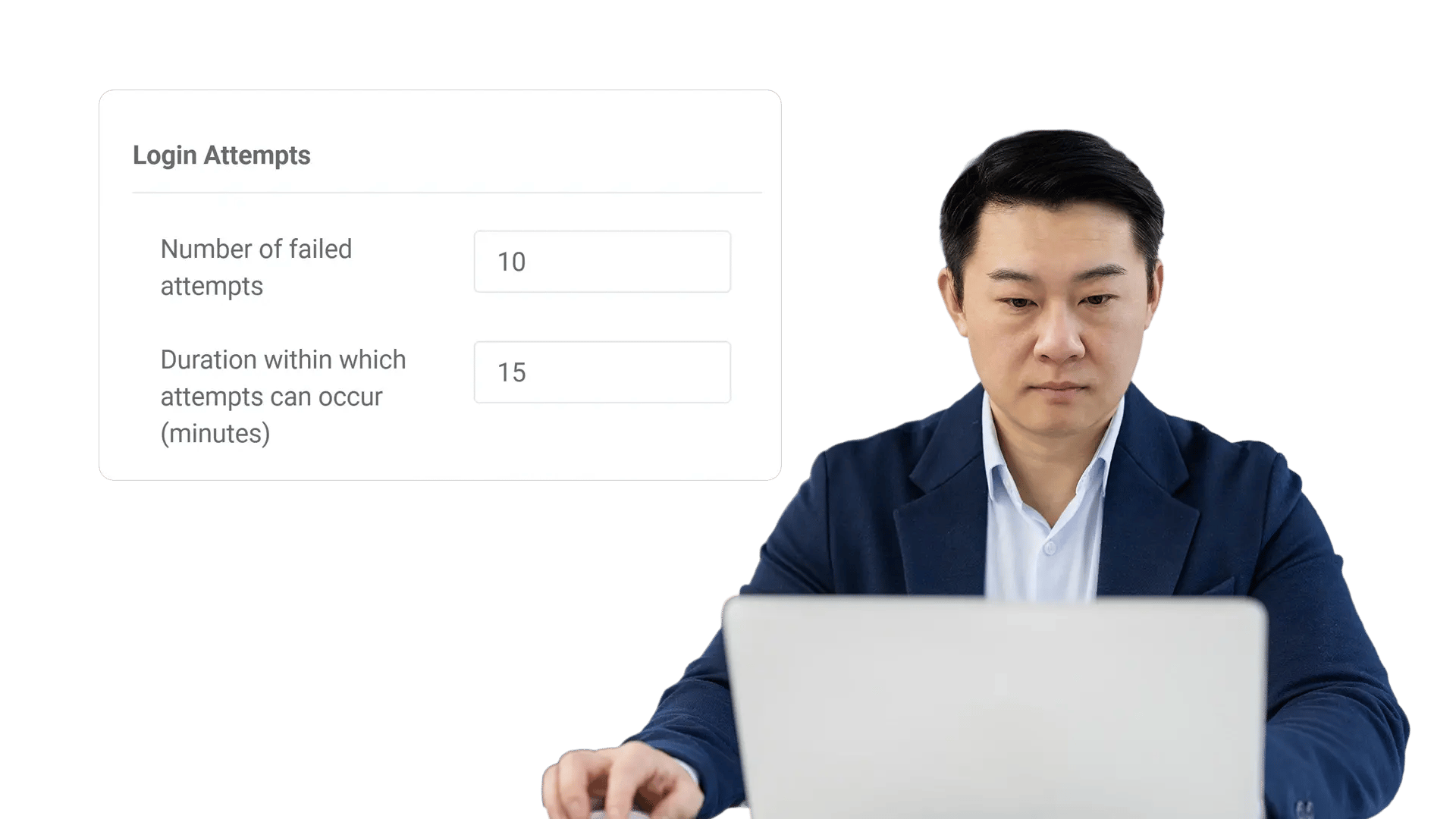
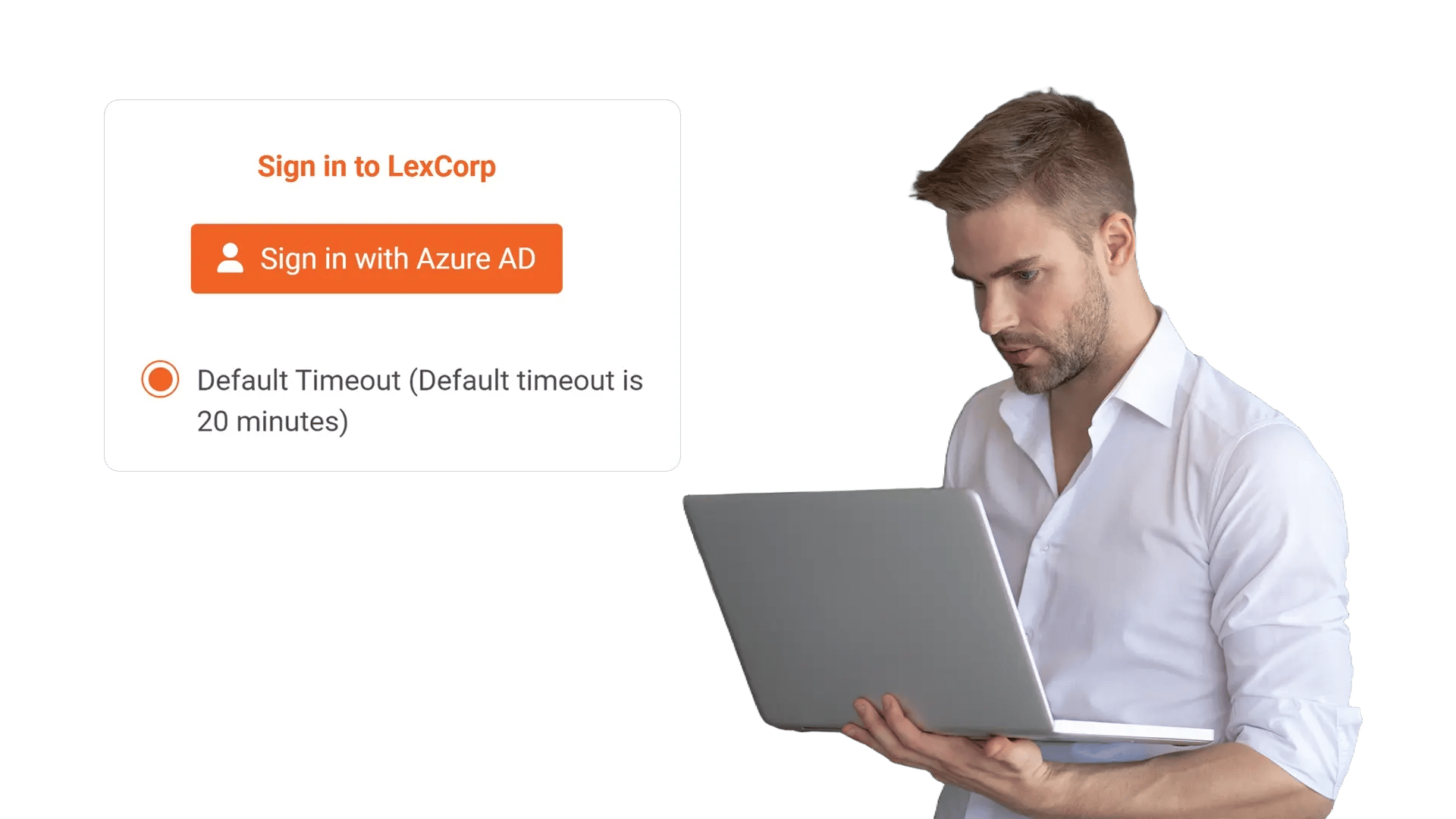
Log out users after a defined period of inactivity to reduce the risk of on-screen snooping and unauthorized access. Protect sensitive video libraries, admin tools, and workflows with a policy-driven session timeout experience.
100+ Leading Organizations Trust Our Data and AI Solutions
Prevent On-Screen Snooping with Automatic Session Logout
Shared workspaces, SOC rooms, and open offices make unattended screens a risk. Automatic Login Timeout ends sessions after a defined period of inactivity so unauthorized viewers cannot access videos, analytics, or admin actions.
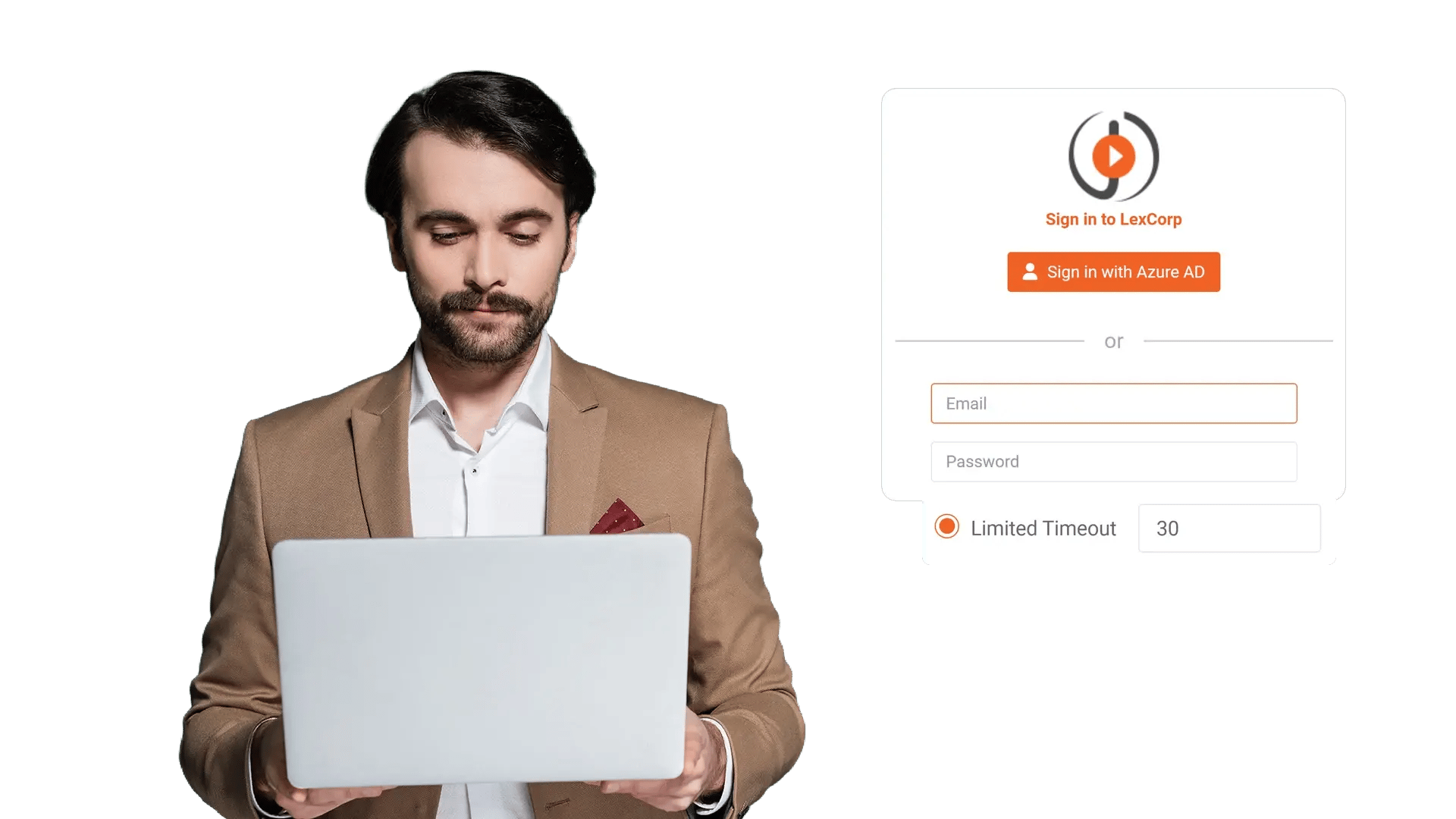
Set Inactivity Thresholds That Match Your Security Posture
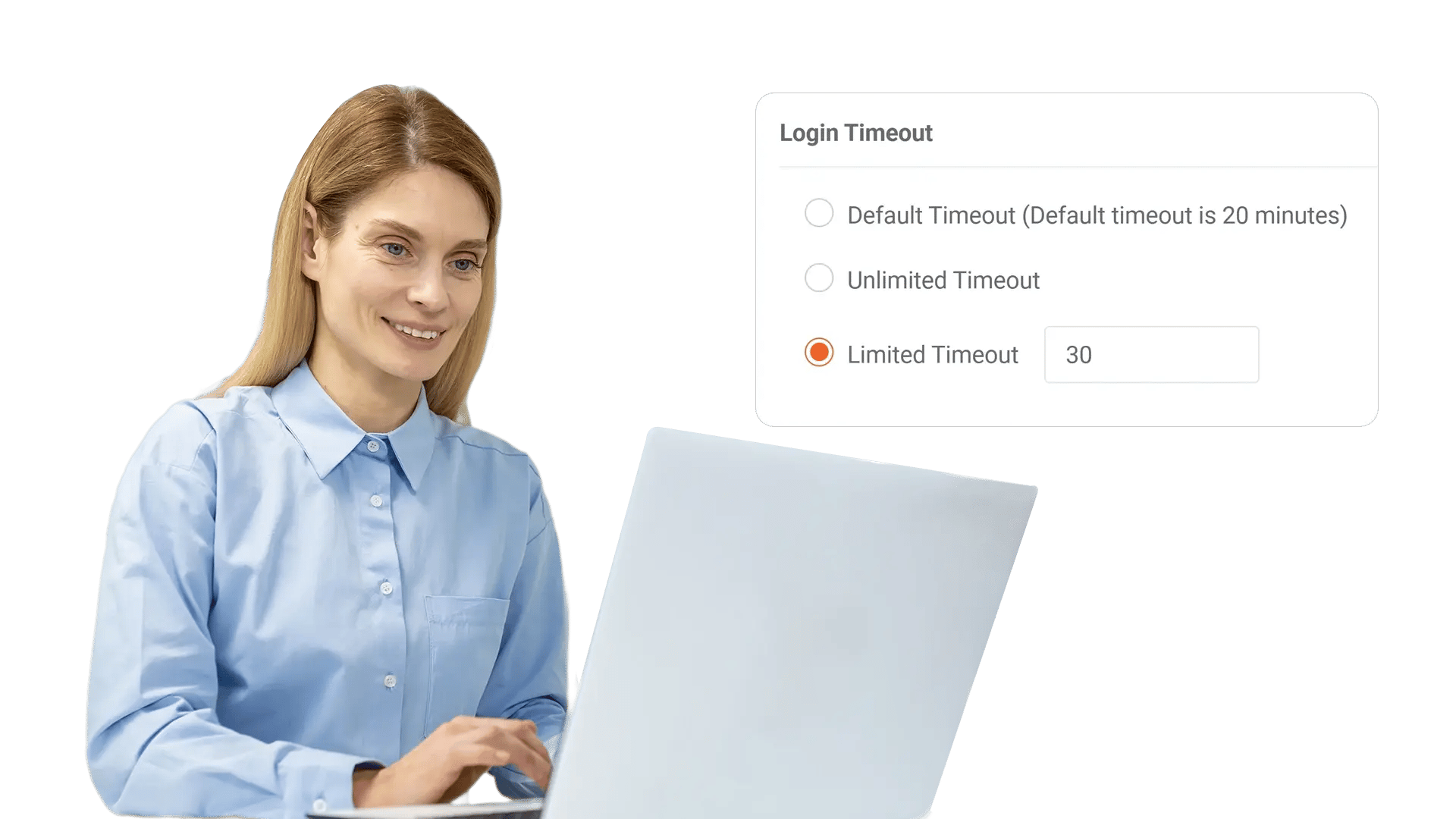
Different teams operate under different controls. Configure inactivity limits to align with policies for regulated environments, remote work, and shared devices.
Warn Users Before Logout to Prevent Work Disruption
Security should not surprise people in the middle of a task. Display a countdown warning before ending the session so users can continue intentionally.
Enforce Timeouts Across Sensitive Areas and Privileged Actions
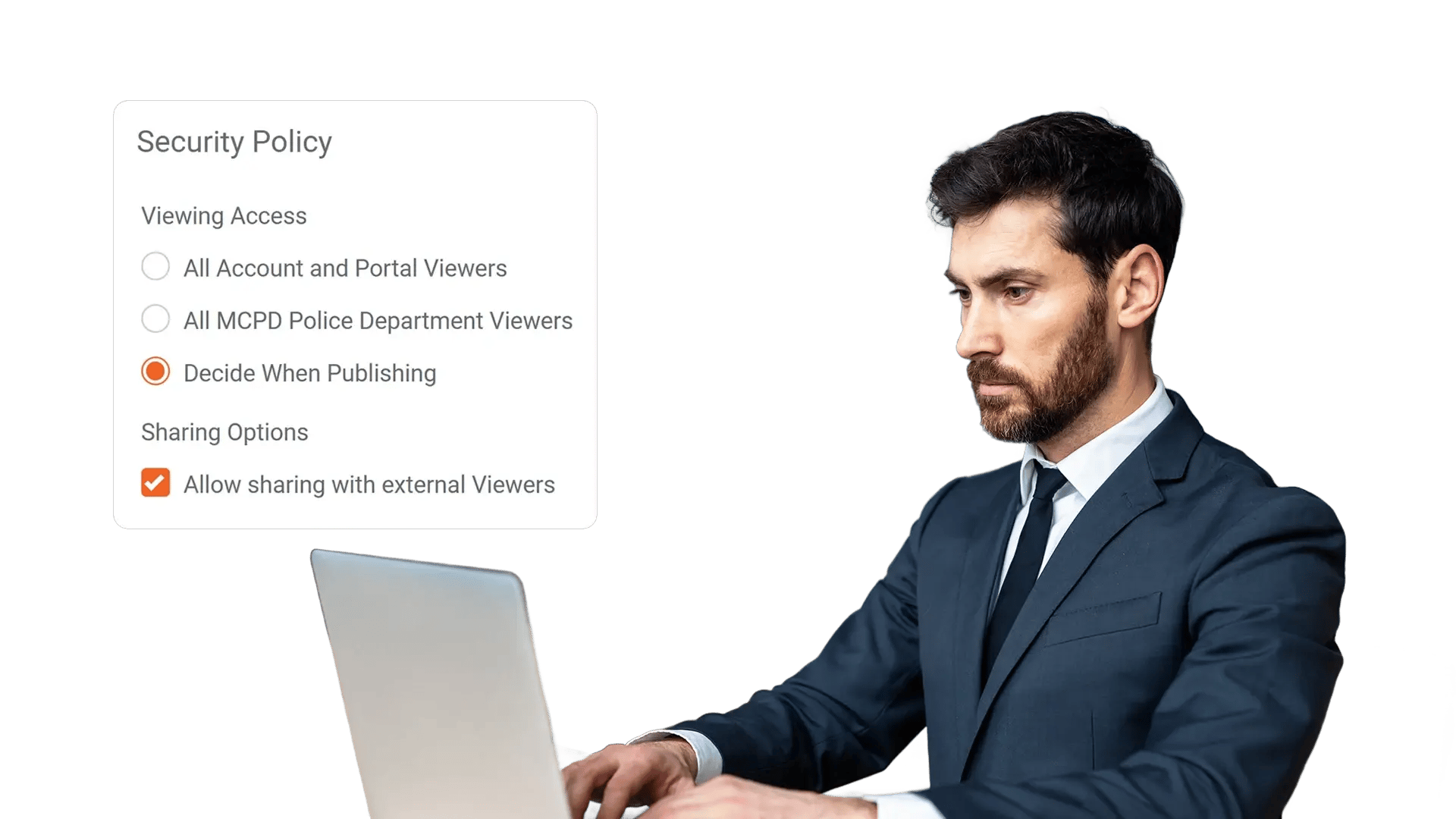
Access to administrative settings, content governance, and user management should not remain open indefinitely. Apply timeouts where risk is highest to limit opportunity for misuse.
Support Compliance with Audit-Friendly Session Controls
Security controls are easier to validate when they are measurable. Pair automatic logout with audit logging and policy documentation to support governance reviews.
Minimize Risk Without Adding Friction for Teams
Automatic Login Timeout reduces exposure while keeping everyday work simple. Users stay productive, admins stay in control, and your organization stays protected.
Can Be Used For
Shared Workstations
Kiosks, lab machines, SOC rooms, and shift-based environments where devices are frequently reused.
Sensitive Video Libraries
Protect meeting recordings, incident footage, and internal training content from walk-up access.
Privileged Admin Access
Reduce risk on CMS and admin consoles that control governance, users, and permissions.

Open Office Visibility
Limit shoulder-surfing when screens are visible to passersby in high-traffic areas.

Compliance Programs
Support session control requirements commonly expected in audits and security assessments.
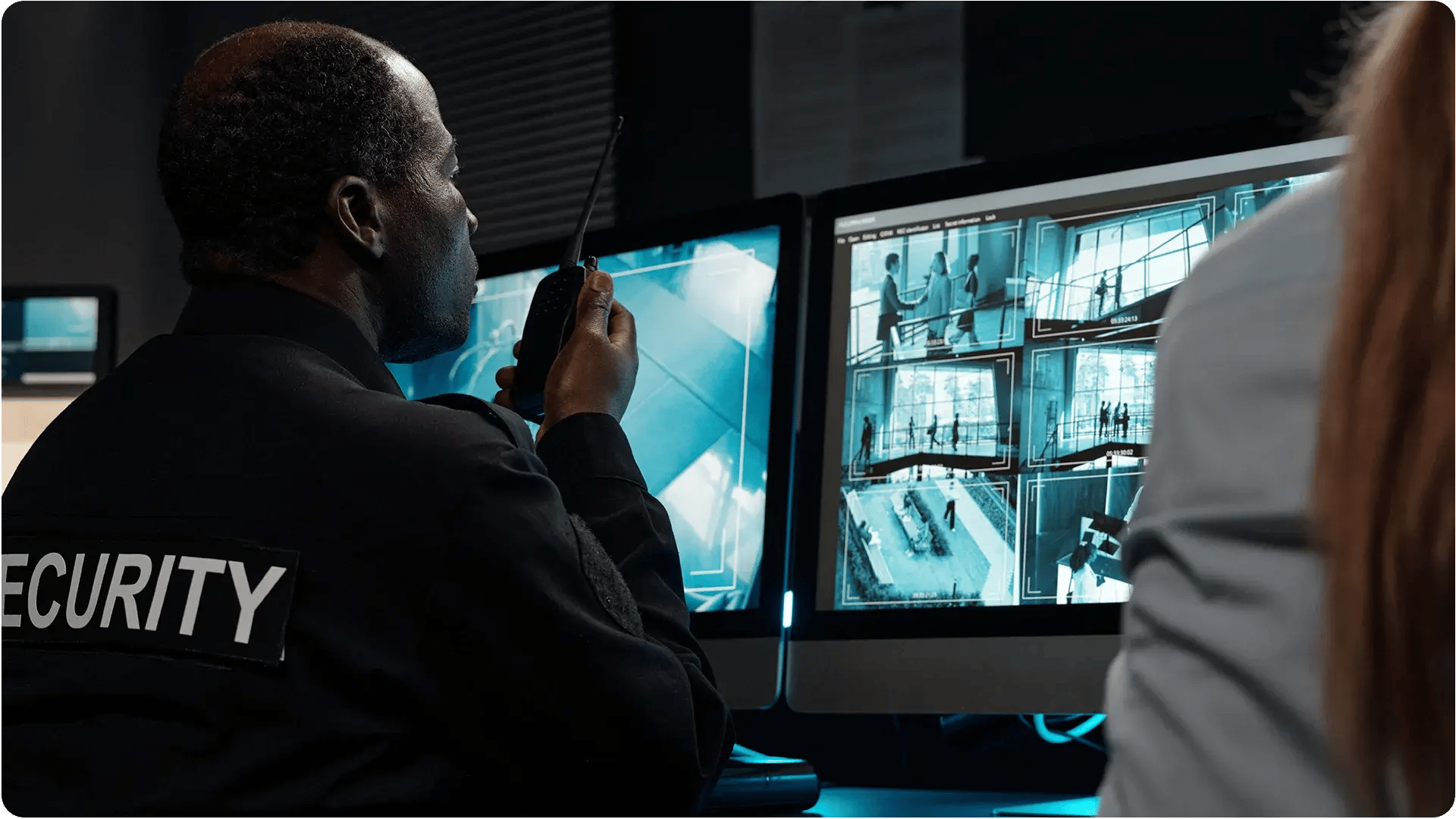
User-Friendly Security
Use warnings and countdown prompts so users can stay signed in intentionally.
Frequently Asked Questions
Automatic Login Timeout logs users out after a specified period of inactivity, reducing the risk of unauthorized access when a device is left unattended.
Inactivity typically refers to a lack of user interaction within the session, such as no clicks, navigation, or other activity in the web interface for the configured duration.
Yes. You can enable a warning prompt with a countdown so users can choose to stay signed in before the session ends.
Many organizations enforce stricter timeouts for privileged access. Depending on your policy setup, you can align shorter timeouts with higher-risk areas like admin consoles.
If there is no user interaction for the configured duration, the session may expire even if content is playing. Organizations often tune the timeout and warning to match usage patterns.
Session timeouts are a common control in security frameworks. Enforcing them helps reduce exposure from unattended sessions and supports audit readiness through consistent policy enforcement.