
Automatic Video Chaptering for Easier Video Navigation
Automatically break long videos into clear sections with clickable chapters. Help viewers move through long recordings, stay oriented across topics, and revisit the parts they care about.






















Create Chapters Automatically for Long Videos
Teams publish town halls, webinars, and meetings fast. Then long recordings stay hard to reuse because no one has time to break them into sections. EnterpriseTube generates chapters for you so each video starts with clear structure and viewers know where each topic begins.

Help Viewers Jump to the Exact Moment They Need
Scrubbing through a 60 minute recording wastes time and leads to missed details. Chapters turn a video into a set of clickable sections so viewers can go straight to the part that answers their question.

Make Search Results Easier to Act On
Search can return the right video but users still need to find the right segment inside it. Chapters give search a clean path to the right section so users can open the video closer to the content they want.
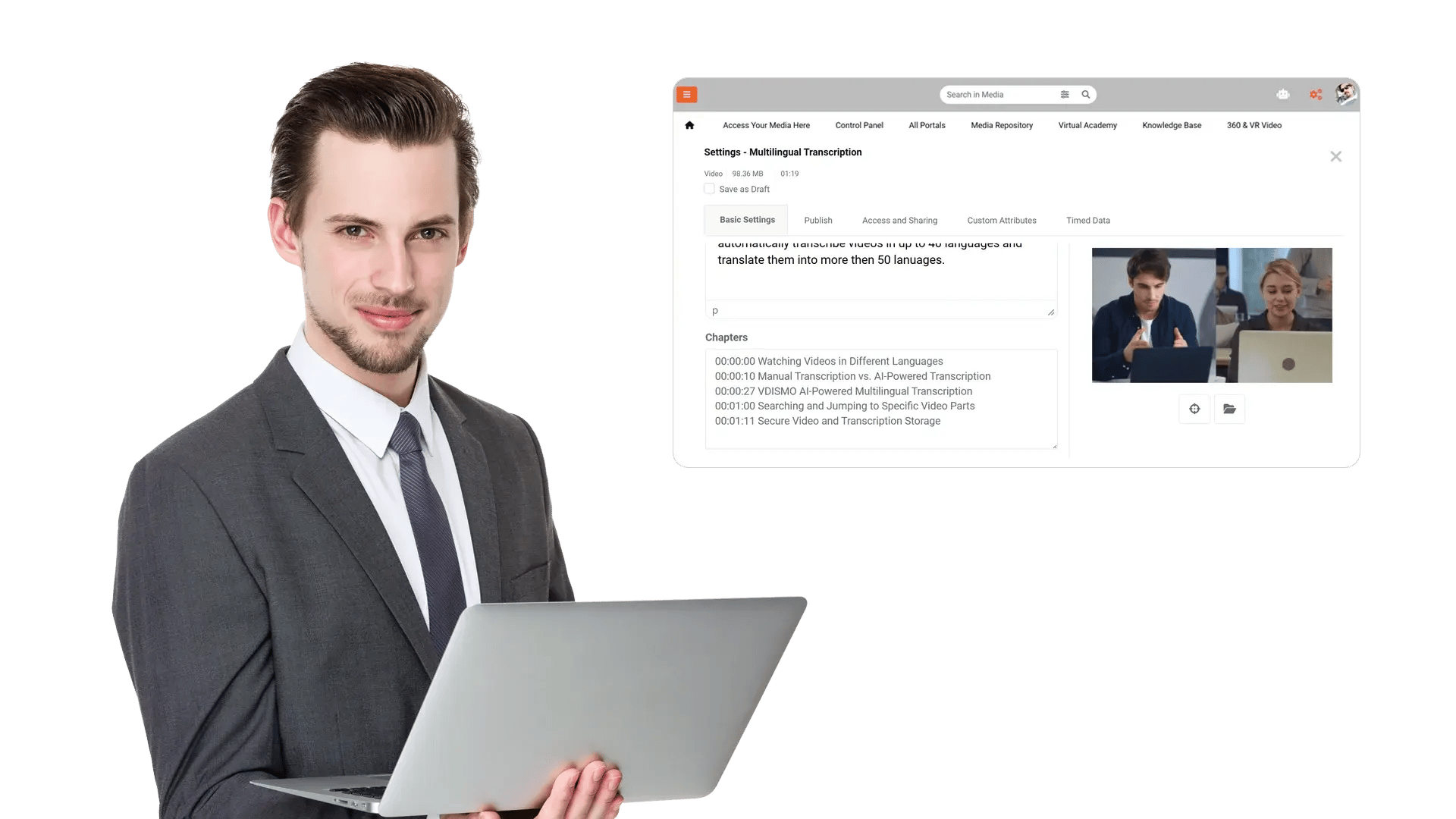
Keep Chapter Titles Consistent and Readable
When teams add chapters manually, they use different naming styles and skip key topics, which hurts scanning and reuse. Automatic chapter titles keep sections clear and predictable so users can scan a video like a document outline.

Review and Edit Chapters When Needed
Some recordings need tighter phrasing, team specific labels, or a single combined section before wider sharing. Editors can rename, merge, split, or reorder chapters so the final structure matches how your teams work.

Make Long Videos Easier to Watch and Revisit
Without chapters, long recordings feel unstructured, so viewers drop off early or miss the part they needed. Chapters make it easy to share the right segment so people can review, align, and take action without rewatching everything.
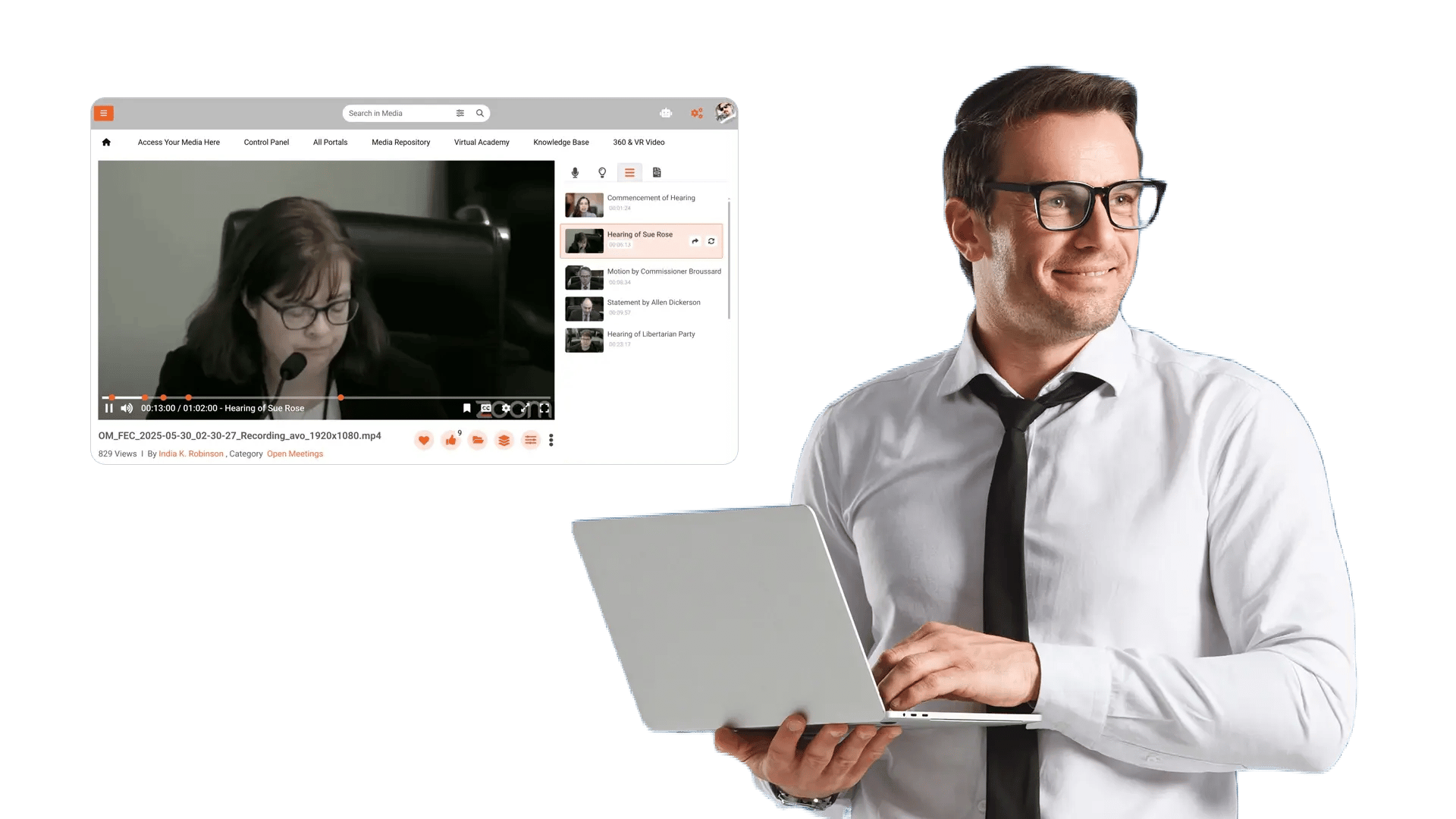

Navigate leadership town halls
Break long updates into clear sections so employees can jump to announcements, metrics, and Q and A.

Reuse project and sprint recordings
Turn demos and reviews into sections like goals, changes, decisions, and next steps for quick reference.

Speed up policy and process lookup
Chapter compliance briefings and internal SOP videos so staff can find the exact step they need.

Support customer and partner briefings
Structure webinars and onboarding sessions into topics so viewers can return to a segment later.

Reduce time spent searching in meetings
Add chapter structure to weekly syncs so teams can revisit decisions and action items without rewatching.
