
AI Video Summarization for Faster Knowledge Access
Generate concise summaries for recordings so teams can find the right content faster, review with less time, and share context without long playback.
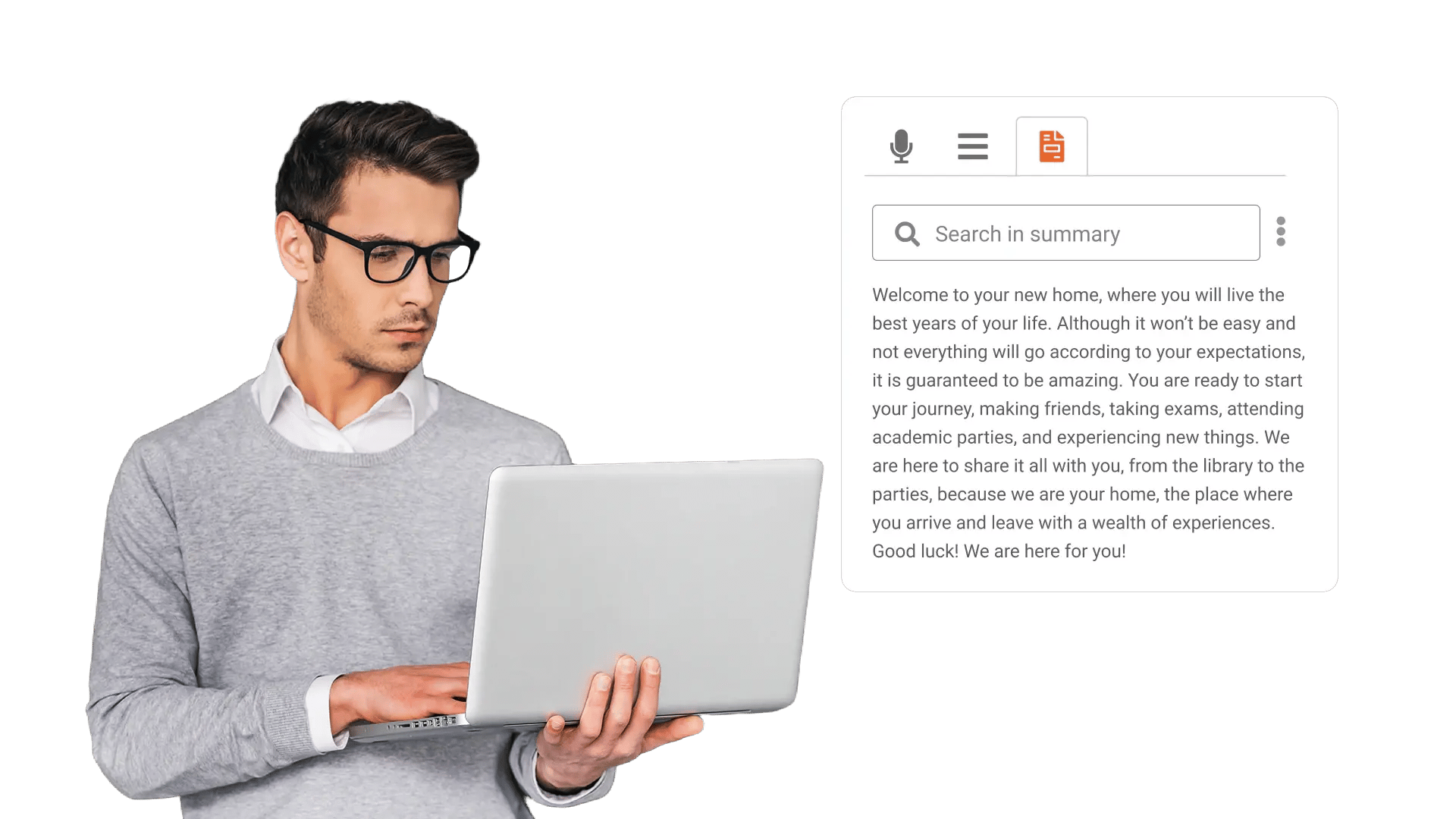





















Get a Clear Summary Before You Press Play
Teams store hours of recordings, then users avoid them because it takes too long to figure out what each video covers. EnterpriseTube generates a concise summary so people can decide fast what to watch, skip, or share.

Capture Key Points Teams Miss in Long Recordings
Important decisions, explanations, and updates get buried inside long meetings and walkthroughs. Automatic summaries surface the main points so teams keep alignment without rewatching entire sessions.
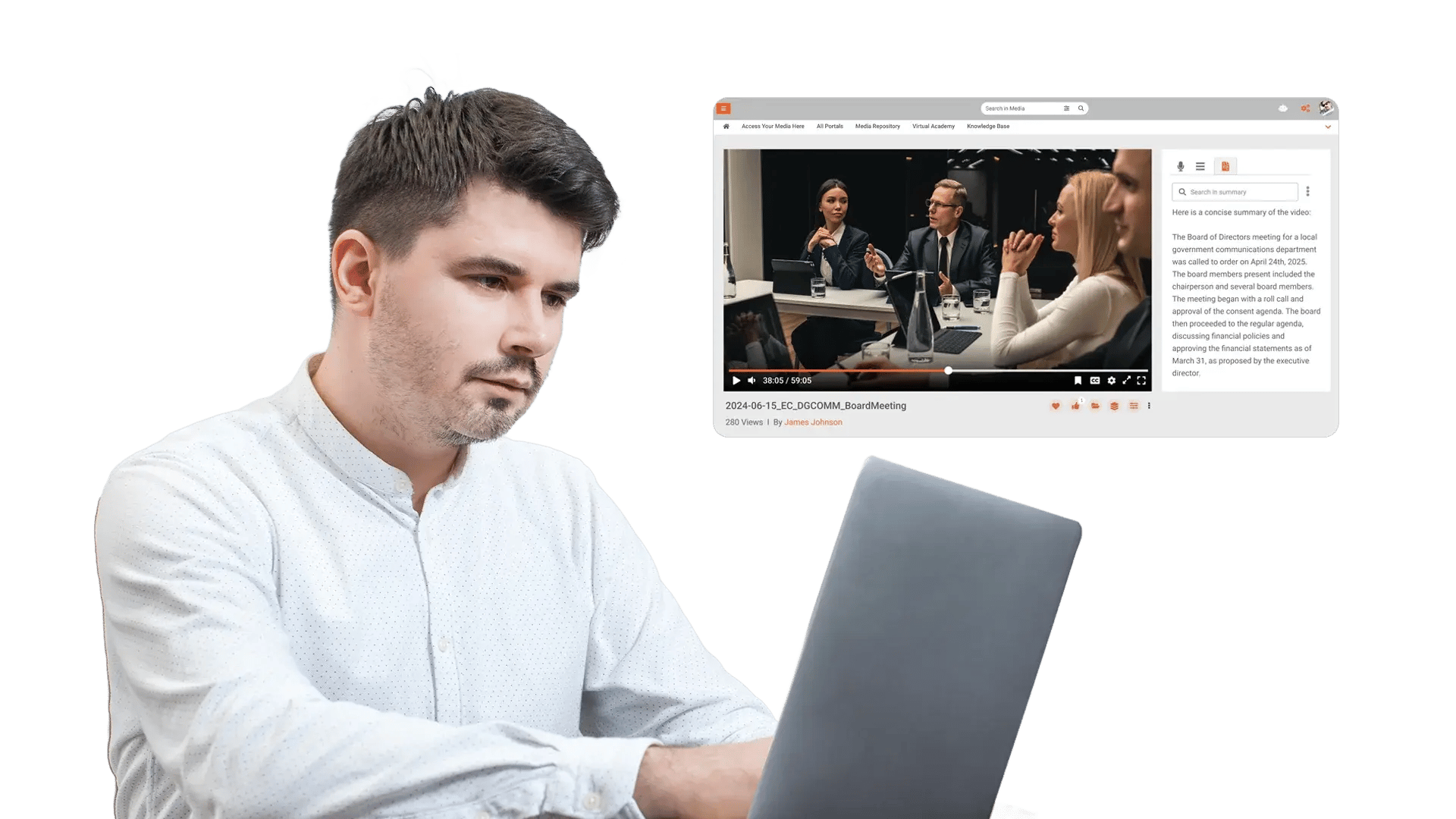
Speed up Knowledge Discovery Across Large Libraries
Search results often return a list of video titles, and users still need time to open each file and scan for relevance. Summaries give users quick context at the search stage so they open the right content on the first try.
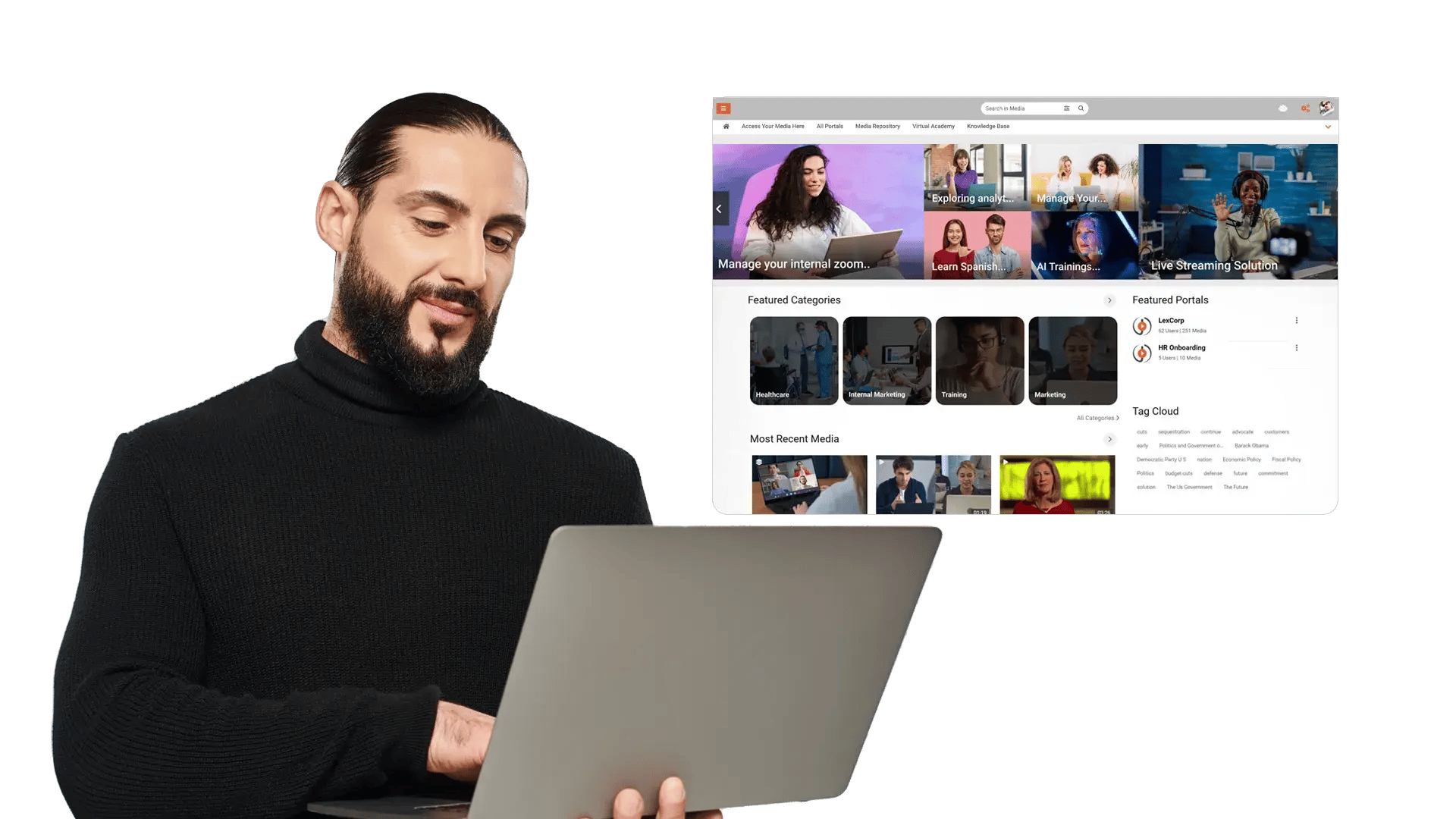
Reduce Manual Recap Work After Meetings and Training
After a session, someone has to write a recap, and the recap often arrives late or varies by person. Auto summaries provide a consistent starting point for updates, handoffs, and documentation.
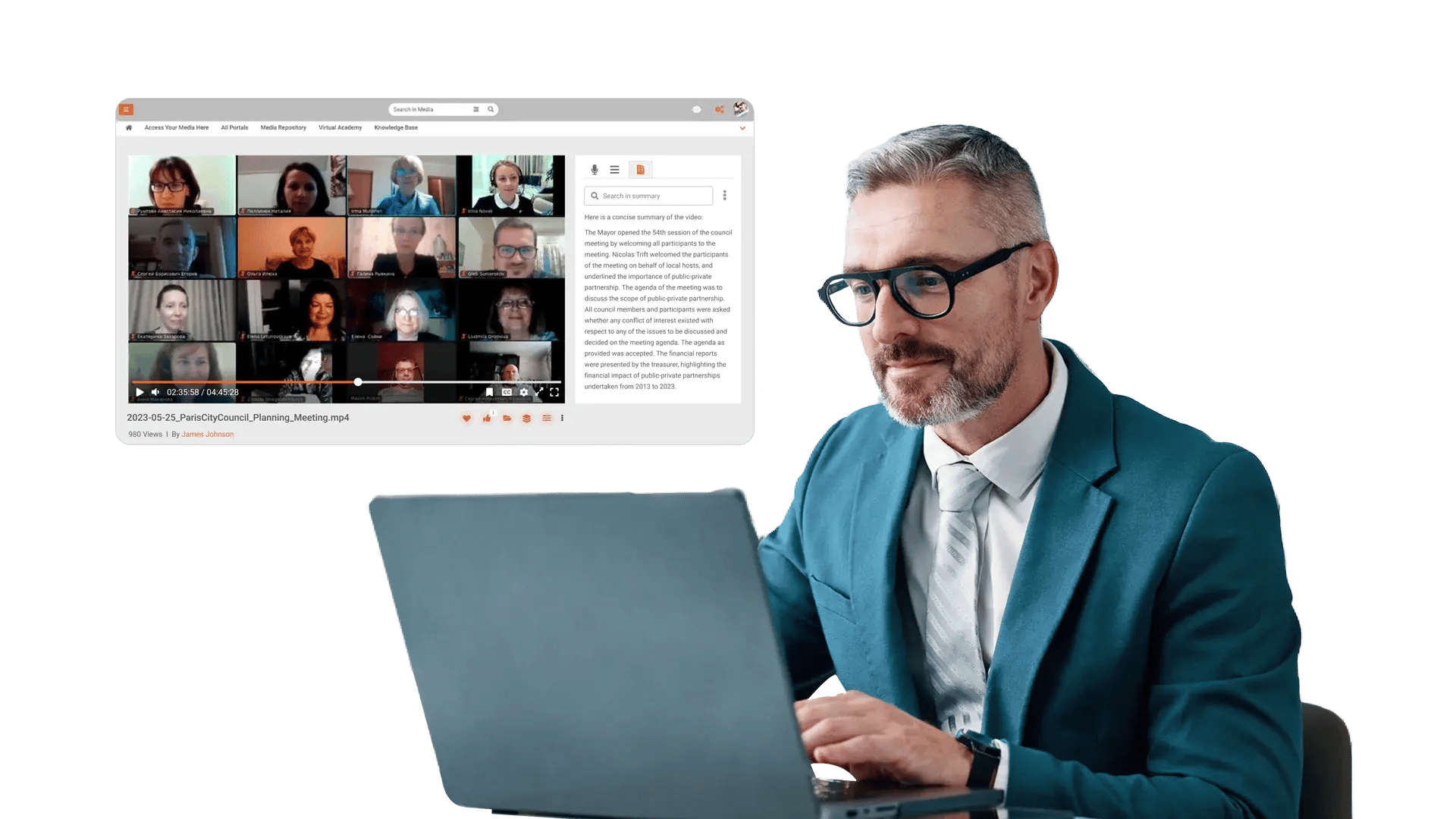
Support Review Workflows With Less Viewing Time
Reviewers waste time watching full recordings just to confirm scope, relevance, or what happened in the file. Summaries help reviewers triage content fast, then focus attention on the parts that matter.
Share Context Safely without Sending Full Recordings
Teams often share full videos when a short explanation would do, which increases noise and slows stakeholders down. Summaries make it easier to share context in tickets, emails, and knowledge bases while keeping the source available when needed.

Summarize meeting recordings for faster catch up
Give stakeholders a quick read of decisions and updates before they invest time in playback.

Improve onboarding with searchable knowledge pages
Add summaries to walkthroughs and internal demos so new hires understand content scope at a glance.

Create fast handoffs across shifts and teams
Use summaries to transfer context between support, operations, and delivery teams without long replays.

Triage compliance and case review content
Scan summaries first to confirm relevance, then review only the needed recordings in detail.

Keep training libraries usable as they grow
Help learners choose the right module by reading a summary instead of opening multiple videos.
